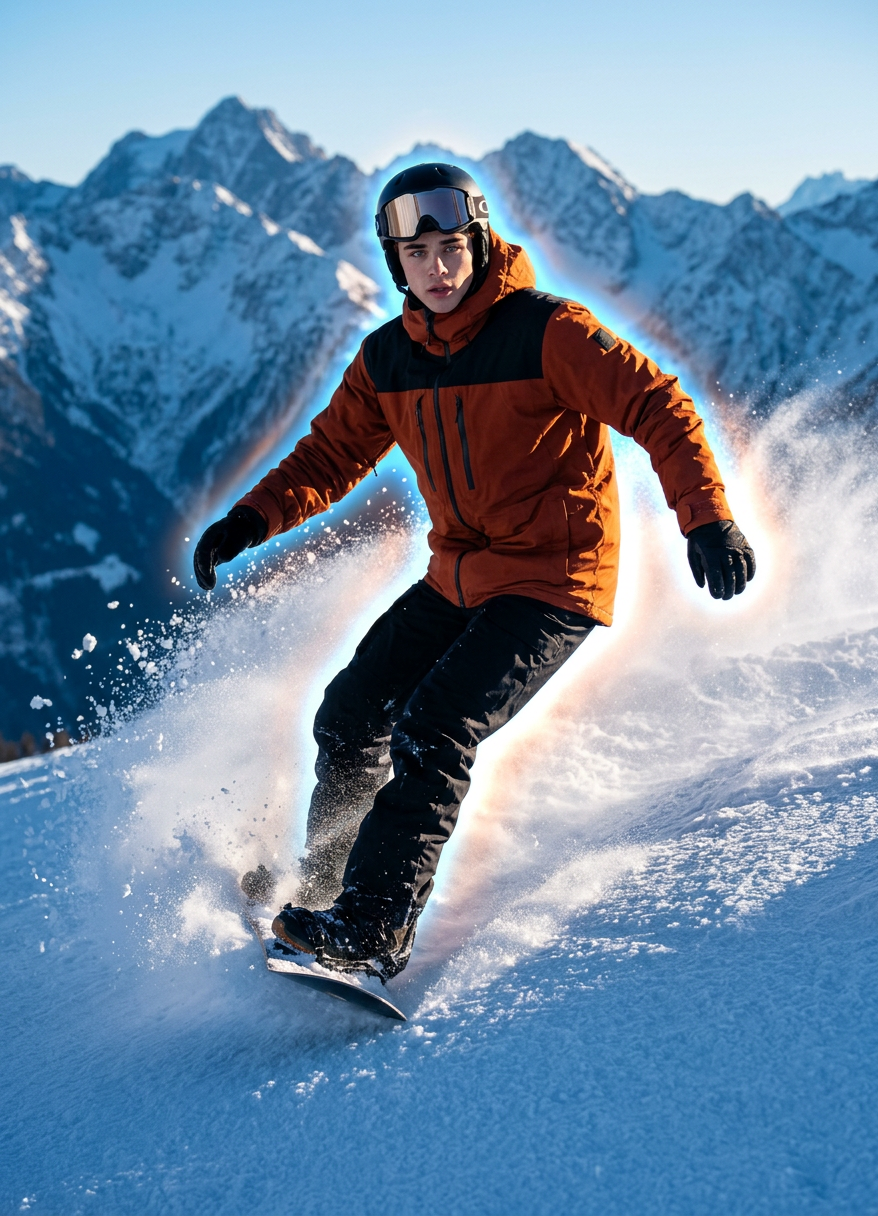
Snowboard Aura Glide

Snowboard Aura Glide

ai-image-editor

1 clip
10 uses

Any aspect ratio

Prompt

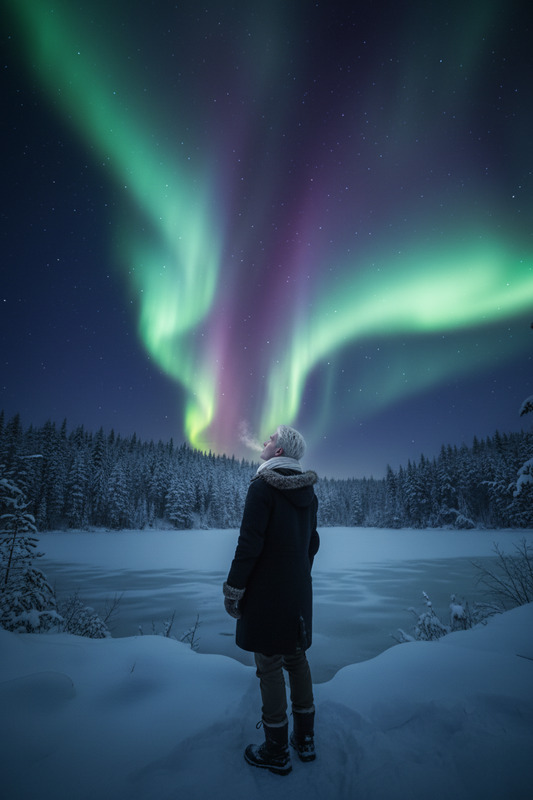
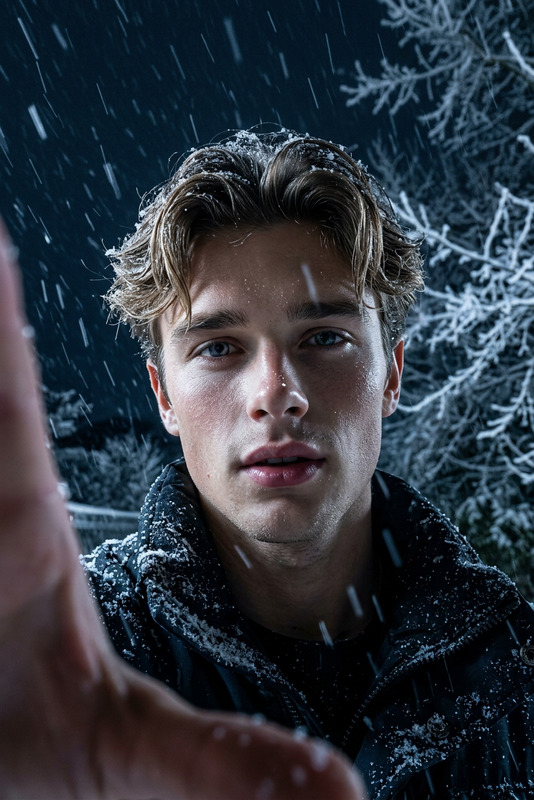
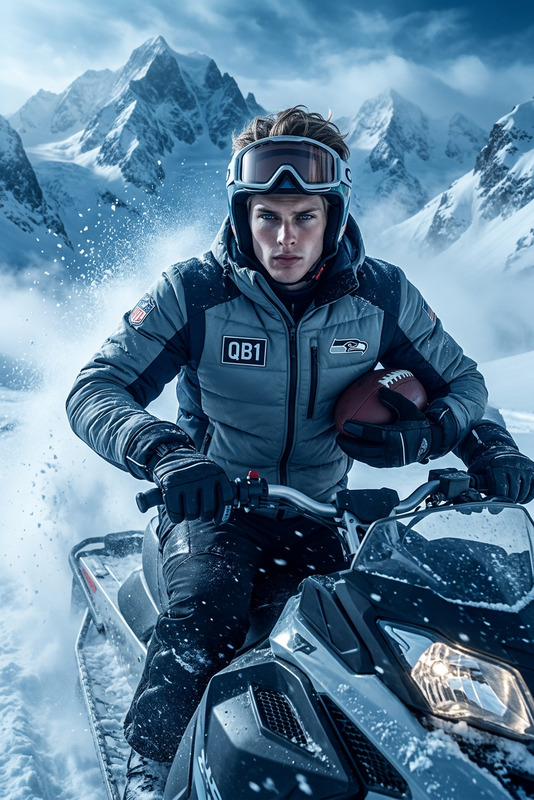
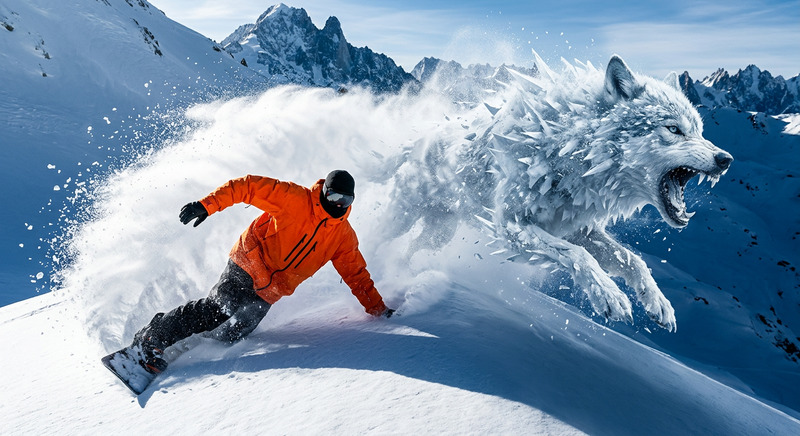
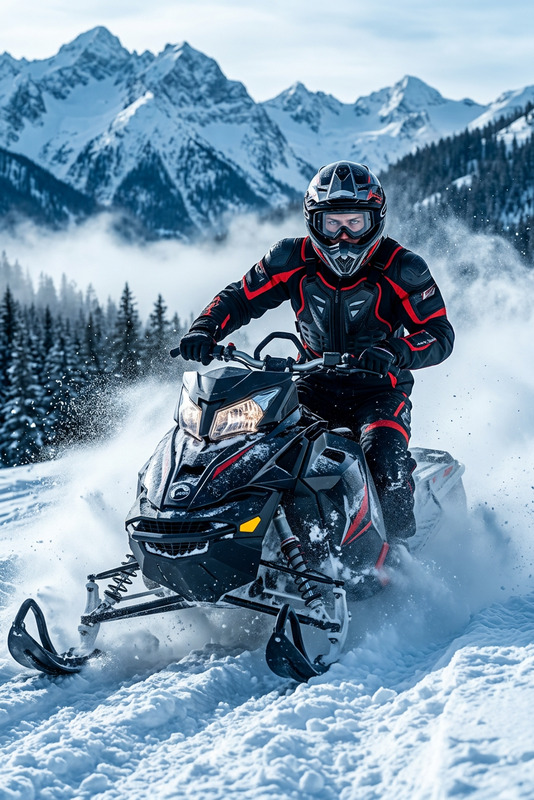
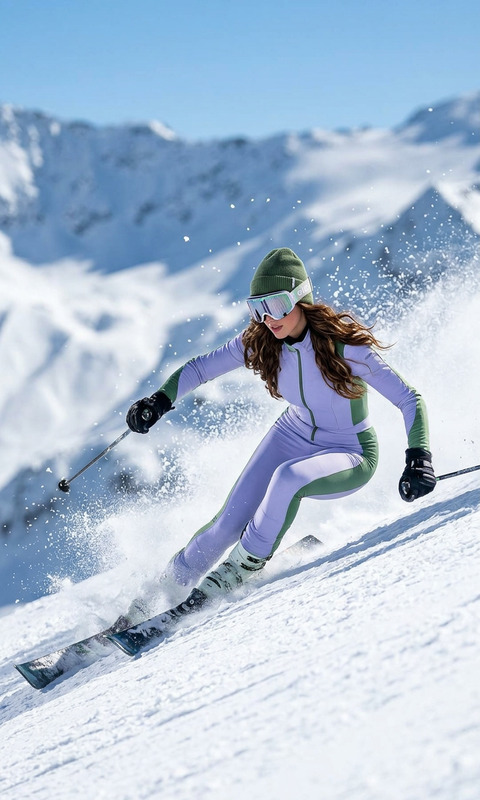
Full-body shot of a subject snowboarding across a snowy mountain slope, dynamic motion, carving through powder. Wearing insulated winter gear, oversized snow jacket, goggles, gloves, and boots. Snow particles flying, trail behind board. Cold blue lighting mixed with sunlight highlights, cinematic atmosphere. Subtle glowing aura surrounding the subject, adding a surreal energy effect. High contrast, photorealistic, sharp detail, film grain, 8K.

AI Image Editor Template: Turn Any Image Into High-Impact, On-Brand Visuals in Minutes

Use this template to rapidly edit, enhance, and repurpose images with the AI Image Editor. It’s built for creators, marketers, founders, and teams who need production-quality visuals fast—without a full design pipeline.


What You Can Do With This Template

This AI Image Editor–based template is ideal for:

  • Marketing & growth teams

    • Create multiple ad variations from one photo
    • Localize creatives for different regions or audiences
    • Test new visual angles without reshoots
  • Creators & influencers

    • Clean up and restyle photos for thumbnails, posts, and covers
    • Generate “before/after” visuals for content and tutorials
    • Turn a single shoot into a full content pack
  • Founders & startups

    • Update landing page imagery without a designer
    • Align product shots with your brand aesthetic
    • Quickly mock up campaigns, decks, and investor materials
  • Product, design & dev teams

    • Prototype UI/UX hero images
    • Visualize product variants, colorways, or environments
    • Generate internal concepts and stakeholder options rapidly

How This Template Works in Magic Hour

This template is powered by the AI Image Editor, which lets you:

  • Upload an existing image (photo, render, screenshot, illustration)
  • Precisely edit or replace selected areas
  • Add, remove, or restyle objects and scenes with natural language
  • Generate multiple alternative versions to choose from

You can remix this template to fit your own workflow:

  1. Start from the template

    • Open this template inside Magic Hour.
    • Swap in your own base image (product shot, portrait, scene, UI, etc.).
  2. Edit targeted regions

    • Use the editing tools to select what you want to change: background, clothing, objects, text areas, etc.
    • Describe the change in plain language (e.g., “modern minimal office background” or “clean studio lighting”).
  3. Generate variations

    • Create multiple edited versions in one go.
    • Save the strongest variants as your working set for marketing, content, or product experiments.
  4. Stack tools for advanced workflows

Because this template is fully editable, you can adapt it to product shots, portraits, UGC, conceptual art, or brand visuals without changing tools.


Popular Use Cases and Remix Ideas

Use this template as a base and remix it into your own specialized workflows:

1. Clean, On-Brand Product Imagery

Remix idea:
Turn this into a “Product Shot Standardizer” template that your whole team uses to keep all imagery consistent across ads, marketplace listings, and landing pages.


2. Creator Thumbnails & Social Content

  • Design YouTube or TikTok thumbnails with strong subject focus and stylized backgrounds.
  • Combine this template with the Thumbnail Maker to generate platform-optimized covers.
  • Add expressive objects or visual metaphors (charts, icons, props) using the AI Image Editor.

Remix idea:
Create a “Channel Thumbnail System” template: fixed layout for logo, face, and text space so you can swap backgrounds and expressions in seconds.


3. Brand & Campaign Experiments

  • Quickly prototype campaign directions: minimalist, playful, cinematic, “documentary style,” etc.
  • Use the AI Art Generator or AI Illustration Generator to generate supporting visuals that match your edited image.
  • For performance marketing, create multiple variant sets and feed them into your ad tests.

Remix idea:
Build a “Campaign Variant Lab” template that standardizes how you explore new creative concepts (e.g., same product, multiple moods and environments).


4. Professional Headshots & Avatars

Remix idea:
Turn this into a “Team Headshot Standardizer” template for startups: uniform background, framing, and style for all team pages, decks, and press kits.


5. Content & Education Visuals

Remix idea:
Create a “Content Visual Helper” template where you quickly turn draft content ideas into clear illustrative images for articles, course material, and docs.


Advanced Creative Workflows You Can Build

Because Magic Hour tools are composable, you can turn this single AI Image Editor template into multi-step workflows:

Visual → Video Pipelines


Face & Identity-Driven Content


Brand & Visual Identity Systems


How to Remix This Template in Magic Hour

You can treat this template as a starting point and build your own specialized version without touching code:

  1. Define your primary image type
    Decide if your template is for:

    • Product shots
    • Portraits / headshots
    • Thumbnails / social graphics
    • Concept art / moodboards
    • UI / app screenshots
  2. Decide the repeatable transformation
    Examples:

    • “Turn any founder selfie into a professional LinkedIn headshot.”
    • “Turn messy product photos into studio-quality catalog images.”
    • “Turn raw screenshots into polished marketing visuals.”
  3. Embed your own prompts & patterns

    • Write consistent prompts that align with your brand tone (e.g., “clean, high-contrast, minimal tech aesthetic”).
    • Save commonly used styles and object descriptions so your future edits stay on-brand.
  4. Chain relevant tools

  5. Document your system for your team

    • Define when to use this template vs. other Magic Hour tools.
    • Keep example inputs/outputs so your team can quickly learn what works best.

Related Magic Hour Tools Worth Exploring

Depending on your use case, you may want to pair this template with:


Why This Template Is Useful for Serious Builders

For creators, marketers, and startup teams under real constraints (time, budget, headcount), this template gives you:

  • Predictability – A repeatable way to transform raw images into ready-to-ship assets.
  • Speed – Generate multiple strong options in minutes instead of waiting on new shoots or design cycles.
  • Control – You decide the visual system; the template keeps it consistent across assets and channels.
  • Extensibility – As your needs grow, you can chain into video, avatars, voices, and more within the same ecosystem.

Use this AI Image Editor template as your backbone for visual production—then remix, refine, and scale it into the exact creative system your brand or product needs.

More Like This

Insufficient credits