Cozy Winter
- Model
- Nano Banana Pro
- Image
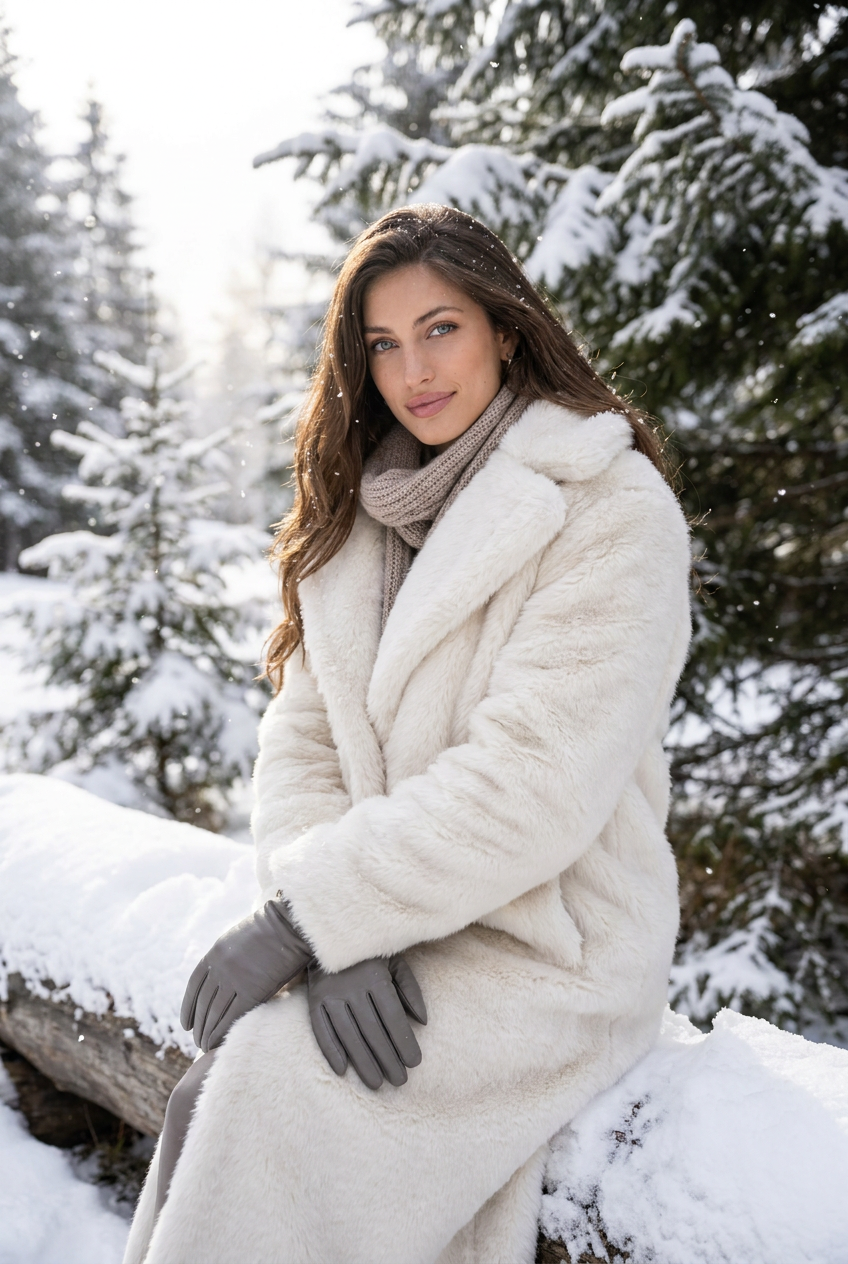
- 848 × 1264 px
Prompt
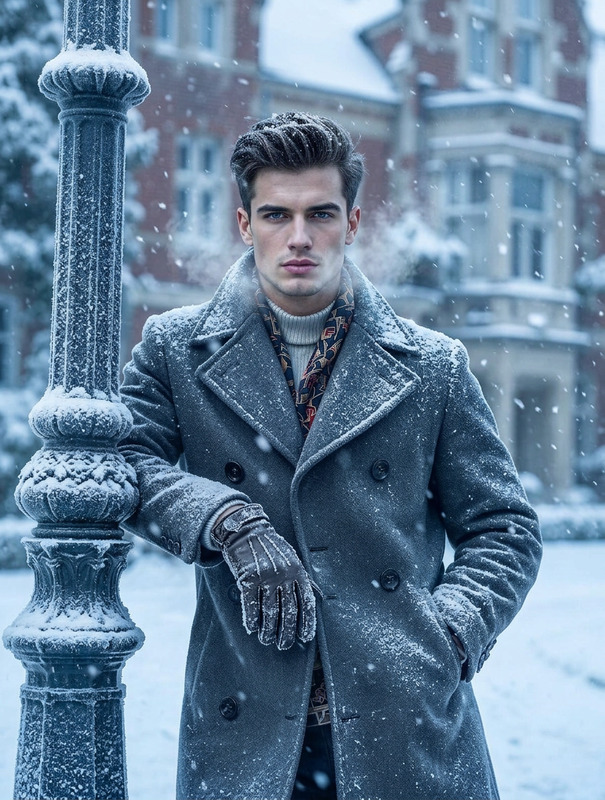
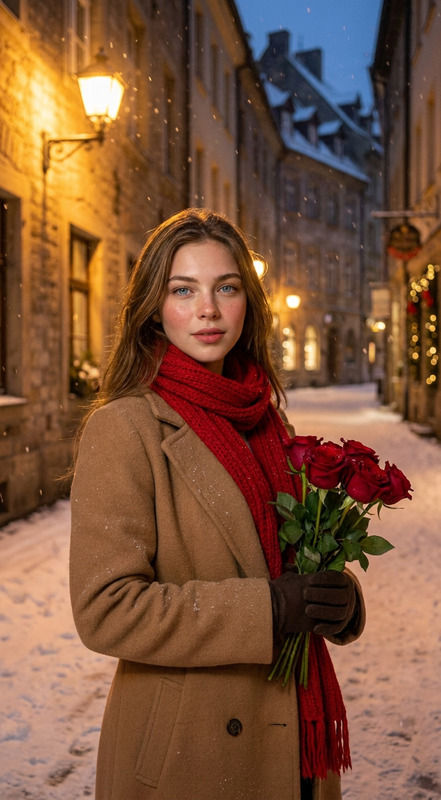
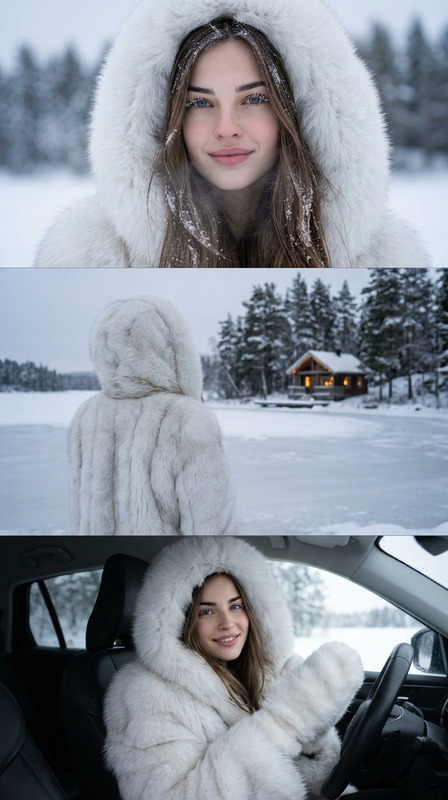
Transform the character in the uploaded photo into a winter scene, wearing a luxurious white furry coat. Place them in a snow-covered landscape with softly falling snow. Pose elegantly and serenely, with natural light highlighting the coat’s texture and the sparkling snow. Include subtle winter accessories like a scarf or gloves. Create a magical, cozy atmosphere with high-detail, realistic lighting, and a crisp, ethereal winter vibe.
Any aspect ratio
Overview
The Cozy Winter template in the AI Image Editor toolkit transforms your photos into magical winter scenes. Compatible with the nano-banana-pro model, this template enriches any character portrait with luxurious winter attire and a serene snowy backdrop.
What It Does
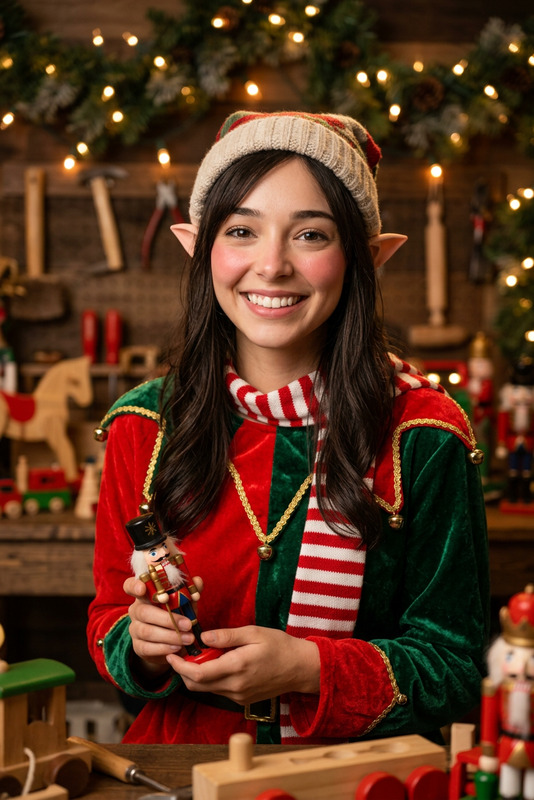
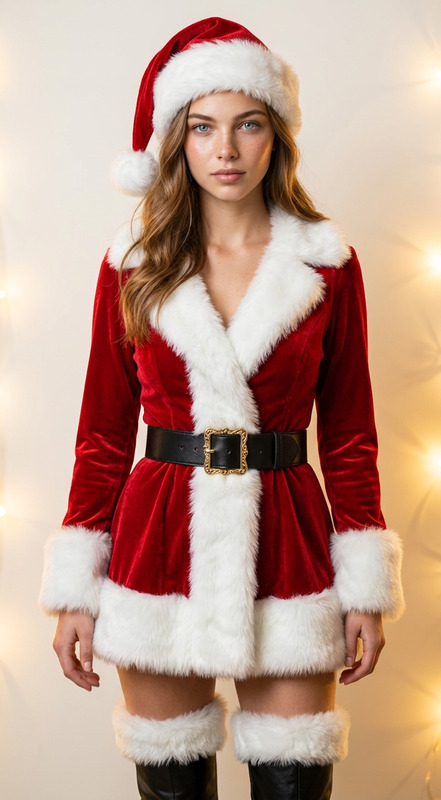
By using the Cozy Winter template, you can easily convert character images into high-detail winter scenes. It dresses the character in a white furry coat, situates them in a snow-laden landscape, and adds elegant accessories like scarves or gloves. The result is a realistic, ethereal winter vibe that maintains high attention to detail in lighting and texture.
Who It's For
This template is perfect for photographers, content creators, and marketing professionals looking to enhance their visual content with a touch of winter charm. Ideal for creating promotional material, social media visuals, or any project that benefits from a cozy seasonal atmosphere.
Summary
Transform your character images into a winter wonderland with the Cozy Winter template. Perfect for anyone wanting to add high-quality seasonal flair to their visuals, this tool is easily accessible through the AI Image Editor and pairs excellently with other tools like the Photo Colorizer to enhance your project's aesthetic.
How To
Choose the Cozy Winter Template

Customize Your Scene

Generate Your Winter Image

Use Cases
Marketing Campaigns
- Create captivating ad visuals
- Enhance holiday-themed email campaigns
Social Media Content
- Engage followers with magical content
- Stand out in winter-themed hashtags
Photography Projects
- Create portfolio pieces with a magical touch
- Offer clients a seasonal option
Best Practices
Start with High-Resolution Images
For the best results, upload clear, high-resolution photos to capture detail in the winter transformation.Experiment with Accessories
Use the prompt to try various winter accessories for a personalized touch. Scarves, hats, and gloves can add unique character.Optimize Lighting
Consider the role of lighting in your original photo to ensure a seamless blend with the winter scene, focusing on natural highlights.