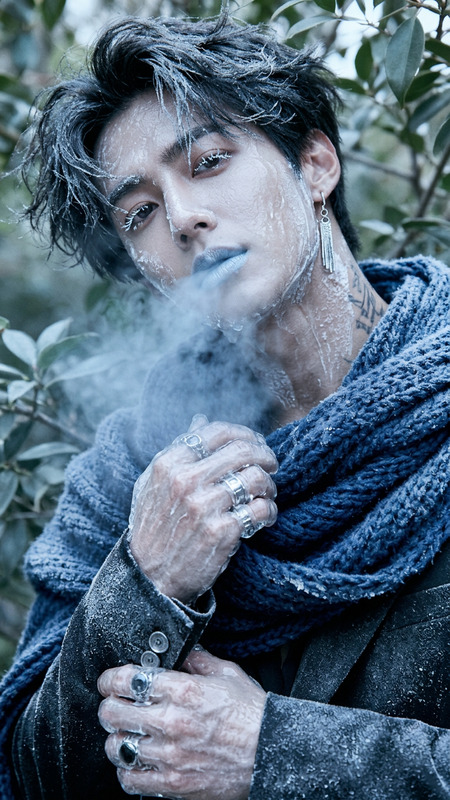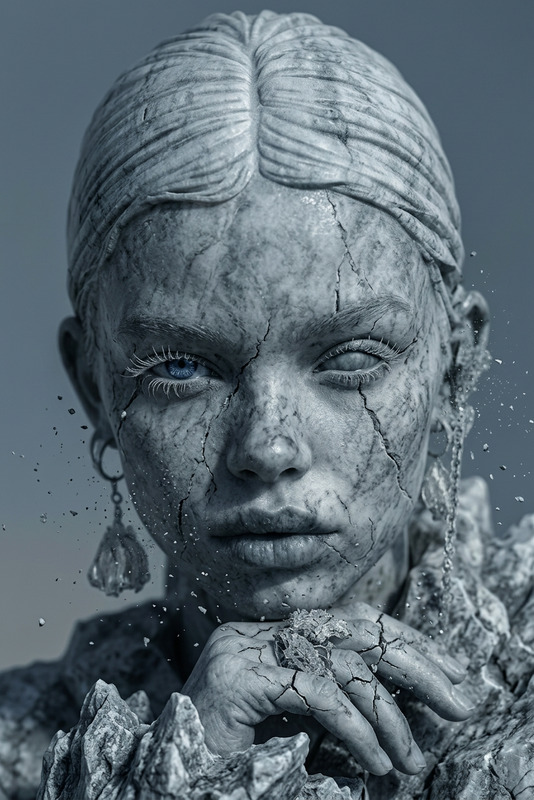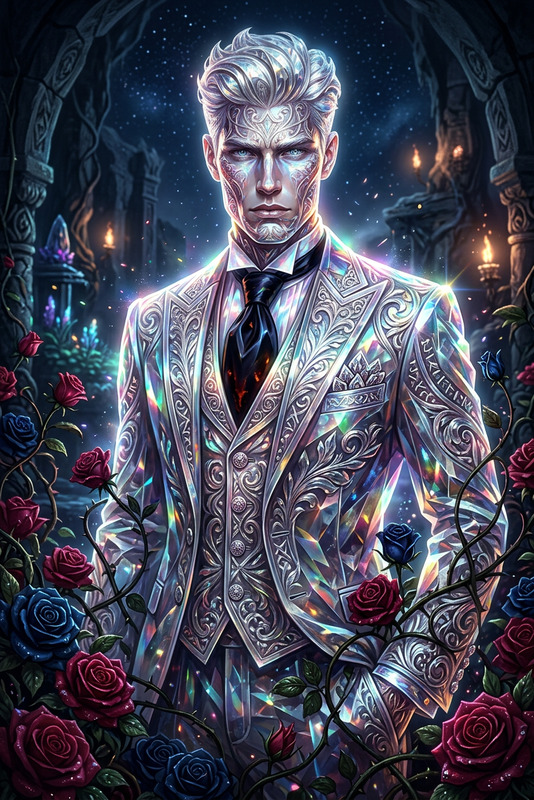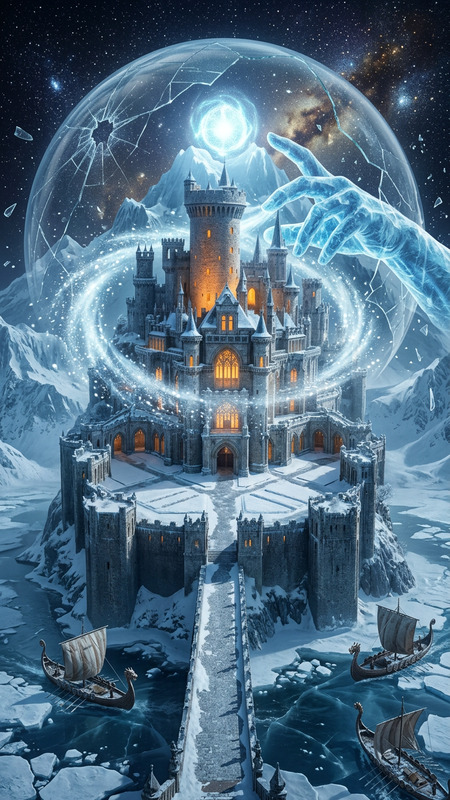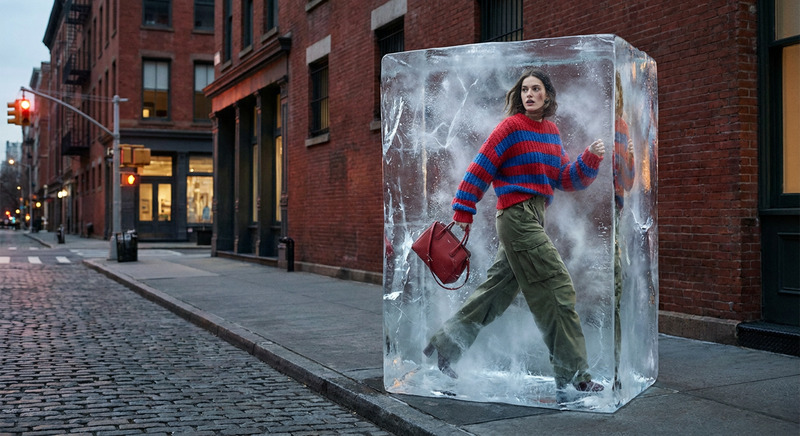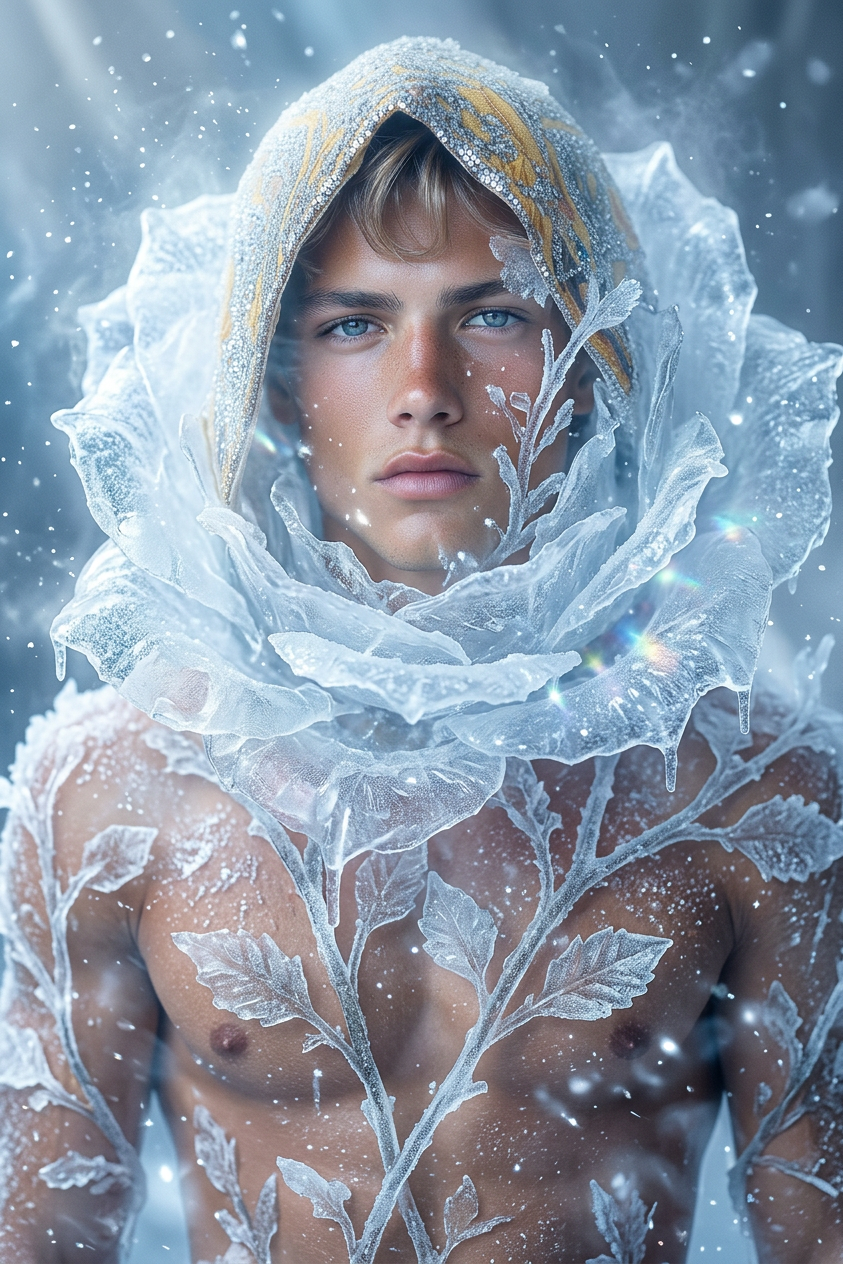
Frozen rose
ai-image-editor
Any aspect ratio
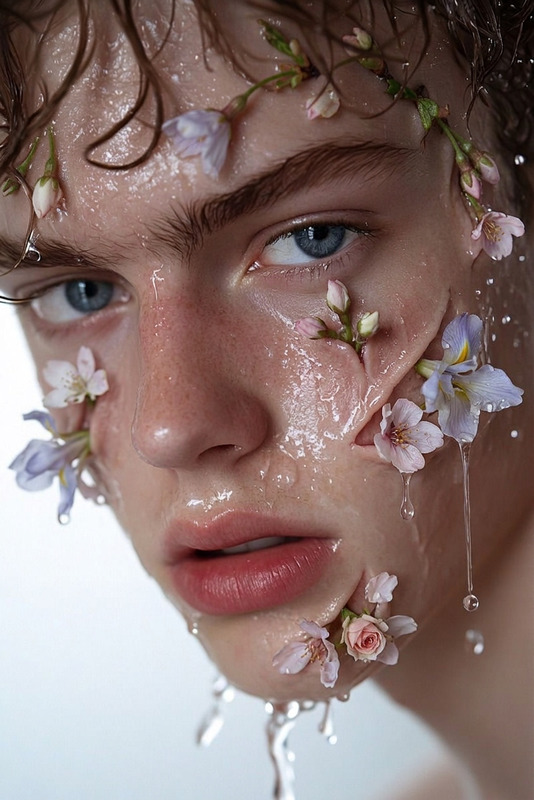
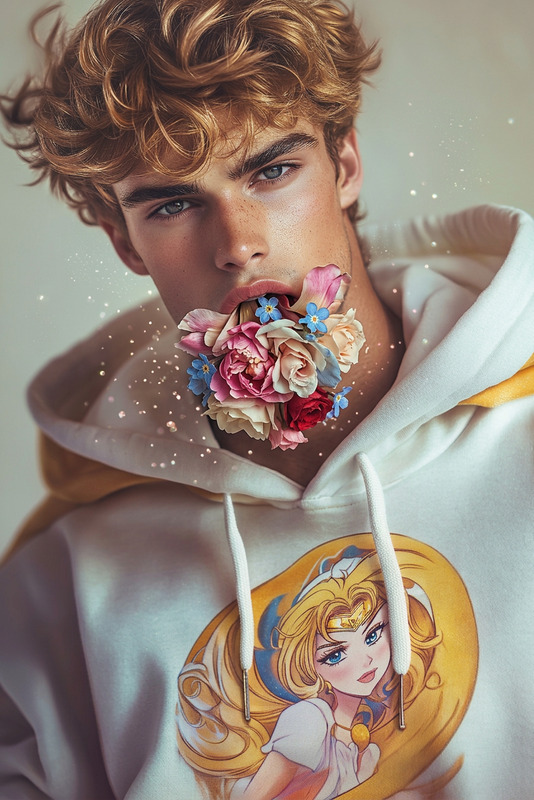
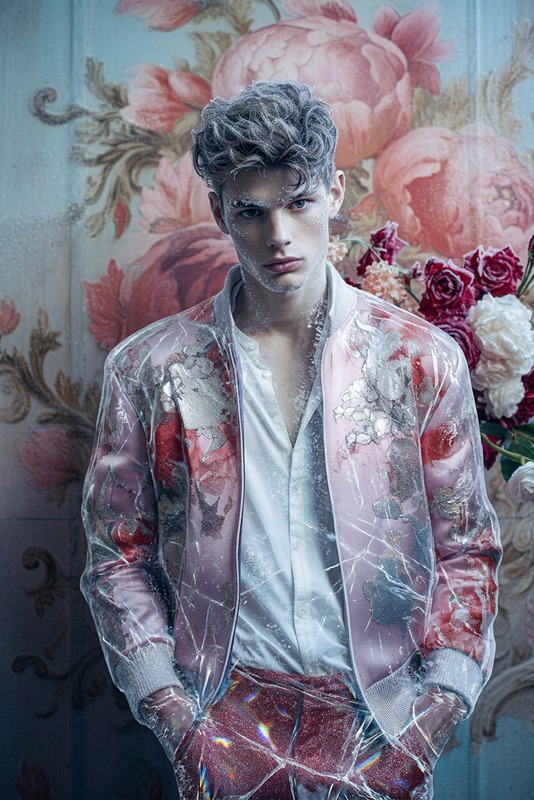
A frozen rose crystallizing around the subject, delicate ice petals forming layer by layer across their body, shimmering frost spreading in elegant patterns, cold mist and sparkling ice particles in the air, fragile yet enchanting transformation, soft blue-white glow, cinematic lighting, ultra-detailed, 4K.
AI Image Editor Template: Transform and Remix Images in Seconds
Use this AI Image Editor–based template to quickly transform any image—clean up photos, swap elements, change styles, or create new variations for campaigns, prototypes, and content experiments. It’s built for fast iteration, so you can test ideas visually in minutes instead of hours in Photoshop or Figma.
What You Can Do With This Template
This template is powered by the AI Image Editor and works well for:
Content & marketing
- Generate on-brand creatives for ads, social posts, thumbnails, and landing pages
- Localize visuals (backgrounds, objects, signage) for different markets
- Produce multiple variants of the same concept for A/B testing
Product & UX mockups
- Drop your product into realistic scenes or mock devices
- Change environments, lighting, or props without a reshoot
- Quickly iterate visual directions before involving a design team
Brand & character exploration
- Evolve a character, mascot, or avatar across outfits, moods, and settings
- Refine logos, symbols, and icon explorations with the AI Logo Generator or AI Icon Generator
- Test how your brand style looks in different illustration or photo styles
Cleanup and enhancement
- Remove stray objects or people using the AI Remover or Remove Object From Photo
- Fix blur, sharpen details, and upscale with the AI Image Upscaler or Unblur Image
- Adjust or replace backgrounds via the Image Background Remover or AI Background Generator
How to Remix This Template in Magic Hour
You can treat this template as a starting point and quickly adapt it to your own use case.
Open the template
- Start from this AI Image Editor template in Magic Hour.
- Upload your base image (product shot, portrait, illustration, UI mockup, etc.).
Define what you want to change
- Use natural language to describe your goal:
- “Remove the background and place the subject in a modern office environment.”
- “Turn this daytime street photo into a cinematic night scene.”
- “Convert this portrait into a professional LinkedIn-style headshot with a neutral background.”
- Keep descriptions specific about subject, style, and context.
- Use natural language to describe your goal:
Refine with iterative edits
- Run small, focused changes rather than one giant request. For example:
- Clean the image (remove objects, fix artifacts).
- Adjust background or environment.
- Apply style or rendering changes (e.g., “3D render”, “watercolor illustration”).
- Use this edit–preview–tweak cycle to quickly converge on what you want.
- Run small, focused changes rather than one giant request. For example:
Create reusable “recipes”
- Once you land on a prompt that works (e.g., your standard product-photo style), save it and reuse it on future images.
- You can build internal “recipes” for:
- Product catalog consistency
- Brand social templates
- Creator thumbnails and channel assets
- Pitch decks and investor updates
Chain with other Magic Hour tools (optional but powerful)
- Start with generation: Use the AI Image Generator or AI Art Generator to create base concepts, then refine with this AI Image Editor template.
- Turn images into video:
- Animate a refined image using Image to Video or Text to Video.
- Use Video to Video to apply a new style while preserving motion.
- Create talking or lip-synced characters:
- Turn edited portraits into dynamic content with AI Talking Photo.
- Sync speech with Lip Sync or clone voices using the AI Voice Cloner.
Practical Use Cases for Creators, Marketers, and Builders
1. Ad & social creatives at scale
- Generate multiple visual variations of a core creative concept and test which drives higher CTR or conversions.
- Combine this template with:
- Thumbnail Maker for YouTube and social previews
- AI Meme Generator for fast cultural experiments
- AI GIF Generator for animated loops
2. Brand visuals without full design cycles
- Rapidly prototype new brand directions before committing to a full rebrand.
- Apply consistent style transforms across product photos and hero images.
- Use AI Headshot Generator and AI Selfie Generator to align team photos or creator avatars with your brand visuals.
3. Product and startup storytelling
- For early-stage products, create polished visuals before final UI or hardware is ready.
- Quickly produce:
- Landing page hero images
- Product mockups in context
- Pitch deck visuals and illustrative diagrams using AI Illustration Generator or Comic Book Generator
4. Creative IP, characters, and worlds
- Develop characters and IP using the AI Character Generator, AI Anime Generator, or Animated Characters Generator, then refine poses, outfits, and scenes in the AI Image Editor.
- Extend worlds with:
Tips for High-Quality Edits
To get consistent, production-ready results:
Be explicit, not poetic
- “Studio lighting, soft shadows, white background, high detail” is clearer than “make it beautiful and clean.”
- Specify framing, angle, and style where relevant: “front-facing, centered subject, minimal background.”
Reference known aesthetics
- You can describe known genres or formats: “like a Kickstarter product photo”, “book cover illustration”, “flat UI marketing illustration”.
- For specific formats, pair with tools like Book Cover Generator, Album Cover Generator, or AI QR Code Generator.
Use before/after logic
- Clearly state the current state and the target state:
- “Current: cluttered background. Target: subject on clean solid-color background with soft vignette.”
- This helps the model preserve what matters and only change what you want.
- Clearly state the current state and the target state:
Iterate, don’t over-specify
- Start with a general edit, then tighten constraints as you see results.
- Overly complex first prompts can be harder to steer than a series of smaller, controlled edits.
For deeper background on effective prompt design and AI editing workflows, see open resources such as the Stanford “Foundation Models” reports, or OpenAI and Stability AI docs; the same general principles apply when working with Magic Hour’s AI Image Editor.
Advanced Workflows and Combinations
To push this template further:
From photo to stylized avatar → then to video
- Start with a real photo.
- Stylize it via this AI Image Editor template (e.g., anime, 3D, comic).
- Convert to a dynamic avatar using Avatar Generator or AI Face Generator.
- Animate it using Animation, AI Talking Photo, or Image to Video.
Face- and identity-based workflows
- Use AI Face Editor or Gender Swap for controlled face changes.
- For motion content, connect with Face Swap, Face Swap GIF, or Face Swap Video.
Fashion, apparel, and ecommerce
- Combine this template with:
- Quickly test product imagery, model outfits, and on-figure presentations without reshoots.
Restoration and enhancement
- For archival images, pair this editor with:
- Then apply subtle style or cleanup changes in the AI Image Editor template.
Who This Template Is For
This AI Image Editor template is optimized for:
- Creators & YouTubers who need a constant stream of thumbnails, channel art, and social content.
- Performance marketers & growth teams running many experiments and needing fast, on-brand creative variations.
- Founders & product teams who want believable product visuals before design or hardware is fully ready.
- Designers & art directors who use AI as a rapid ideation partner before refining in traditional tools.
Next Steps
- Start from this AI Image Editor template and upload one image you actually use in your work (ad creative, product photo, pitch visual).
- Aim to produce 3–5 significantly different, yet on-brand variations in a single session.
- If you need motion or audio on top of your edited images, explore:
Use this template as your reusable “visual sandbox”: a fast, controlled space to experiment, refine, and standardize the way your brand, product, or IP looks across every channel.