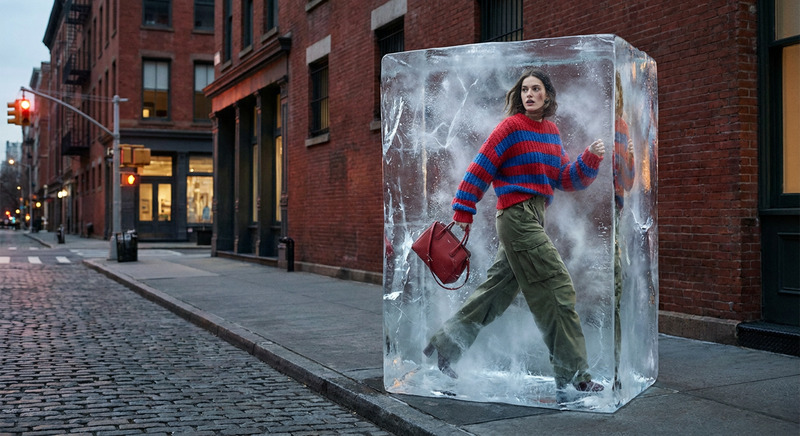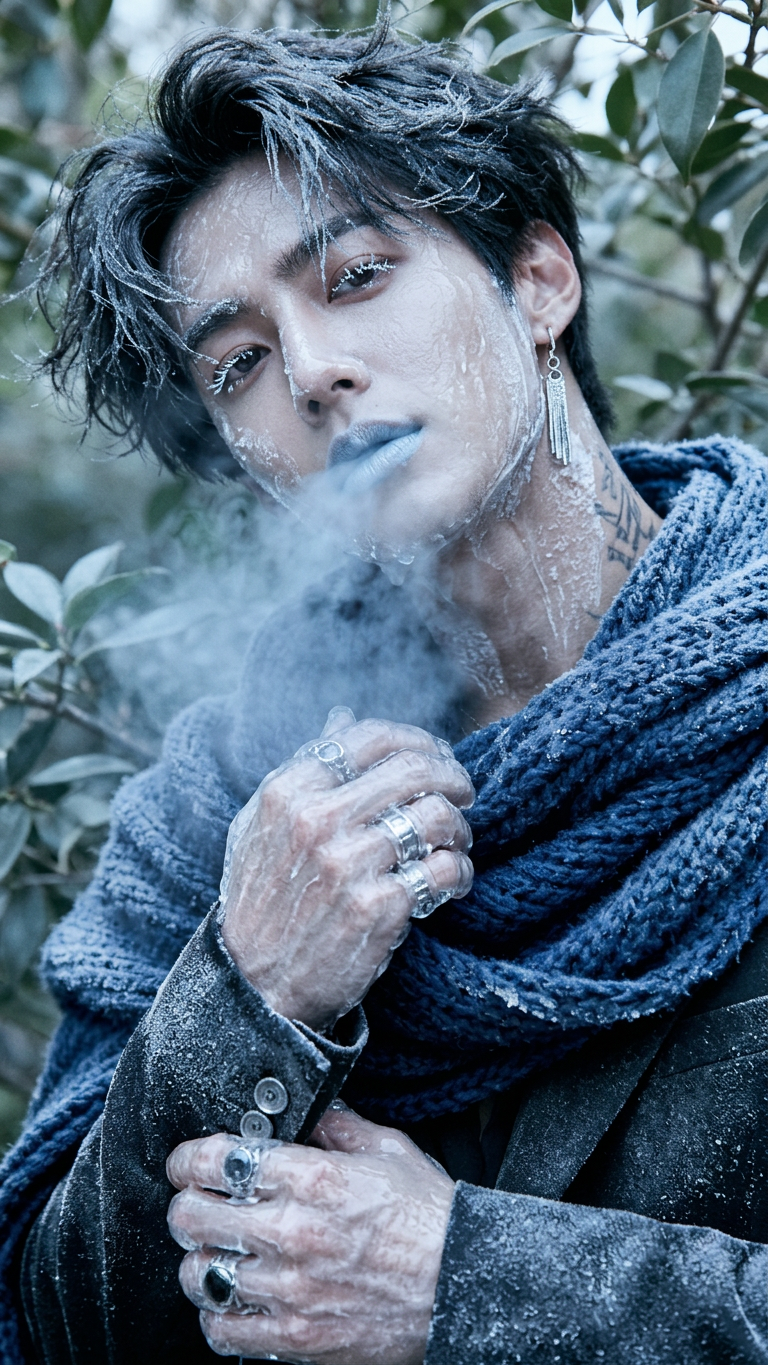
Freezing

Freezing

ai-image-editor

1 clip
0 uses

Any aspect ratio

Prompt

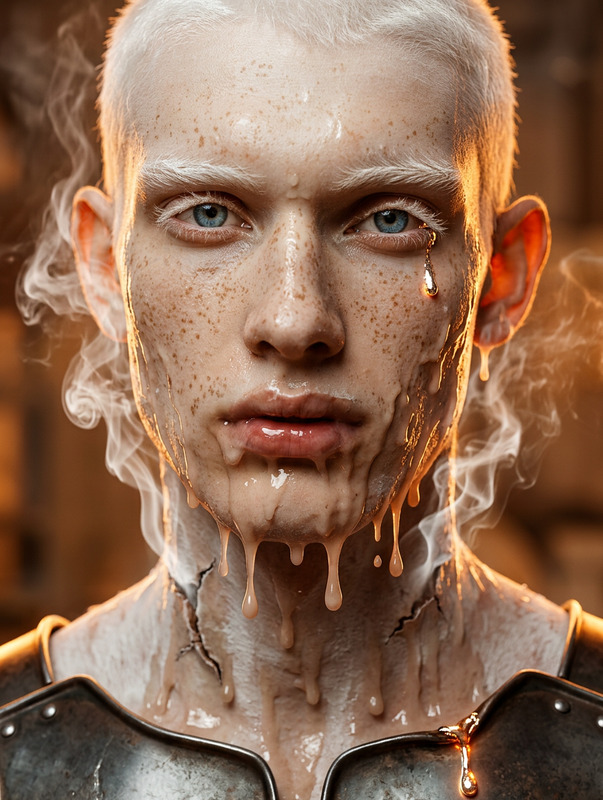
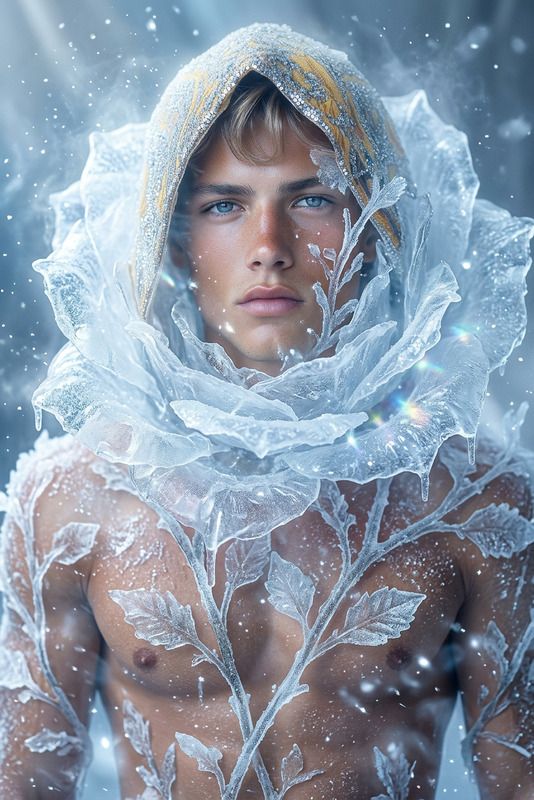
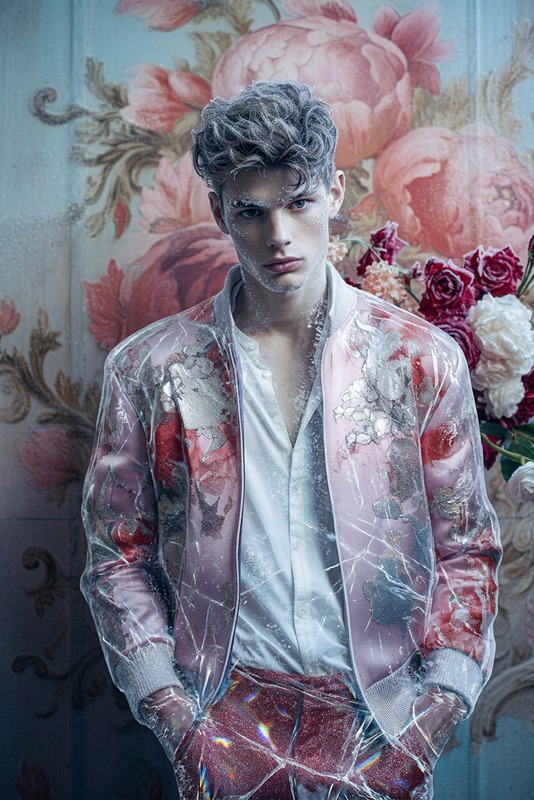
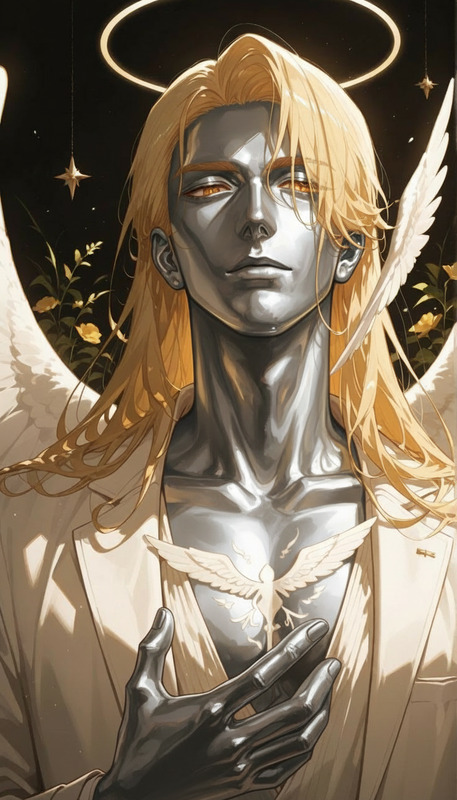
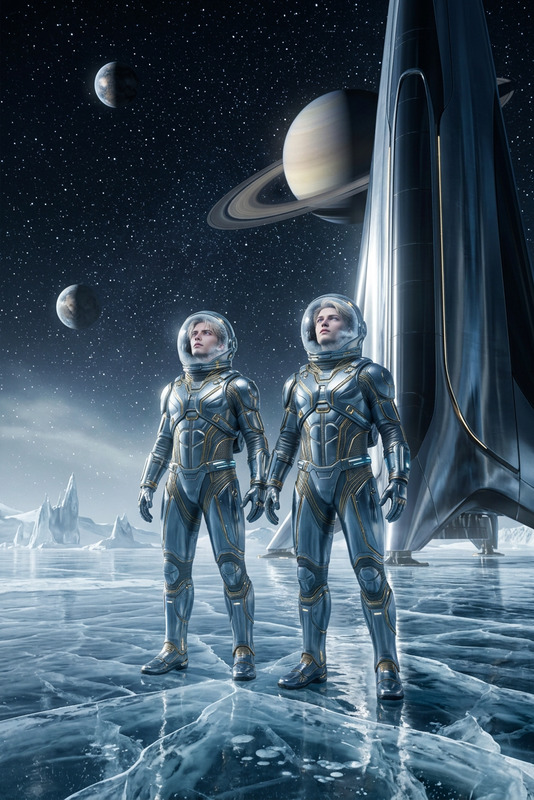
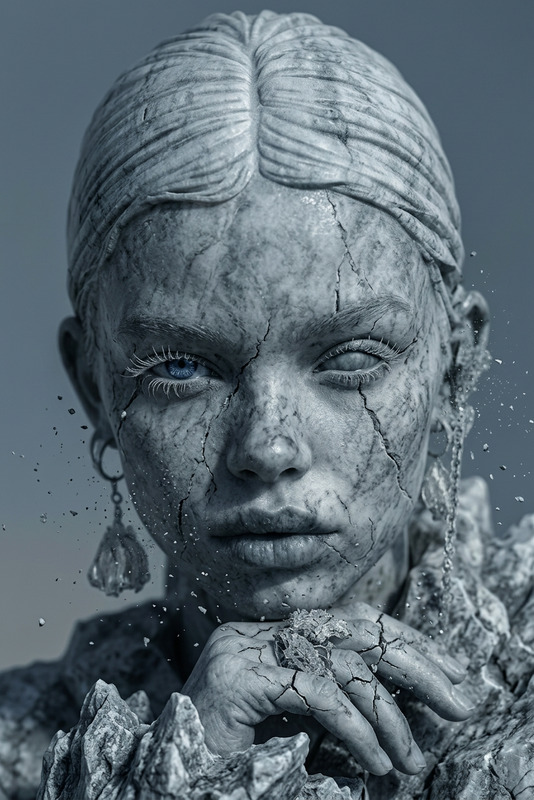
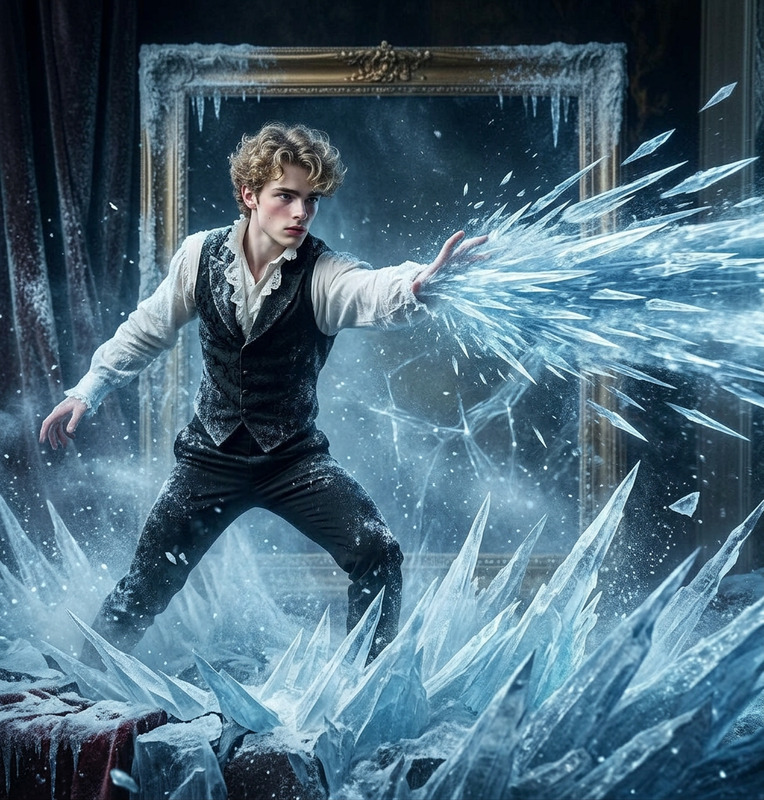
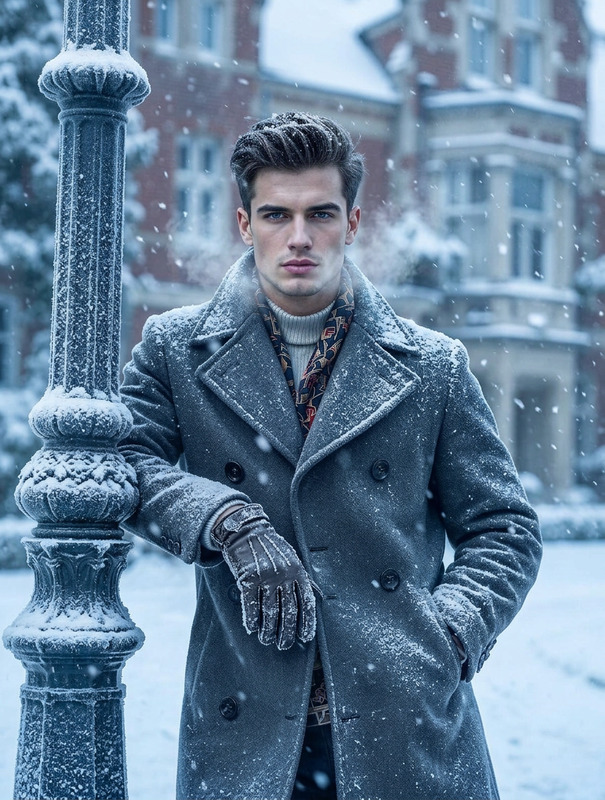
The subject turns to ice—frost rapidly spreads across the skin, forming a translucent frozen surface, while visible cold breath escapes into the air, creating a chilling, frozen transformation effect.

Tags

visual effectstransformations

AI Image Editor Template: Edit, Transform, and Remix Any Image in Minutes

Use this template to quickly clean up, enhance, or radically transform any image with the AI Image Editor. It’s designed for creators, marketers, and product teams who want high‑quality, on‑brand visuals without getting stuck in complex design tools.


What you can do with this template

This AI Image Editor–based template is ideal for:


How this template works (and how to remix it)

This template is built on the core capabilities of the AI Image Editor. You can treat it as a starting point, then remix it for your own workflow in a few steps:

  1. Start from this template

    • Open the template in Magic Hour.
    • Upload your base image (photo, design, mockup, illustration, etc.).
  2. Edit what’s already there

    • Use AI editing to:
      • Replace objects (e.g., swap a product, change a prop).
      • Clean up visuals (remove distractions, fix composition).
      • Adjust style (more realistic, more illustrative, more cinematic, etc.).
    • If you need to remove elements entirely, combine it with the AI Remover or Remove Object from Photo.
  3. Extend or transform the image

  4. Create your own reusable “mini‑template”

    • Once you like the result:
      • Save the edited image.
      • Reuse it as a base for similar assets (e.g., same layout, different product or copy).
    • For teams, this becomes a lightweight “design system”: one source file, many variations.
  5. Remix into other Magic Hour flows


Advanced use cases for creators & teams

1. Marketing & performance creative

  • Build a “base” product shot in this template.
  • Use the AI Image Editor plus:
  • Export versions for:
    • Paid ads with different backgrounds and layouts.
    • Landing pages and A/B tests.
    • Social content variations.

2. Creator branding & content

3. Product, startup, and SaaS teams

  • Use the template to:
    • Maintain consistent lighting, composition, and style across product screenshots.
    • Generate variations for different locales or user segments.
  • For explainer content:

Related Magic Hour tools for stronger results

You can chain this AI Image Editor template with other Magic Hour tools for a complete visual pipeline:


Turn your edited images into video, animation, or interactive content

Once your image is refined in this template, you can turn it into rich media directly within Magic Hour:


How to build your own version of this template

If you want to create a custom template flow inspired by this one:

  1. Pick your primary visual tool

  2. Define your repeatable pattern

    • Example patterns:
      • “Base product image → 5 background variations → upscale → export.”
      • “Portrait → stylized avatar → banner crop → thumbnail.”
      • “Line sketch → polished illustration → social share image.”
  3. Chain the tools that match your pattern

    • For marketing visuals: Image Editor → AI Background Generator → AI Image Upscaler → Thumbnail Maker.
    • For creators: Selfie or avatar → AI Face Editor → Avatar Generator → AI Meme Generator.
    • For games & storytelling: Character concept → AI Character Generator → DND AI Art Generator → Fantasy Map Generator.
  4. Save your outputs as your own reusable base images

    • Once a combination works, save that output and reuse it as the starting point for future edits—this becomes your “remixed template” inside Magic Hour.

Who this template is for

  • Creators & influencers who need consistent, on‑brand visuals across channels.
  • Marketers & growth teams running continuous creative tests.
  • Startup founders & product teams who need fast, good‑enough design while they ship product.
  • Designers & art directors using AI as an exploration and iteration layer.

Use this AI Image Editor template as your control panel for visual experimentation—then remix it with other Magic Hour tools to build a fast, repeatable image and video creation pipeline tailored to your own workflow.

More Like This