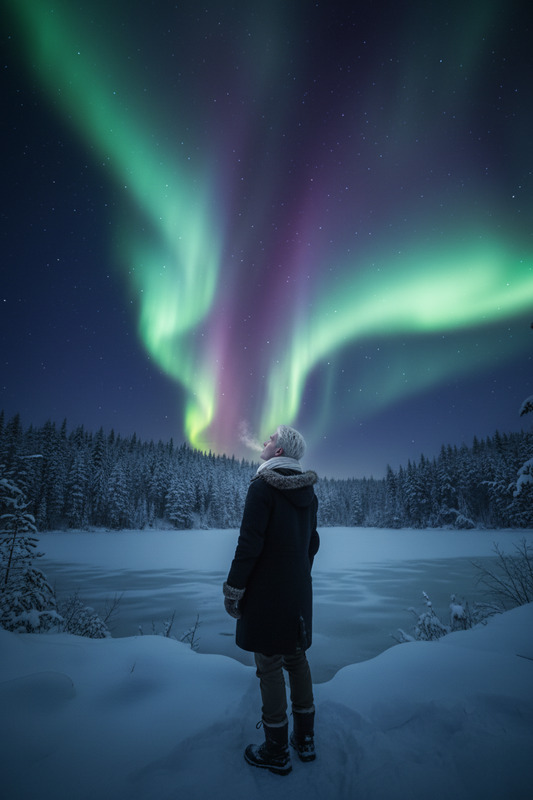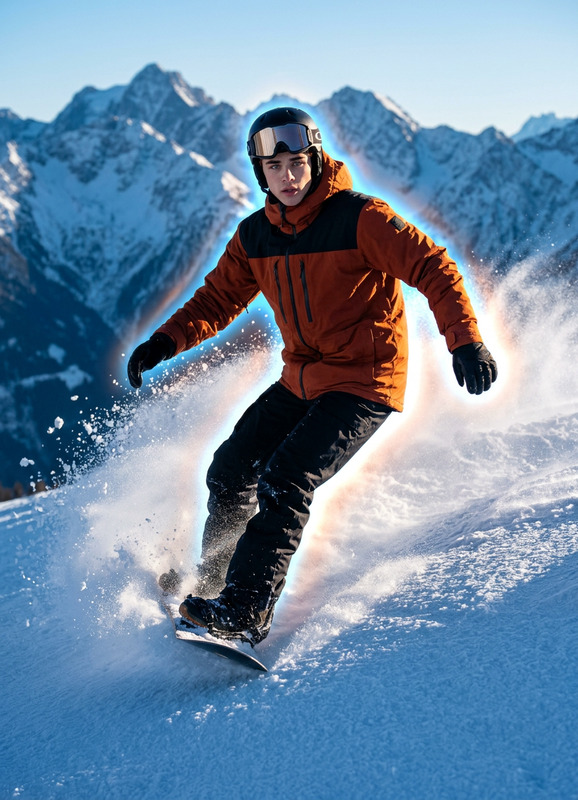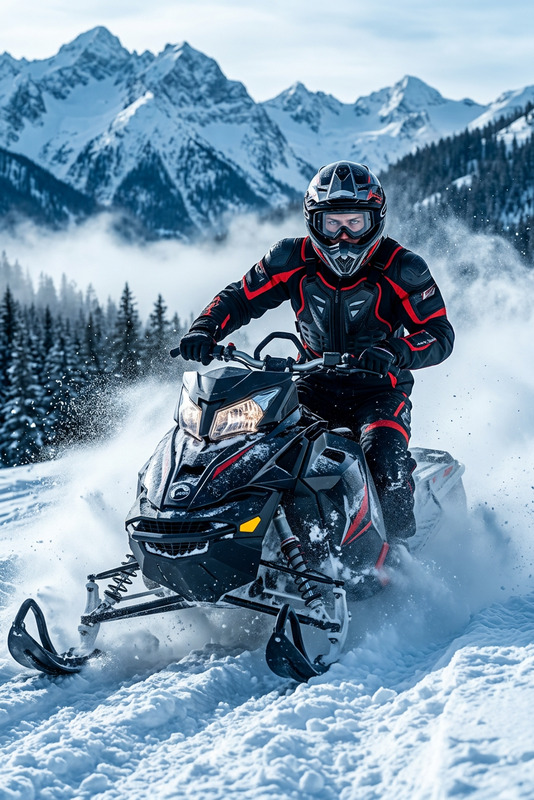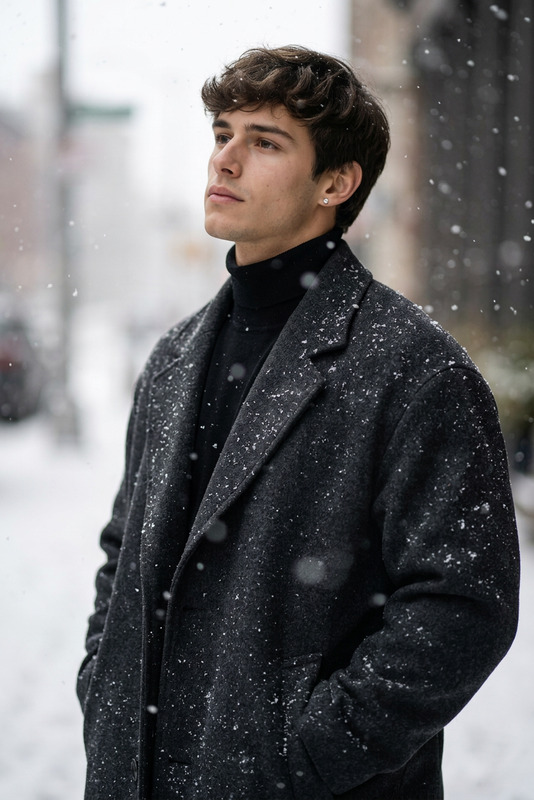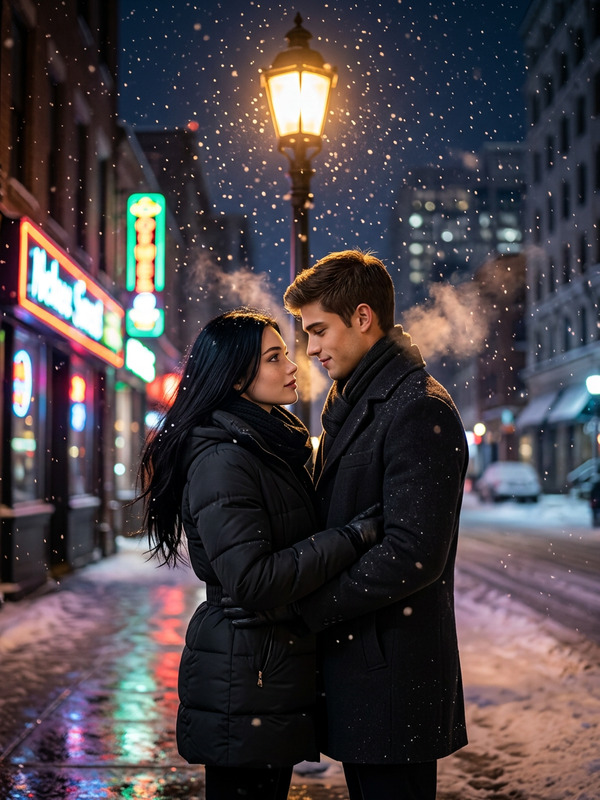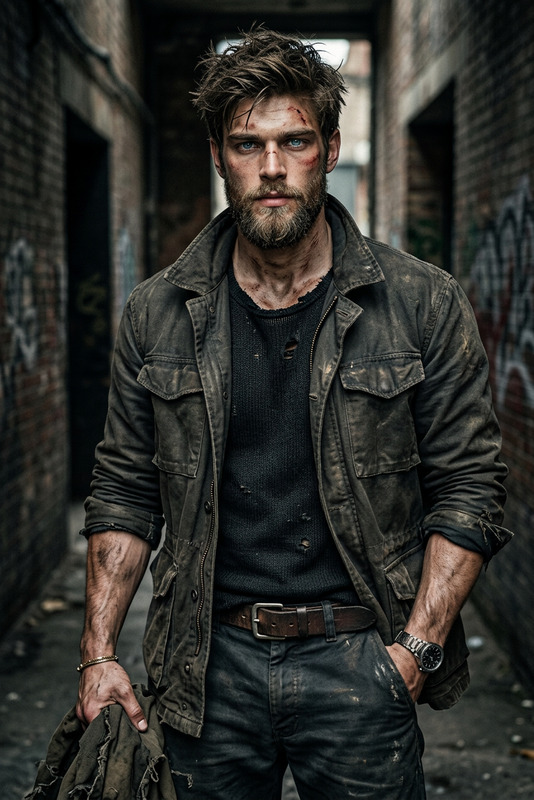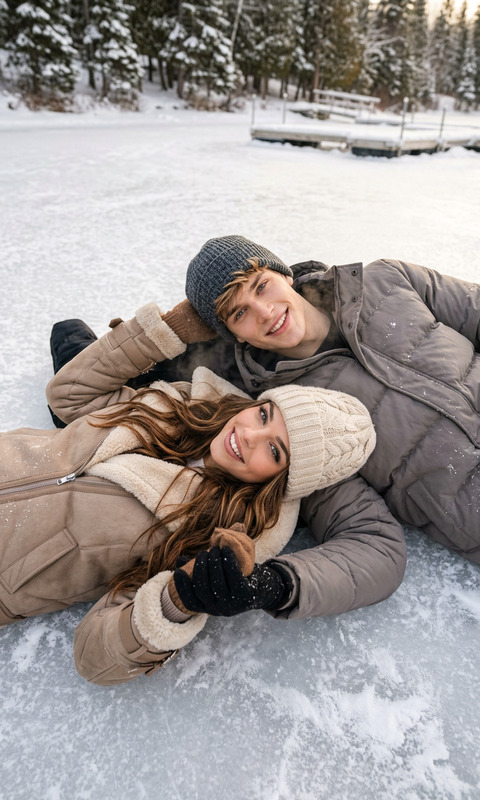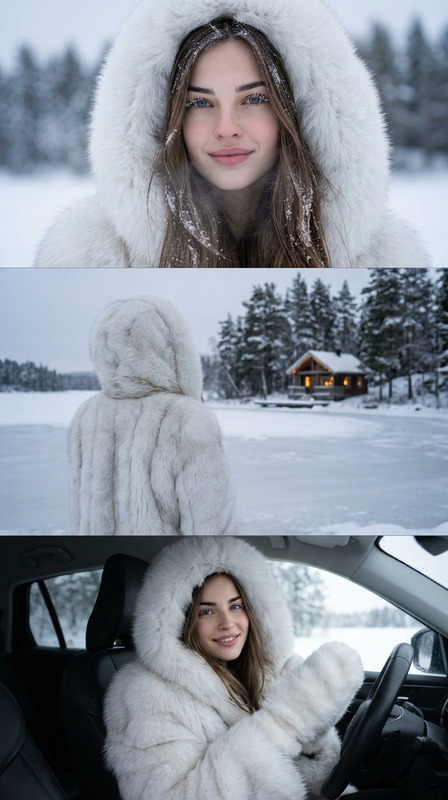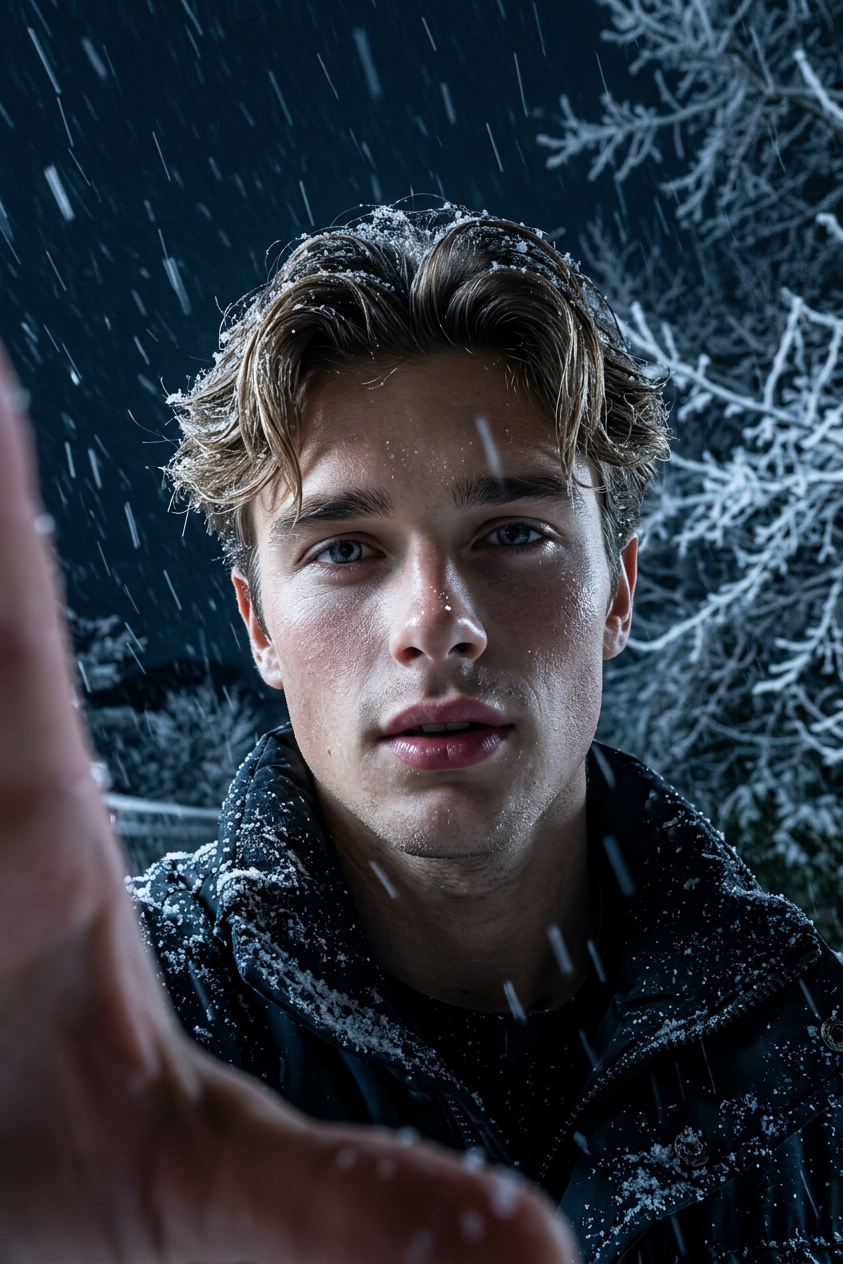
Winter Night Cinematic
- Model
- Nano Banana 2
- Image
- 843 × 1264 px
Prompt
Ultra-realistic close-up night selfie in heavy snowfall. Subject holds camera with left hand, slightly below eye level, upward angle. Calm yet intense expression, lips slightly parted. Dark winter sky with faint frosted branches. Cold cinematic lighting from above/front, soft glow on face, detailed snow texture, sharp focus, 8K.
Any aspect ratio
Overview
The Winter Night Cinematic template in AI Image Editor is crafted for those aiming to produce visually compelling narratives. With a focus on close-up selfies during a realistic winter night setting, this template brings the magic of snowfall to life in ultra-realistic detail.
What It Does
This template allows you to create detailed and vivid winter-themed images. By leveraging the nano-banana-2 model, it ensures an 8K resolution image with exquisite texture in the snow and a cinematic glow. Ideal for those looking to enhance storytelling with a dose of realism and emotion.
Who It's For
Perfect for filmmakers, content creators, and digital artists, the Winter Night Cinematic template suits anyone aiming to add a dramatic touch to their visual projects. It's also highly beneficial for social media enthusiasts interested in creating captivating snowy selfies or storytelling visuals.
Summary
By capturing the essence of a wintry night, this template allows you to produce vividly realistic and cinematic images. The AI Image Editor ensures each element, from the snow texture to the lighting, aligns perfectly with your creative vision. Whether it's for personal projects or professional use, this template delivers stunning results.
How-To
Choose the Template

Customize Your Image

Generate and Download

Use Cases
Film Production
- Scene set design
- Promotional posters
Social Media Content
- Profile pictures
- Storytelling visuals
Digital Art
- Fantasy creations
- Thematic drawings
Best Practices
Emphasize Subject Details
Ensure your subject’s expression and positioning are well-defined to maintain focus on their features.Play with Light & Shadow
Adjust lighting to create a captivating contrast between the soft face glow and the dark winter sky.Explore Texturing
Experiment with snow and sky textures to enrich your image's realism. Adjust until you achieve the desired cinematic effect.