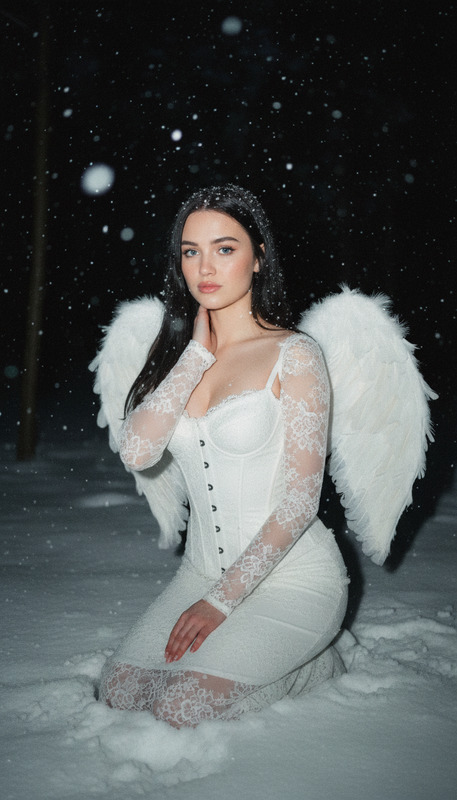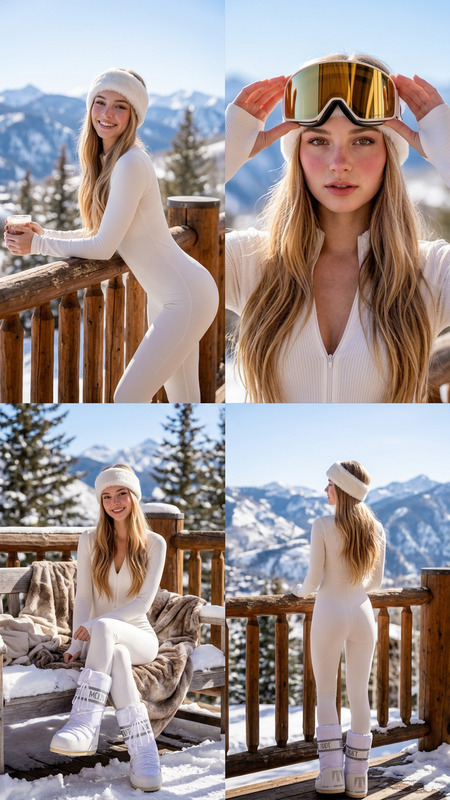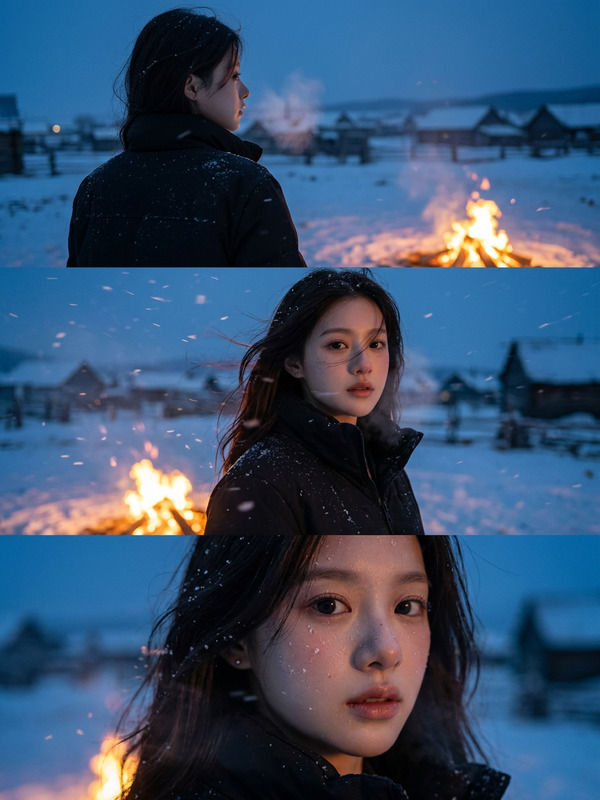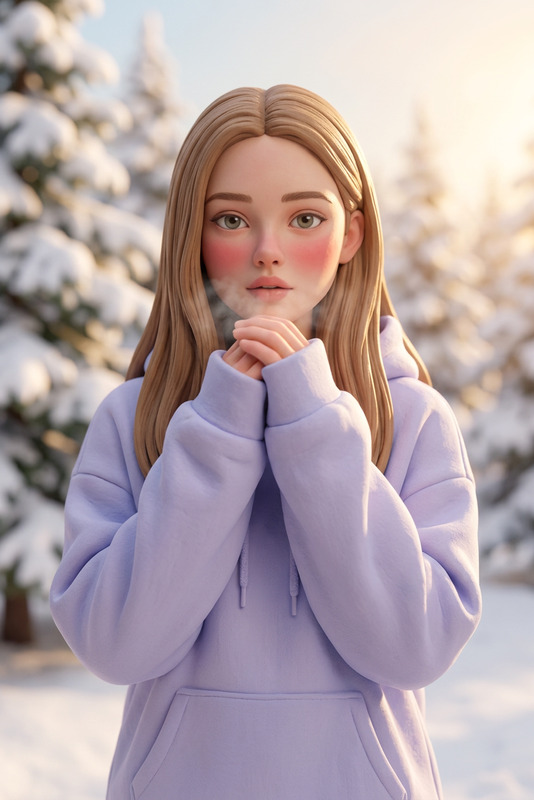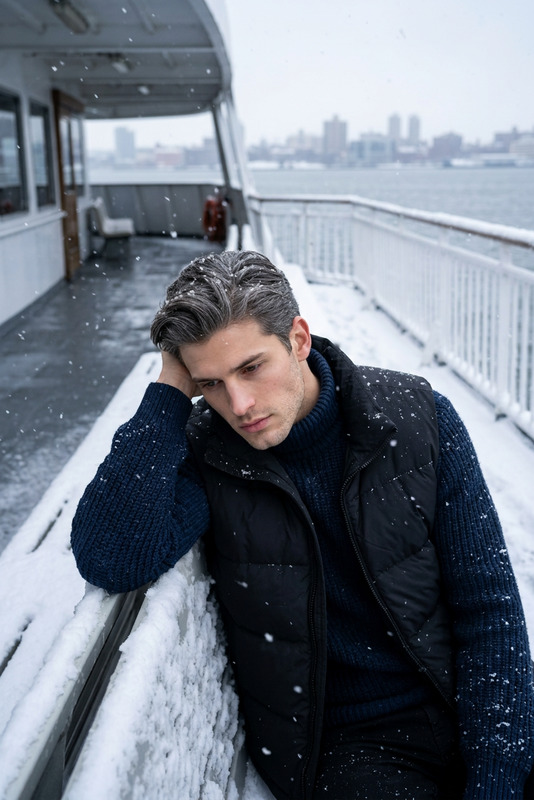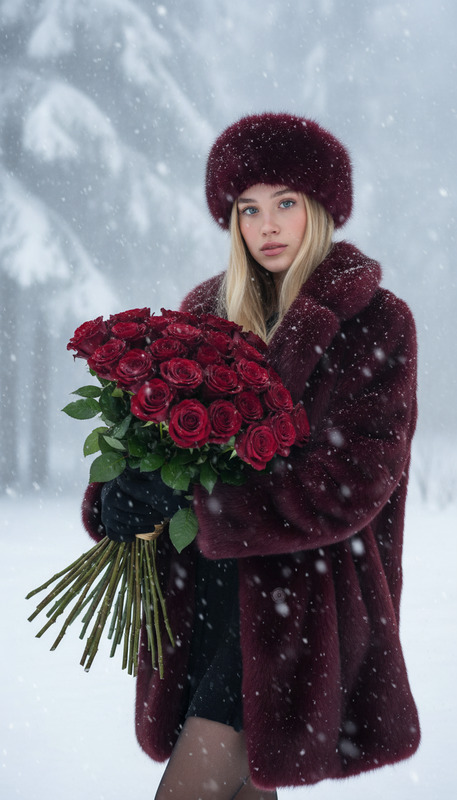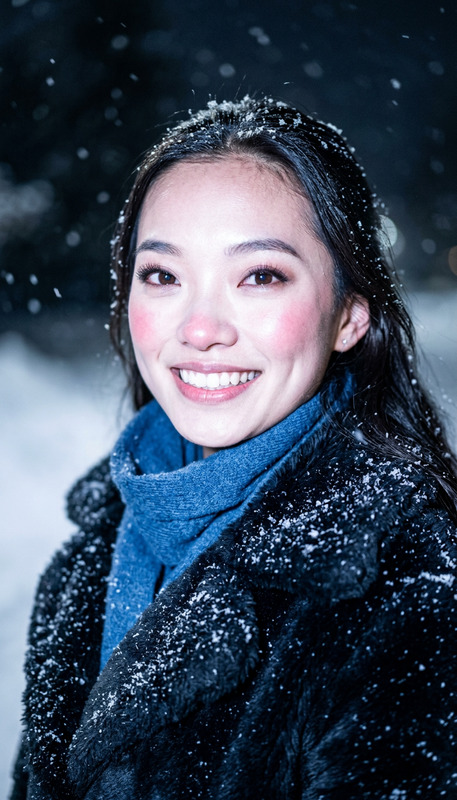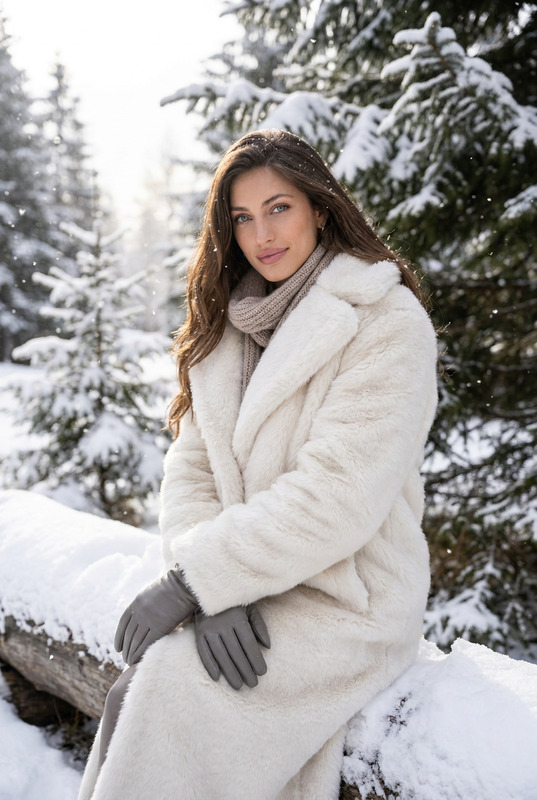
Winter Story
- Model
- Nano Banana 2
- Image
- 768 × 1370 px
Prompt
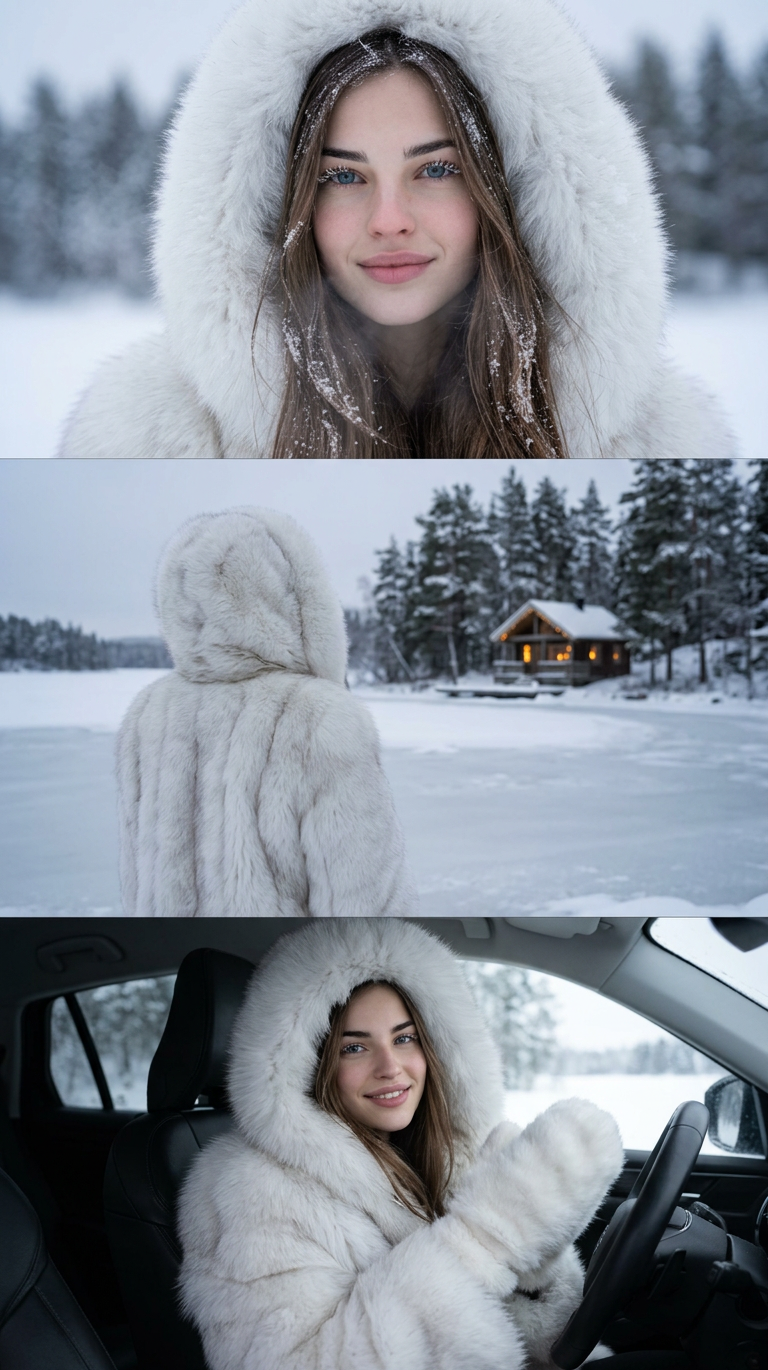
Ultra-realistic cinematic winter collage featuring the subject wearing a white fluffy fur coat with a large fur collar and hood. Frame 1: extreme close-up portrait with snowflakes resting on eyelashes and faint visible breath. Frame 2: back view of the subject standing beside a frozen lake facing a small wooden cabin with glowing windows. Frame 3: close-up inside a white leather car, the subject wearing white fur mittens and gently touching their face. Cold gray-blue tones, detailed snow, fur, and skin textures create a Scandinavian fashion aesthetic.
Any aspect ratio
Overview
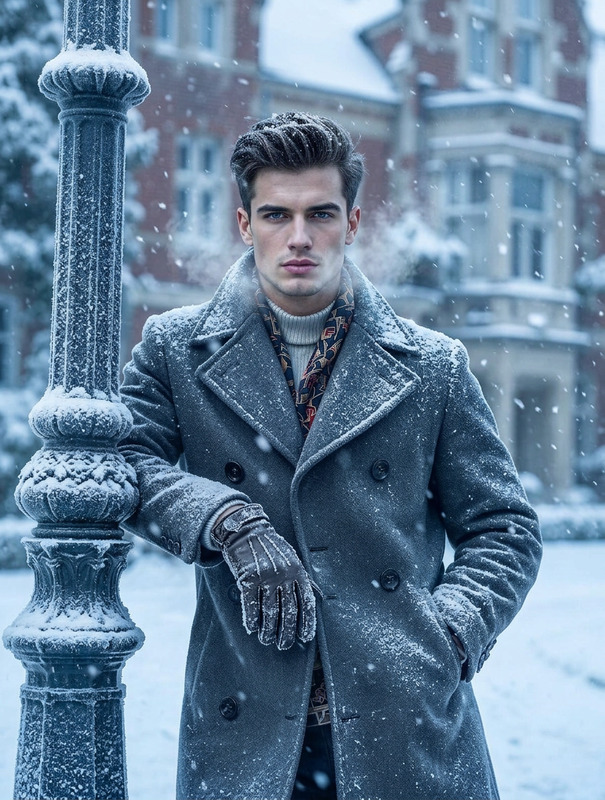
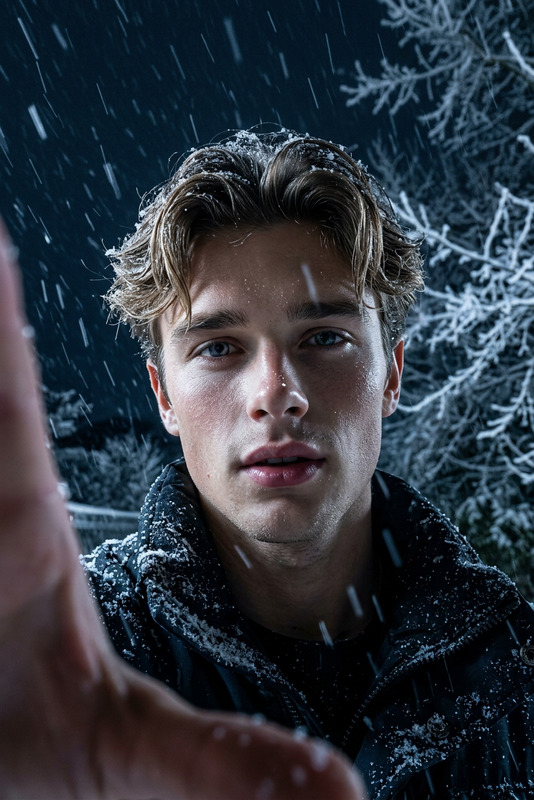
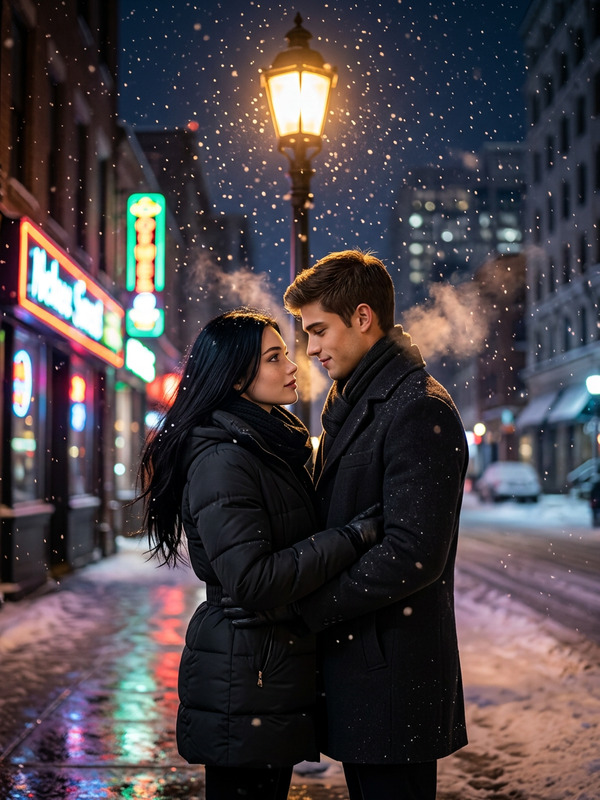
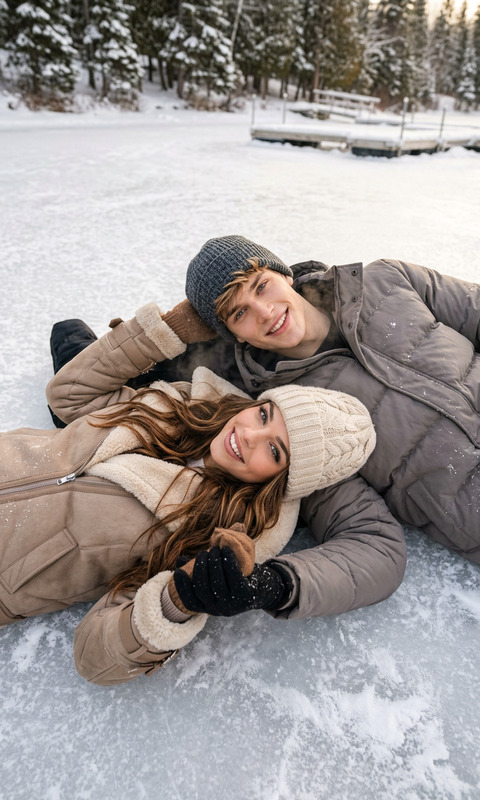
The Winter Story template in the AI Image Editor category offers creators the ability to craft ultra-realistic cinematic winter scenes. Built using the cutting-edge nano-banana-2 model, this tool allows you to transform your subjects into a stunning winter wonderland collage.
What It Does
This template generates a series of three intricate frames that together form a storytelling collage. Frame 1 captures an extreme close-up of the subject with fine details like snowflakes on eyelashes. Frame 2 provides a scenic back view at a picturesque frozen lake, adding depth to your story. Frame 3 focuses on an intimate interior scene, inviting viewers into a cozy, cinematic moment.
Who It's For
The Winter Story template is designed for photographers, digital artists, and fashion enthusiasts who want to create visually compelling winter-themed visuals. It's particularly useful for those in the AI Product Photography sector looking to enhance catalog images with a Scandinavian aesthetic.
Summary
Leverage the Winter Story template to produce a visually engaging collage that captivates your audience. Whether you're creating content for fashion magazines, social media, or art portfolios, this template offers the tools needed to bring your winter fantasies to life. Utilize the Full Body Generator for additional customization options, enhancing the overall output.
How To
Choose Your Template

Customize Your Scene

Generate and Download

Use Cases
Fashion Editorials
- Highlight winter collections.
- Capture intricate details of fashion items.
- Create a mood board for design inspiration.
Social Media Content
- Perfect for Instagram stories and posts.
- Enhance content for fashion bloggers.
- Develop seasonal marketing visuals.
Product Photography
- Frame products in a seasonal context.
- Use as background for product launches.
- Enhance details to make products stand out.
Best Practices
Keep the Scene Consistent
Ensure all frames in your collage share similar tones and textures for a cohesive look, reflecting the winter theme accurately.Utilize Detailed Textures
Take advantage of the model's ability to render detailed textures like fur and snowflakes to enhance realism.Pair with Face Editing Tools
For enhanced versatility, combine with our AI Face Editor to subtly adjust facial expressions in different frames.