POV Slushie Glass Portal
- Model
- Qwen Edit
- Image
- 736 × 736 px
Prompt
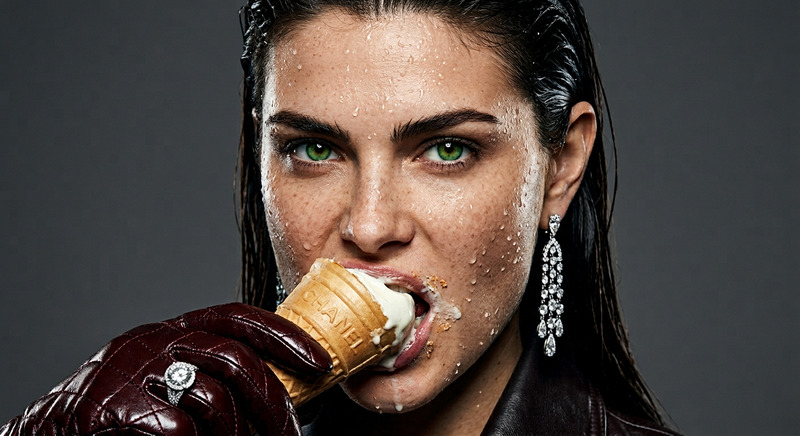
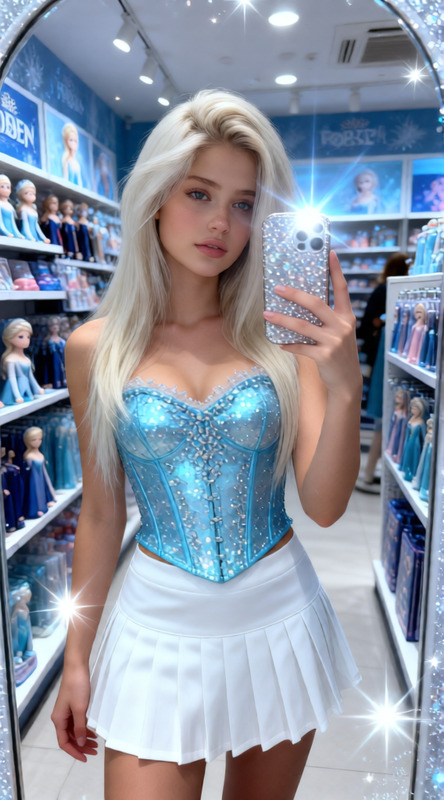
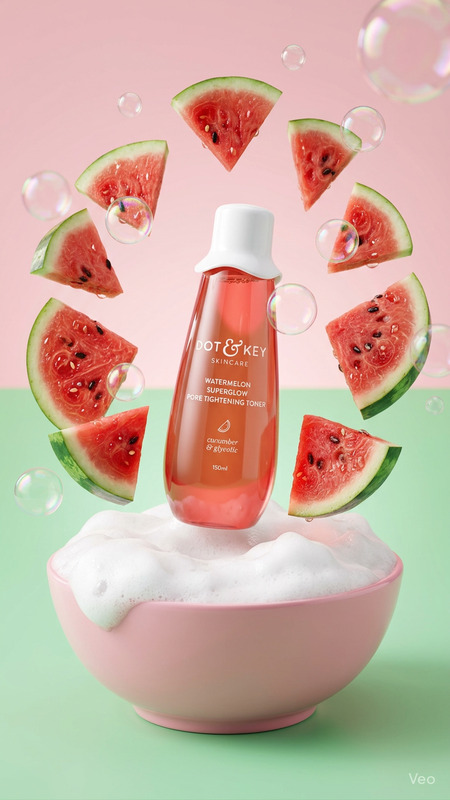
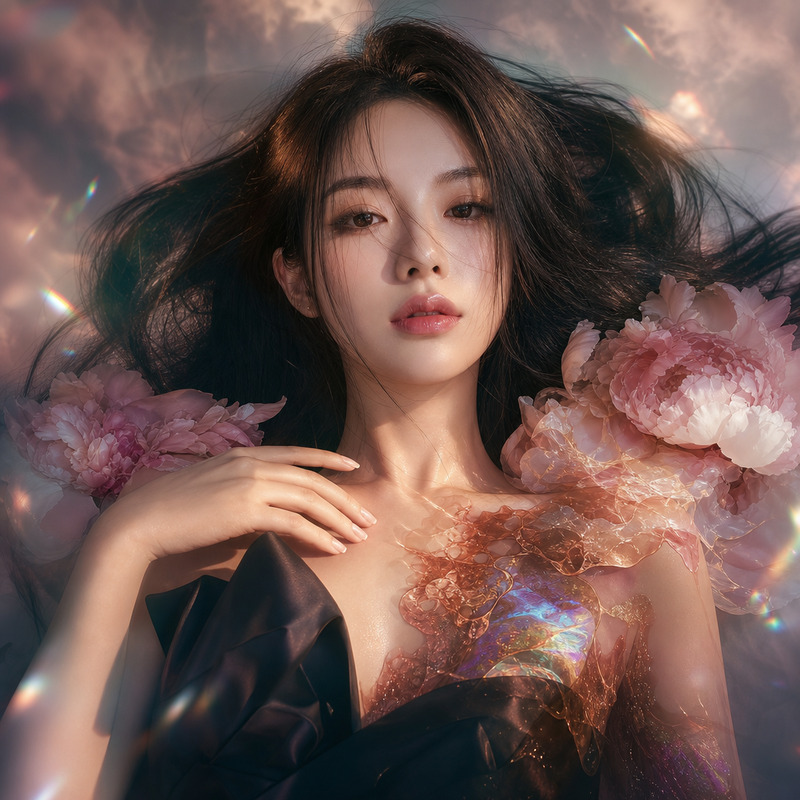
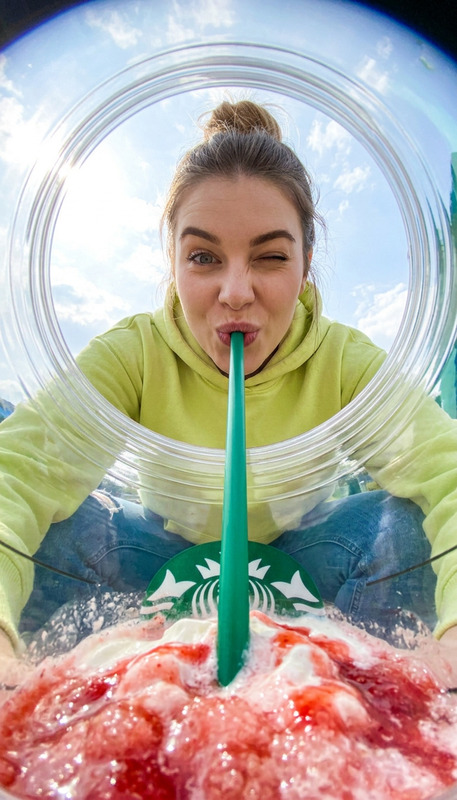
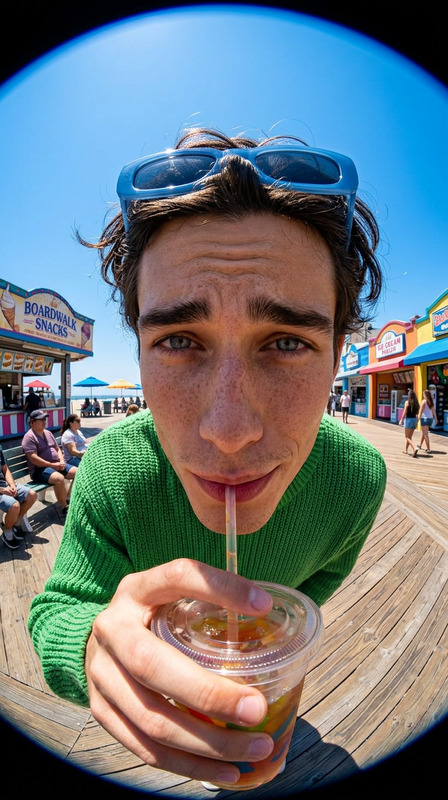
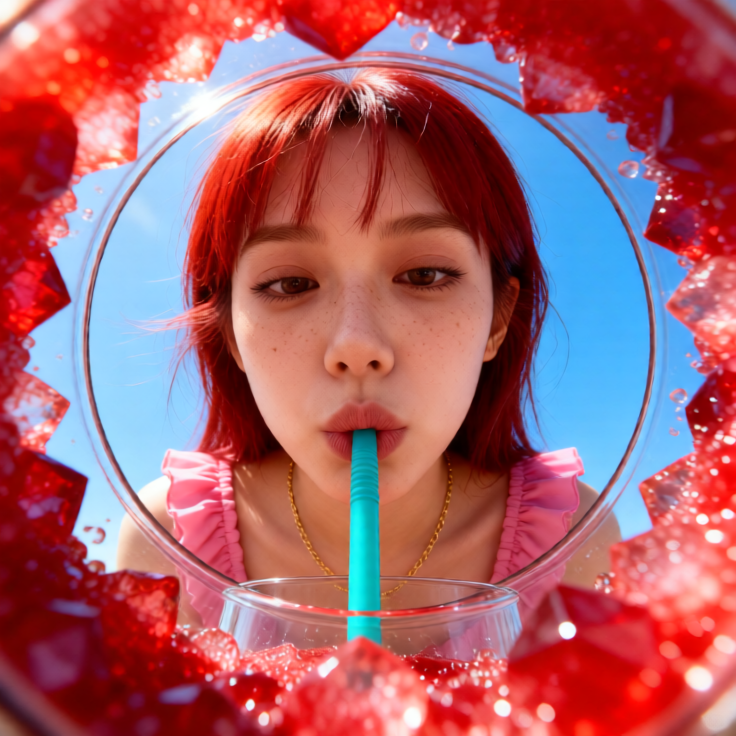
Vibrant POV shot from inside a glass cup looking upward at a subject leaning over the rim while sipping a red slushie on a sunny summer day. Subject with wispy bangs, brown eyes, smooth complexion with light freckles, wearing a pink ruffled top and a delicate gold chain. Lips pursed around a teal flexible straw, playful curious expression looking down into the glass. Foreground filled with crystalline ruby-red slush ice textures in extreme macro detail. The circular glass rim frames the face with strong forced perspective. Background shows a vast clear blue sky. Shot with ultra-wide 12mm fisheye lens, shallow depth of field, sharp focus on face with macro blur on ice crystals. Bright direct sunlight, high-key lighting, saturated red/cyan/sky-blue palette. Refreshing summer editorial mood, ultra-detailed, photorealistic, cinematic 8K, high dynamic range.
Any aspect ratio
Overview
The POV Slushie Glass Portal captures an imaginative perspective from within a glass, offering a breathtaking view upwards toward the subject indulging in a red slushie. This template utilizes the AI Image Editor, powered by the qwen-edit model, to deliver stunning, photorealistic images with a refreshing summer vibe. It's ideal for creative projects that demand vibrant and highly detailed imagery.
What It Does
This template transforms ordinary images into high-impact visual experiences by simulating an inside-the-glass perspective. It sharply focuses on the subject's face with ultra-fine details, ensuring realistic facial and environmental elements. Background modifications emphasize a clear blue sky, enhancing the summer mood with saturated colors and sharp contrasts. Perfect for creating editorial-style content with a unique twist, this tool capitalizes on Qwen-edit's capabilities to adjust lighting and refine textures.
Who It's For
This template is designed for photographers, editors, marketers, and digital artists who want to create imaginative and visually dynamic content. Whether you're crafting promotional materials or engaging social media campaigns, the AI Image Editor offers powerful features to bring your visions to life. It's particularly beneficial for content creators specializing in lifestyle, fashion, and food photography, where unique visual storytelling is key to capturing attention.
Summary
Enhance your imagery with the POV Slushie Glass Portal template, an exceptional tool for turning standard shots into spectacular scenes. By leveraging the AI Image Editor, it offers users the ability to craft intricately detailed images with a summer-themed aura. This template is an excellent choice for anyone looking to elevate their digital content with photorealistic detail and artistic flair.
How to Use the Template
Choose the Template

Customize Your Scene

Generate Your Image

Use Cases
Social Media Campaigns
Lifestyle and Fashion Editorials
Commercial Product Photography
Best Practices
Focus on Composition
Ensure your subject's expression and lighting are well-balanced to produce a compelling focal point. Leverage the photorealistic capabilities of the editor to maintain visual clarity.Use High-Resolution Images
Starting with a high-resolution photo helps the AI generate ultra-detailed outcomes, particularly important for creating cinematic quality.Experiment with Lighting
Take advantage of high-key lighting settings to create bright, vivid imagery that aligns well with the summer theme of the template.