Neon Blade – Worm’s Eye Showdown
- Model
- Qwen Edit
- Image
- 568 × 1024 px
Prompt
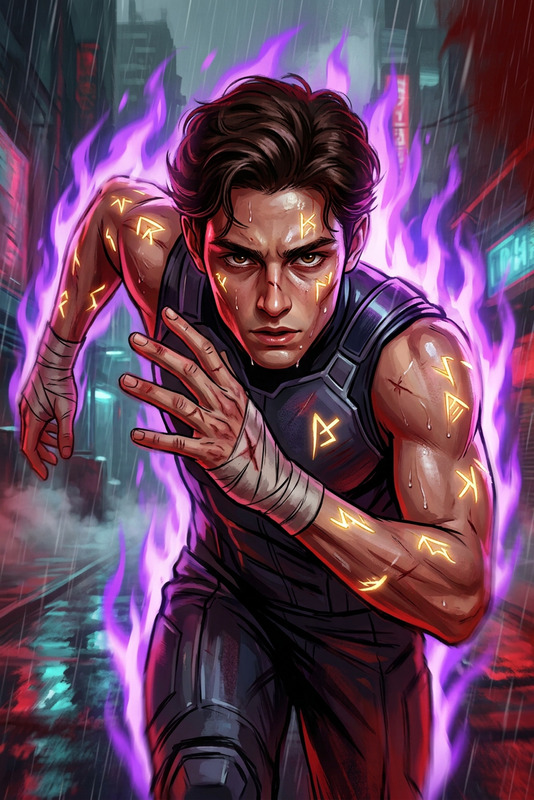
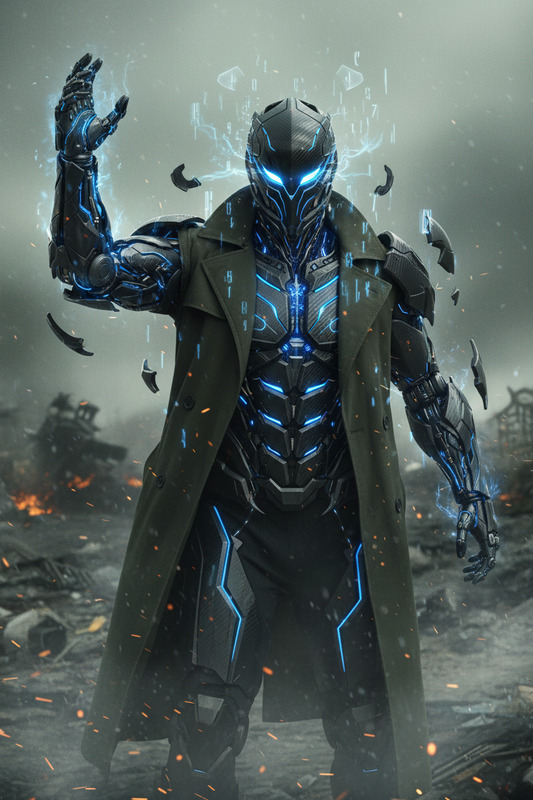
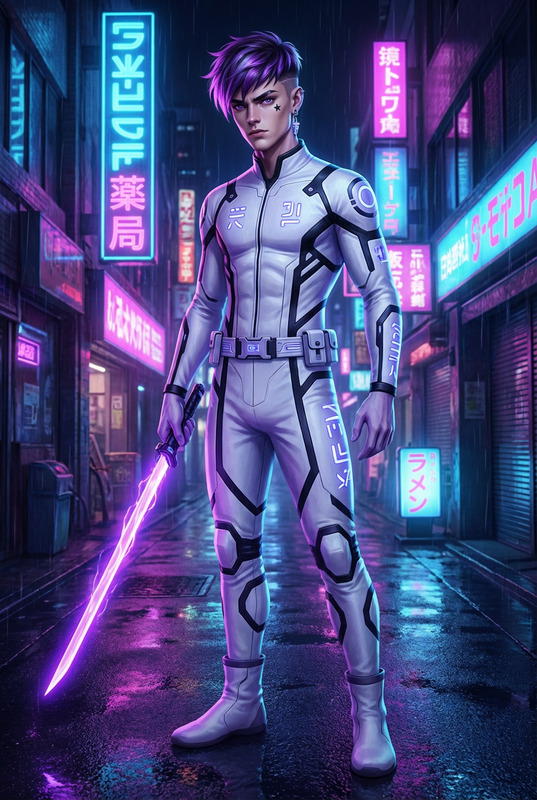
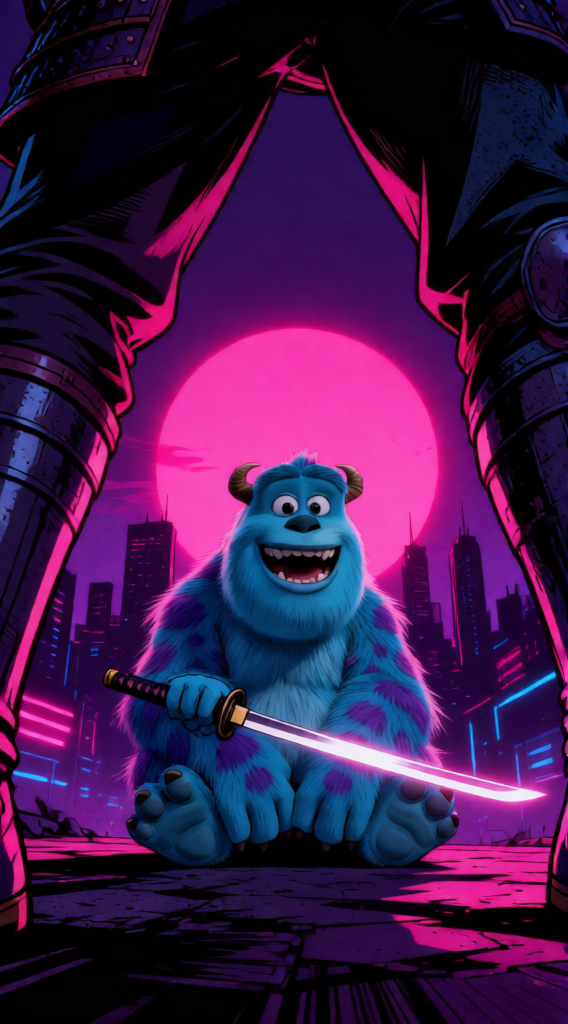
Cinematic anime-style illustration of a subject, captured from a low-angle worm’s-eye view with a wide-angle perspective. The composition is dramatically framed through the legs of a foreground warrior subject, creating a high-tension scene. Gritty graphic novel aesthetic with cel-shaded rendering and stylized realism. A glowing magenta circular sun sits in the center background behind a silhouetted city skyline, casting synthwave neon lighting. Sharp rim lighting highlights a katana held by the subject, with deep chiaroscuro shadows and strong contrast in a purple and pink color palette. Subtle film grain texture, noir atmosphere, digital illustration with bold, cinematic composition.
Any aspect ratio
Overview
The Neon Blade – Worm’s Eye Showdown template transforms your projects with a cinematic anime-style illustration. Designed with the AI Image Editor using the powerful qwen-edit model, this template captures high-tension scenes from a dynamic worm's-eye view.
What It Does
This template creates stylistically dramatic scenes with a gritty, graphic novel aesthetic. It employs cel-shaded rendering and a strong use of chiaroscuro for high contrast, emphasizing the outlined details of a warrior subject contrasted against a synthwave neon backdrop. The subtle film grain texture adds a noir atmosphere to your digital illustrations.
Who It's For
Ideal for animators, graphic novel artists, and filmmakers seeking to enhance their storytelling with vivid, high-impact images. Whether you're producing action-packed VFX previs or video style transfer, this template caters to creators looking for strong visual narratives in their projects.
Summary
The Neon Blade – Worm’s Eye Showdown template offers users the tools to craft stunning anime-style compositions with a distinct noir touch. It's an effective way to add intensity and visual depth to your AI video generations or graphic content, making it perfect for creative professionals in visual storytelling.
How to Use
Choose the Template

Customize Your Input

Generate Your Scene

Use Cases
Action-Packed Videos
- Create opening sequences for animated features.
- Develop striking cut-scenes for video games.
Thrilling Cinematic Shots
- Illustrate key moments in graphic novels.
- Design compelling artwork for book covers.
Visual Storyboarding
- Outline sequences with gritty, graphic details.
- Create mood boards with strong visual narratives.
Best Practices
Focus on Detail
Use the template to highlight detailed elements like rim lighting and chiaroscuro effects, which are essential to the noir atmosphere.Enhance Visuals with Color
Experiment with the purple and pink palette to create mood-specific visuals that stand out.Incorporate into Larger Projects
Use generated images as part of a larger project, such as storyboarding or digital manga, to create cohesive visual storytelling.