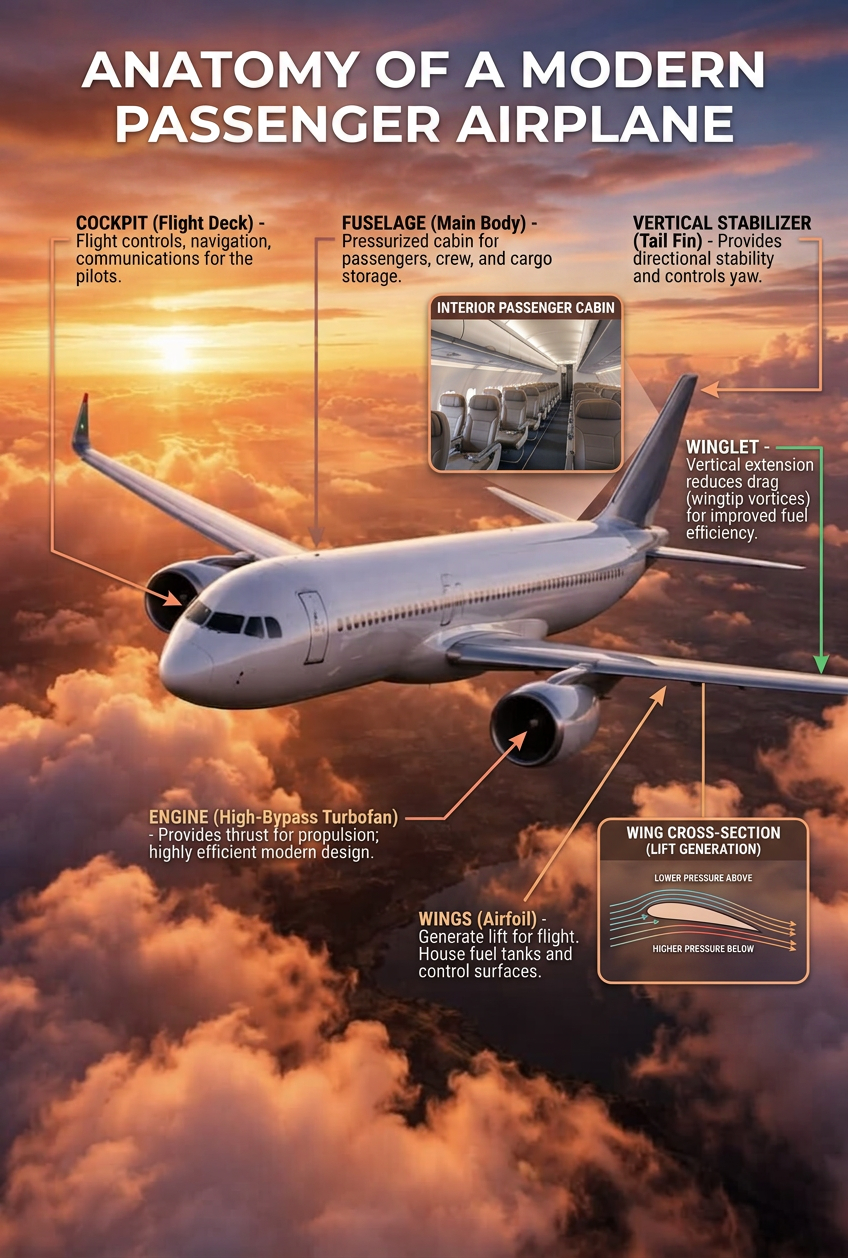
Airplane Anatomy

Airplane Anatomy

ai-image-editor

1 clip
0 uses

Any aspect ratio

Prompt

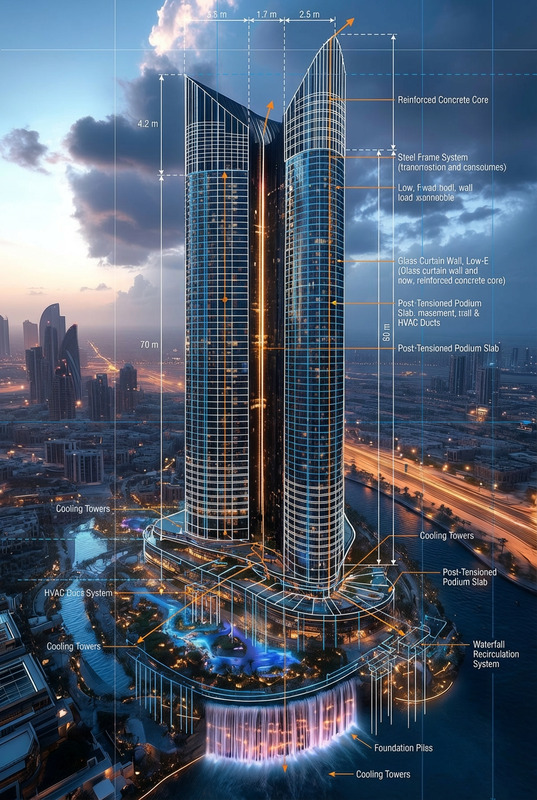
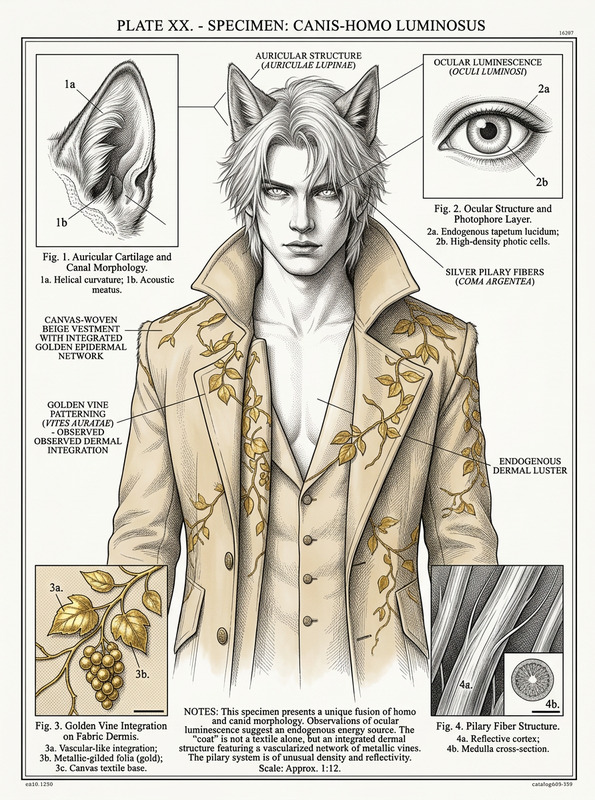
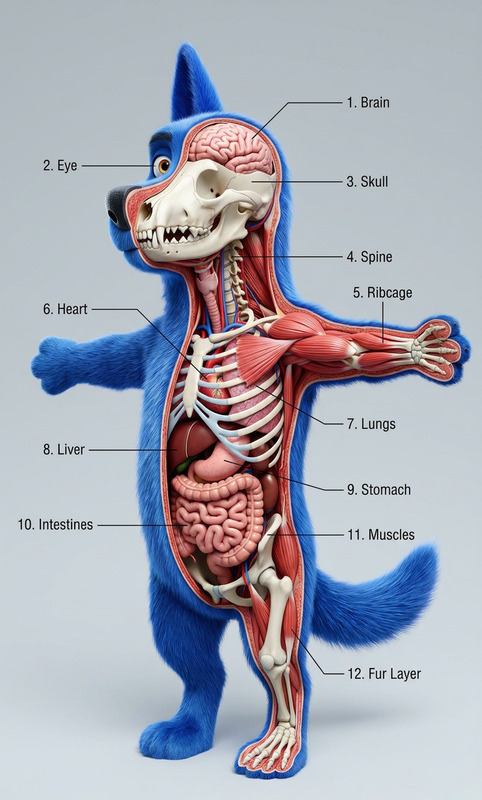
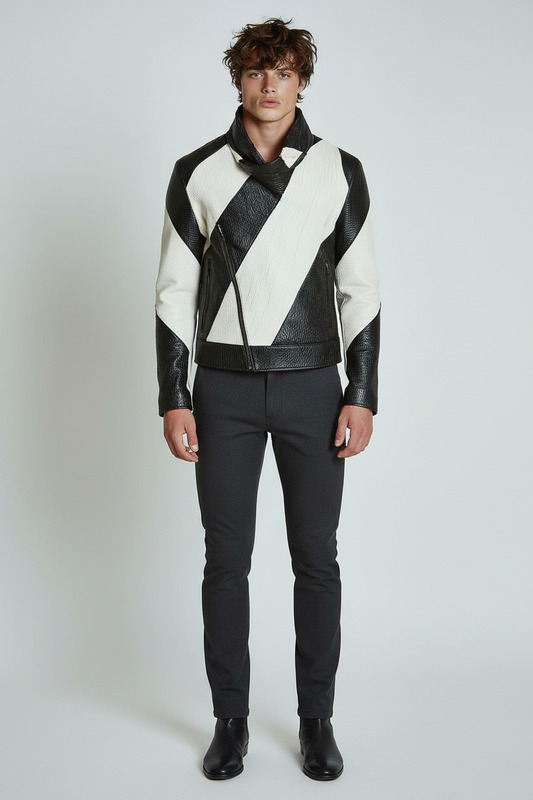
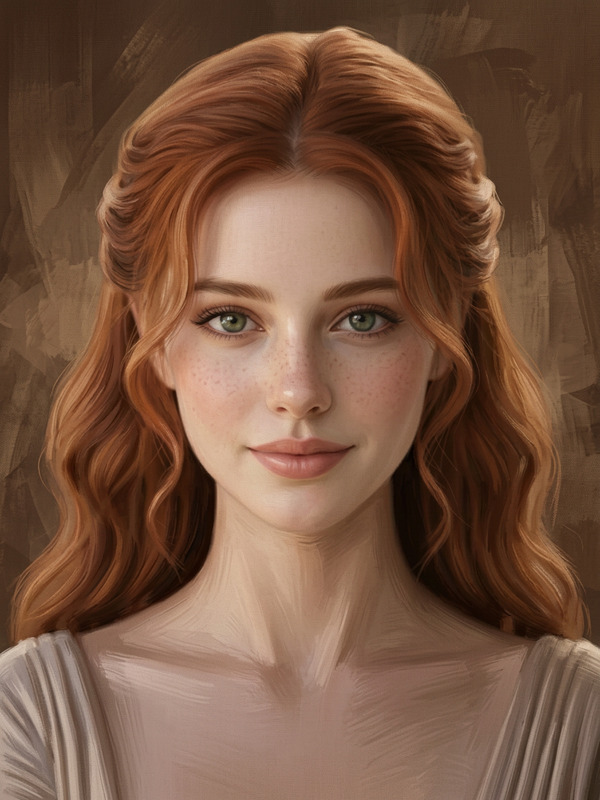
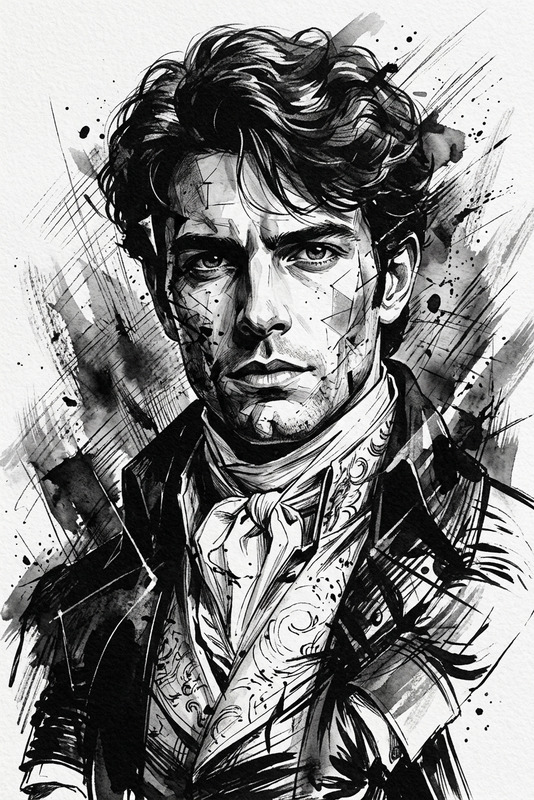
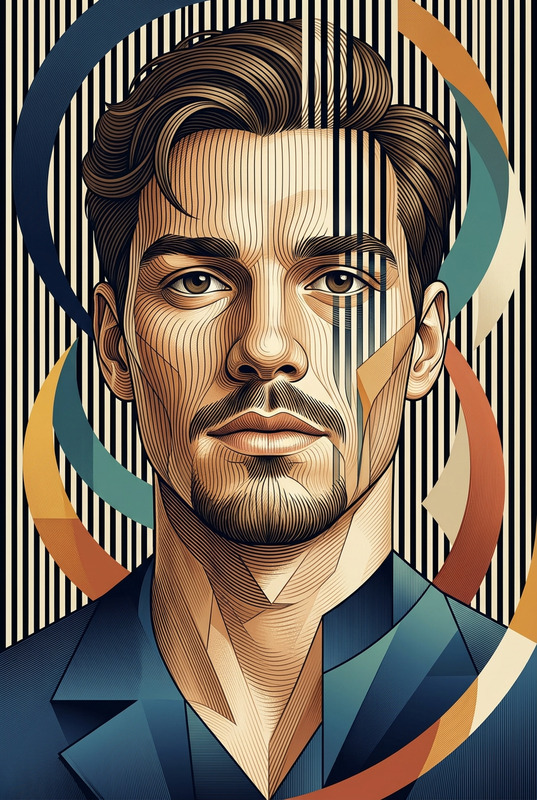
Using the uploaded image as the base, preserve the subject’s identity (if present) and composition unless the transformation requires otherwise. if the uploaded image contains notes, extract relevant visual/text (OCR) and produce a clean educational infographic about the topic. Use arrows to point to parts of the image, and use slicethroughs and inlays if helpful. If the upload lacks usable content, create a generic infographic and use the uploaded image as the header/illustration; do not invent numeric data. - Do not assume gender; preserve the subject’s identity or character from the uploaded image. - Output exactly 1 image, same aspect ratio as the uploaded image.

AI Image Editor Template: Turn Any Photo Into a High‑Impact Visual in Minutes

Use this AI Image Editor–powered template on Magic Hour to transform any image—product shots, UGC, thumbnails, campaign assets—into polished, on‑brand visuals without touching Photoshop.

This page walks through what the template does, who it’s for, and how to remix it into your own reusable workflow in Magic Hour.


What This Template Does

This template is built on the Magic Hour AI Image Editor. It’s designed to help you:

  • Clean up and enhance existing photos (remove distractions, fix lighting, refine details)
  • Replace or redesign backgrounds to match your brand or campaign
  • Add, remove, or modify objects and text in a few prompts
  • Quickly generate multiple creative variations from a single source image
  • Prepare visuals for social, ads, landing pages, pitch decks, or app store assets

It’s ideal when you already have a “good enough” image and want to turn it into a “campaign‑ready” asset—fast.


Best For

This template is particularly useful for:

  • Performance marketers – refresh creatives, run A/B tests, and localize visuals without constant design cycles
  • Startup and product teams – create demo screenshots, hero images, and slide visuals from rough source material
  • Content creators & YouTubers – design thumbnails, channel art, and social graphics from a single base photo
  • E‑commerce & DTC brands – generate consistent product imagery and lifestyle shots using one master image
  • Agencies & freelancers – build repeatable client workflows that can be reused across campaigns

If you need to generate new images from scratch rather than edit existing ones, pair this template with tools like the AI Image Generator or AI Photo Generator, then bring those outputs into this template for advanced editing.


How to Use This Template in Magic Hour

You can use the template as‑is or remix it into your own custom workflow. At a high level:

  1. Open the template in Magic Hour
    Load the template from the Magic Hour gallery. It will automatically use the AI Image Editor as its core tool.

  2. Upload your base image
    This can be:

    • A product photo (even if it’s rough/shot on a phone)
    • A portrait, headshot, or selfie
    • A screenshot or app UI
    • A concept image you previously generated with AI Art Generator, AI Manga Generator, or other ideation tools
  3. Describe the transformation you want
    Use clear, outcome‑focused prompts, for example:

    • “Turn this into a clean e‑commerce product photo on a white background with soft shadows.”
    • “Transform this selfie into a professional LinkedIn headshot with a neutral office background.”
    • “Convert this screenshot into a polished SaaS landing page hero mockup.”
    • “Create 3 ad‑ready variations for Instagram Stories, with bold text and high contrast.”
  4. Iterate and generate variants
    Refine your prompt and generate multiple versions. Save promising variants as “building blocks” for future templates.

  5. Export and reuse
    Download final images for:

    • Ads and performance campaigns
    • Landing pages and pitch decks
    • App store screenshots
    • Social content and email headers

How to Remix This Template Into Your Own Workflow

One of the strengths of Magic Hour is the ability to turn a good one‑off workflow into a reusable, shareable template. To create your own version:

  1. Start from this template
    Duplicate it inside Magic Hour. This keeps the AI Image Editor at the core while letting you customize the rest.

  2. Specialize for a single use‑case
    For better consistency, create narrow, purpose‑built templates, such as:

    • “Amazon product photo cleanup + white background”
    • “Pitch deck slide cover from rough screenshot”
    • “YouTube thumbnail from still frame”
    • “Founders’ headshots from casual photos”
  3. Add consistent prompt patterns
    Bake your brand rules and style guides into the template’s prompts:

    • Brand colors, tone, and level of realism
    • Lighting and composition preferences
    • Cropping and aspect ratio requirements (e.g., 1:1 for Instagram, 16:9 for YouTube thumbnails)
  4. Chain with other Magic Hour tools (optional)
    Depending on your workflow, you can pair this template with:

  5. Save and share internally
    Once you’ve dialed in a reliable flow (e.g., “product photo → clean edit → background swap → export”), save it as your team’s default template for that task. This is how you turn ad‑hoc experimentation into an internal “AI standard operating procedure.”


Example Workflows You Can Build From This Template

Here are a few practical, high‑leverage ways teams use an AI Image Editor template:

1. Product Photo Standardization for E‑commerce

  1. Generate lifestyle concepts with the AI Fashion Generator or AI Outfit Generator, or start from real product shots.
  2. Use this template to:
    • Clean background and lighting
    • Align composition across multiple SKUs
    • Remove distracting elements with AI Remover
  3. Upscale the best images with the AI Image Upscaler for marketplace and website use.

2. Founders’ Headshots and Team Photos

  1. Start with casual photos or selfies.
  2. Use the AI Headshot Generator to establish a consistent baseline look.
  3. Refine each image in this template:
    • Align backgrounds (e.g., same color and depth of field)
    • Harmonize lighting and color grading
    • Create alternate crops for LinkedIn, press kits, and investor decks.

3. Social Thumbnails and Campaign Creatives

  1. Capture key frames from video or generate characters with the Animated Characters Generator or AI Character Generator.
  2. Import into this Image Editor template to:
    • Add bold, legible text for YouTube, TikTok, or reels
    • Enhance contrast and color for mobile feeds
    • Create 3–5 variants for ad testing.
  3. Optionally, wrap the final frame into short motion pieces using the AI GIF Generator or Image to Video.

Connect Image Editing With Video, Voice, and Interactive Content

This image‑first template can be a foundation for broader multimedia automation. Once you have strong images, you can:


Related Magic Hour Templates & Tools to Explore

If you find this template useful, you may want to add these to your toolkit:


Why Use an AI Image Editor Template Instead of Manual Editing?

For creators and teams operating on limited time and budget, templated AI editing delivers:

  • Consistency at scale – Enforce brand style across thousands of images without manual QA.
  • Faster iteration loops – Test more creative angles per campaign cycle, using the same base assets.
  • Lower dependency on specialized tools – Replace many routine Photoshop tasks with prompts and templates.
  • Reproducibility – Turn one successful “edit” into a documented, shareable workflow non‑designers can run.

By starting from this AI Image Editor template and gradually remixing it for your specific use cases, you can build a practical, repeatable image pipeline that fits neatly into modern content, growth, and product workflows.

More Like This