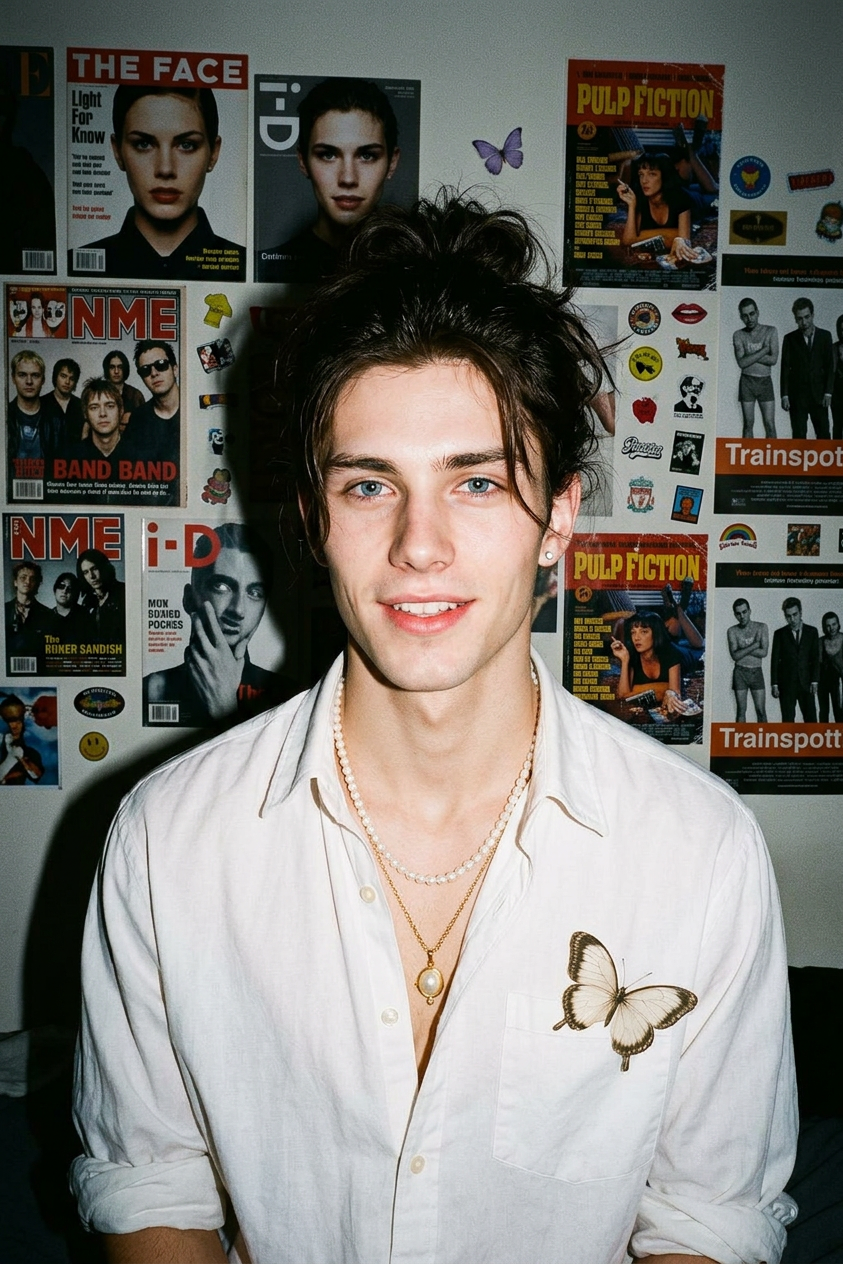
1990s Flash Film Portrait

1990s Flash Film Portrait

ai-image-editor

1 clip
3 uses

Any aspect ratio

Prompt

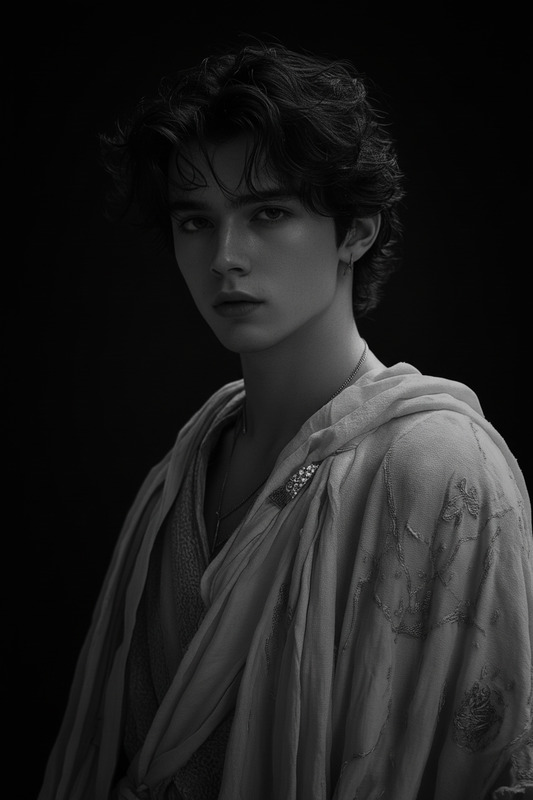
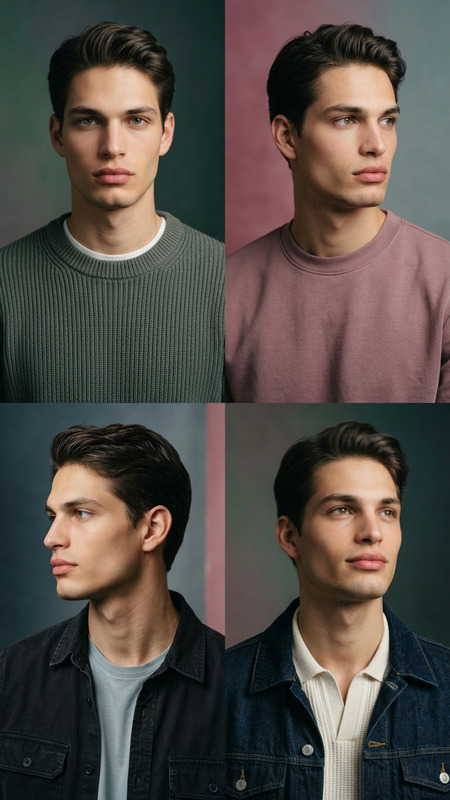
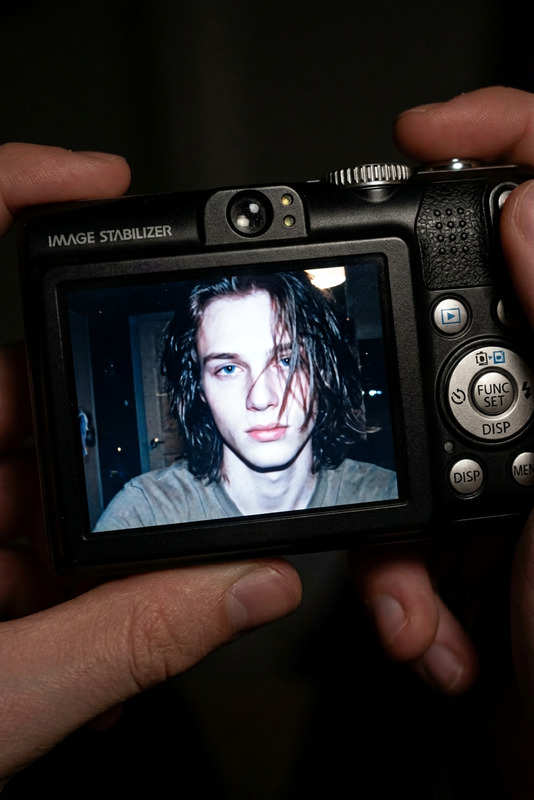
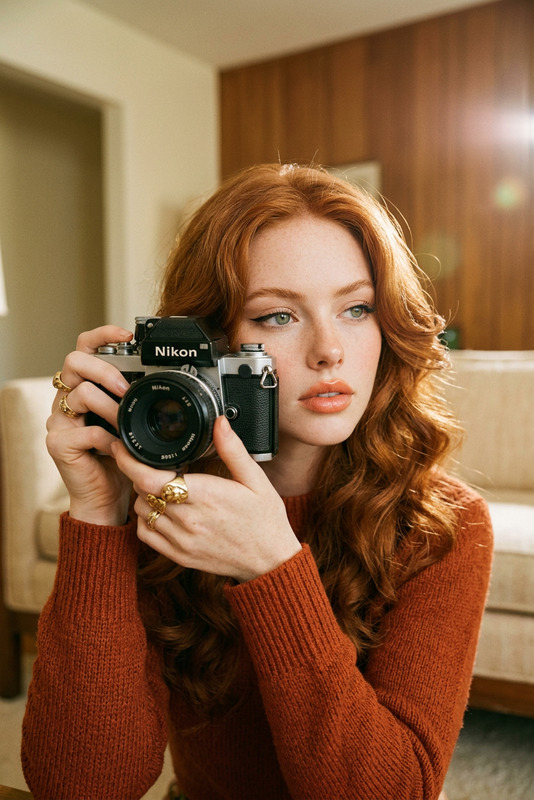
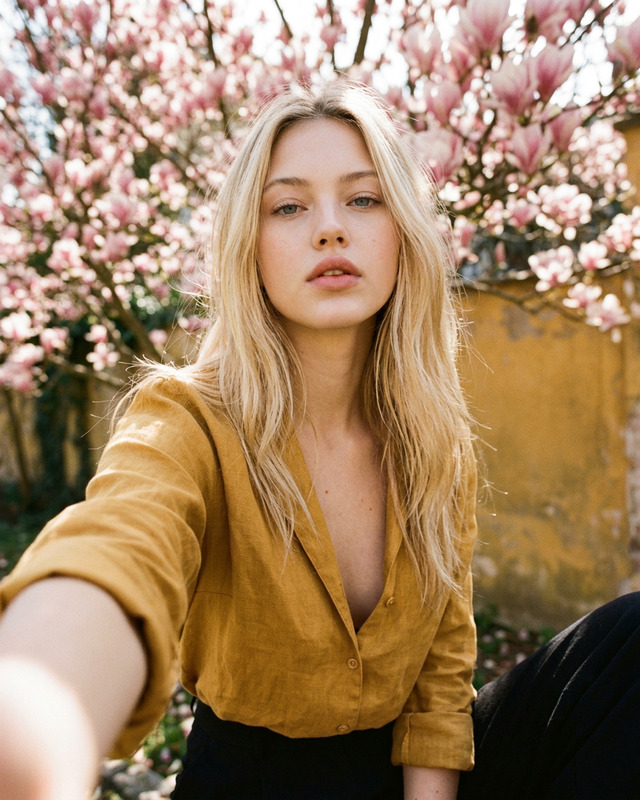
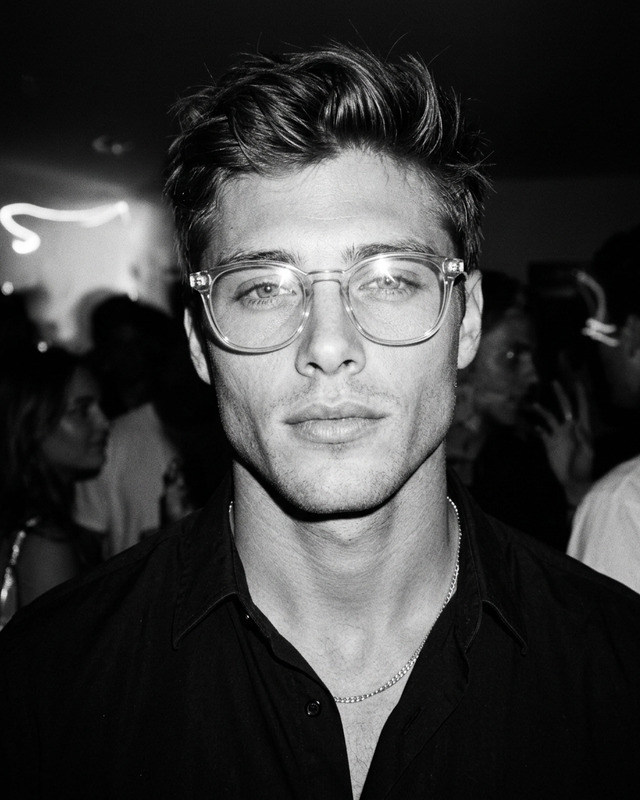
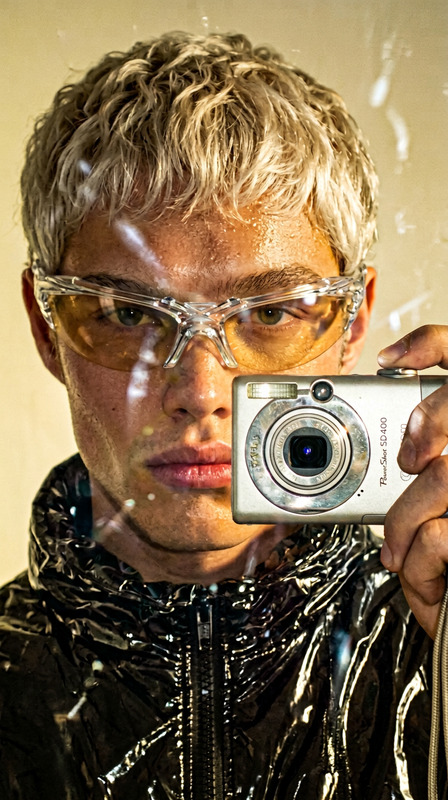
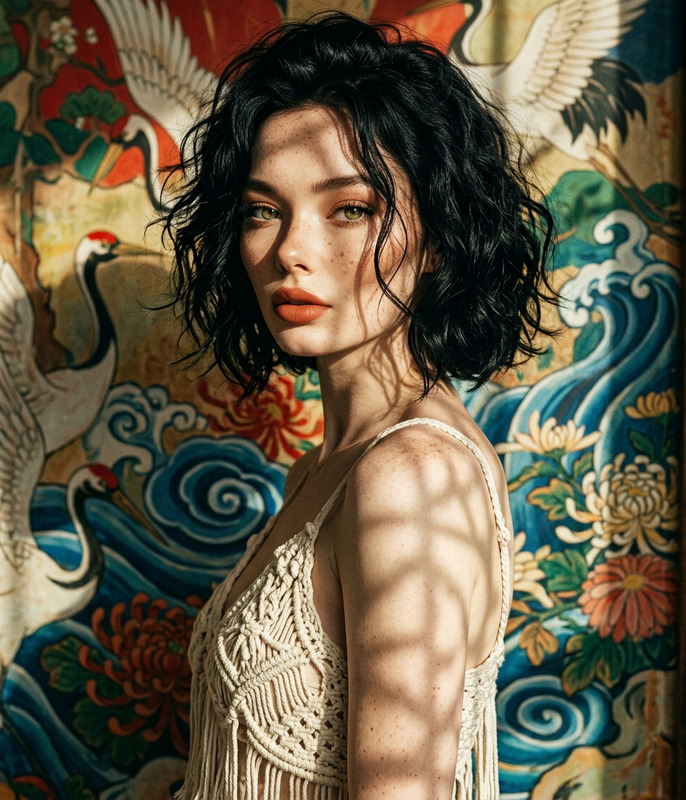
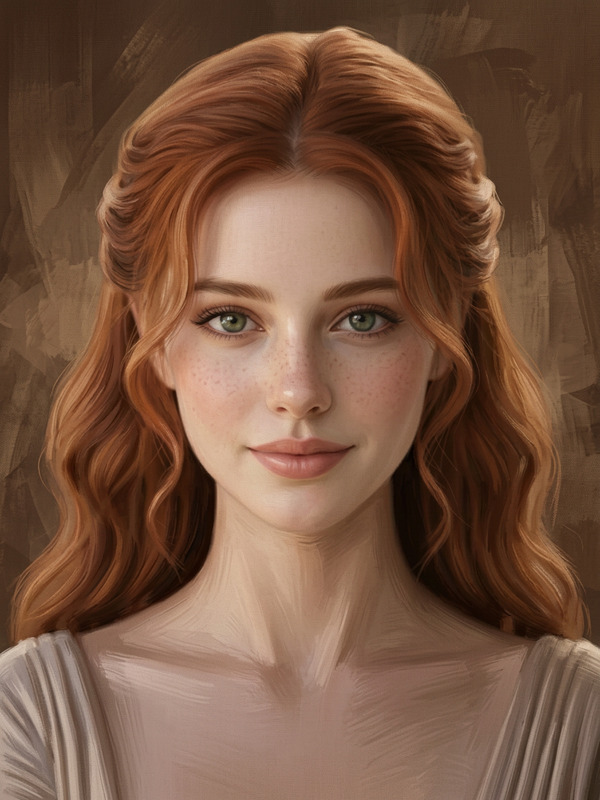
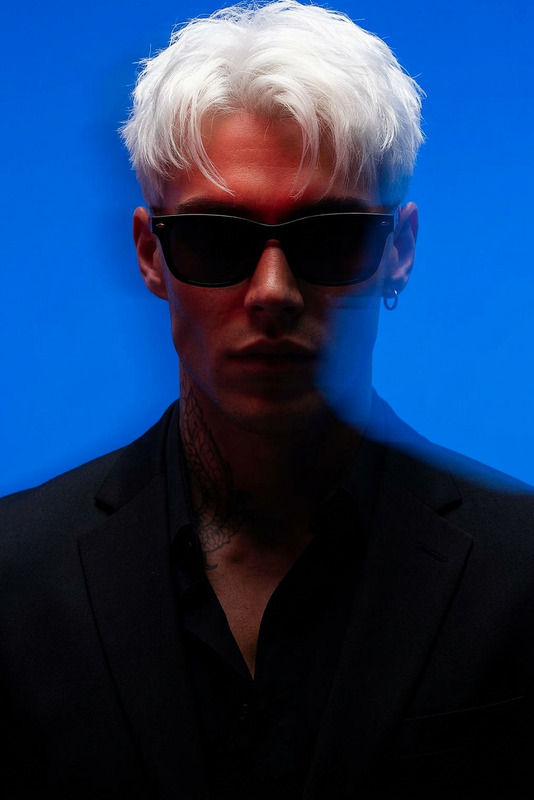
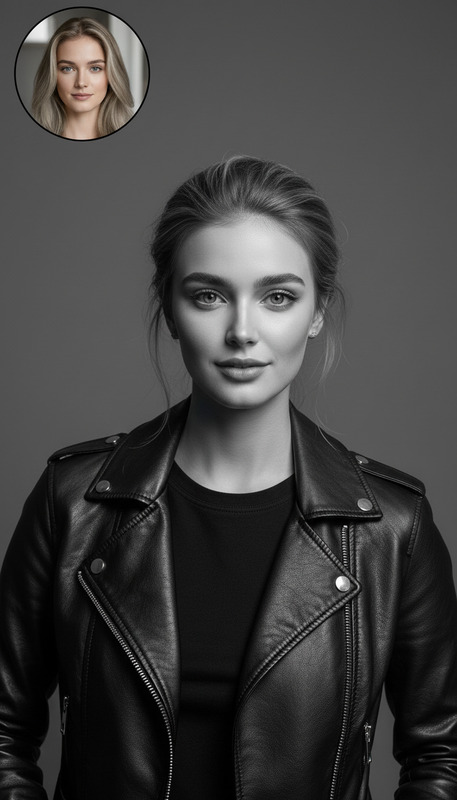
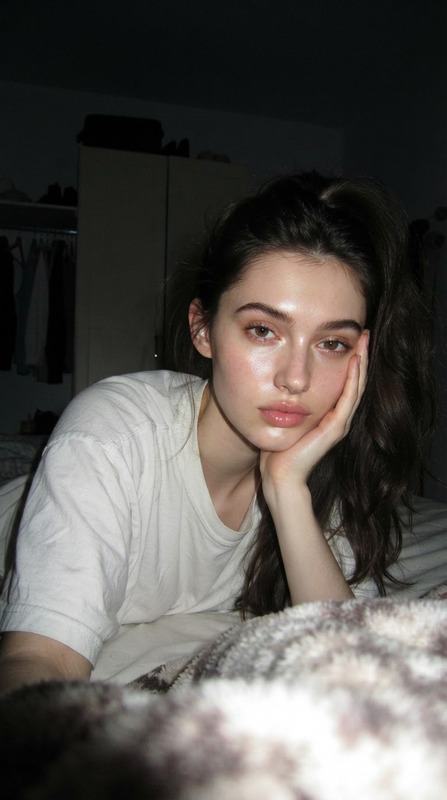
Using the uploaded image as the base, preserve the subject’s identity (if present) unless the transformation requires otherwise. without changing their original face, create a portrait of a beautiful young subject with porcelain-white skin, captured with a 1990s-style camera using a direct front flash. their messy dark brown hair is tied up, posing with a calm yet playful smile. they wears a modern oversized the outfit from the uploaded image. The background is a dark white wall covered with aesthetic magazine posters and stickers, evoking a cozy bedroom or personal room atmosphere under dim lighting. The 35mm lens flash creates a nostalgic glow. - Do not assume gender; preserve the subject’s identity or character from the uploaded image. - Output exactly 1 image, same aspect ratio as the uploaded image.

AI Image Editor Template: Turn Any Photo into a Clean, On‑Brand Visual in Minutes

Use this AI Image Editor–powered template to quickly transform an existing photo into a polished, on‑brand asset—without touching Photoshop. Perfect for thumbnails, social posts, product photos, banners, or quick design experiments.

This template is built on the AI Image Editor, so you can:

  • Replace or clean up backgrounds
  • Remove distracting objects
  • Add or swap elements (props, logos, text areas)
  • Adjust composition and style to match your brand

What This Template Does

This template is designed as a starting point for:

  • Marketing visuals – social ads, LinkedIn/Twitter posts, blog headers, hero images
  • Product and startup assets – product shots, landing page imagery, slide decks
  • Creator content – YouTube thumbnails, podcast covers, newsletter images
  • Branding experiments – test new visual directions before committing to design work

Under the hood, it uses the same tech as Magic Hour’s AI Image Editor: you give it a base image and simple instructions, and it generates a cleaned-up, improved version while preserving what matters (faces, structure, layout).


How to Use This Template (Step‑by‑Step)

You can use this template as-is, or remix it into your own. Here’s the basic workflow:

  1. Upload your base image
    Choose a photo you want to improve: product shot, headshot, scene, or social graphic.

    • For best results, use reasonably sharp, well-lit images.
    • If you need a starting image from scratch, generate one with the AI Photo Generator or AI Art Generator and then edit it here.
  2. Describe the transformation you want
    In natural language, explain what to change. Examples:

    • “Make the background a clean white studio, remove clutter, and keep the product sharp.”
    • “Turn this casual office photo into a professional banner for a SaaS landing page.”
    • “Replace the messy background with a modern, dark gradient and add space on the right for text.”

    Strong, specific prompts usually perform better. You can pull ideas from other Magic Hour tools:

  3. Preview and iterate

    • Review the output and decide if it fits your brand or use case.
    • If something’s off (color, mood, level of realism), refine your description and re‑run.
    • Keep prompts crisp and directional: mention style (photo‑realistic, illustration, flat, cinematic), context (ad, banner, thumbnail), and what must stay unchanged (faces, logos, core objects).
  4. Export and reuse across channels


How to Remix This Template in Magic Hour

If you want to create your own version of this AI Image Editor template for a specific workflow (e.g., “clean SaaS hero images” or “YouTube thumbnails with consistent style”), here’s a practical approach:

  1. Define your repeatable pattern
    Ask: “What do I want this template to reliably do?” For example:

    • Turn any founder selfie into a consistent, branded AI Headshot-style portrait
    • Convert raw product photos into ecommerce‑ready images with clean backgrounds
    • Standardize YouTube thumbnail style (big face, bold title area, branded colors)
  2. Lock in your brand or visual identity in the description
    When you remix, bake your brand rules into the template’s instructions, such as:

    • Color palette and mood (“muted, minimalist, modern SaaS aesthetic”)
    • Level of realism (photo‑real, stylized, anime, comic, etc.)
    • Layout preferences (empty space for text, composition center/left/right)
      This helps the template behave like a mini design system.
  3. Chain with other Magic Hour tools (optional)
    Build lightweight pipelines, for example:

  4. Save and standardize
    Once your remix produces consistent results, save it and reuse it across campaigns or clients. This is especially powerful if you’re:

    • Running a content or performance marketing agency
    • Shipping startup experiments weekly
    • Managing multiple brands with limited design bandwidth

Example Use Cases for Creators, Marketers, and Builders

1. Landing page and product visuals

2. Social and content marketing

3. Creator branding and avatars

4. Ecommerce, fashion, and product shots

5. Technical, architecture, and interior visuals


Working With Imperfect Inputs

Real‑world assets are often messy. Use this template together with other Magic Hour tools to repair or enhance source material before you style it:

Once fixed, run the improved image through this AI Image Editor template to align it with your brand, campaign, or aesthetic.


Connect Images to Video, Audio, and Characters

If you want this template to be part of a larger, AI‑driven content system:


Tips for Better Results

  • Be explicit about what should not change.
    Mention things like: “Keep the person’s face and expression exactly the same,” or “Preserve the product shape and label, only change the background.”

  • Describe style in terms of use case.
    Instead of “make it cool,” try:

    • “Make it look like a polished SaaS landing page hero image”
    • “Make it look like a premium cosmetics product shot for ecommerce”
    • “Stylize as minimal vector illustration suitable for an app onboarding screen”
  • Think in systems, not one‑offs.
    If you’re a marketer, founder, or creator, design your remix so it can be reused across campaigns, clients, or experiments with minimal tweaking.


Use this AI Image Editor template as a foundation, then remix it into your own branded, repeatable workflow. It’s a fast way to move from “rough idea” to “production‑ready visual” with enough control and consistency for serious creative and marketing work.

More Like This

Insufficient credits