Botanica
ai-image-editor
Any aspect ratio
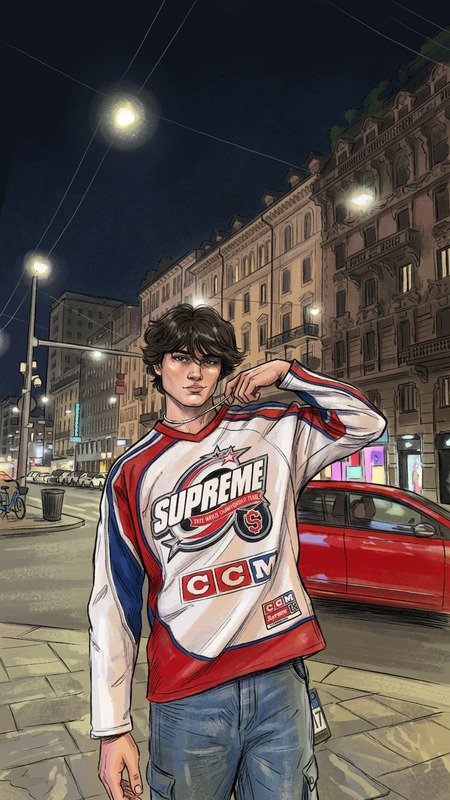
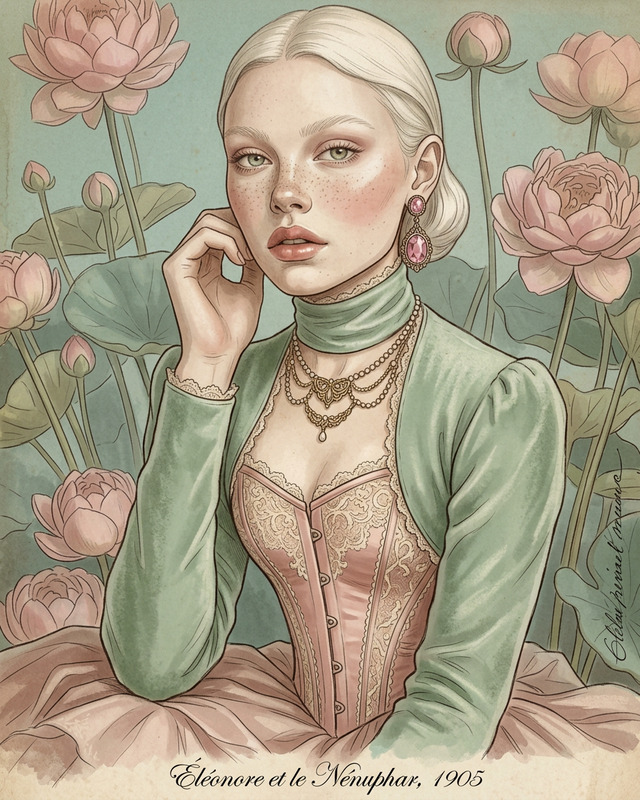
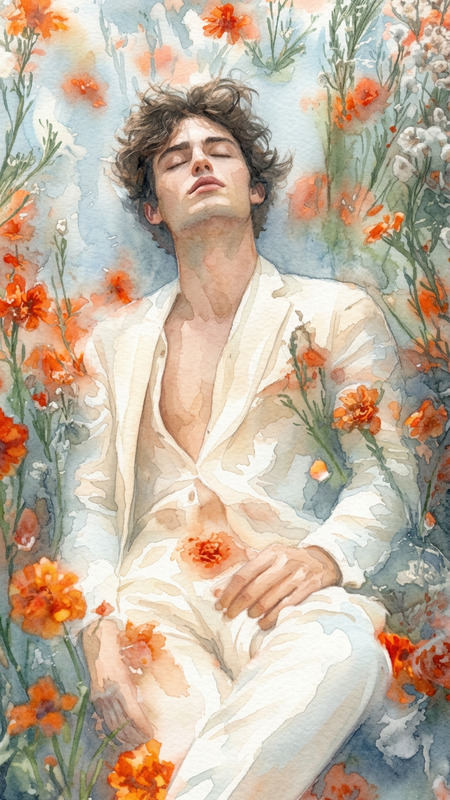
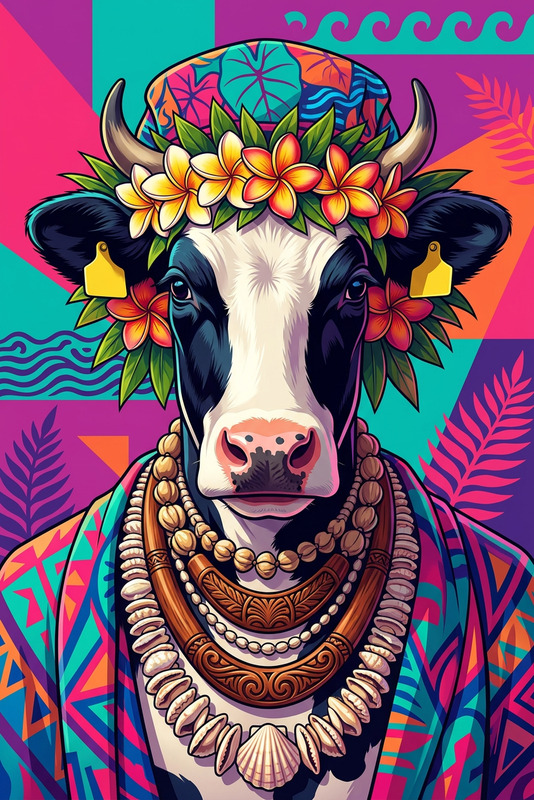
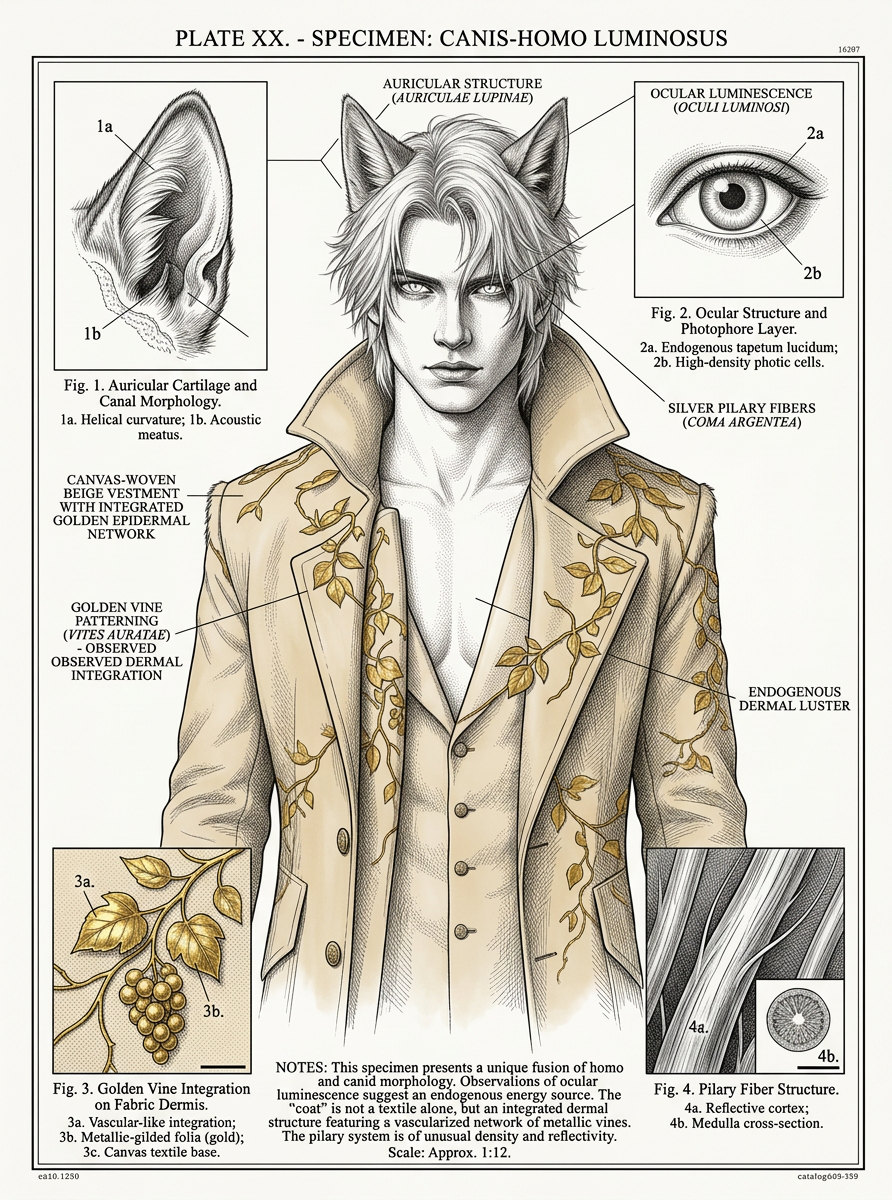
Create a vintage botanical illustration poster that reinterprets the main subject as if it were studied in a 19th-century scientific atlas, using only visible details. Use fine ink linework, delicate cross-hatching, and a realistic yet idealized illustration style. Style illustration with bright colors from the uploaded image on a white background. Lay out a central primary illustration supported by smaller inset studies, guide lines, and diagram callouts that analyze form and structure with annotated text. Include understated labels and markers. Annotated text should be in plain English and easy to read.
AI Image Editor Template: Turn Any Photo into a Polished, On‑Brand Asset
Use this AI Image Editor–based template to transform raw photos into clean, high-impact visuals you can ship immediately—without Photoshop, plugins, or complex workflows. Ideal for marketing teams, founders, solo creators, and technical users who need production‑ready images in minutes.
What You Can Do With This Template
This template is built on the AI Image Editor and is optimized for:
Background cleanup & replacement
Remove clutter, fix lighting issues, and drop your subject into clean studio-style, branded, or AI‑generated backgrounds. For background-only edits you can also combine this with the Image Background Remover or AI Background Generator.Object removal & additions
Erase unwanted objects, people, text, or logos using AI in-painting, or add new elements (props, signage, devices) that blend naturally. See also: AI Remover and Remove Object From Photo.Face & portrait enhancement
Clean up portraits for social profiles, landing pages, and decks. Improve lighting, fix minor imperfections, and adjust styling while staying true to the person’s identity. For more specialized portrait workflows, explore:
– AI Face Editor
– AI Headshot Generator
– AI Selfie GeneratorBranding & creative variations
Generate multiple on-brand variants of the same asset for ads, landing pages, app stores, and social. Combine this template with:
– AI Art Generator for stylistic variations
– AI Logo Generator for quick marks and icons
– Thumbnail Maker for YouTube and content thumbnailsResolution, clarity & restoration
Upscale low-res or compressed images and recover detail for print, decks, or paid campaigns. Pair this with:
– AI Image Upscaler
– Unblur Image
– Old Photo Restoration
– Photo Colorizer for black-and-white images
How to Remix This Template in Magic Hour
You can use this page’s template as-is or treat it as a starting point and customize it to your workflow in a few steps:
Duplicate / start from this template
- Open the template in Magic Hour and create a new project.
- This gives you a ready-made flow built on AI Image Editor.
Swap in your own input images
- Upload product shots, portraits, UGC, screenshots, or brand assets.
- The editor will automatically adapt the same transformation logic to your new images (e.g., similar background style, framing, subject emphasis).
Refine the visual style
- Decide how “real” vs. “stylized” you want the output.
- You can iterate until the image matches your brand: clean SaaS-style, cinematic, editorial, colorful, minimalist, anime-like, etc.
- For more stylized looks, try first generating a base aesthetic with the AI Art Generator, AI Anime Generator, or AI Illustration Generator, then refine with AI Image Editor.
Add or remove elements
- Use AI in-painting to remove distractions (cables, background people, signage) or add on-brand elements (devices, posters, UI screens, props).
- For logos, mock UIs, app screens, book covers, or productized art, consider pairing this with:
– Book Cover Generator
– Album Cover Generator
– AI Icon Generator
Export and re-use across formats
- Download the edited image for web, ads, decks, or product UI.
- Reuse the same image across other Magic Hour tools—for example:
– Turn it into a short asset with AI GIF Generator
– Animate the photo with Image to Video or Text to Video
– Make the subject talk with AI Talking Photo
– Build an animated character from the edited portrait with the Animated Characters Generator
Example Use Cases for Creators, Marketers & Builders
This template is designed for production use, not just experimentation. Common scenarios:
Landing pages & SaaS marketing
- Clean product shots, hero images, and team photos that match a consistent visual language.
- Replace busy backgrounds with studio-style or on-brand textures using AI Background Generator.
- Turn a founder portrait into a polished headshot with AI Headshot Generator, then fine‑tune with AI Image Editor.
Ad creatives & performance marketing
- Rapidly generate multiple variants of a winning ad creative by adjusting background, props, or framing.
- Create story-specific visuals for A/B tests without booking new shoots.
- Extend the flow into short video versions using Image to Video and add captions with Auto Subtitle Generator.
Social content & creator workflows
- Turn quick phone photos into feed-ready, brand-consistent images.
- Build a recurring “series look” for thumbnails using this template + Thumbnail Maker + AI Meme Generator for formats and hooks.
- Create stylized versions of yourself or your characters using Avatar Generator, AI Character Generator, and refine with AI Image Editor.
Product, fashion, and e‑commerce
- Clean up catalog images, remove wrinkles or unwanted items, and standardize backgrounds and lighting.
- Experiment with virtual styling using the AI Clothes Changer and AI Fashion Generator.
- Use Full Body Generator to create consistent model images, then tweak details with AI Image Editor.
Concept art, design, and storytelling
- Start with rough photos or concept sketches and evolve them into higher-fidelity visuals.
- Combine with specialized generators for world-building:
– Fantasy Map Generator
– DND AI Art Generator
– Dark Fantasy AI
– Architecture Generator
– AI Interior Design Generator - Use Comic Book Generator or Manga Generator for narrative panels, then adjust specific panels with AI Image Editor.
Combining This Template With Other Magic Hour Templates
If you work with video or animated content, this AI Image Editor template can be a building block inside a larger pipeline:
Face-swap and talking content
- Prepare higher-quality, cleaner source images before using:
– Face Swap Video Template
– Lip Sync Template
– AI Talking Photo - Use AI Image Editor to standardize lighting and remove artifacts; this often improves the realism and consistency of face swap and talking-photo outputs.
- Prepare higher-quality, cleaner source images before using:
Video-to-video & animation workflows
- First, refine key frames/stills using this template (e.g., character poses, product hero angles).
- Then feed the polished frames into:
– Video to Video Template
– Animation Template - This approach helps align video style with your edited images and brand assets.
Face and identity pipelines
- Use AI Face Generator or AI Character Generator to create synthetic faces/characters.
- Use this AI Image Editor template to refine those faces (lighting, background, expression).
- Then animate them with AI Talking Photo, Face Swap, or Face Swap GIF.
Tips for Getting Strong Results
Start from the best available source
Higher-resolution, well-lit inputs give more realistic edits and cleaner edges. If your source is weak, first run it through the AI Image Upscaler or Unblur Image.Iterate on one axis at a time
When remixing the template, change one thing per iteration (background, color palette, props, or style) to quickly learn what works for your brand and avoid overfitting to a single look.Build a small “visual system”
Decide on 2–3 background types, 1–2 lighting moods, and a handful of recurring elements (devices, shapes, textures). Save those as variants in Magic Hour so your entire team can apply them consistently.Chain tools for leverage
Use this template as the mid-layer in a chain:- Generate base concept: AI Image Generator or AI Photo Generator.
- Refine and clean up: this AI Image Editor template.
- Extend into motion or audio: Image to Video, AI Voice Generator, AI Voice Cloner, or AI Voice Changer.
Who This Template Is For
This AI Image Editor template is built for users who care about both speed and quality:
- Startup founders & product teams who need launch-ready visuals without a full design team.
- Growth & performance marketers running fast creative iteration cycles.
- Content creators & YouTubers who want consistent thumbnails and visual identity.
- Designers & art directors who want a controllable, repeatable AI step in their pipeline.
- Developers & technical users integrating Magic Hour outputs into apps, landing pages, or automated content systems.
Remix this template, plug it into your own workflow, and treat AI Image Editor as an always-on, production-quality layer for your images.