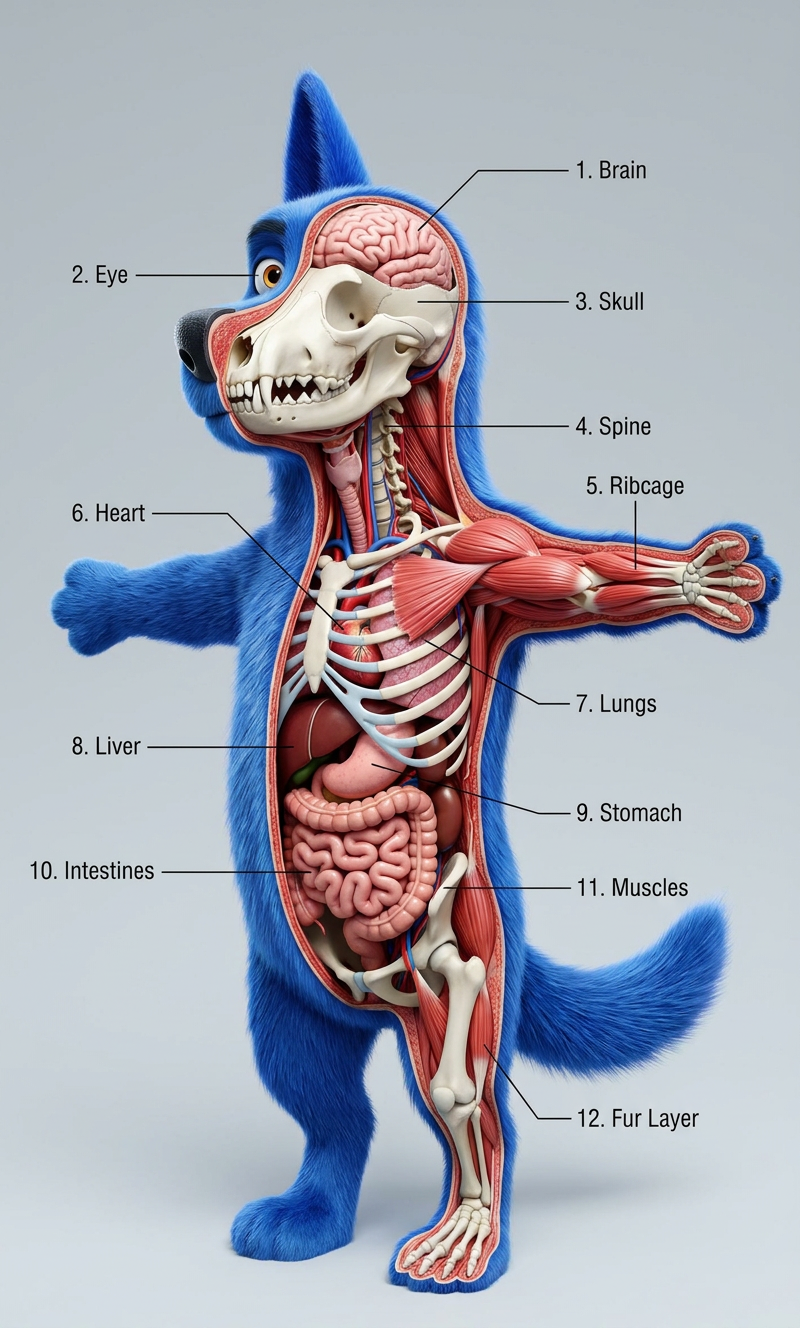
3D Anatomical Cross-Section Generator
- Model
- Nano Banana Pro
- Image
- 800 × 1328 px
Prompt
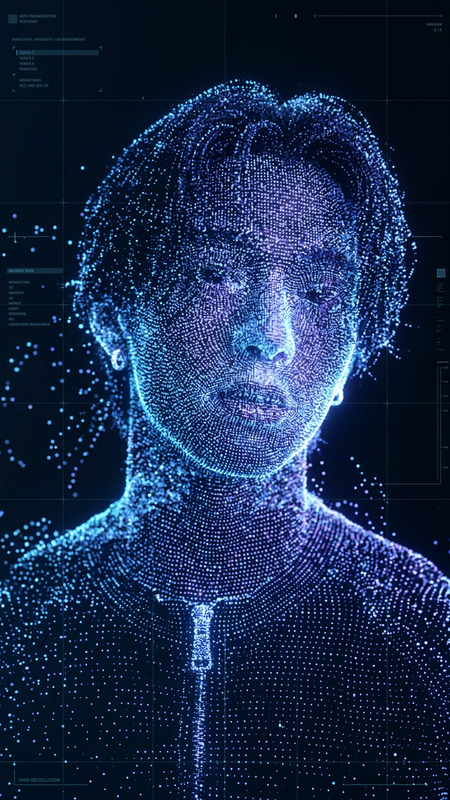
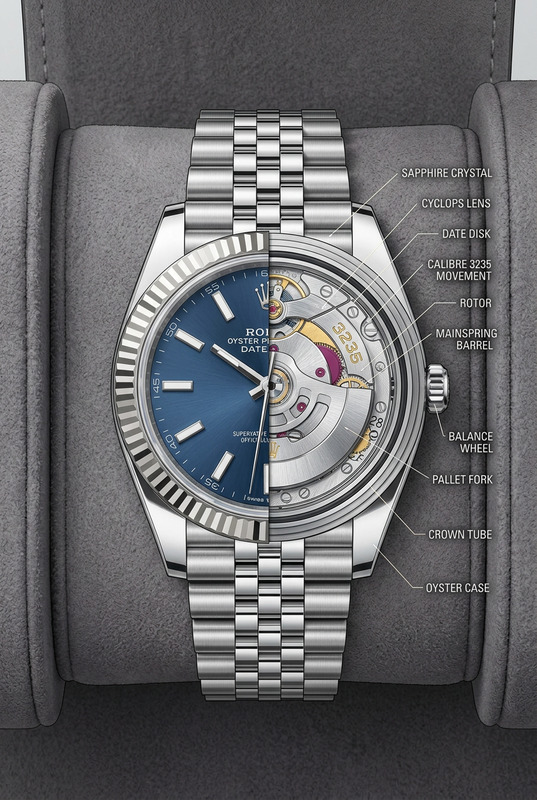
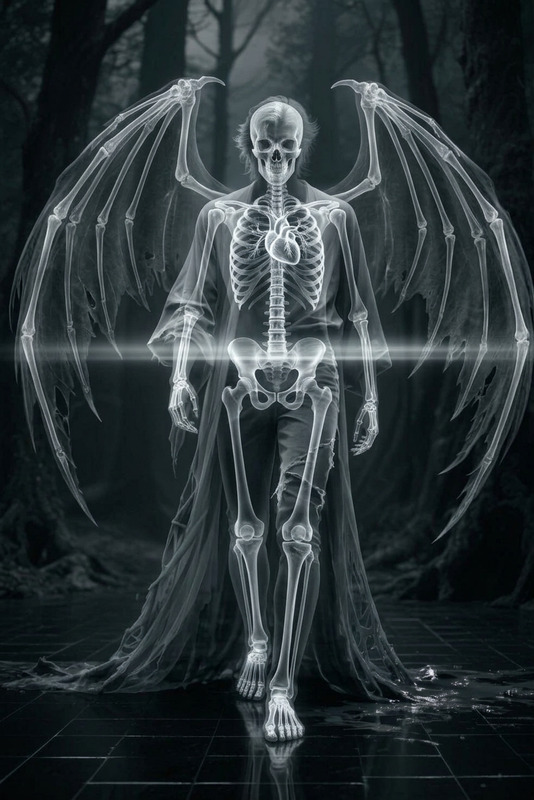
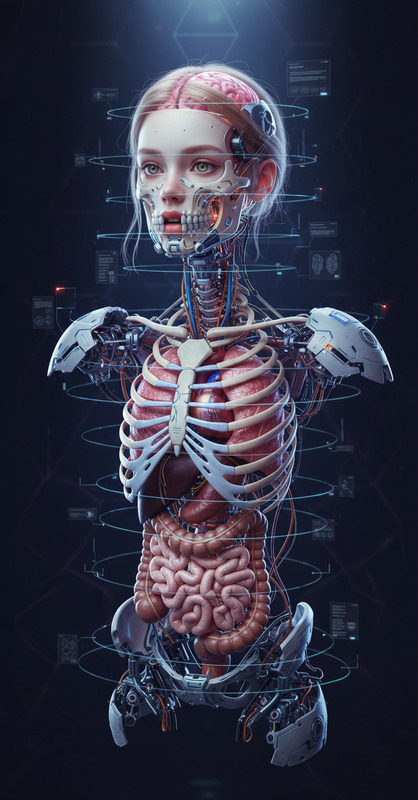
"Subject is a highly detailed 3D anatomical cross-section of {argument name=""creature"" default=""any creature""}; the body is partially sliced to reveal internal structures including skeleton, muscles, organs, and tissues; realistic layering and accurate spatial placement; clean medical-style presentation with numbered annotations pointing to key parts; soft neutral background for clarity; cinematic lighting with clear visibility of details; ultra-realistic textures, high resolution, scientific visualization style, sharp focus."
Any aspect ratio
Overview
Discover the power of the 3D Anatomical Cross-Section Generator, a specialized template in AI Image Editor designed for creating detailed 3D anatomical visualizations. Using the robust capabilities of the nano-banana-pro model, you can generate visually compelling and scientifically accurate images perfect for educational or medical presentations.
What It Does
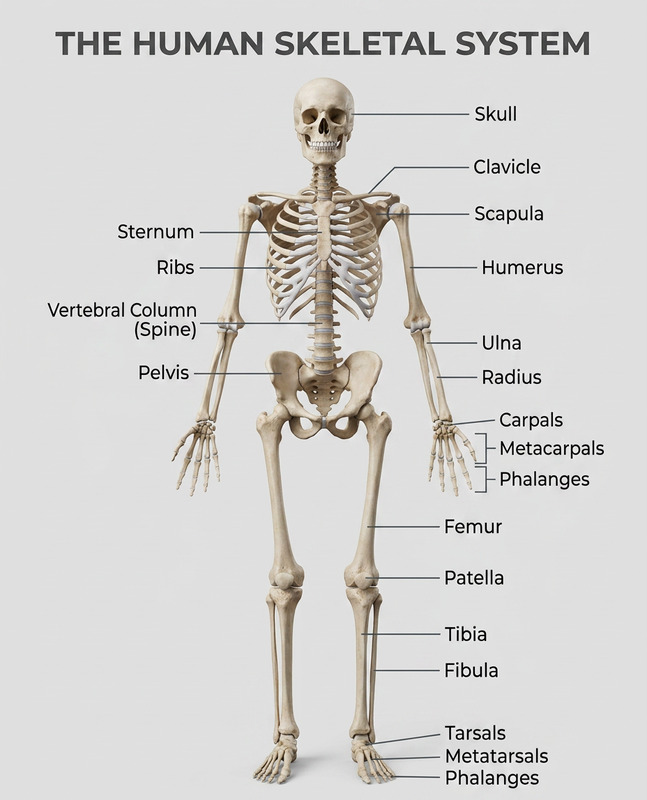
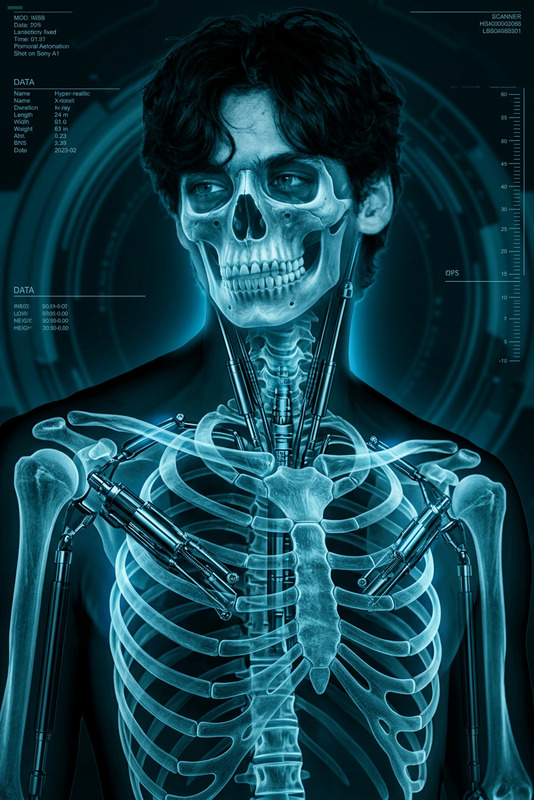
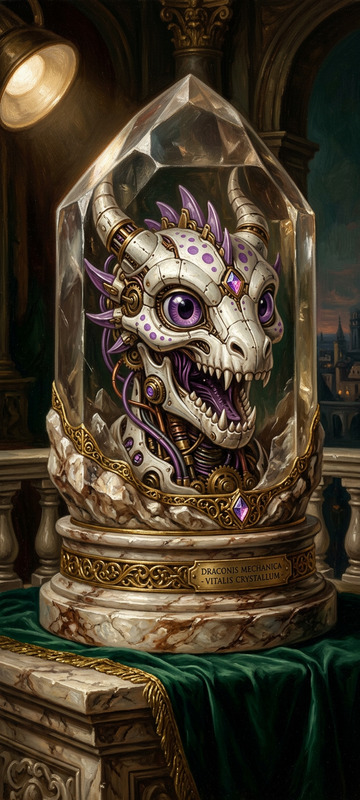
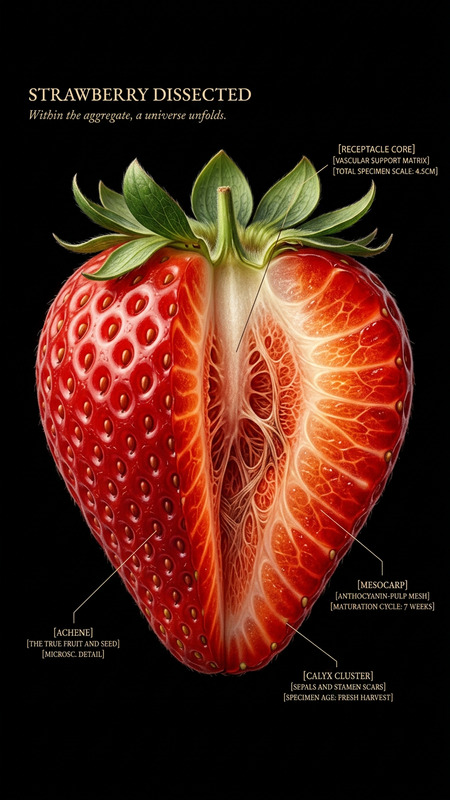
This template utilizes AI to generate high-resolution 3D anatomical cross-sections. Each image includes realistic structures such as skeletons, muscles, and organs arranged in an anatomically correct manner. It offers a clean, medical-style layout with annotations and labels, presented on a neutral background for clarity.
For those interested in creating engaging medical visuals, our AI Image Generator can also complement your needs by producing tailored images to enhance your visual content arsenal.
Who It's For
Ideal for educators, medical professionals, and scientific communicators, this tool supports the creation of educational content rich in anatomical detail. It's also useful for medical students and professionals looking for a reliable way to visualize complex biological structures in a clear and engaging manner.
Summary
The 3D Anatomical Cross-Section Generator serves as an essential tool for anyone needing precise, high-quality anatomical imagery. Whether you're crafting a presentation or creating educational materials, this template ensures your content is scientifically accurate and visually impressive.
For additional resources, explore our AI Profile Picture Generator for creating profile-specific images and our Photo Colorizer for adding vibrant color to your monochrome images.
How to Use
Choose Template

Customize Inputs

Generate Image

Use Cases
Medical Training
- Create visual aids for lectures
- Enhance interactive training modules
Educational Materials
- Supplement courses with high-quality images
- Improve student engagement
Scientific Presentations
- Communicate complex ideas more effectively
- Increase audience understanding
Best Practices
Select Appropriate Subjects
Choose creatures that will benefit most from detailed anatomical cross-sections. Ensure anatomical accuracy is preserved in the final image.Use Annotations Wisely
Utilize the numbered annotations to highlight and explain key features in your presentation.Focus on Lighting and Texture
Ensure that cinematic lighting and realistic textures provide clarity and highlight the intricacies of your subject.