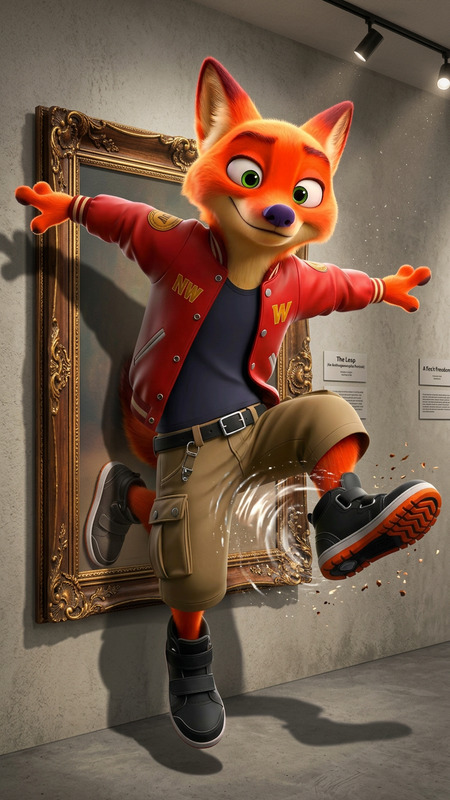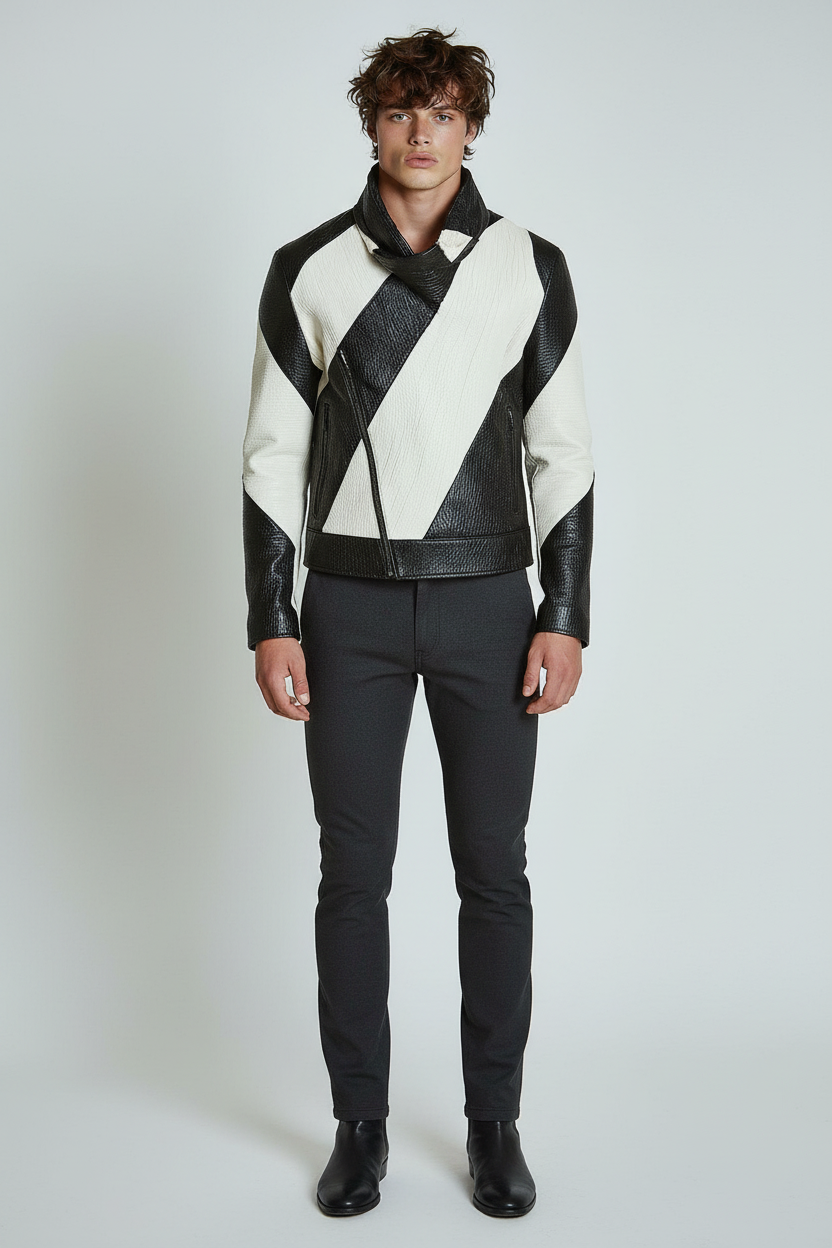
Seamless Full-Body Extension
- Model
- Nano Banana
- Image
- 832 × 1248 px
Prompt
Extend the image vertically to reveal the subject’s full body while strictly preserving original proportions, pose, lighting, and artistic style. Accurately infer and complete hidden anatomy (torso, legs, feet) in a natural and consistent way based on the visible upper body. Maintain all existing background elements, textures, and perspective without alteration. Ensure clothing details, fabric behavior, and lighting continuity remain seamless. The result should feel like a true continuation of the original image, not a reinterpretation.
Any aspect ratio
Overview
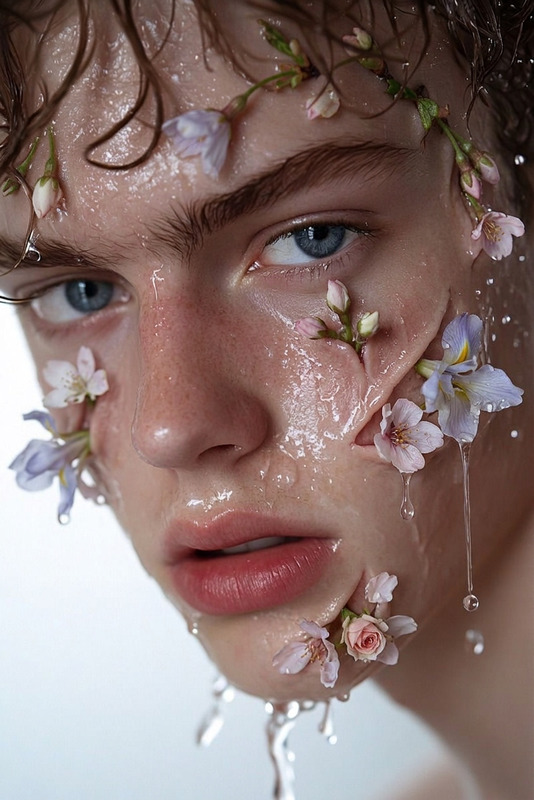
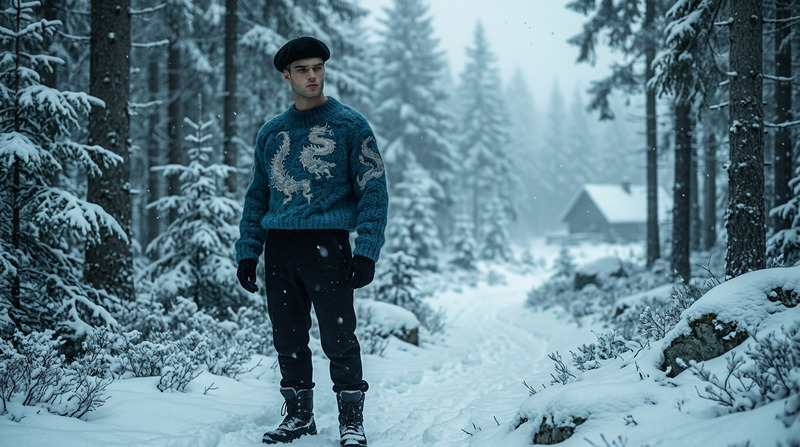
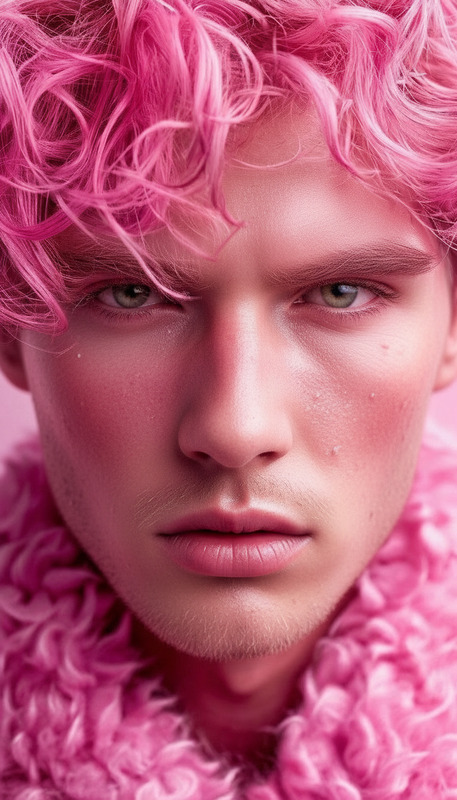
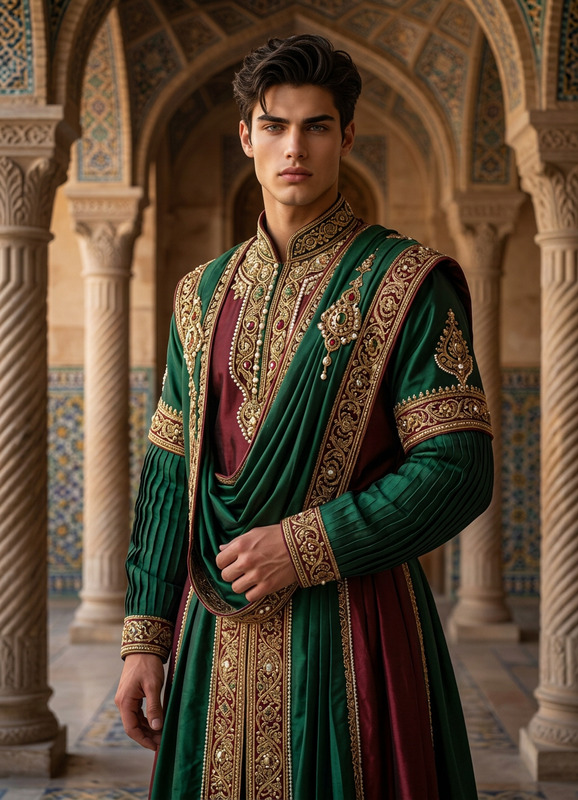
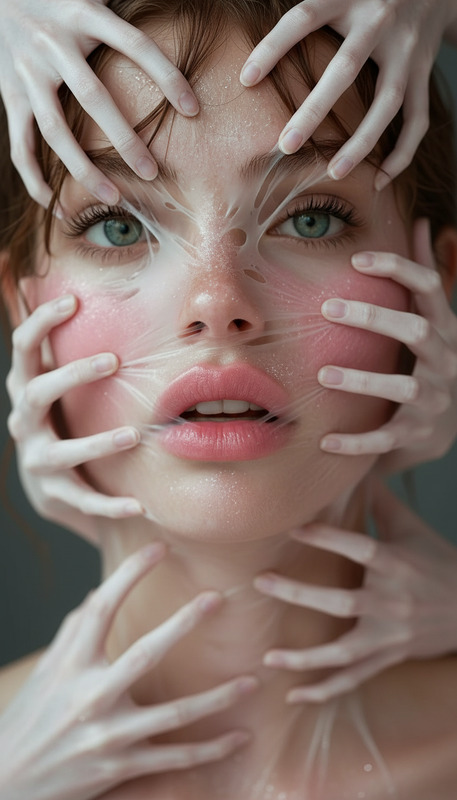
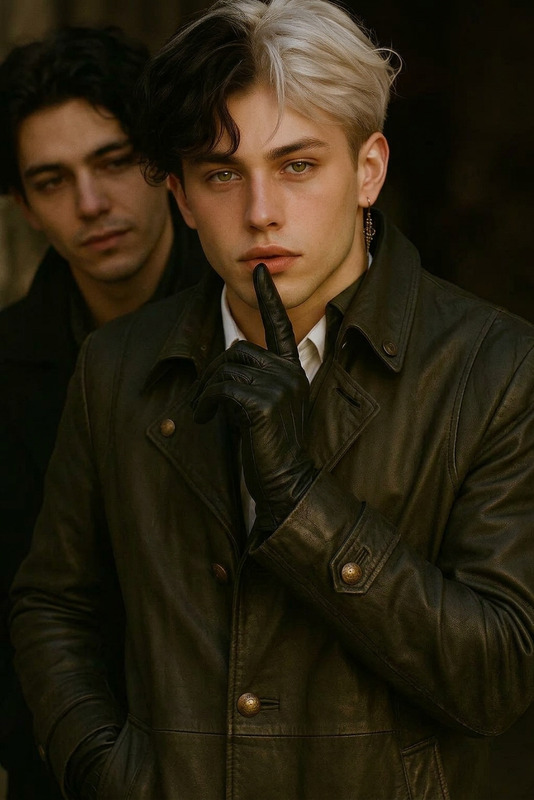
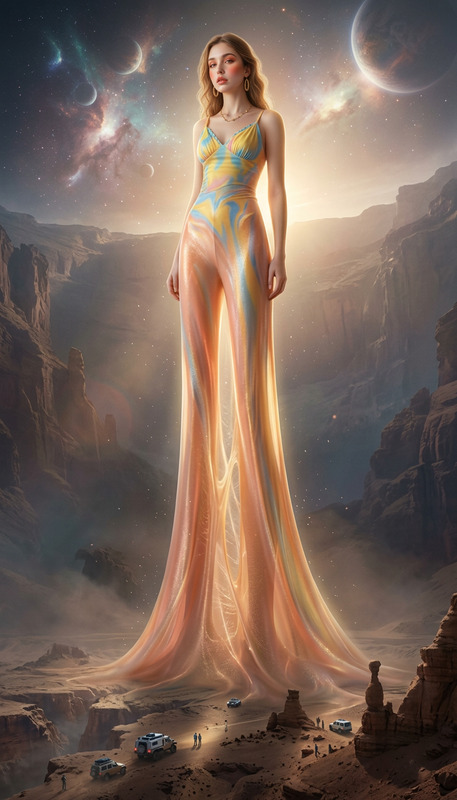
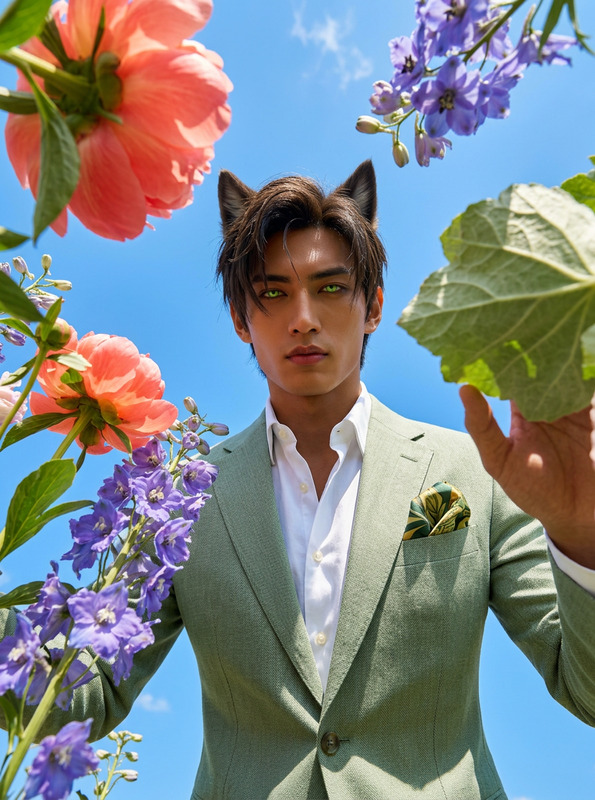
Our Seamless Full-Body Extension is a robust AI Image Editor template that leverages the nano-banana model to enhance images by extending them vertically. It accurately reveals the full anatomy of a subject by logically inferring hidden body parts based on the visible upper body.
What It Does
This template is designed to preserve the original proportions, pose, lighting, and artistic style while extending the image vertically. It completes hidden anatomy like the torso, legs, and feet naturally, ensuring continuity in background, texture, and perspective. The seamless integration with existing background elements and clothing details ensures the final result feels like a genuine part of the original frame.
Who It's For
Ideal for photographers, digital artists, and content creators looking to enhance their visuals. Those working on projects involving character design or needing to transform cropped images into complete, full-bodied representations will find this tool particularly beneficial. It complements tools such as the AI Image Upscaler and the AI Voice Cloner when creating immersive multimedia content.
Summary
The Seamless Full-Body Extension template provides a sophisticated method to naturally expand your images while retaining the essence of the original picture. It is a perfect choice for visual projects that require detailed and consistent image enhancements, catering especially to those invested in high-quality, realistic image manipulations.
How-To
Choose Your Starting Image

Adjust Settings and Inputs

Generate Your Extended Image

Use Cases
Character Design Enhancement
- Concept art development
- Digital comic creation
Photography Augmentation
- Portrait conversions
- Fashion photography adjustments
Creative Digital Projects
- Social media ads
- Marketing visuals
Best Practices
Start with High-Quality Images
To ensure the best results, begin with images that have clear details and good lighting. This aids the AI in preserving the style and subject consistency.Maintain Contextual Integrity
When extending an image, keep in mind the context and purpose of your project. Ensuring the continuation aligns with the original's composition is crucial for realism.Review Generated Results
After generating the extended image, check for any anomalies that might require minor manual adjustments to perfect the outcome.