Engineer Vision
- Model
- Nano Banana Pro
- Image
- 848 × 1264 px
Prompt
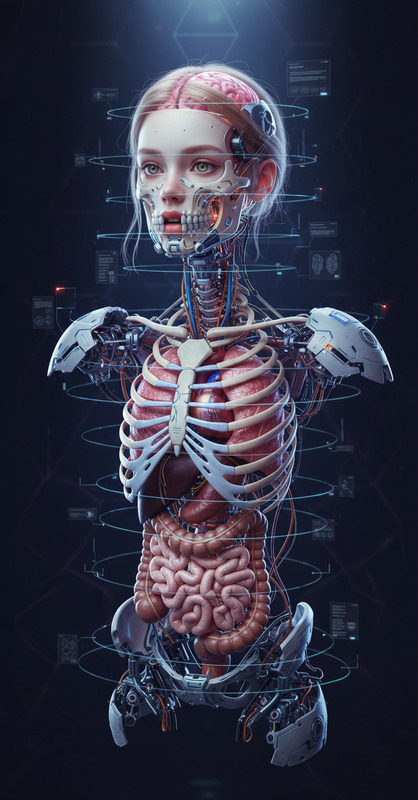
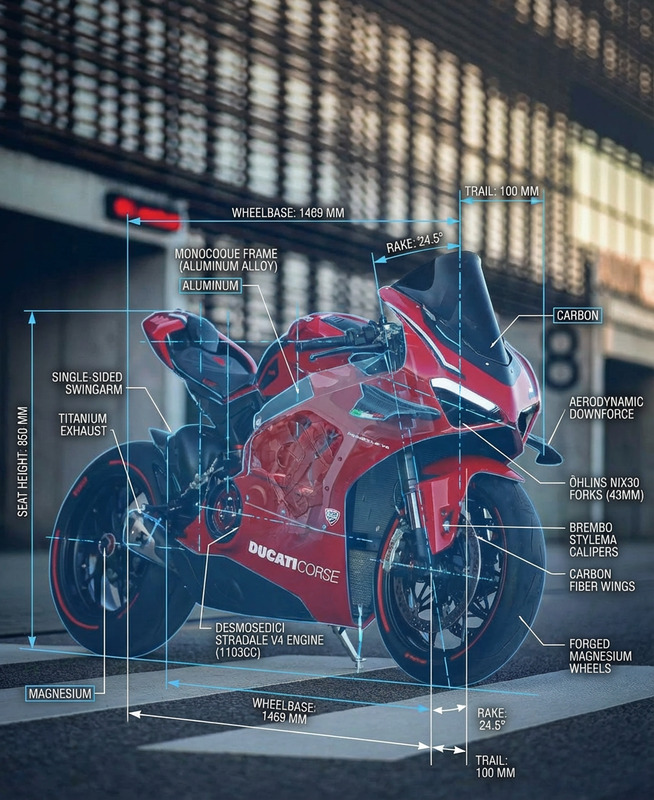
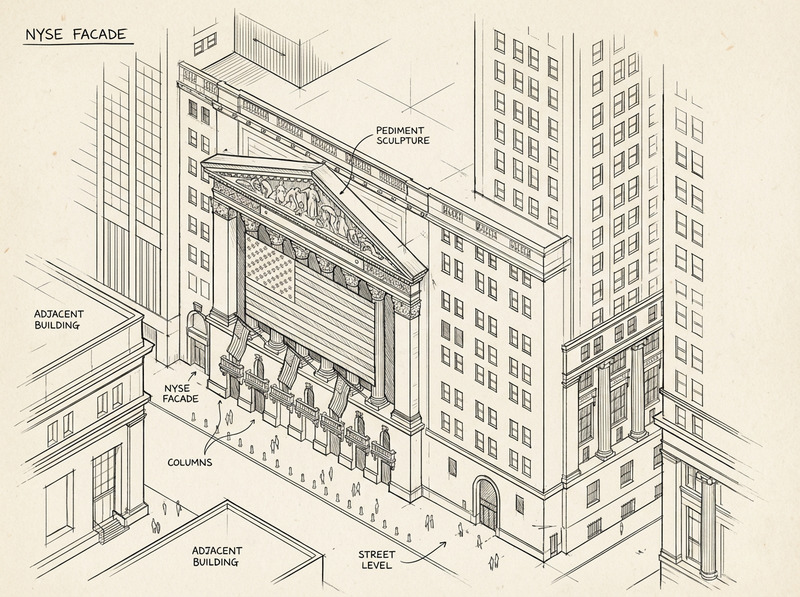
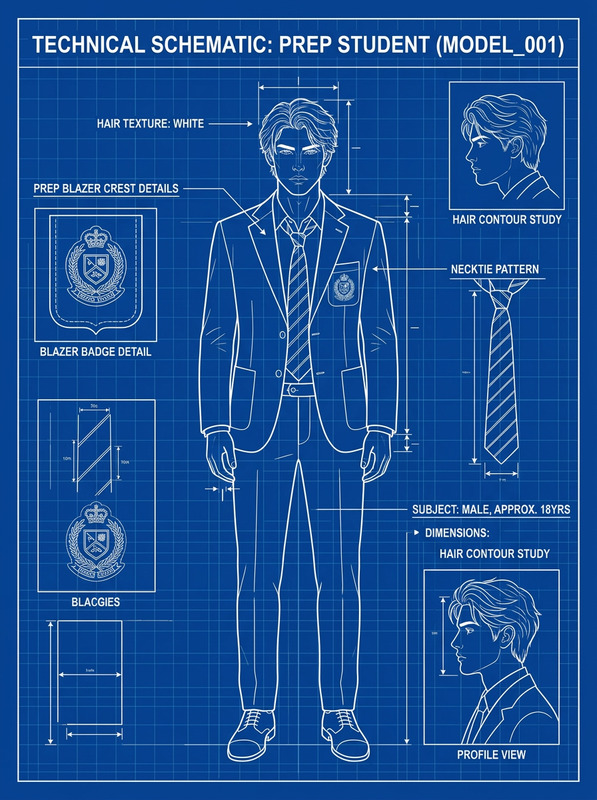
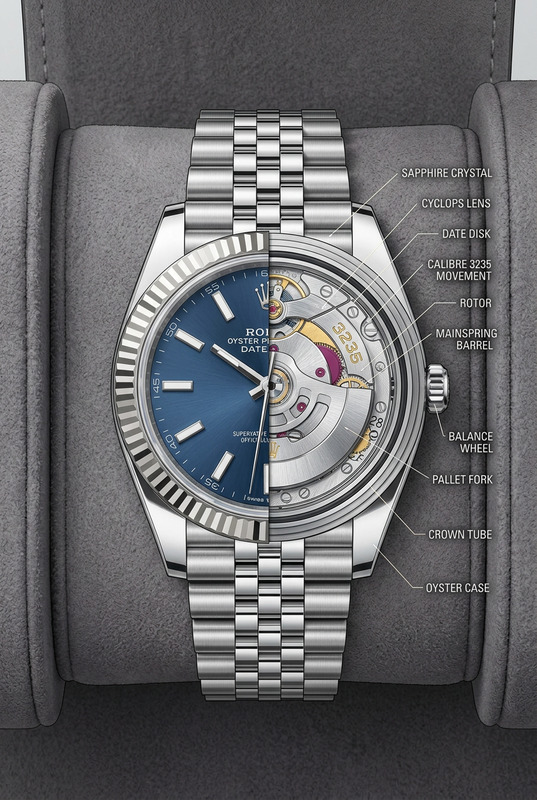
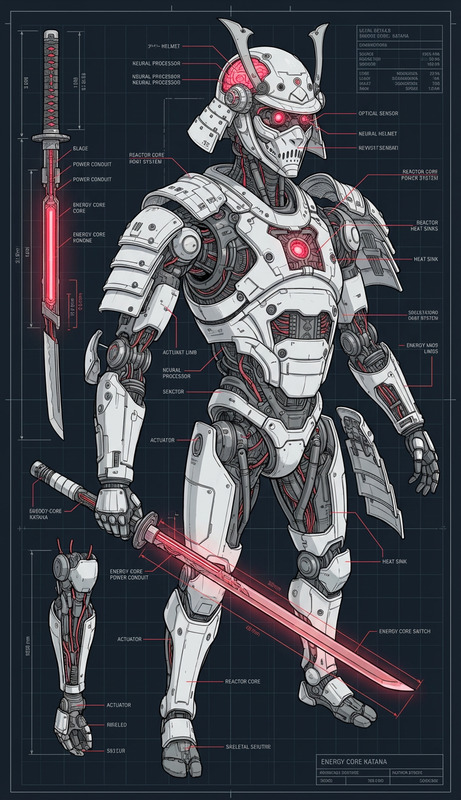
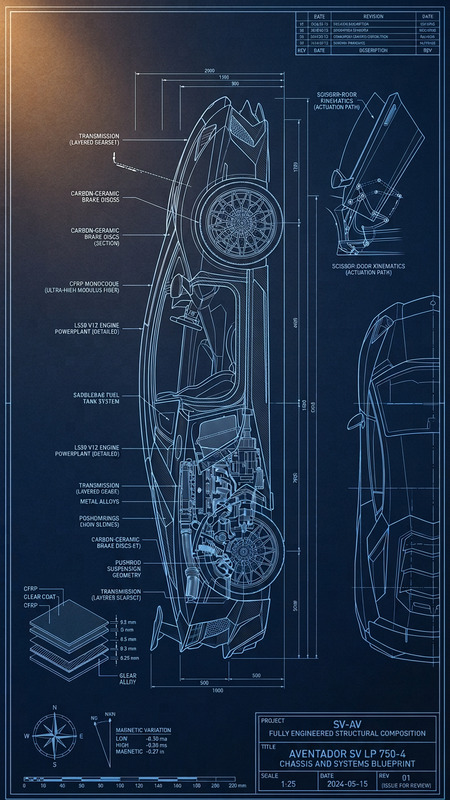
Reimagine the image as seen by engineers. Overlay technical annotations, measurements, grid lines, and labeled components. Add blueprint-style elements like wireframes, schematics, arrows, and notes explaining structure, materials, or function. Use a clean, precise aesthetic with subtle color coding (e.g., white/blue/orange) while keeping the original subject visible beneath the technical layer.
Any aspect ratio
Overview
The Engineer Vision template utilizes the capabilities of the AI Image Editor model to transform any image into an engineer's blueprint. Equipped with tools to overlay technical annotations and schematic elements, this template aids in visualizing complex structures or components in a clean, precise manner.
What It Does
Engineer Vision converts images by overlaying them with engineering elements like annotations, measurements, and blueprint-style designs. This editor uses the Nano Banana Pro model, known for its high fidelity and accuracy in rendering technical details. The template maintains the original image's visibility while adding layers of engineering insights.
Who It's For
This template is perfect for engineers, technical illustrators, and educators who require detailed visualizations. It's also beneficial for anyone involved in product design or architectural planning who needs to communicate complex ideas visually.
Summary
Engineer Vision harnesses the power of AI to create detailed and insightful image modifications fit for technical applications. By integrating this with other tools like the AI Clothes Changer and AI Profile Picture Generator, users can expand their creative capacity significantly.
How to Use
Choose

Customize

Generate

Use Cases
Technical Presentations
- Clear communication of ideas
- Engages technical and non-technical audiences
Educational Materials
- Incorporates real-world examples into lessons
- Improves comprehension of complex concepts
Product Design Visualization
- Visualize product components and materials
- Facilitates feedback and iteration stages
Best Practices
Use Subtle Colors
Opt for a color scheme that complements rather than overshadows the original image, using subtle contrasts.Highlight Key Areas
Focus annotations and measurements on the most significant areas to prevent clutter.Combine with Other Tools
Leverage complementary tools like the Face Swap and Text to Video for expansive creative projects.