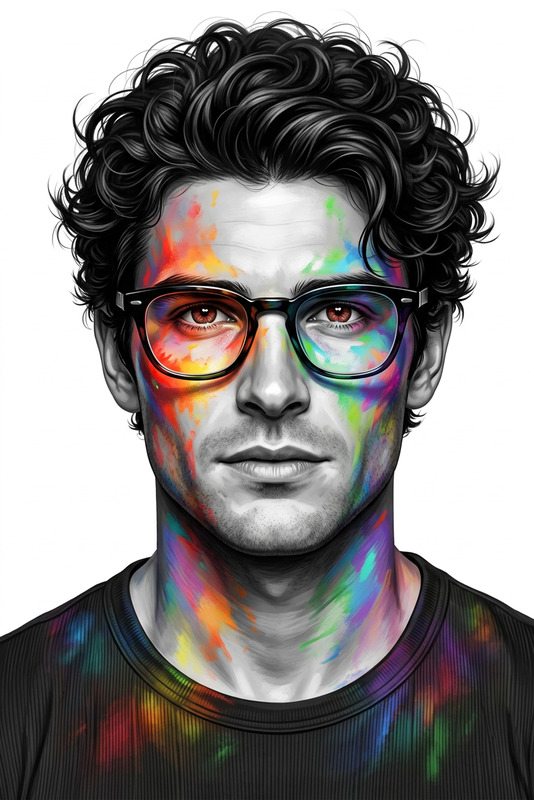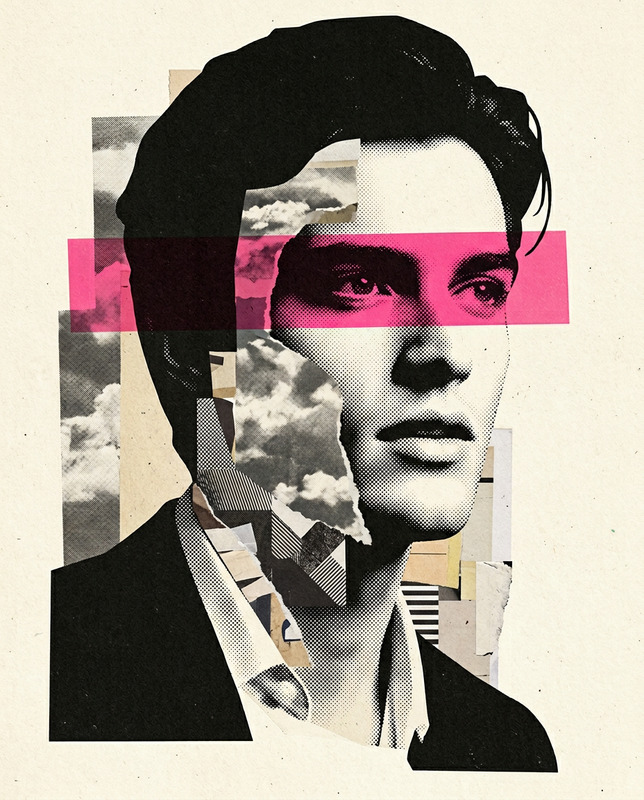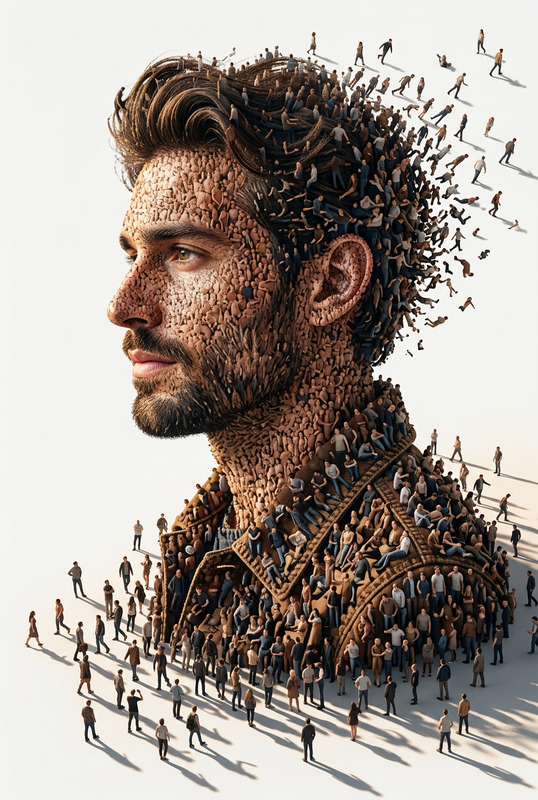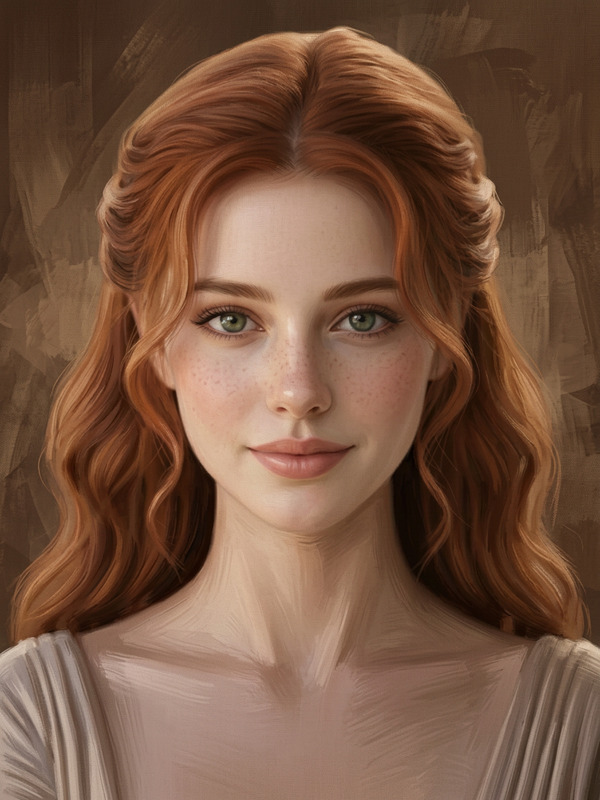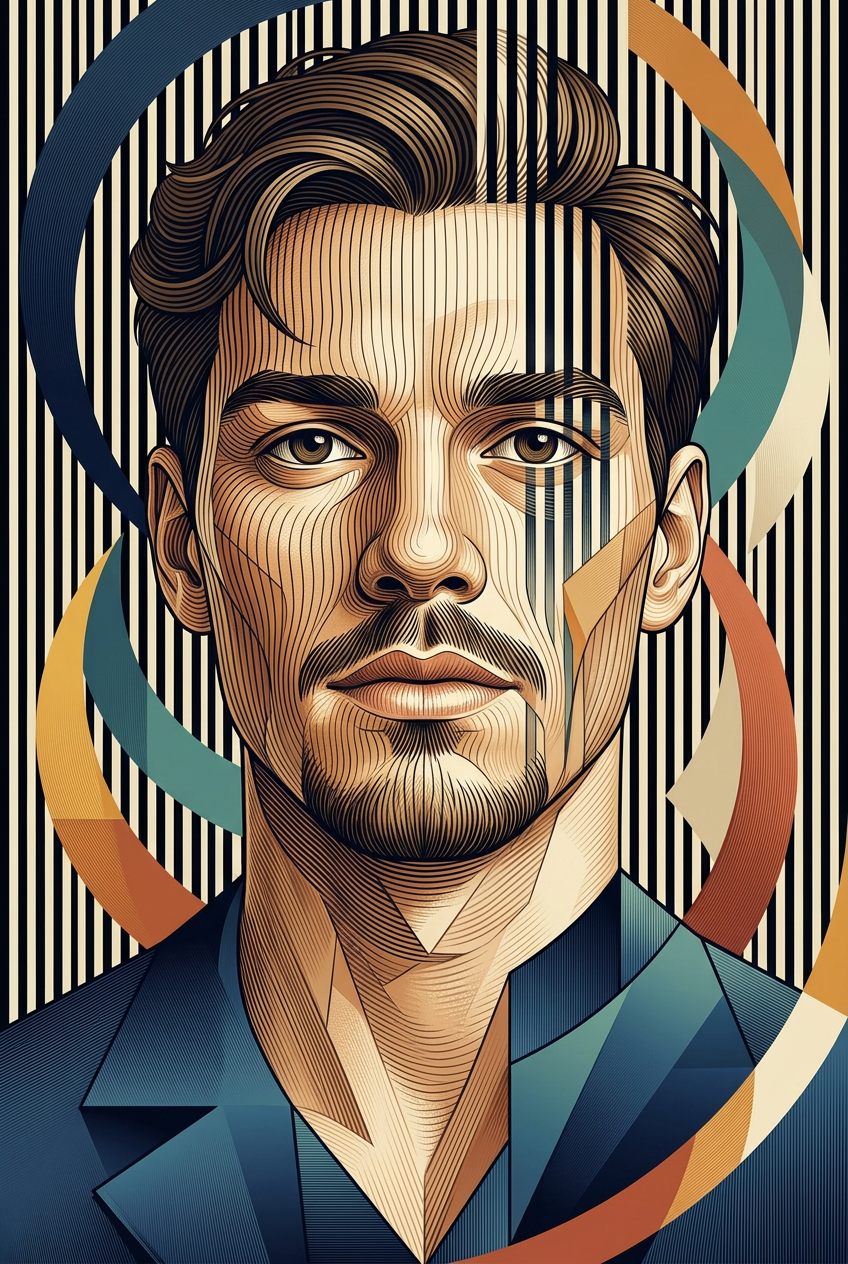
Cubist Contour Line
- Model
- Nano Banana 2
- Image
- 848 × 1264 px
Prompt
Transform the uploaded portrait into a masterpiece combining optical contour-line illustration and modern geometric cubism. Preserve the exact facial identity, glasses, hairstyle, age, skin tone, and facial proportions of the original person. Build the face from hundreds of flowing vertical contour lines that bend naturally around the eyes, nose, cheeks, lips, ears, and chin. Merge these contour lines with layered polygonal planes and faceted geometric surfaces inspired by contemporary cubist sculpture. Surround the portrait with large curved geometric ribbons in navy blue, teal, ochre, amber, terracotta, and cream. Background contains dense vertical black-and-cream stripes that continue through parts of the face to create an optical illusion effect. Skin rendered using warm sandstone and ivory tones with subtle engraved textures. Clothing simplified into elegant angular geometric shapes with deep blue gradients. Fine line engraving visible across all surfaces. Sophisticated museum artwork, high detail, premium gallery illustration, dimensional shading, sculptural appearance, realistic likeness, symmetrical composition, portrait centered, 4:6 aspect ratio, masterpiece quality, 8k resolution.
Any aspect ratio
Overview
The Cubist Contour Line template is an AI Image Editor tool designed to transform ordinary portraits into striking Cubist artworks. Using the power of the Nano-Banana-2 model, it blends contour lines with geometric cubism to create a modern masterpiece while retaining the integrity of the original image.
What It Does
This template applies intricate contour lines that curve gently around facial features, complementing them with geometric planes reminiscent of cubist styles. It cleverly maintains the original portrait's identity, capturing details like facial proportions and skin tone with artful precision. The background enhances the portrait with bold ribbons and optical stripes, adding a high-art feel suitable for gallery displays.
Who It's For
Perfect for artists, designers, and creative professionals who want to give their portraits a unique edge. Ideal for projects that require mood boards, art prints, or promotional materials demanding a sophisticated artistic touch. It's also a great tool for art enthusiasts looking to explore modern cubism in their work.
Summary
Utilize the Cubist Contour Line template to elevate portraits into contemporary art pieces. Melding technical precision from AI with classic artistic styles, it delivers high-resolution images with a sculptural and detailed finish. Whether for personal artwork or professional applications, this tool bridges art and technology.
How to Use
Choose Your Template

Customize Your Inputs

Generate and Download

Use Cases
Art Prints and Exhibitions
Marketing and Branding
Social Media Content
Creative Personal Projects
Best Practices
Maintain Original Details
Ensure the source portrait is clear and high-quality to preserve key facial features in the transformation.Experiment with Colors
Try different background color combinations to add depth and distinctiveness to your final image.Use Appropriate Resolution
Start with high-resolution images to ensure that the contour lines and geometric shapes are crisp and detailed.