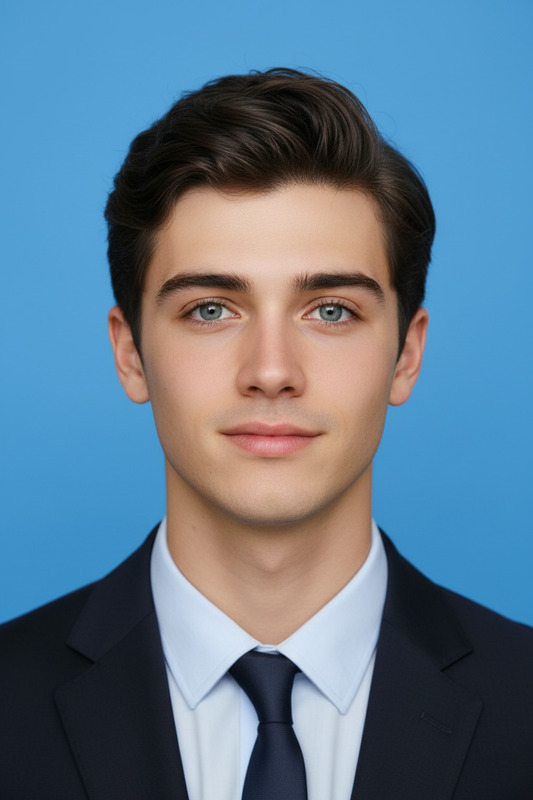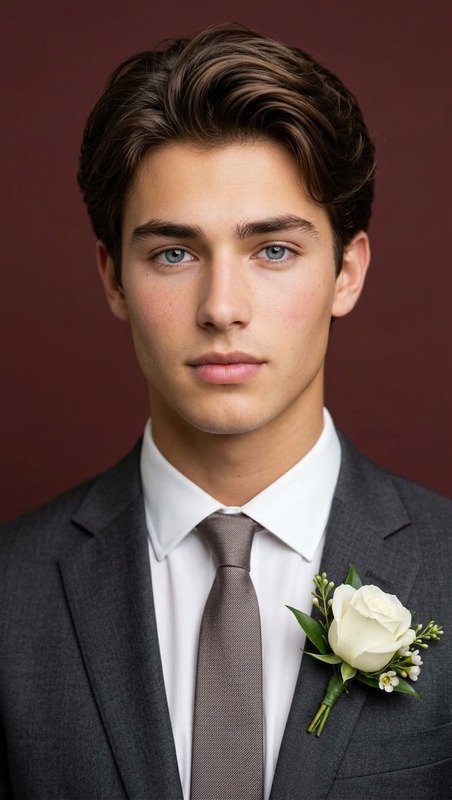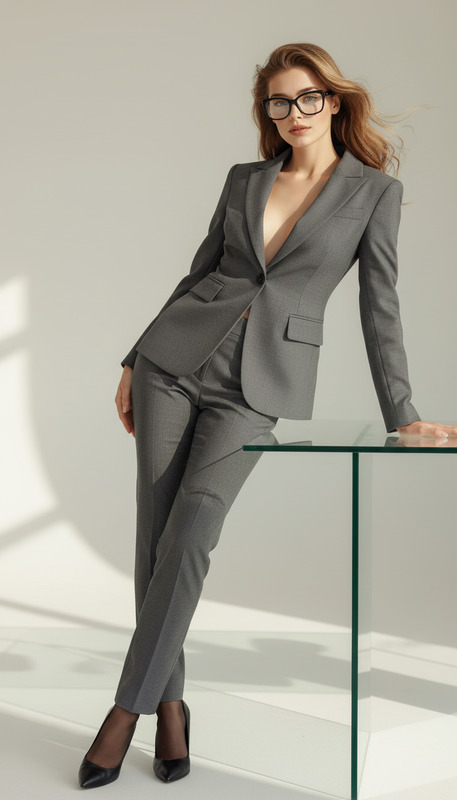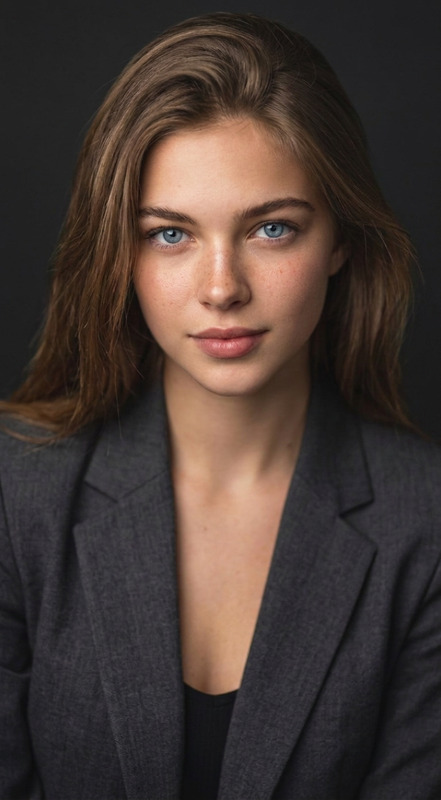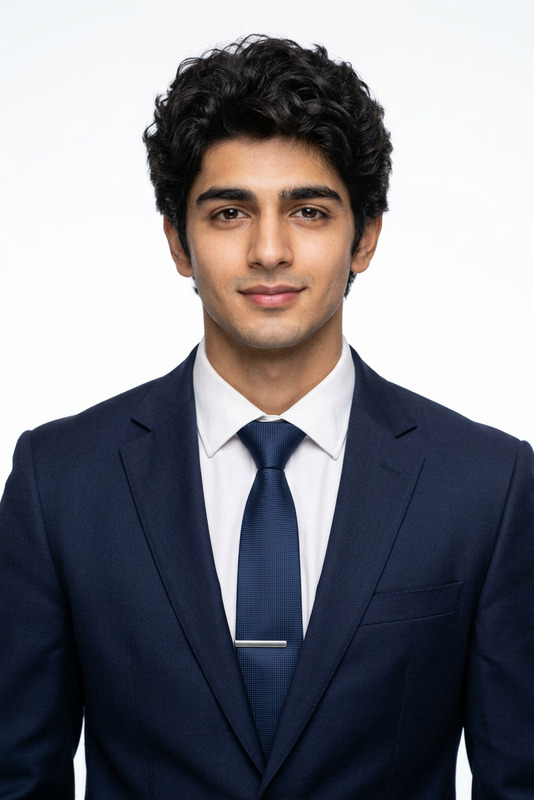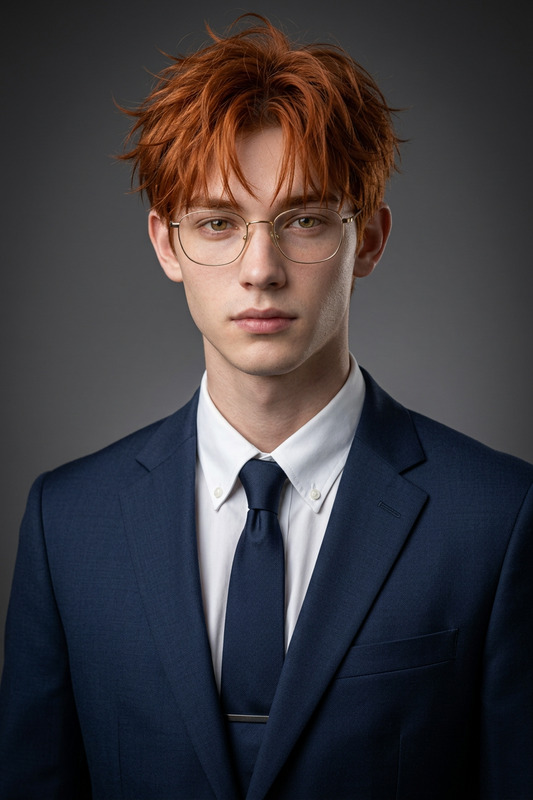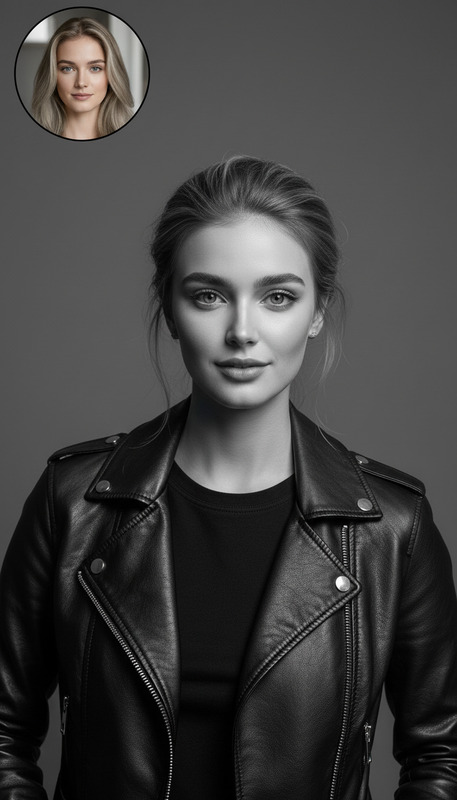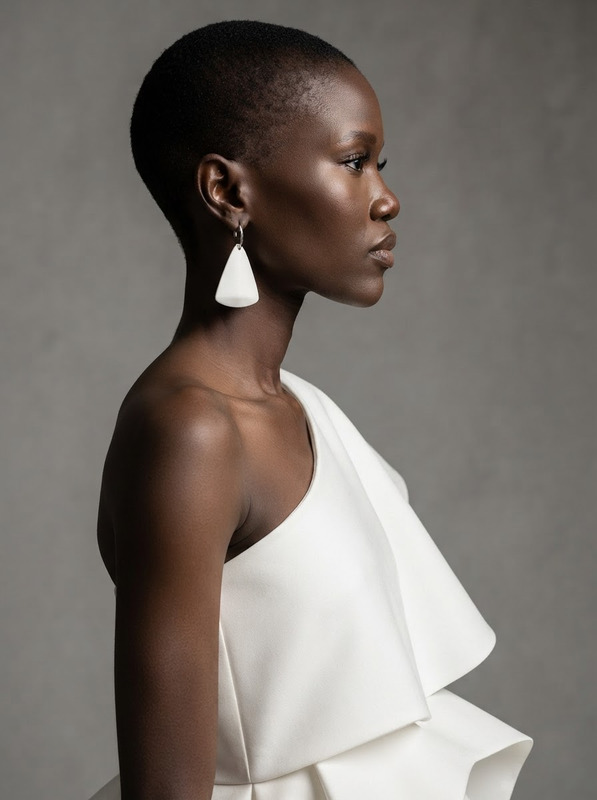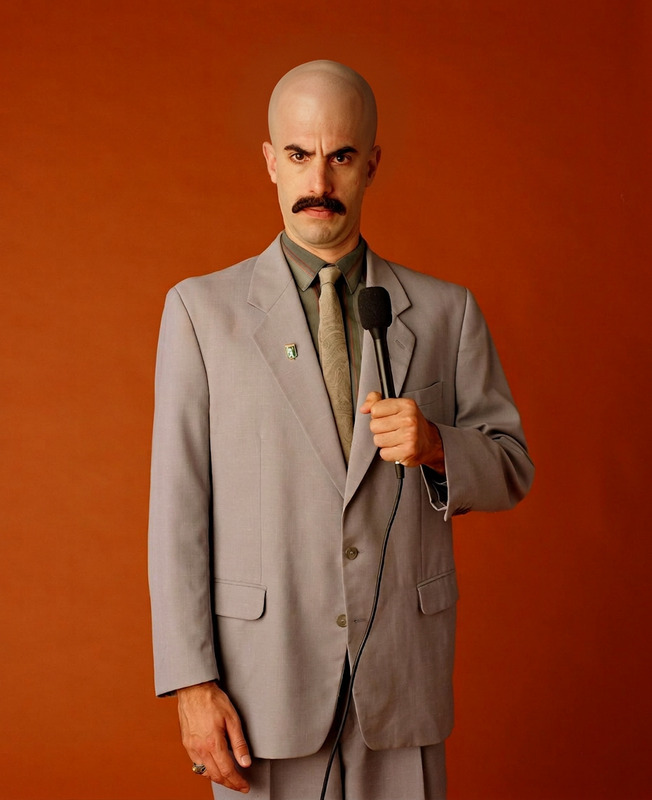
LinkedIn Headshot Conversion
- Model
- Nano Banana 2
- Image
- 843 × 1264 px
Prompt
Convert the image into a professional LinkedIn headshot. Keep only the person and remove all other objects, pets, and distractions. Adjust posture to formal and centered: shoulders square, head straight, and facing directly forward with symmetrical alignment. Ensure direct eye contact with a confident, neutral-to-friendly professional expression. Dress the subject in formal business attire suitable for corporate use. Use a studio portrait style with clean, even lighting and soft shadows. Replace the background with a pure solid color (white, light gray, or neutral professional tone). Maintain high realism and sharp focus suitable for a corporate profile photo.
Any aspect ratio
Overview
The LinkedIn Headshot Conversion template is specifically designed to elevate personal branding on professional networking sites. Powered by the Nano-Banana-2 model, it leverages advanced AI capabilities to transform any ordinary image into a polished, professional headshot suitable for LinkedIn and other corporate platforms.
What It Does
This template meticulously edits your image by isolating the subject and removing any extraneous elements like objects or pets. It enhances your posture and ensures direct eye contact, crafting a formal and friendly expression. Additionally, the AI dresses the subject in professional attire and applies a polished studio portrait style with clean background colors, ideal for corporate use. For further creative control, explore our versatile AI Image Editor.
Who It's For
This tool is perfect for professionals looking to enhance their online presence with a standout headshot. It's particularly useful for job seekers, corporate employees, freelancers, and business leaders who want to make a lasting impression. Additionally, companies can use this tool for uniform employee headshots to maintain brand aesthetics, complementing our AI Profile Picture Generator solutions.
Summary
Transform any photo into a professional-grade headshot ready for LinkedIn and beyond. Suitable for all professionals and teams that require an online presence that conveys confidence and professionalism, this template simplifies the process of photo editing while maintaining high realism. Explore additional capabilities with our AI Clothes Changer to complete your perfect professional look.
How To
Choose Your Template

Customize Your Inputs

Generate and Download

Use Cases
Professional Networking
- Showcase your professionalism
- Attract more views to your profile
Corporate Branding
- Maintain brand consistency
- Use in marketing materials
Freelancer Portfolios
- Feel confident in proposals
- Boost profile attractiveness
Best Practices
Choose the Right Image
Use a high-resolution photo with good lighting and a clear view of your face for optimal results.Consider Your Audience
Tailor the attire and expression based on your industry norms and personal branding goals.Review and Adjust
After generation, review the image for any necessary tweaks to ensure it aligns with your professional image.