Pop Mart Vinyl

Pop Mart Vinyl

ai-image-editor

1 clip
1 uses

Any aspect ratio

Prompt

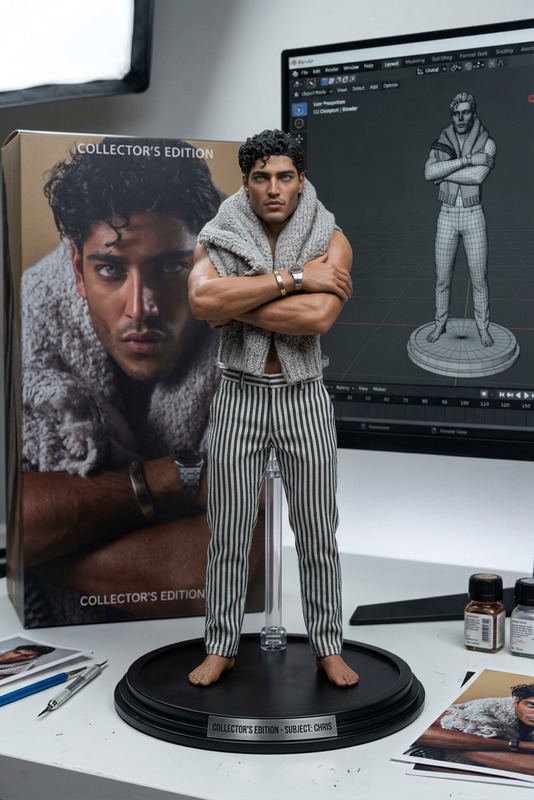
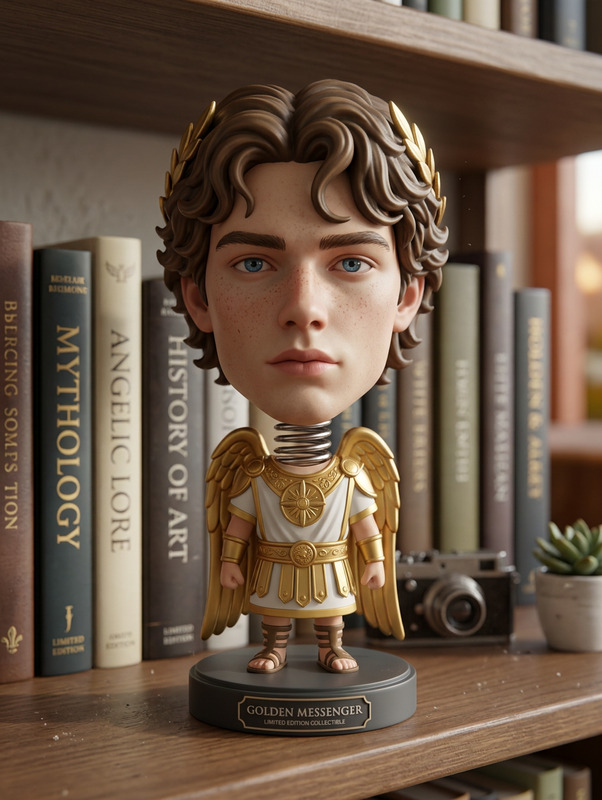
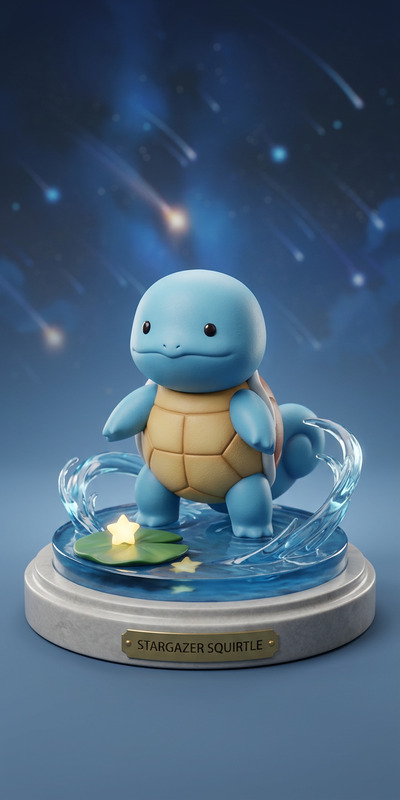
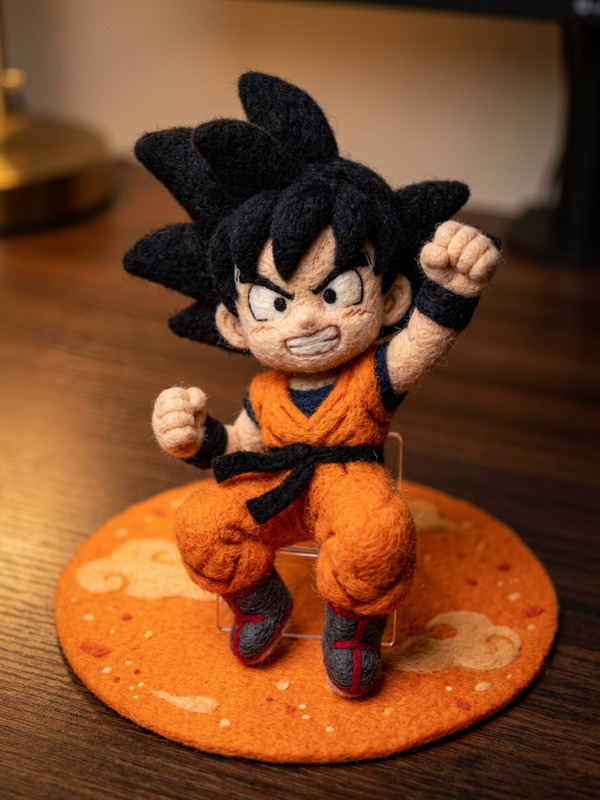
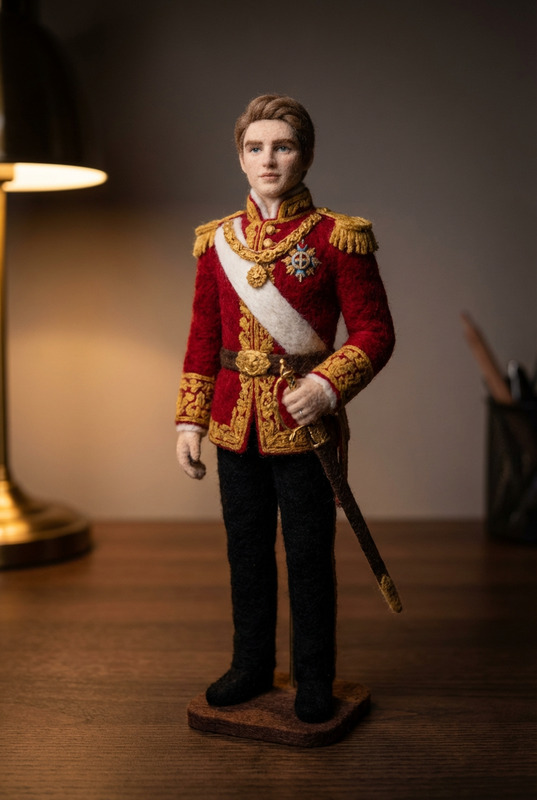
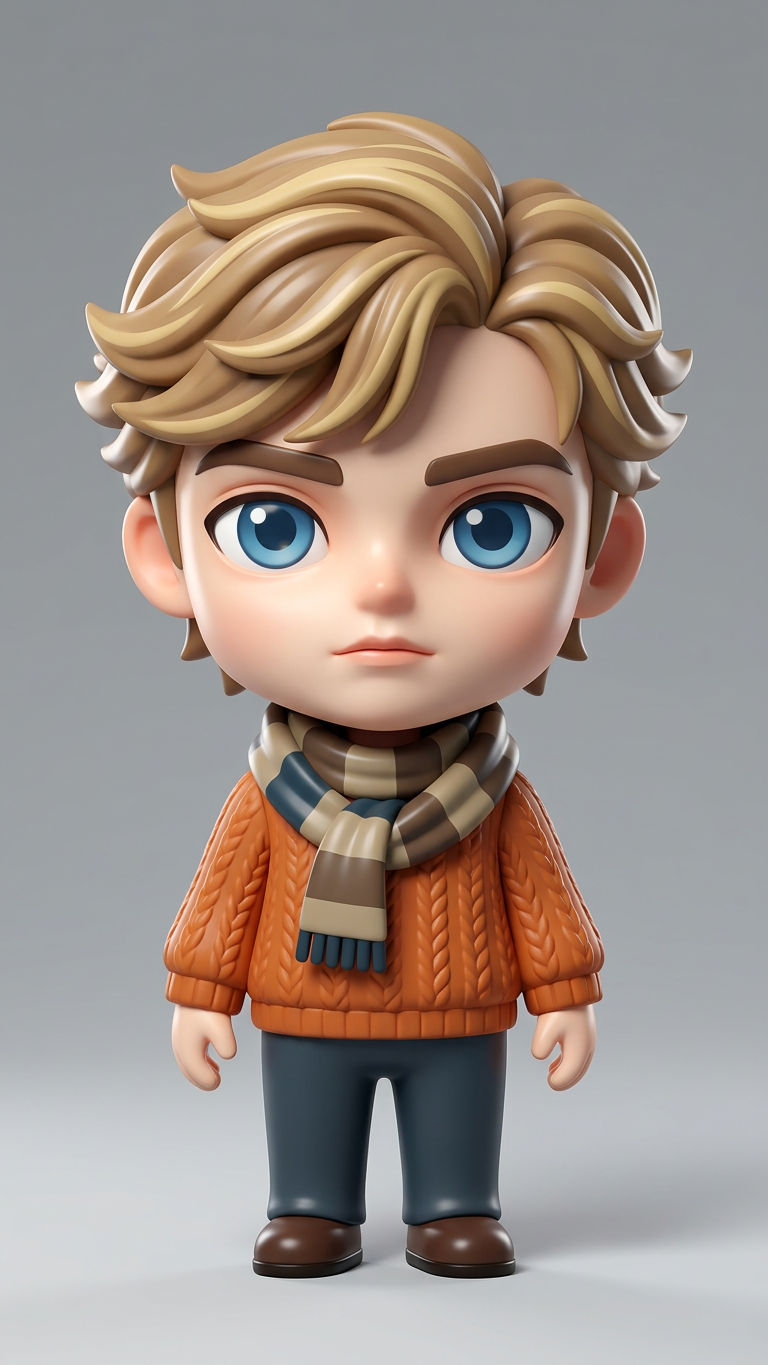
Transform the person in the photo into a stylized Pop Mart–style collectible vinyl toy. Use smooth vinyl textures with a glossy finish, oversized chibi proportions (large head, small body), and simplified facial features while preserving a recognizable likeness. Emphasize large, expressive eyes and minimalistic details. Apply soft specular highlights to enhance the plastic material feel. Render the figure as a polished 3D product shot with clean studio lighting, subtle shadows, and a neutral background suitable for a professional product listing.

Tags

transformations

AI Image Editor Template: Clean Product Photo with Transparent Background

Create studio‑quality product images in minutes using Magic Hour’s AI Image Editor. This template is designed to turn any product shot into a clean, transparent‑background image you can drop straight into landing pages, ads, decks, and marketplaces.


What this template does

This template uses AI to:

  • Remove busy or cluttered backgrounds from product photos
  • Generate a clean, transparent background (perfect for web or app UI)
  • Preserve product details, edges, and lighting as much as possible
  • Output a polished, ready‑to‑use asset suitable for:
    • Shopify / ecommerce listings
    • Amazon, Etsy, and marketplace product photos
    • Landing pages and hero sections
    • Decks, pitch materials, and marketing collateral
    • Social media posts and paid performance creatives

Because it’s built on the AI Image Editor, you can also make light retouches—such as removing dust, props, or unwanted objects—without reshooting.


How to use this template in Magic Hour

  1. Open the template in Magic Hour

    • Start from this template inside the AI Image Editor.
    • Upload a product photo (phone snapshot, studio shot, or catalog image all work).
  2. Apply transparent background cleanup

    • The template focuses on isolating your product and clearing the background.
    • The result is a PNG‑style image with no background, ready to be composited anywhere.
  3. Download or continue editing

    • Export directly if you just need a clean cutout.
    • Or stay in AI Image Editor to:

How to remix this template for your own workflow

You can treat this as a starting point and build your own product‑image system around it. Common remix patterns:

1. Brand‑consistent product photos

Use the transparent output as a base, then:

2. Rapid creative testing for performance marketing

  • Start with a clean, transparent product image.
  • Composite it into multiple concepts:
    • Bold, graphic layouts for direct‑response ads
    • Different color backgrounds to test contrast and CTR
    • Meme‑style variants using AI Meme Generator
  • Use the same base product cutout across all creatives to keep testing consistent.

3. Catalog / marketplace optimization

For ecommerce and marketplace sellers:

  • Use the transparent background to meet “plain background” requirements many platforms prefer.
  • Quickly standardize images across SKUs without manual Photoshop work.
  • Restore older or lower‑quality shots and then cut them out using:

Example creative stacks using this template

Here are a few practical ways advanced users combine this template with other Magic Hour tools:

  • Product → Transparent → Lifestyle Video

    • Clean product photo with this template
    • Place onto stylized backgrounds, then animate with Image to Video or Text to Video
    • Useful for quick hero animations or paid social video ads
  • Product → Transparent → Character / Mascot Assets

  • Product → Transparent → Branded Icon / Sticker Packs

    • Extract your product or core visual element
    • Turn it into a simplified icon with AI Icon Generator
    • Create social sticker sets, UI icons, or internal brand assets

When to use this AI Image Editor template

This template is specifically useful when you:

  • Don’t have access to a designer or Photoshop, but need clean product cutouts fast
  • Need consistent, on‑brand product visuals across web, app, and decks
  • Want to test new creative concepts without reshooting products
  • Are building a landing page or pitch and need “floating on white” or “floating on color” product visuals

It’s especially well‑suited for:

  • DTC and ecommerce founders
  • SaaS and app teams needing device mockups
  • Marketers running performance campaigns across Meta, TikTok, Google
  • Agencies building client decks and design systems
  • Startup teams assembling investor materials quickly

Pairing with other Magic Hour templates

If you’re building a more complex creative pipeline, you can combine this template with:


Related Magic Hour tools worth knowing

If your workflow regularly involves product imagery, these tools pair naturally with this AI Image Editor template:


Why use AI Image Editor instead of manual tools?

Traditional workflows (Photoshop, manual masking, retouching) are powerful but slow and hard to scale. For most product‑focused teams:

  • Time – AI removes backgrounds and distractions in seconds, not hours
  • Consistency – every image passes through the same AI pipeline, improving visual coherence across your brand
  • Scalability – quickly process dozens or hundreds of SKUs without a full‑time design team
  • Experimentation – test more creative directions because the cost of iteration is low

You can still hand‑tune hero images later if needed—this template is ideal for getting 80–90% of the way there, fast.


Getting the most out of this template

To maximize quality and reliability:

  • Start from the highest‑resolution product image you have
  • Avoid extremely dark or extremely low‑contrast photos where product and background are almost the same shade
  • If you need to remove extra elements (hands, props, unwanted logo versions), follow up with Remove Object from Photo or AI Remover
  • Use AI Image Upscaler at the end of your pipeline if you’re heading to large banners, print, or high‑DPI displays

Use this AI Image Editor template as the foundation of a repeatable product‑image system: clean, transparent cutouts that you can instantly plug into any layout, campaign, or experiment across the rest of Magic Hour.

More Like This

Insufficient credits