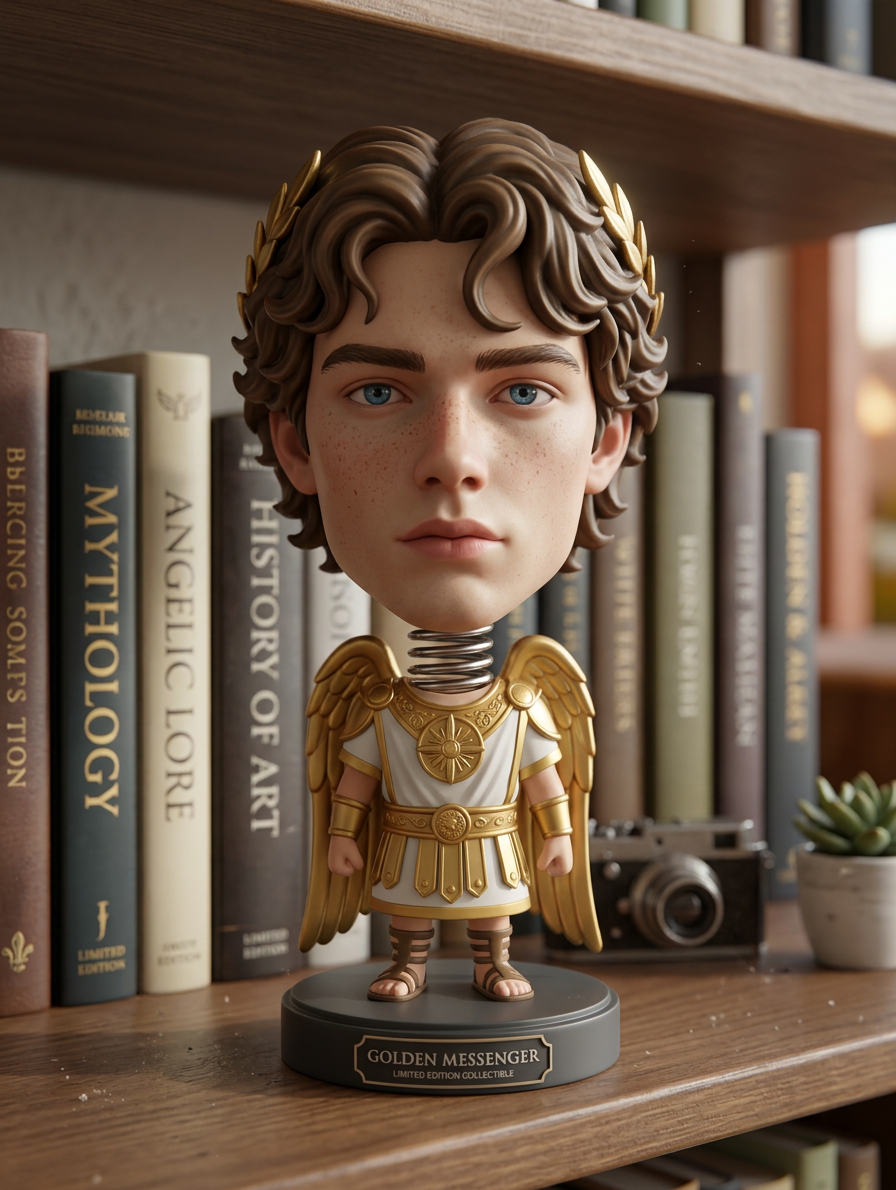
Bobblehead Conversion
- Model
- Nano Banana 2
- Image
- 896 × 1190 px
Prompt
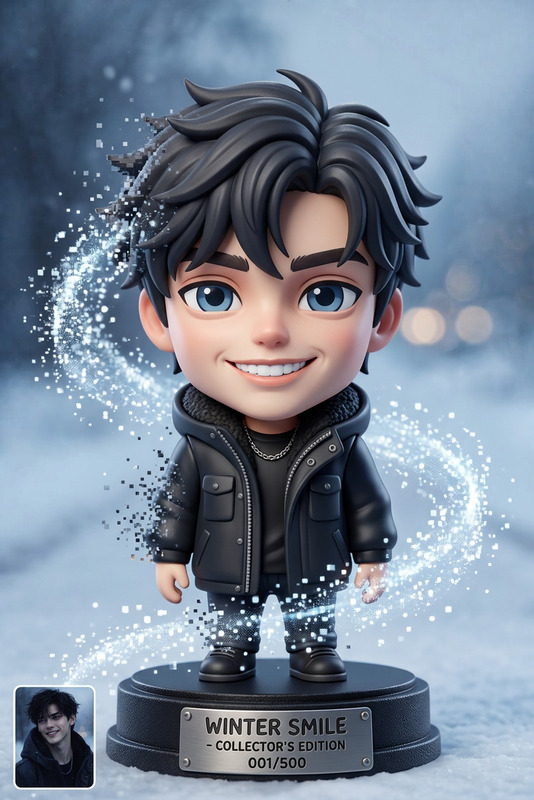
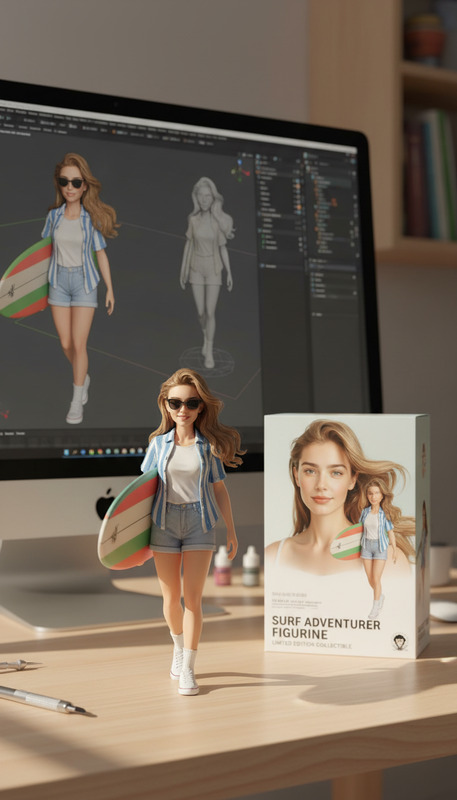
Transform the subject into a bobblehead figure. Slightly enlarge the head while preserving accurate facial features and identity. Stylize the body in a simplified, cartoonish miniature form with exaggerated proportions. Maintain a stable, collectible toy aesthetic. Place the bobblehead on a bookshelf in a realistic indoor environment. Ensure proper lighting, shadows, and scale integration so it looks like a physical collectible figure. Keep the face recognizable and high quality while the body remains stylized.
Any aspect ratio
Overview
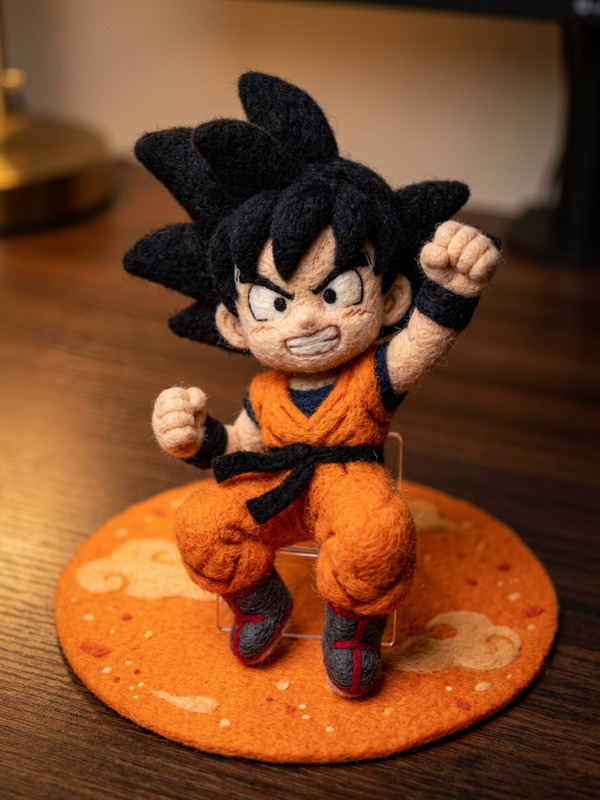
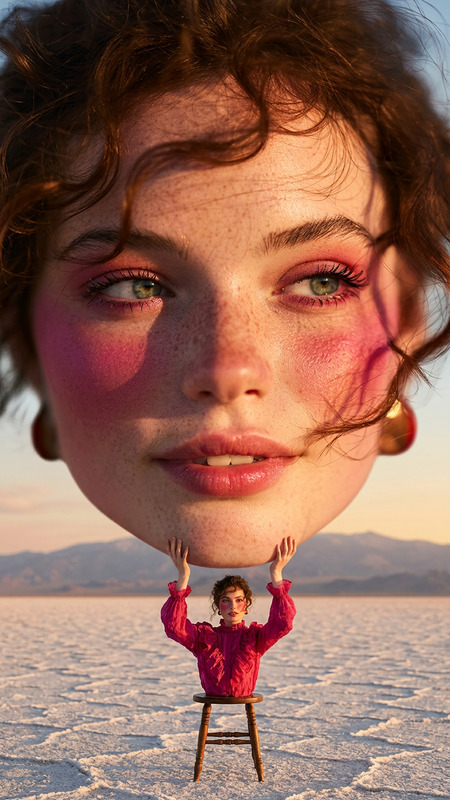
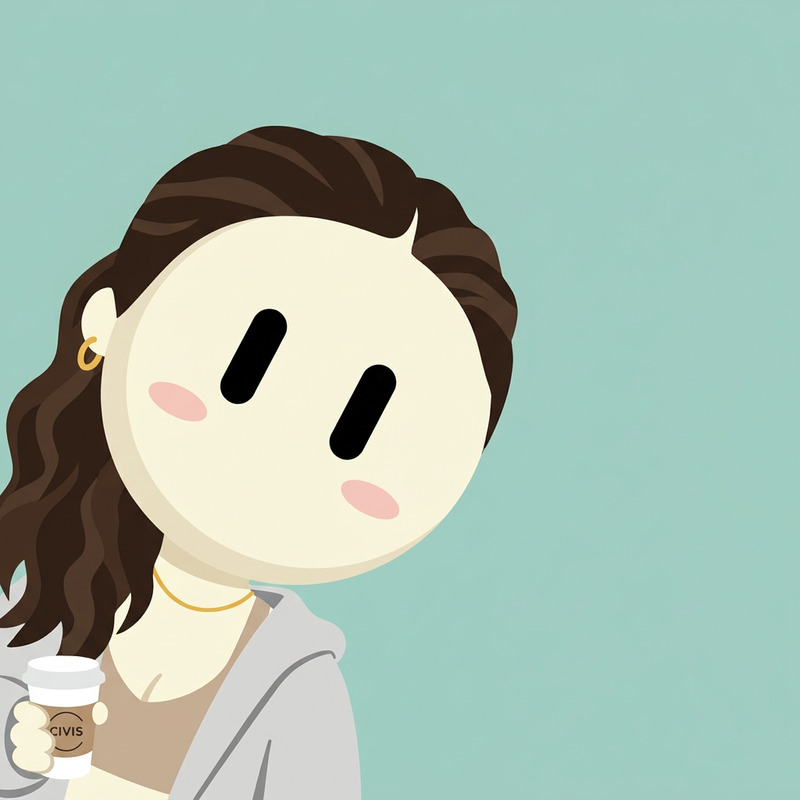
Take your images to the next level with our Bobblehead Conversion tool. Perfect for creating shareable, engaging content, this innovative template lets you transform photos into playful bobblehead figures. The AI Image Editor ensures that you maintain high-quality facial features while stylizing the body for a cartoonish look.
What It Does
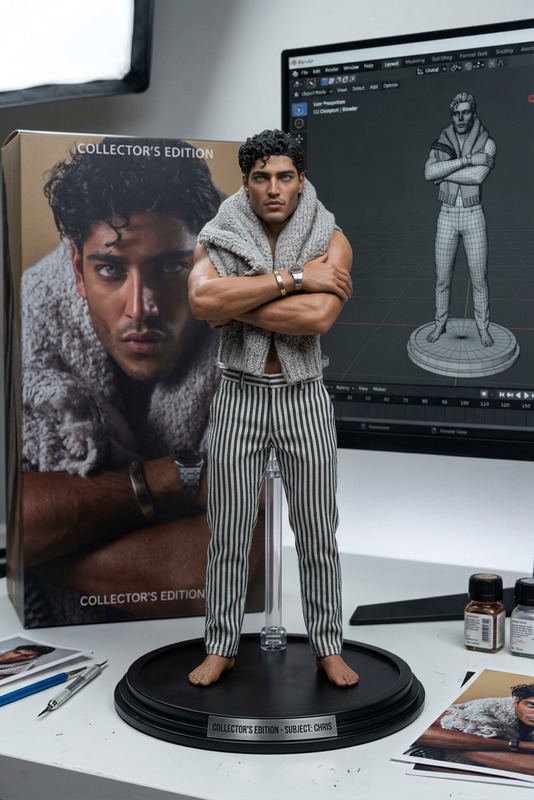
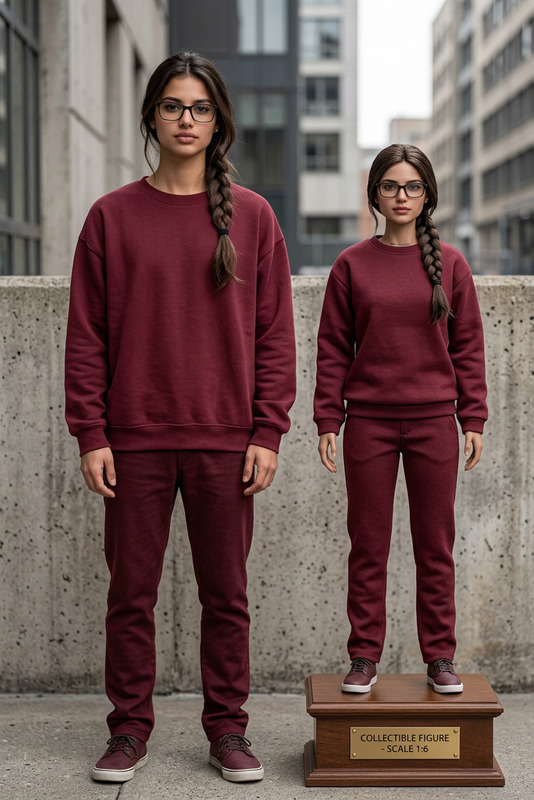
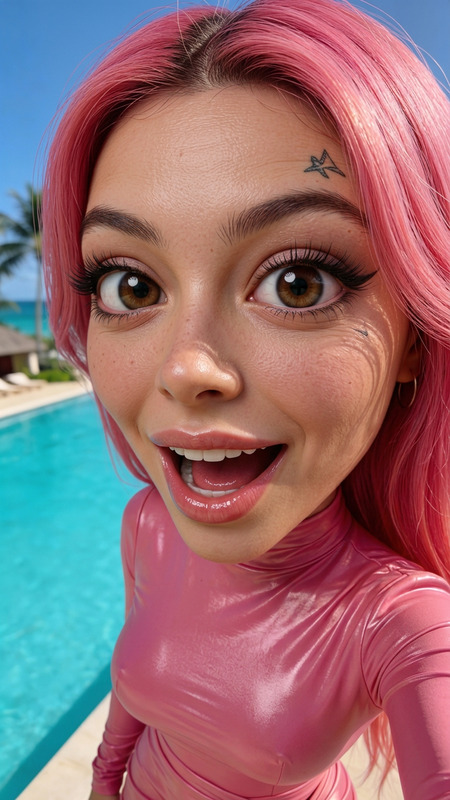
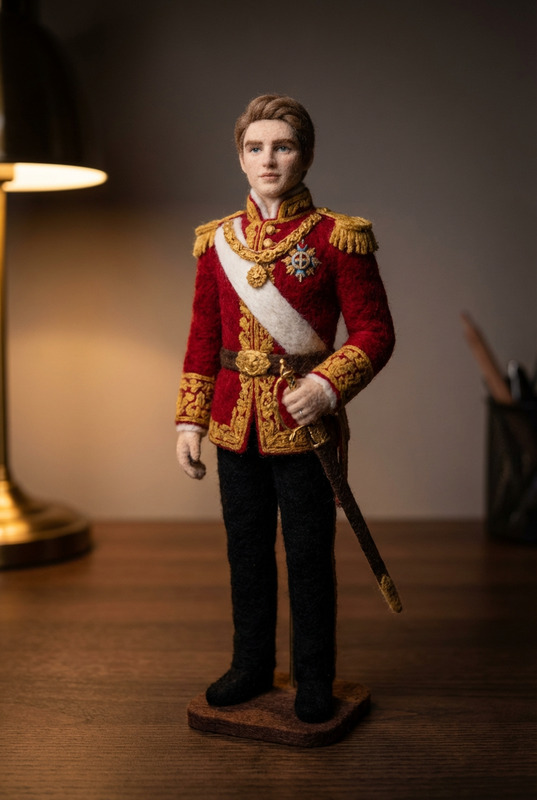
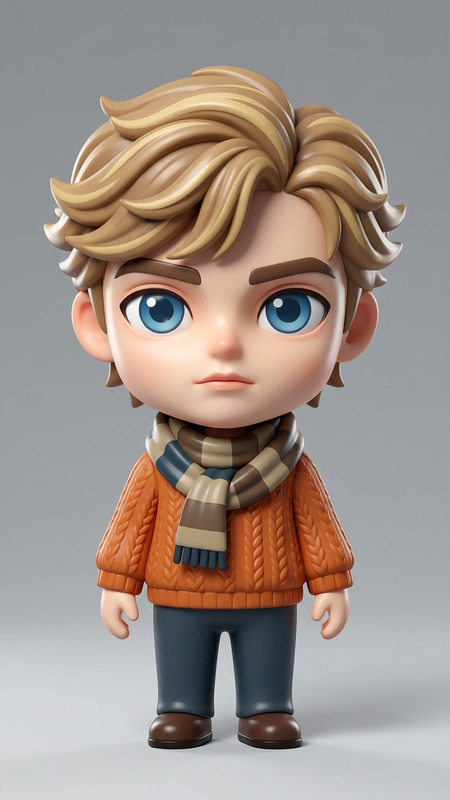
Using the AI Image Editor, this template transforms your subject's photo into a bobblehead by slightly enlarging the head, while keeping facial features intact. The tool stylizes the body into a cartoonish miniature version with exaggerated proportions. It integrates the transformed image into a realistic indoor environment, making it appear as a physical collectible on a bookshelf.
Who It's For
This template is ideal for content creators, social media enthusiasts, and marketing professionals looking to create social media ads with a playful twist. It's also perfect for those in the toy industry seeking innovative ways to visualize products or personalize gifts.
Summary
With a focus on quality and visual impact, the Bobblehead Conversion template gives users the capability to turn regular images into captivating, cartoonish collectibles. This seamless integration into a realistic setting ensures your bobblehead figures are charming and believable.
How To
Choose Your Template

Customize Your Bobblehead

Generate Your Image

Use Cases
Social Media Engagement
- Quirky content for Instagram
- Eye-catching Facebook posts
Marketing Campaigns
- Novelty in product marketing
- Fun brand promotions
Gift Personalization
- Unique birthday gifts
- Memorable bridal shower favors
Best Practices
Use High-Quality Photos
Ensure the original image is high-resolution for the best results in facial recognition and detail.Balance Head and Body Proportions
While enlarging the head, retain just enough detail to ensure the face remains recognizable and appealing.Optimize Scene Lighting
Adjust the scene’s lighting and shadows to make the bobblehead appear well-integrated into the indoor setting.