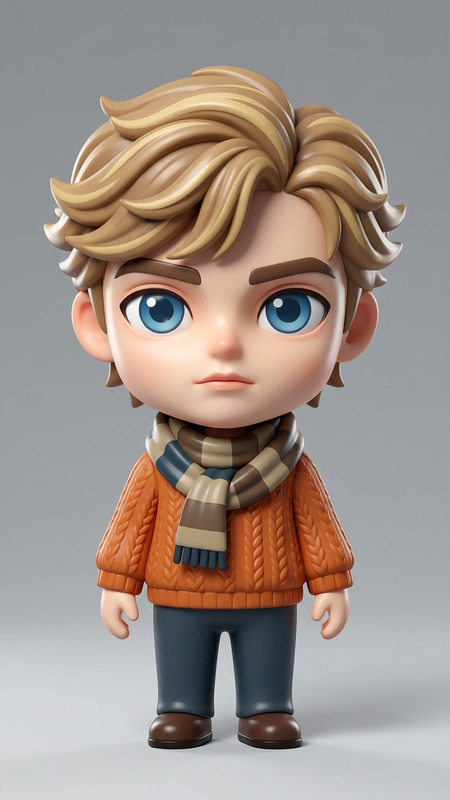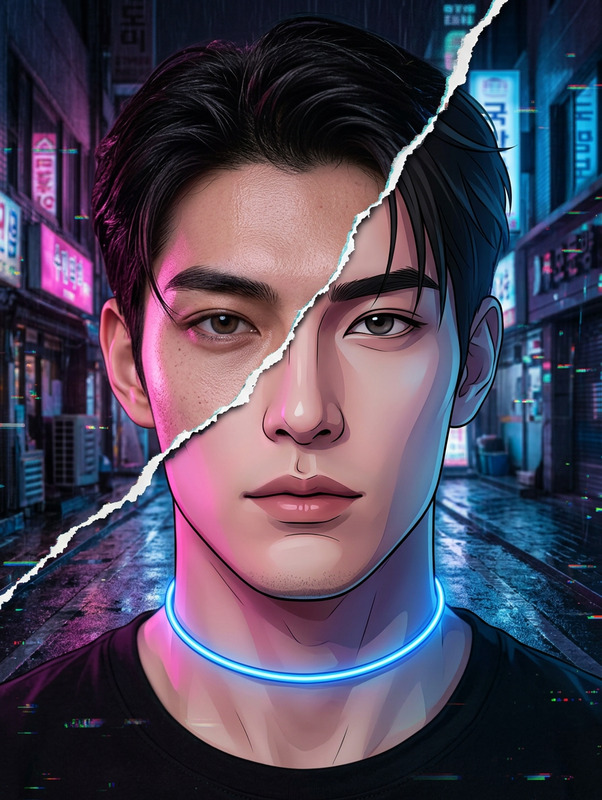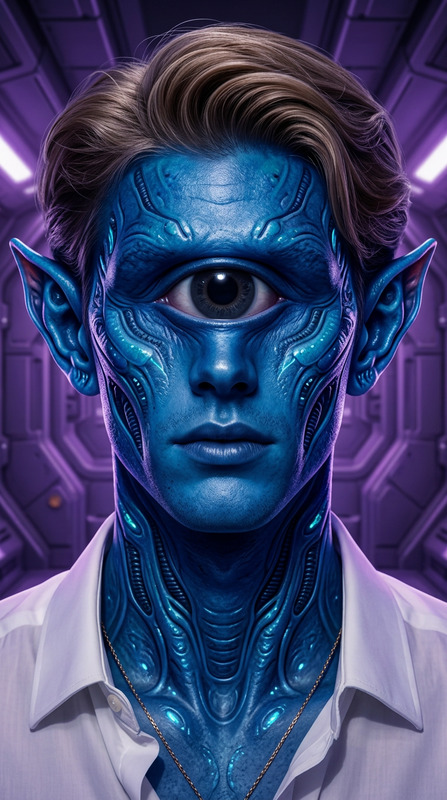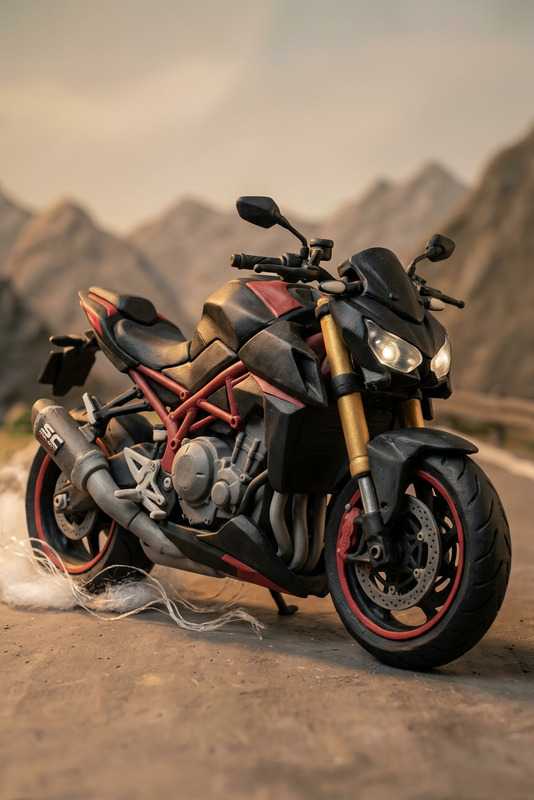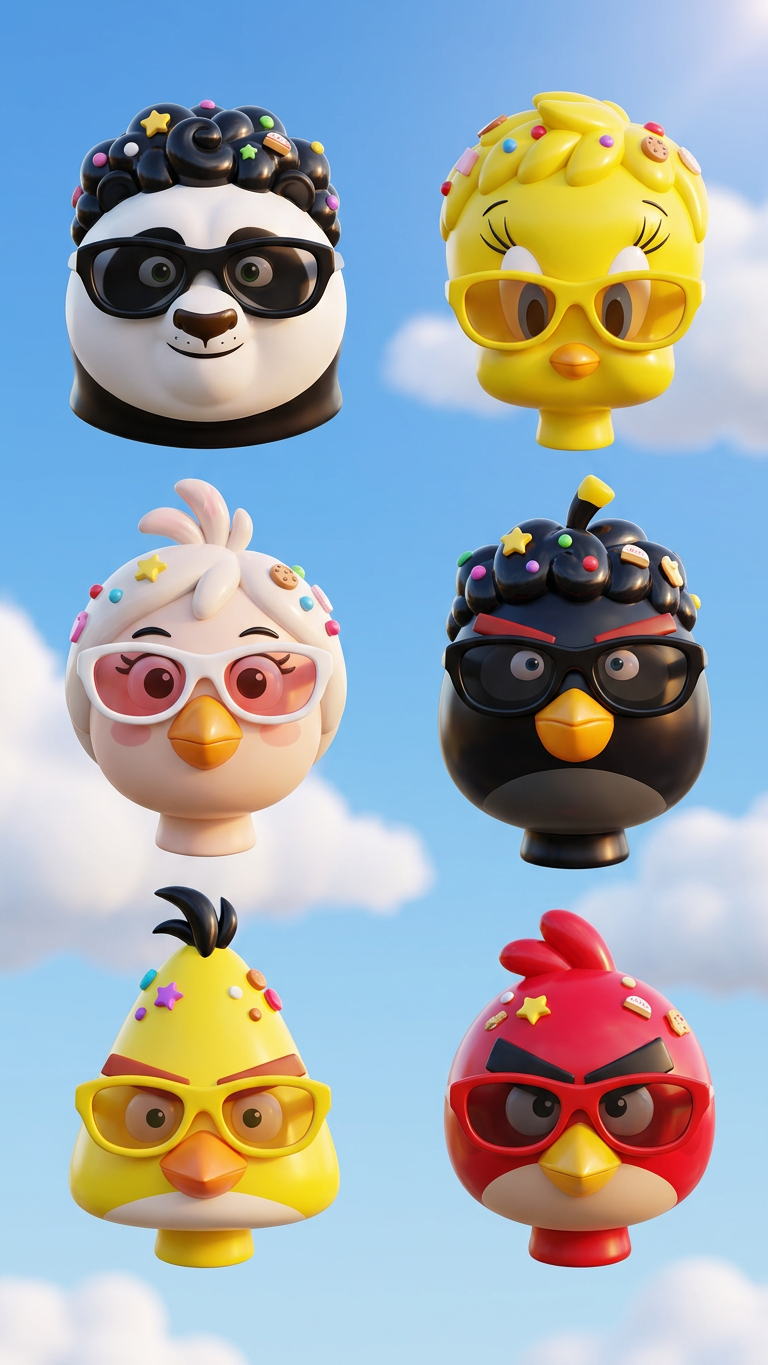
Toy Gloss

Toy Gloss

ai-image-editor

1 clip
5 uses

Any aspect ratio

Prompt

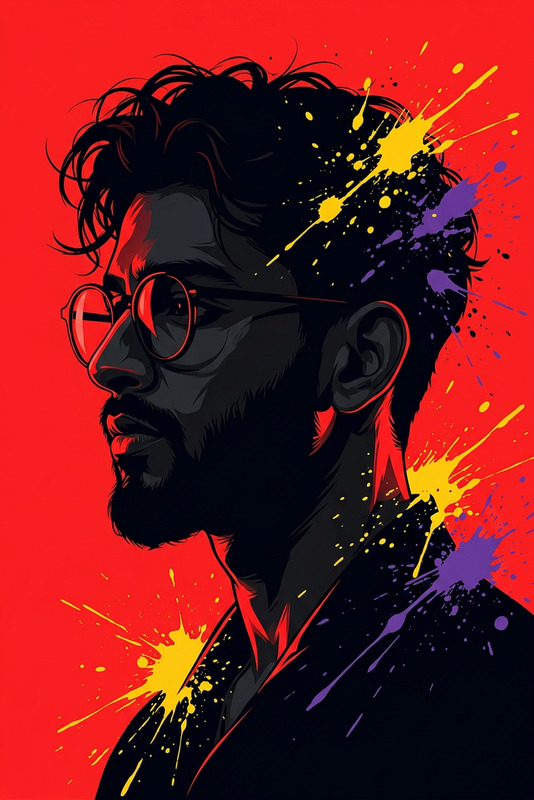
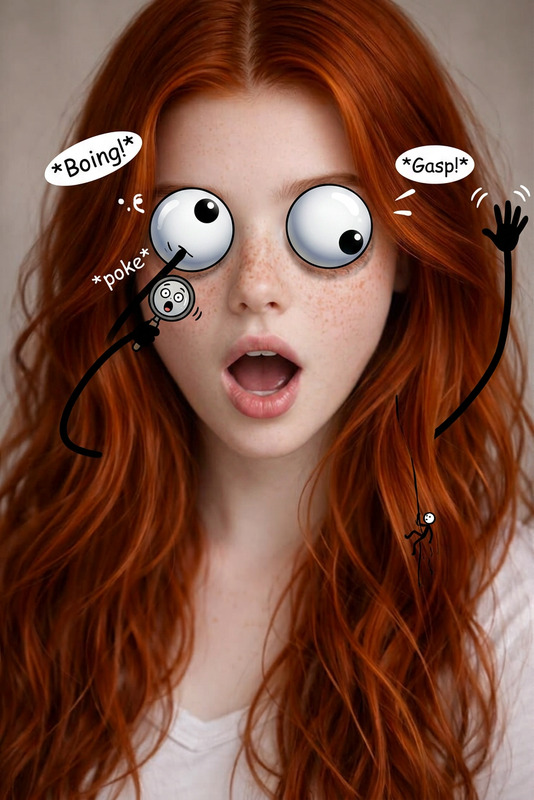
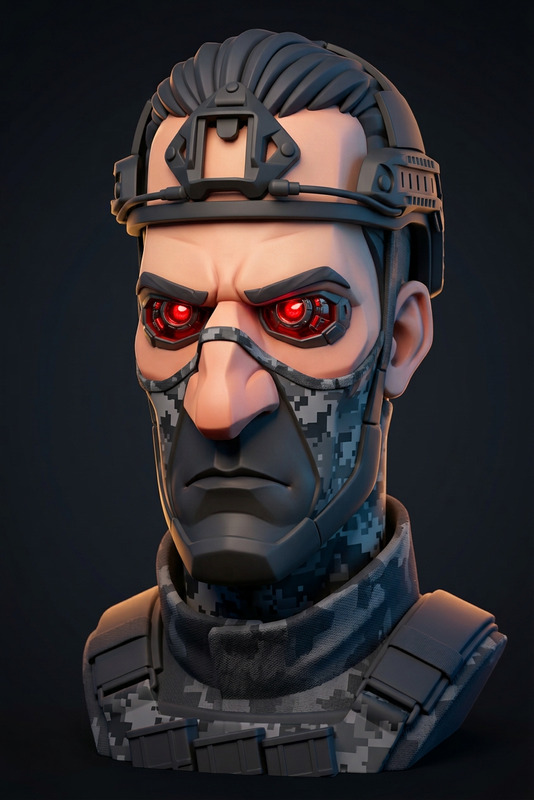
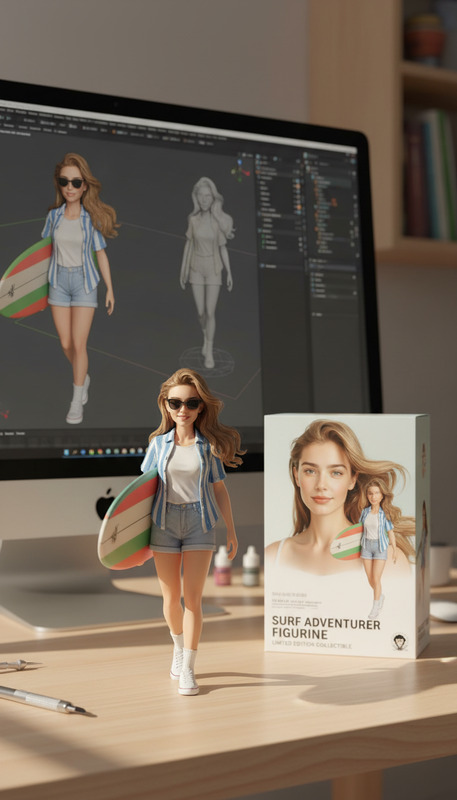
"Create a premium glossy 3D ""designer toy"" render of the subject(s) using the uploaded image as the only reference. Render one floating head per person (no duplication), cropped cleanly below the jaw with a visible neck and full head comfortably framed. Style: high-quality vinyl figure with ultra-smooth, simplified forms, rounded volumes, and strong glossy reflections across key facial areas. Hair should be sculpted, glossy, and stylized, with embedded playful accessories. Include oversized retro wraparound sunglasses with vibrant, matching frame/lens colors. Use strong studio lighting with pronounced highlights. Background: blue sky with soft clouds."

AI Image Editor Template: Turn Any Photo Into High-Impact Visuals in Minutes

Use this template to rapidly edit, enhance, and reimagine images with the AI Image Editor. It’s built for creators, marketers, and product teams who need production-quality visuals fast—without a full design stack.


What You Can Do With This Template

This template is designed to be remixed. Start from the base setup, then customize it for your own brand, product, or campaign.

Use it to:

  • Clean up and enhance photos (sharpen, upscale, recolor, fix lighting)
  • Swap or remove backgrounds for clean, studio-style shots
  • Remove unwanted objects, text, or people
  • Change outfits, styles, or aesthetics for photoshoots and lookbooks
  • Create campaign variants from a single hero image
  • Turn drafts or moodboards into polished marketing assets

It’s ideal for:

  • Landing page visuals and hero images
  • Ad creatives (Meta, Google, TikTok, X, LinkedIn)
  • Thumbnails and social posts
  • Product or app screenshots
  • Investor pitch decks and case study images

How to Remix This Template in Magic Hour

You can recreate and extend this template directly in Magic Hour using the core AI Image Editor plus other tools in the ecosystem.

1. Start from any source image

Use:

  • A product photo
  • A headshot
  • A social screenshot
  • A sketch, mockup, or moodboard

Upload it into the AI Image Editor as your base. This template is optimized for quickly transforming that base into multiple, reusable assets.

2. Clean up and improve image quality

Combine the AI Image Editor with:

  • AI Image Upscaler to increase resolution for print, high-DPI displays, and large hero sections
  • Unblur Image to recover detail in soft or slightly out-of-focus photos
  • Photo Colorizer if you’re working with black-and-white or archival imagery

Use this step to get a clean, high-fidelity base image that will survive cropping, resizing, and repurposing across channels.

3. Edit backgrounds, objects, and layout

This template pairs strongly with:

Practical examples:

  • Turn a rough desk photo into a clean, studio-style product visual
  • Drop your product into different environments for A/B testing ad creatives
  • Remove personal or confidential information from screenshots before publishing

4. Restyle people, faces, and outfits

For templates involving people, mix the AI Image Editor with:

Use these to keep the same person but adapt styling for:

  • Team pages and “About” sections
  • Multi-market campaigns (e.g., localized looks)
  • Internal concepting before committing to full photoshoots

Turning Static Images Into Dynamic Content

This template focuses on images, but you can extend it across Magic Hour’s ecosystem for richer experiences.

From image to video

Once your image is polished:

  • Use Image to Video to animate static photos into short clips for social, ads, or hero loops
  • Use Text to Video to generate narrative sequences around your edited images

If you want to go further with structured video templates, check:

Add voice, lipsync, and personality

Combine your edited visuals with:


Remix Ideas: Practical Use Cases

Here are concrete ways to adapt this template to your workflow.

1. Landing page hero and product visuals

  1. Start from a raw product or app screenshot in the AI Image Editor.
  2. Remove clutter with Remove Object From Photo.
  3. Replace the background using Image Background Remover + AI Background Generator.
  4. Upscale with AI Image Upscaler for crisp hero images and responsive layouts.

Remix the same setup to quickly generate variations for different landing pages, A/B tests, or localized campaigns.

2. Ads and social media creatives

  1. Edit your base image with the AI Image Editor.
  2. Generate lifestyle or themed backgrounds with AI Background Generator.
  3. Create versions formatted for different platforms and, optionally, use Thumbnail Maker for YouTube or content hubs.
  4. Turn the best-performing stills into short motion clips using Image to Video.

For memes or more playful content, layer in:

3. Brand and character systems

For startups building visual systems around a character, mascot, or avatar:

  1. Generate or refine the character with AI Character Generator or Animated Characters Generator.
  2. Use the AI Image Editor to refine poses, lighting, and styling.
  3. Create brand-specific scenes with AI Background Generator.
  4. Animate your character using Animation templates or Video-to-Video pipelines.

This gives you a scalable system for illustrations, onboarding flows, empty states, and marketing pages.


Advanced Remix Pathways for Builders and Teams

If you’re a developer, startup builder, or power user, you can treat this template as a building block in a broader content pipeline.

Consider chaining:

  • AI Image GeneratorAI Image EditorAI Image Upscaler
    • Generate concepts, refine them, and push them to production quality.
  • AI Photo Generator](https://magichour.ai/tools/ai-photo-generator)AI Face EditorAI Headshot Generator
    • Rapidly prototype and finalize professional headshots for teams.
  • Draft mockupsAI Image EditorImage to VideoAuto Subtitle Generator

For more specialized needs:


Related Templates and Tools Worth Exploring

If this template is useful, you’ll likely get value from these template-based products:

And complementary tools:


How to Get the Most Out of This Template

To adapt this AI Image Editor template effectively:

  1. Define the goal clearly

    • “Launch hero for new feature”
    • “Ad variant set for Q3 campaign”
    • “Investor deck visuals”
  2. Standardize your base assets

    • A consistent product angle or interface layout
    • A canonical headshot or brand character
  3. Use the template as a repeatable pipeline

    • Same steps, different inputs (new features, new offers, new people)
    • Document your remix sequence so your team can reproduce it
  4. Explore cross-tool synergies

    • Use AI Image Editor as the central editing hub, with specialized tools (upscaling, background generation, removal, animation) around it.

By treating this template as a modular building block instead of a one-off preset, you can rapidly generate, iterate, and ship visual content that stays consistent with your brand while adapting to new channels and campaigns.

More Like This

Insufficient credits