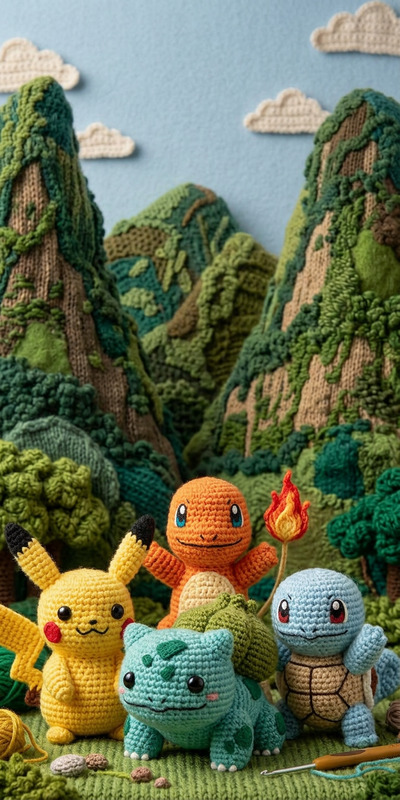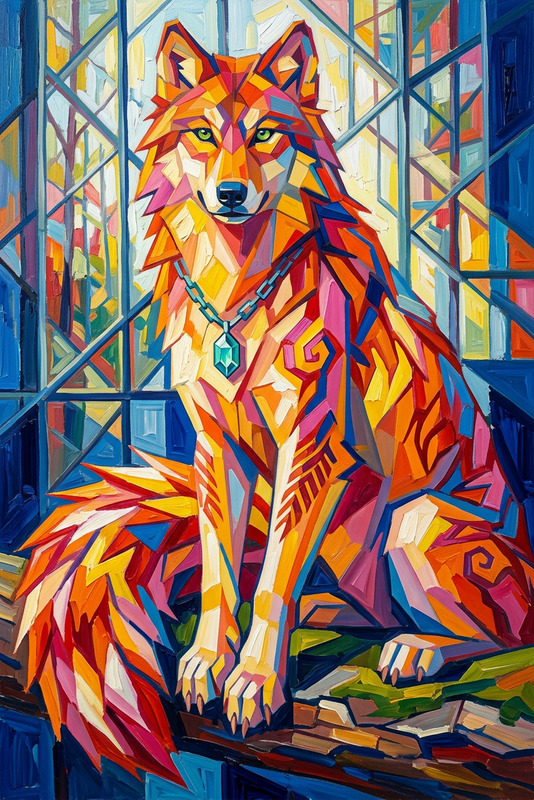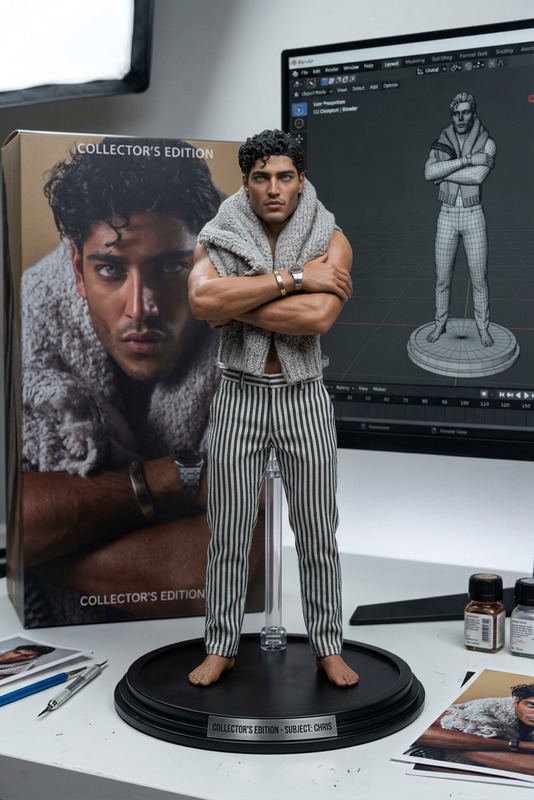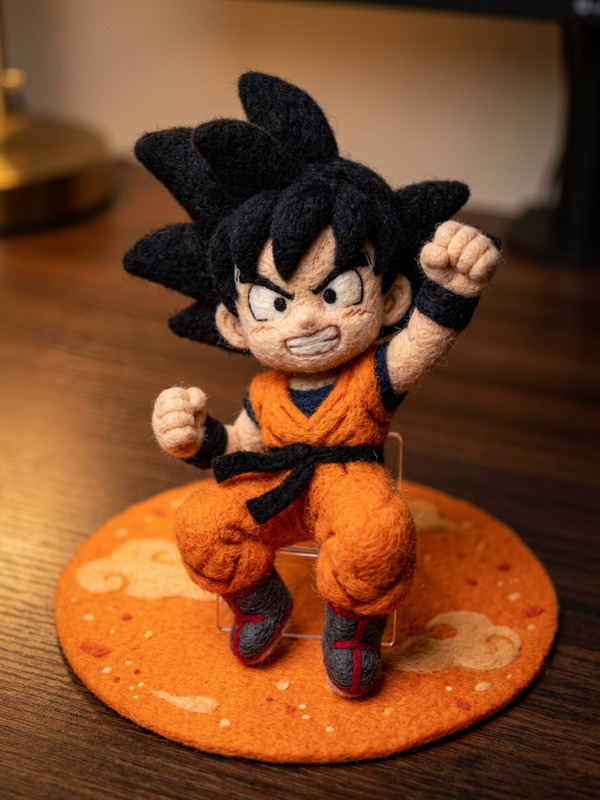
Felt Figure Display
- Model
- Nano Banana Pro
- Image
- 848 × 1264 px
Prompt
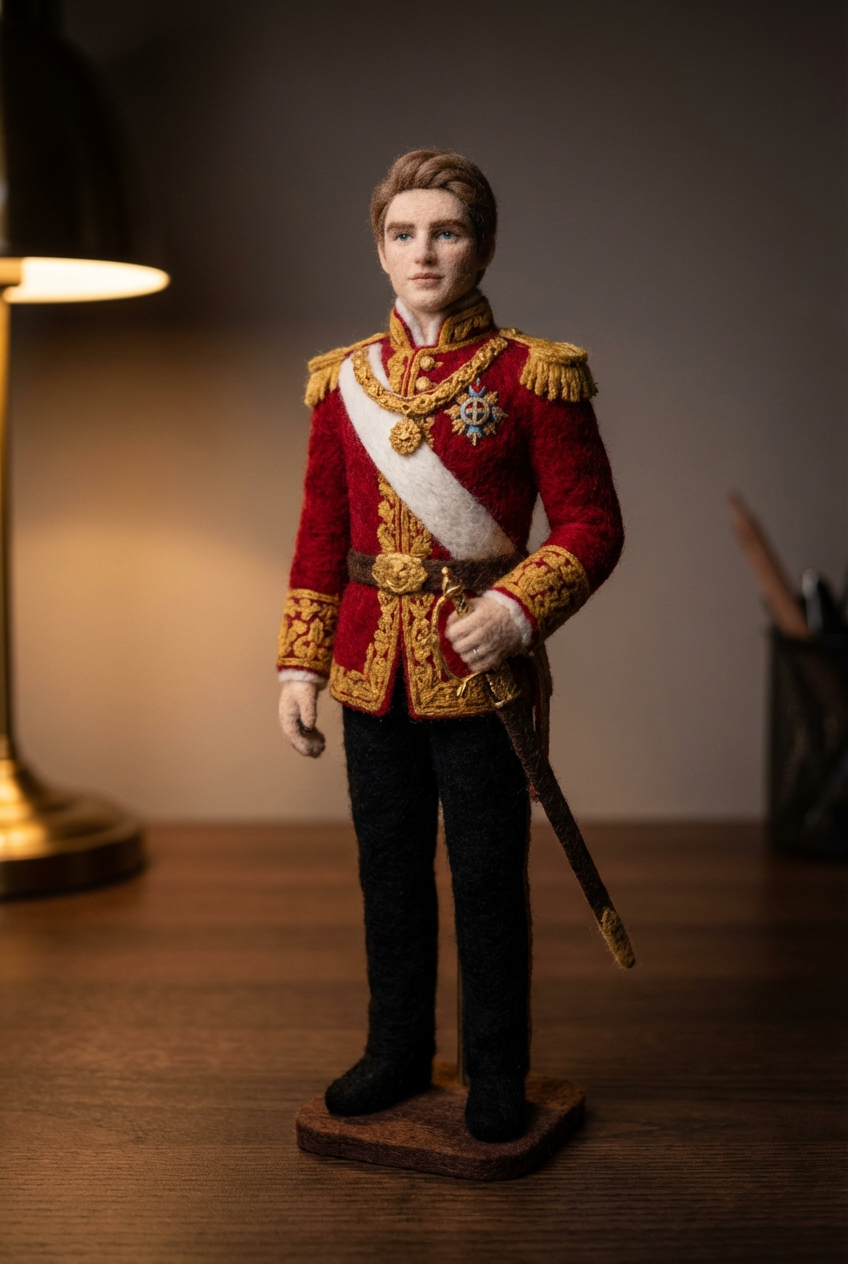
Transform the subject into a handcrafted wool felt art figure with soft, textured fibers. Keep the original form and proportions, but render it in a tactile, needle-felted style. Support the figure with a small subtle stand to maintain posture. Place it on a dark desk surface with moody lighting, creating gentle shadows and a cozy, artisanal display atmosphere.
Any aspect ratio
Overview
The Felt Figure Display template in our AI Image Editor is designed to transform subjects into captivating felt art figures. Utilizing the sophisticated nano-banana-pro model, this template accentuates the unique texture of wool felt, creating a warm, inviting scene.
What It Does
This template takes your images and applies a unique transformation to render them as handcrafted wool felt figures. It maintains the original form and proportions of the subject while altering the texture to resemble needle-felted art. The addition of a subtle stand aids in posture, placed on a moody lit desk that brings out the artisanal essence.
Who It's For
The Felt Figure Display is ideal for artists, crafters, and hobbyists looking to present their work in an innovative way. It's also beneficial for product demo videos where the goal is to showcase intricate details with artistic flair. Art educators and enthusiasts can use this to enhance their visual presentations with textured depth.
Summary
Embrace the charm of felt art with our AI-powered template. This tool is perfect for transforming your images into felt masterpieces. With AI Clothes Changer and other similar features, you can further modify elements to suit your vision. Ideal for creating a cozy, tactile presentation that captures attention.
How To
Choose Your Template

Customize Your Image

Generate Your Artwork

Use Cases
Art Showcasing
- Highlight intricate details
- Create visually appealing art displays
Product Visualization
- Enhance product appeal
- Showcase craftsmanship
Social Media Content
- Stand out in feeds
- Create shareable content
Best Practices
Consider Lighting
Ensure your raw images have good lighting to accentuate the felt texture in the final output.Maintain Proportions
Keep the original proportions in mind to preserve the look of your original image.Use High-Resolution Images
Start with high-quality images to achieve the best transformation results in your final product.