Wool Felt Figurine Display
- Model
- Nano Banana 2
- Image
- 896 × 1195 px
Prompt
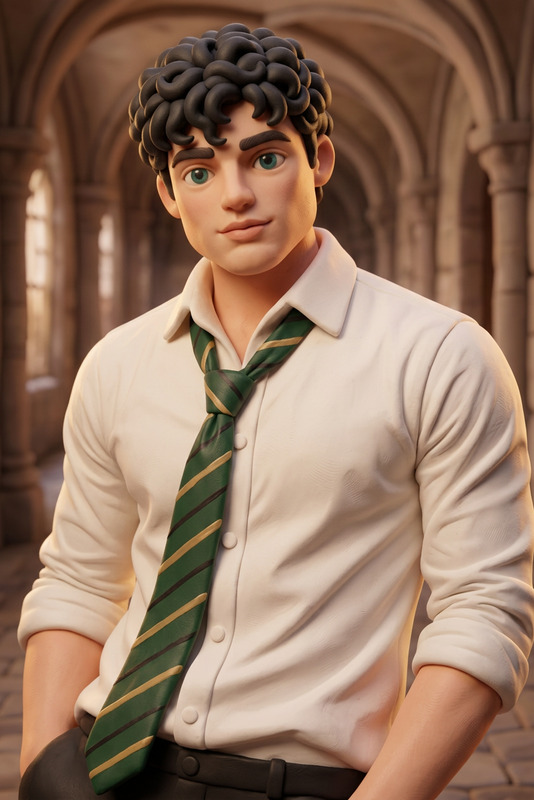
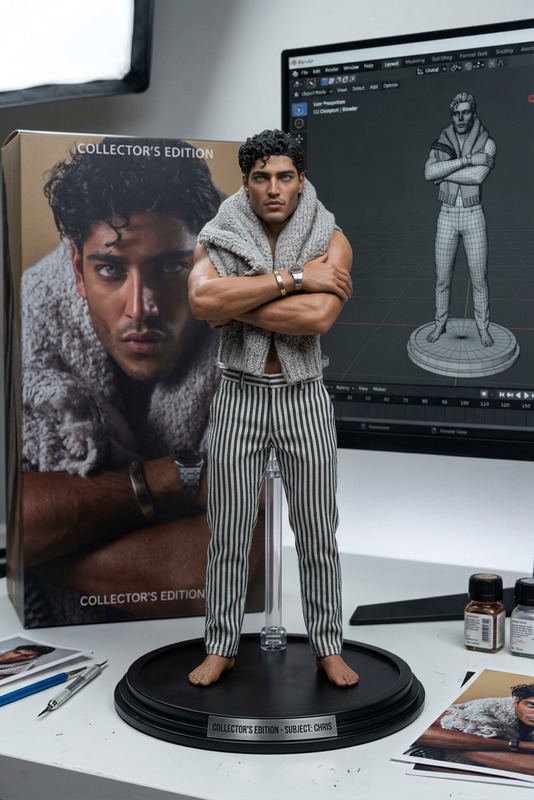
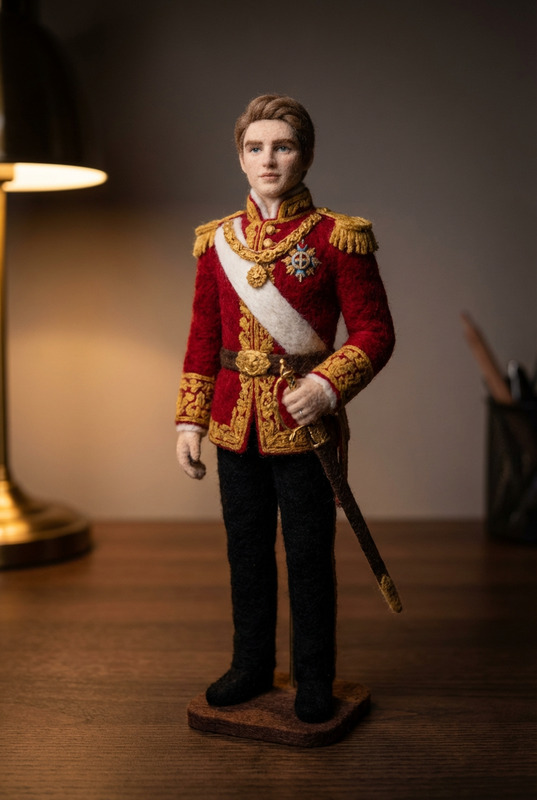
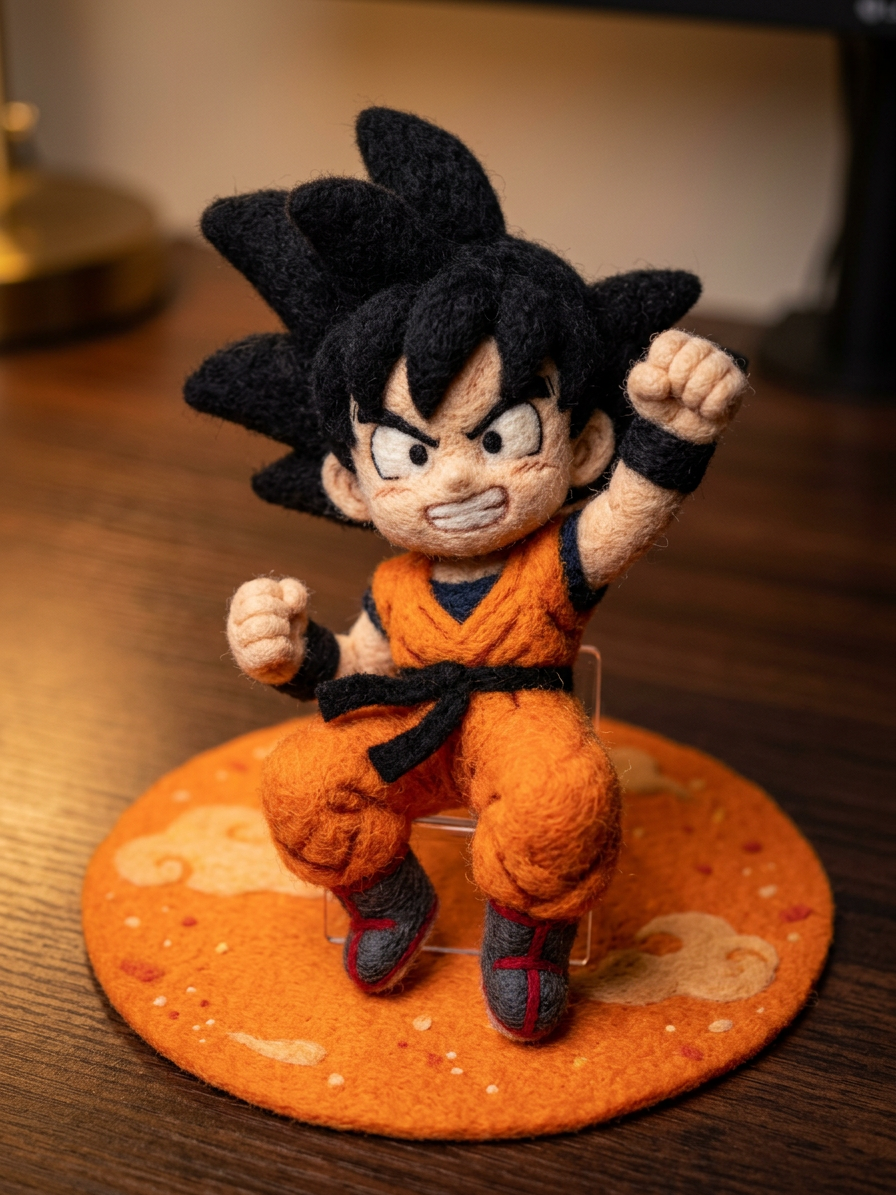
Transform the subject into a handcrafted wool felt art piece, preserving the original likeness and proportions. Render the figure with soft, fuzzy felt texture, visible fiber details, and subtle stitching. The figure should be slightly stylized like a handmade plush sculpture, with gentle contours and tactile realism. Support the figure with a small discreet stand to maintain posture. Place it on a dark desk surface with realistic lighting, soft shadows, and a shallow depth of field. Studio-quality, photorealistic presentation with a cozy, artisanal aesthetic.
Any aspect ratio
Overview
The Wool Felt Figurine Display is an AI Image Editor template designed to transform your images into stunning wool felt creations. This template is perfect for artists aiming to give their sculptures a unique handmade feel and realistic depth. Using the nano-banana-2 model, this template provides photorealistic representation with an artisanal touch.
What It Does
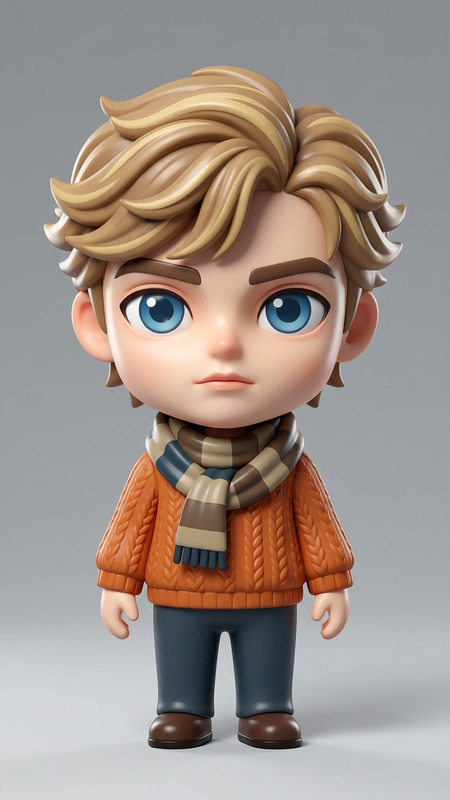
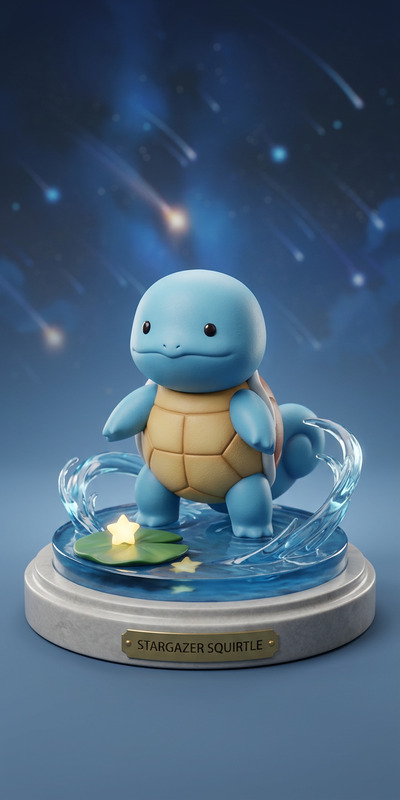
This template converts your subjects into lifelike felt art pieces. It maintains the original likeness and proportions of your subject, emphasizing a soft, fuzzy felt texture. You'll notice details such as fiber and stitching that enhance the handcrafted aesthetic. The final image presents the figurine on a dark desk surface, ensuring the lighting and shadows contribute to a realistic and cozy atmosphere.
Who It's For
If you're an artist, crafter, or creative enthusiast eager to present your works in a new light, this template is ideal for you. Especially useful for those involved in crafting personalized gifts, educational tools, or artistic displays, it can help bring your visions to life with a tangible, professional touch. Combined with tools like the Photo Colorizer for further artistic embellishment, it offers a full suite of creative possibilities.
Summary
Transforming your figures into felt art is easier than ever with this AI Image Editor template. Leverage the nano-banana-2 model to achieve high-quality, studio-like results with realistic textures and lighting. Perfect for showcasing your creative projects, this template is a must-have in your digital toolkit. Consider exploring related tools like the AI Talking Photo to add another dimension to your creations.
How To
Choose Your Template

Customize Your Inputs

Generate the Image

Use Cases
Art Exhibitions
E-commerce Listings
Creative Portfolios
Social Media Content
Best Practices
Select High-Quality Input Images
Ensure your original images are of high quality for best results. Clear, detailed images yield better texture and depth in the transformation.Adjust Textures Mindfully
Fine-tune the texture settings to balance between realism and artistic interpretation, ensuring the final output aligns with your vision.Combine with Complementary Tools
Use with AI Profile Picture Generator to enhance personal branding efforts, creating cohesive art pieces across different formats.