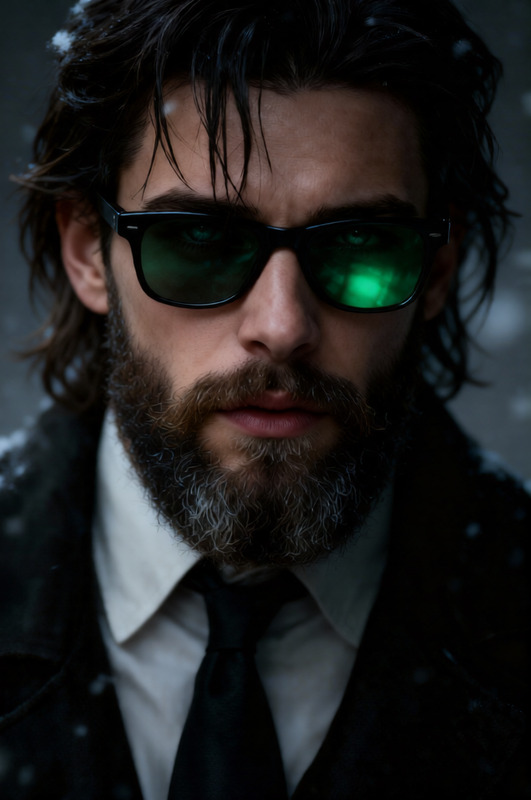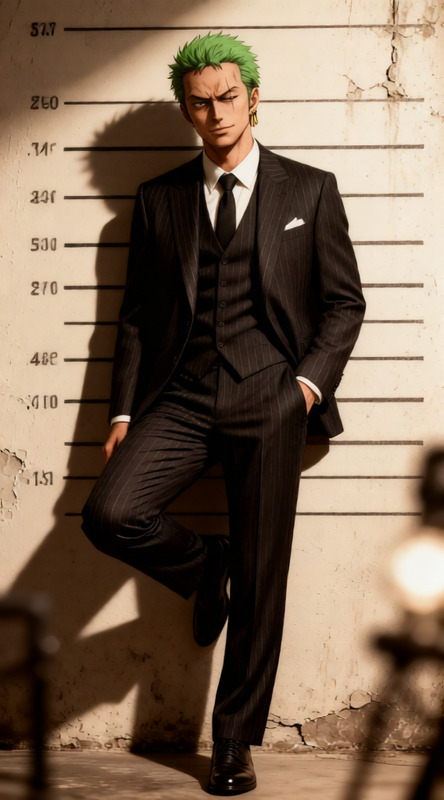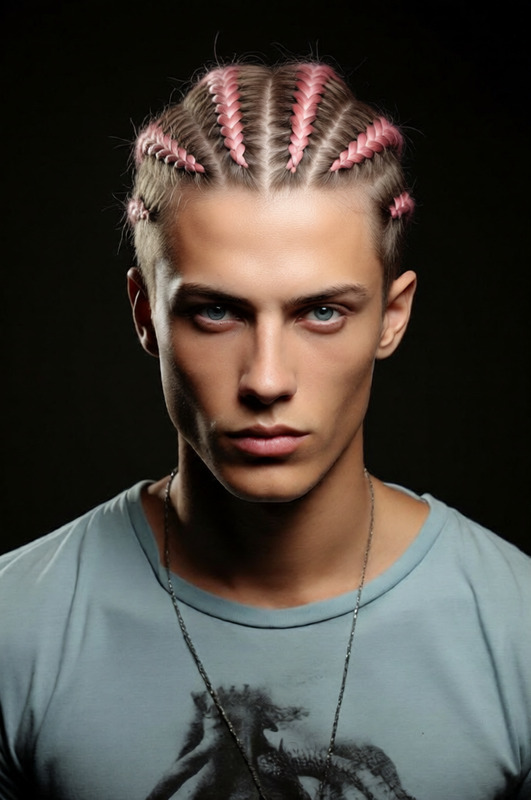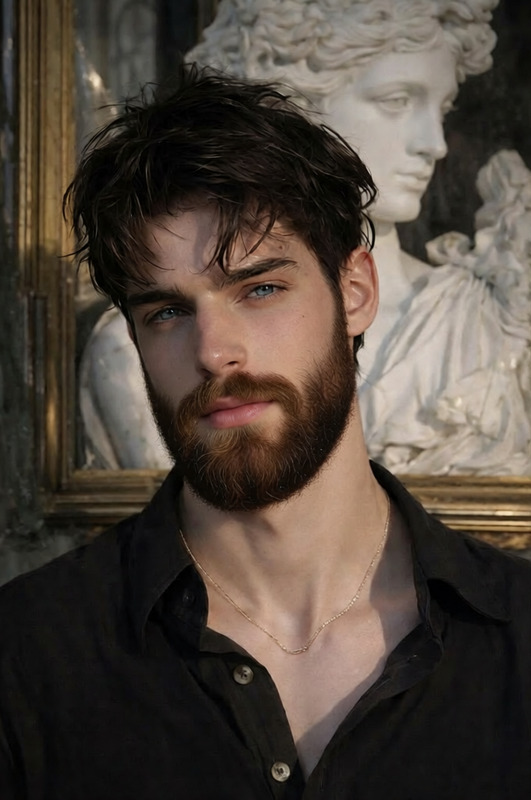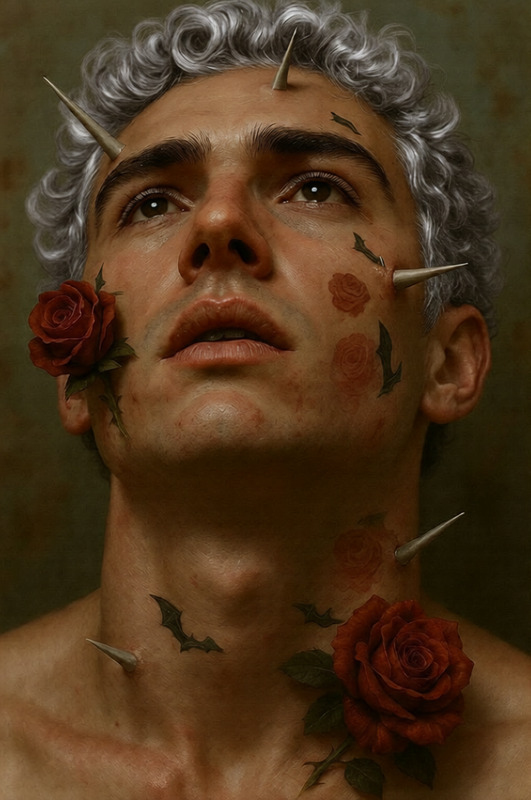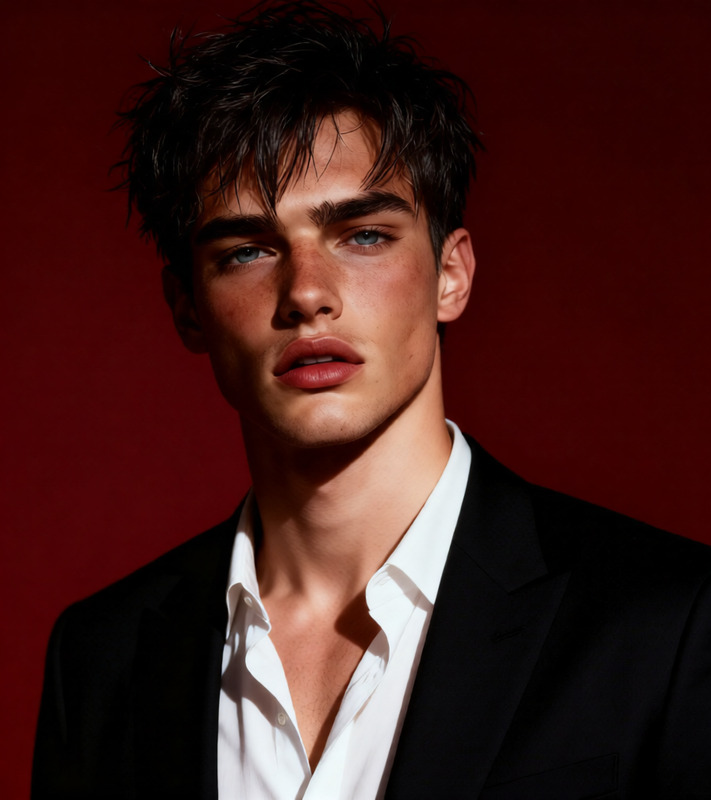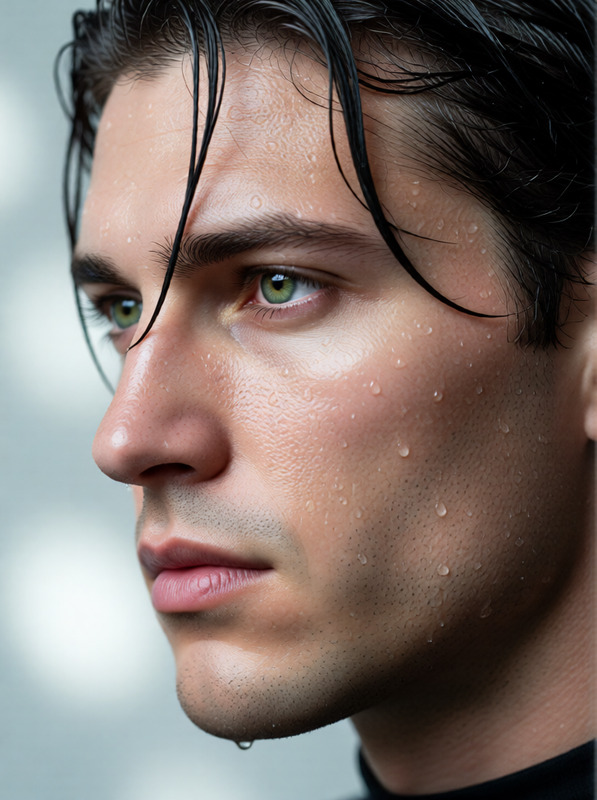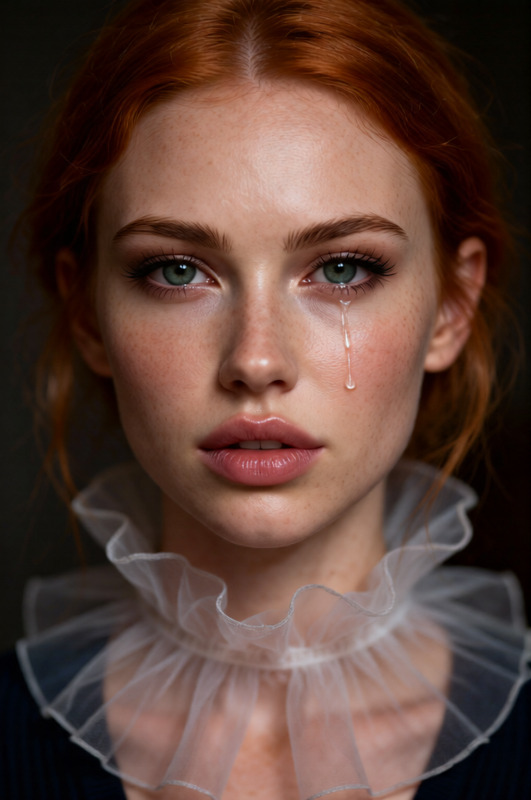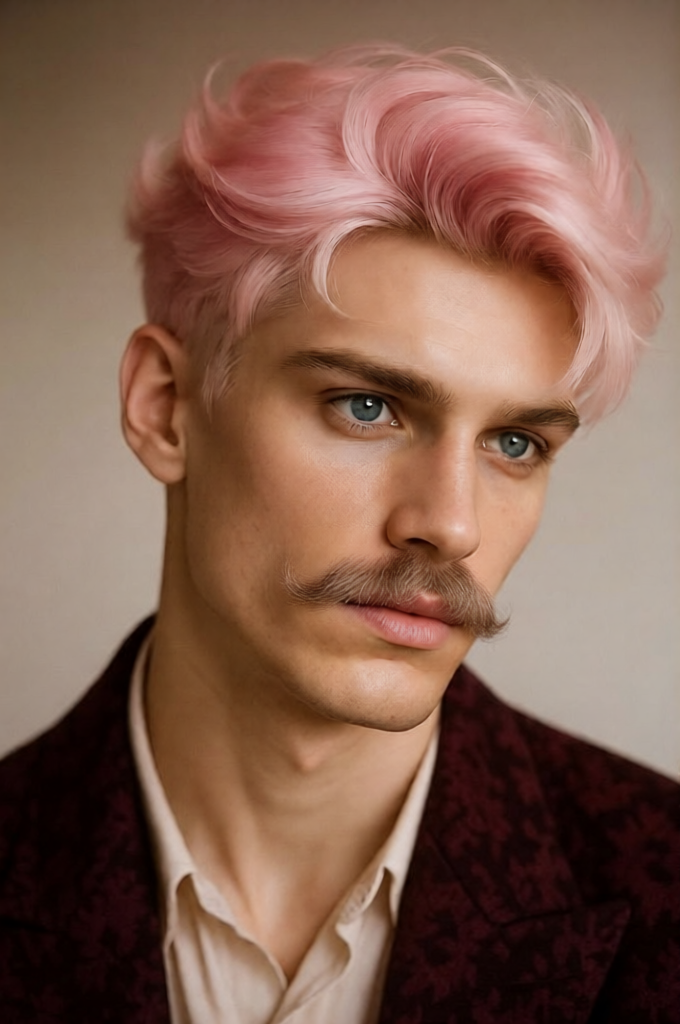
Mustache
- Model
- Qwen Edit
- Image
- 680 × 1024 px
Prompt
Add a realistic, natural-looking mustache to the subject, with fine hair detail, soft texture, and natural shading that blends seamlessly with the face. Ensure the mustache matches the subject’s lighting, angle, and proportions while maintaining a believable and subtle appearance
Any aspect ratio
Overview
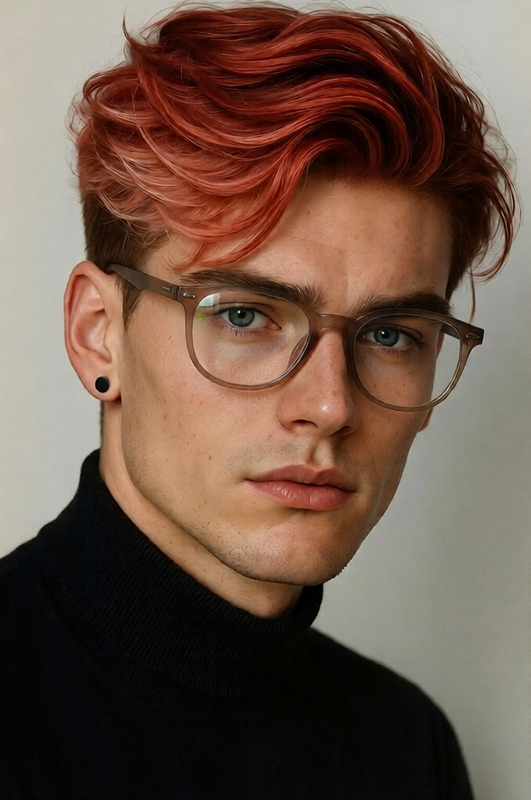
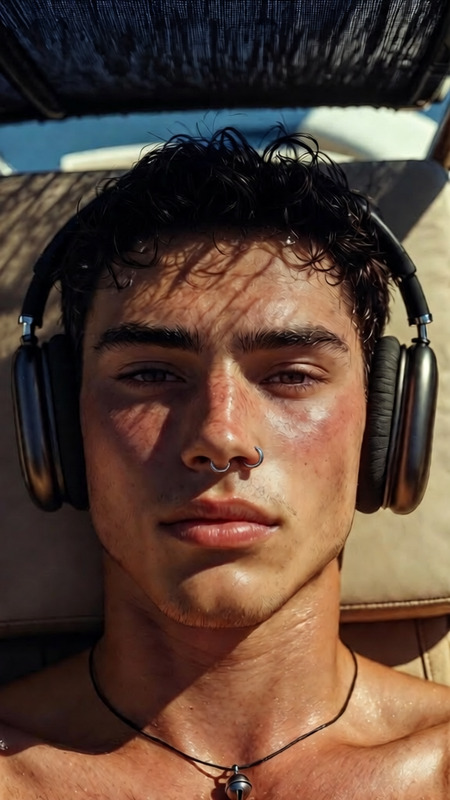
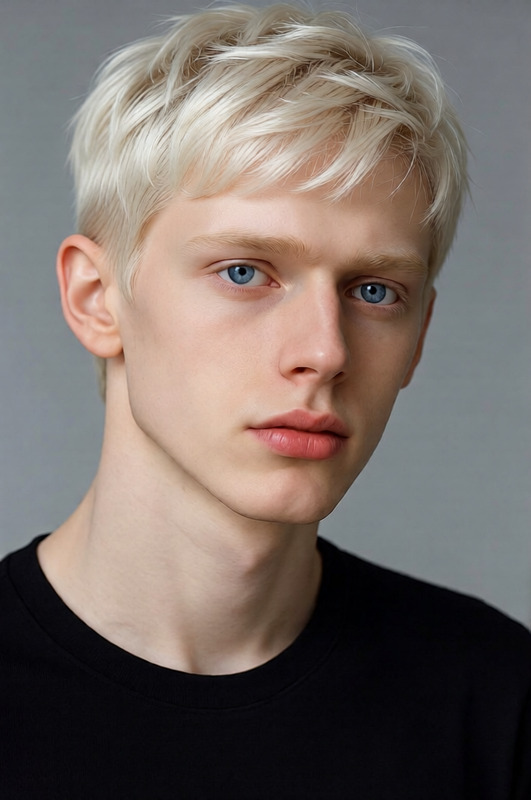
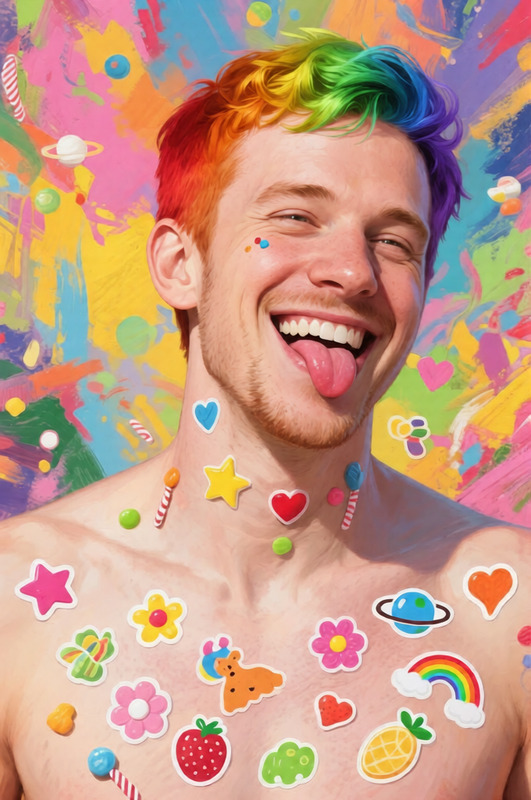
The Mustache template is an advanced AI Image Editor that adds a stylish mustache to any photo. Designed with the qwen-edit model, it ensures every detail aligns perfectly with the subject's natural look, down to fine hair details and accurate proportions.
What It Does
This template allows you to enhance images by adding a natural-looking mustache to the subject of your choice. It ensures the mustache integrates seamlessly, considering lighting, angle, and facial proportions. The result is a realistic transformation that can spice up social media posts or marketing visuals.
Who It's For
The Mustache template is ideal for content creators, social media managers, and marketers looking to add personality to their images. It's a fun tool for agencies creating UGC ads or social media ads, and photographers seeking unique ways to alter photos.
Summary
With this template, adding a mustache becomes more than just an edit—it's a creative expression. By ensuring the added mustache's realism and subtlety, your images retain a professional and playful touch. Explore the AI Meme Generator to further complement your image editing projects.
How To
Choose

Customize

Generate

Use Cases
Social Media Content
- Make Instagram stories intriguing
- Boost engagement with creative visuals
Marketing Campaigns
- Create memorable ad visuals
- Cater to a playful brand image
Creative Photography
- Enhance portrait photography
- Diversify your photography portfolio
Best Practices
Match Lighting and Angle
Ensure the mustache's lighting and angle match the original image for a seamless appearance.Select the Right Style
Choose a mustache style that complements the subject's personality and style.Fine-Tune Details
Adjust shading and details to make the mustache look natural and blend well with the face.