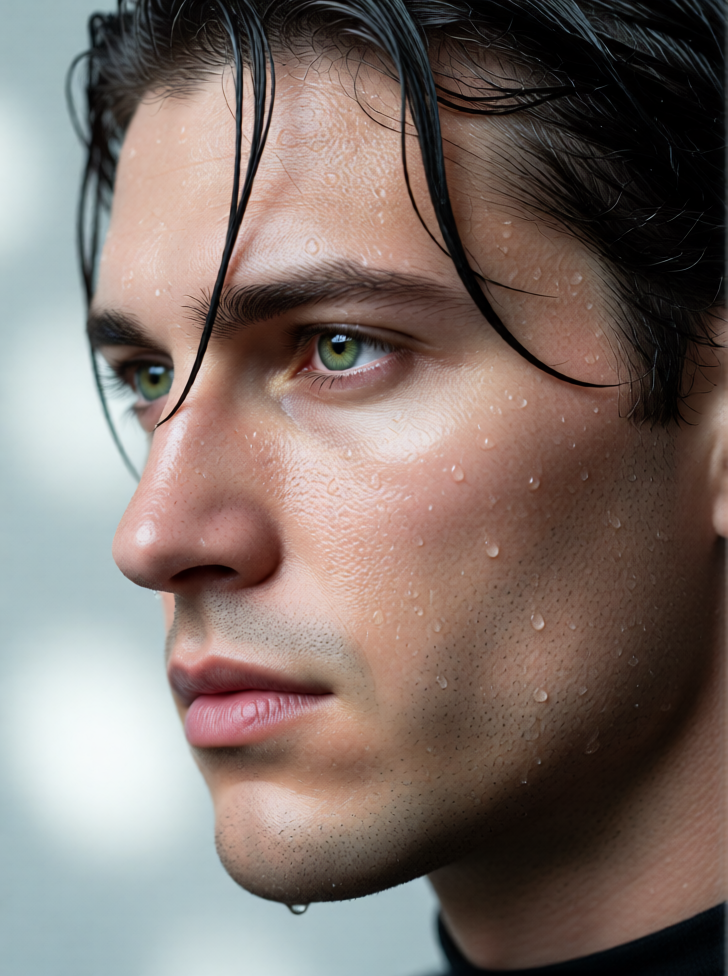
Wet Skin Detail
ai-image-editor
Any aspect ratio
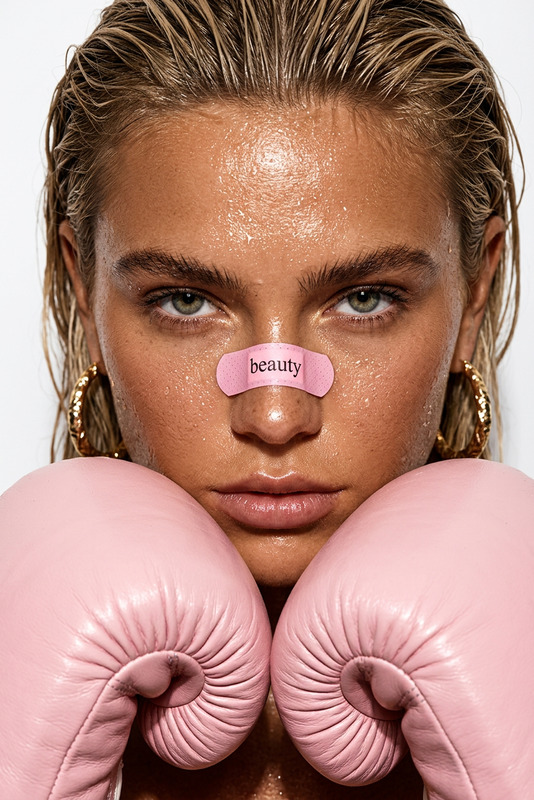
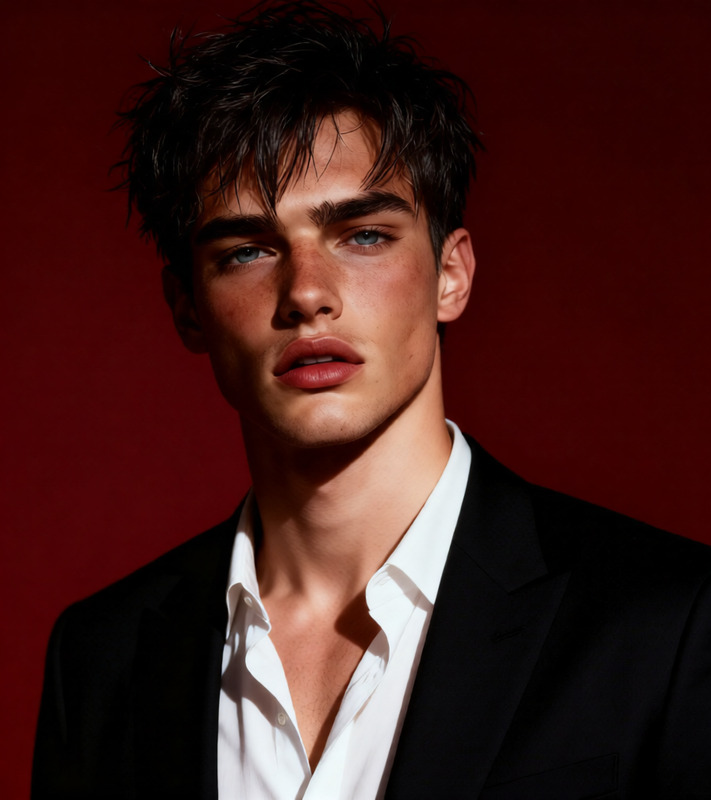
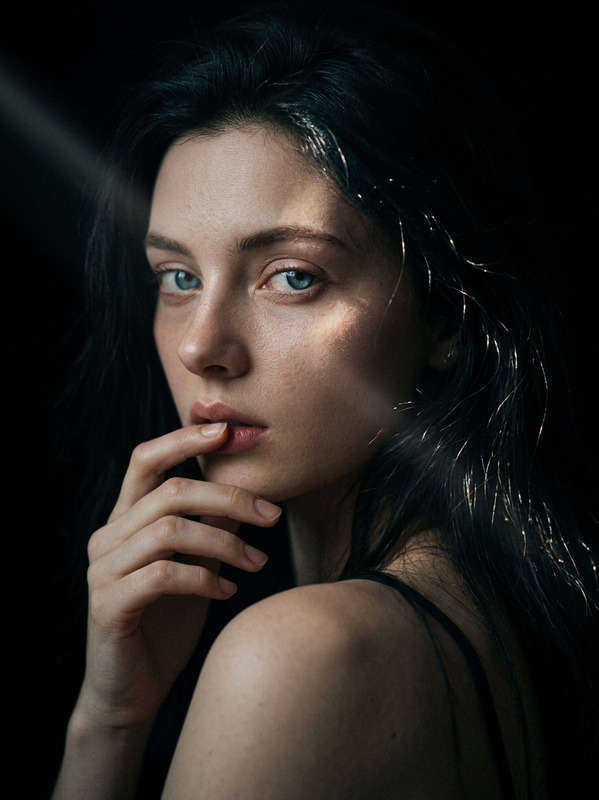
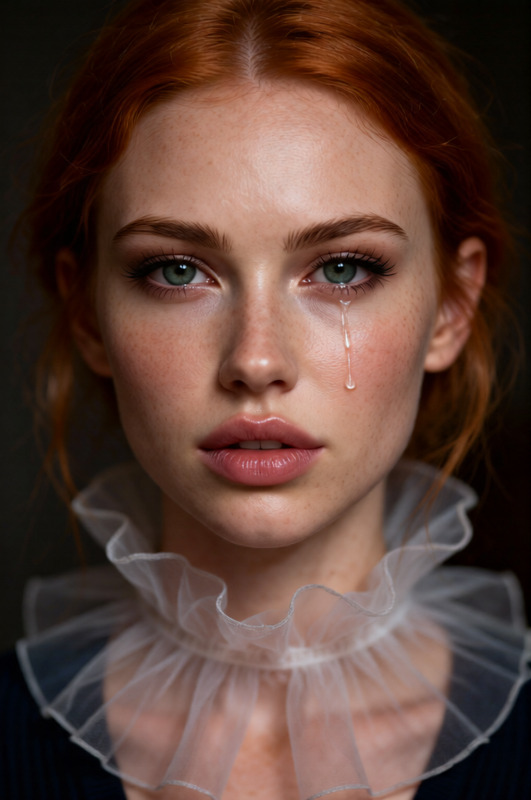
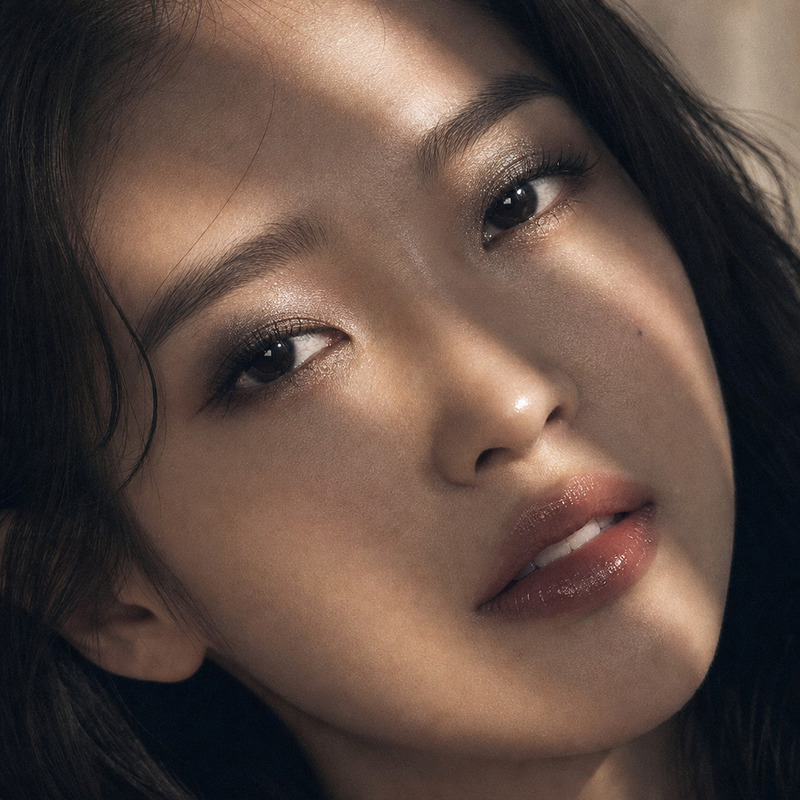
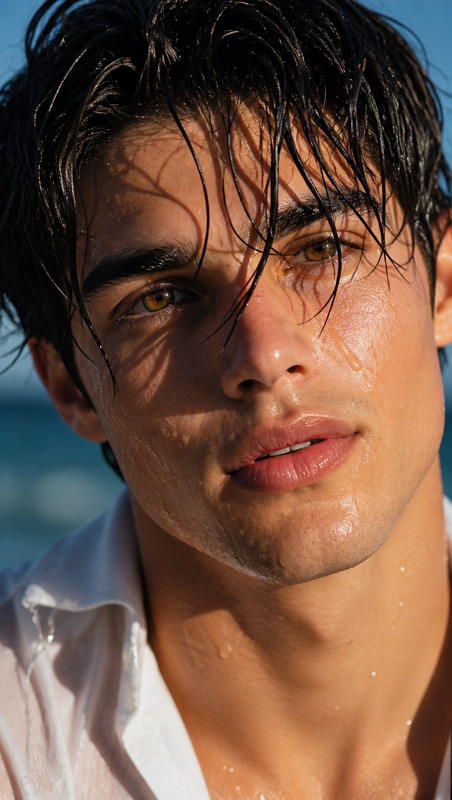
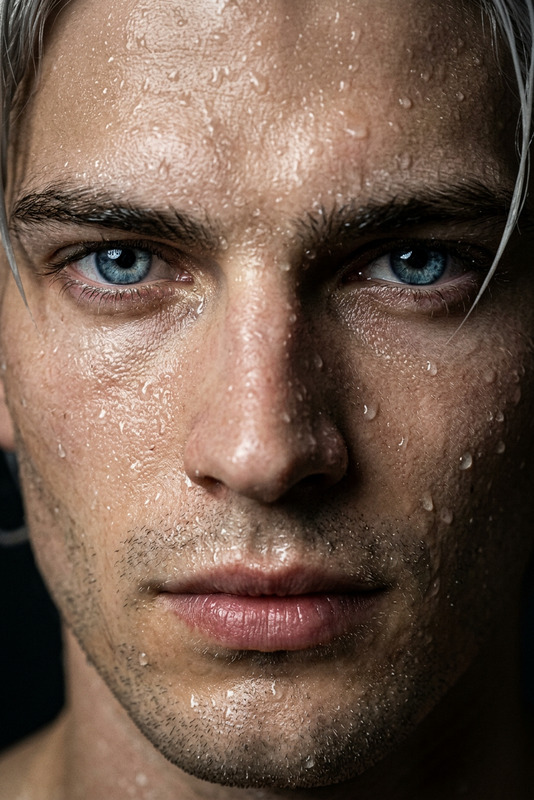
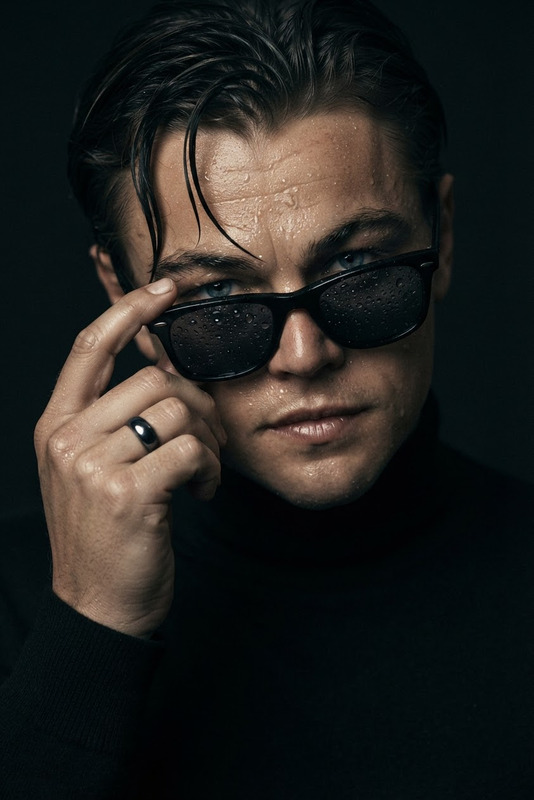
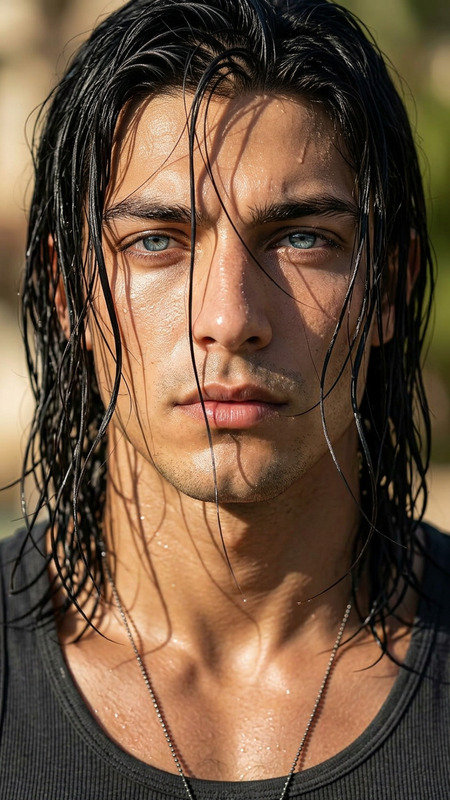
Subject: Face matched exactly to the uploaded reference, shown in an extreme wet close-up profile portrait, with dark wet hair naturally clinging to the skin. Fine droplets of water and thin sweat glisten realistically across the face, highlighting natural skin texture, pores, and micro-details. Bright green/hazel eyes with realistic reflections (no excessive shine), and moist, slightly glossy lips with soft natural texture. Lighting is soft with cool tones, set against a light grey/white bokeh background. Photorealistic, ultra-detailed, cinematic skin rendering.
AI Image Editor Template: Transform Any Image in Minutes
Use this template as a starting point to instantly clean up, enhance, or creatively remix your images with the AI Image Editor. It’s built for fast, high‑quality edits that feel professional but don’t require a design background.
What you can do with this template
This template is ideal for:
Removing distractions and objects
Clean up photos by erasing unwanted items, people, or text using the AI Remover and Remove Object from Photo tools.Changing backgrounds and environments
Instantly swap backgrounds (e.g., turn a casual snapshot into a studio shot) with the Image Background Remover and AI Background Generator.Enhancing quality and resolution
Sharpen soft or low‑res images for social, ads, or product pages using the AI Image Upscaler and Unblur Image.Styling and re‑imagining photos
Re‑style portraits and concepts with the AI Face Editor, AI Manga Generator, AI Anime Generator, Disney AI Generator, or Dark Fantasy AI.Content creation for marketing & product
Generate on‑brand visuals for ads, social, landing pages, and pitch decks using:Persona, avatar, and character work
Quickly generate or refine characters for games, comics, and brands with:
How to remix this template in Magic Hour
You can duplicate this template and turn it into your own custom workflow in a few minutes:
Open the template in Magic Hour
- Click “Remix” (or equivalent) on this template page.
- This creates your own editable copy that you can modify without affecting the original.
Swap in your own images
- Upload product shots, portraits, marketing assets, or concept art.
- Use the AI Photo Generator or AI Image Generator to create starting images if you don’t have source photos yet.
Chain additional tools for a full pipeline
Depending on your use case, you can extend this template into a multi‑step workflow. Examples:For product marketers
- Start with cleanup in AI Image Editor.
- Remove background using Image Background Remover.
- Generate new on‑brand scenes with AI Background Generator.
- Upscale for marketplace listings with AI Image Upscaler.
For founders & growth teams
- Use AI Art Generator to explore concepts.
- Refine faces or personas with AI Face Editor.
- Convert key visuals into short motion assets using Image to Video or AI GIF Generator.
- Auto‑subtitle any resulting video creatives with the Auto Subtitle Generator.
For creators & storytellers
- Turn photos into stylized art with Photo to Sketch, AI Tattoo Generator, Comic Book Generator, or Graffiti Generator.
- Build worlds and settings using Fantasy Map Generator and Architecture Generator.
- Generate coherent interior visuals for mood boards with the AI Interior Design Generator.
Turn edited images into video or interactive content
Once your images are edited, you can push them directly into other Magic Hour products:- Animate characters or scenes with the Animation template.
- Convert static art into motion using Image to Video.
- Make talking portraits from your edited headshots using AI Talking Photo.
- Bring faces to life in clips using the Lip Sync template.
- Swap faces in photos or GIFs via Face Swap, Face Swap GIF, or the Face Swap Video template.
- Turn panels or scenes into short videos with Text to Video or the Video to Video template.
Advanced use cases for professionals
For teams shipping real products and campaigns, this template can anchor repeatable workflows:
Brand‑consistent ad creative
- Generate several variants of an image with AI Art Generator and edit them with the AI Image Editor to align with your brand system.
- Test different visual angles, backgrounds, and compositions for performance marketing.
Founders validating ideas quickly
- Use AI Photo Generator and AI Icon Generator to mock up product UIs, app screens, or logos.
- Clean up visual prototypes with this template before presenting them to stakeholders or investors.
Content teams scaling visual systems
- Generate series of thumbnails with Thumbnail Maker, then fine‑tune them in the AI Image Editor for consistency.
- Produce variations for A/B tests in newsletters, landing pages, and video platforms.
Related templates and tools to explore
Template‑based flows
- Face Swap Video template – create mapped‑face videos from your edited portraits.
- Lip Sync template – match mouth movement to audio for talking images.
- Video to Video template – re‑style or transform existing video using your edited frames as reference.
- Animation template – animate characters or illustrations you created with this image template.
Specialized generators & editors
- AI Headshot Generator for polished professional portraits.
- AI Selfie Generator for branded or stylized profile imagery.
- AI Clothes Changer and AI Fashion Generator for outfit and styling variations.
- Gender Swap for controlled facial transformation experiments.
- Old Photo Restoration and Photo Colorizer for archival and family photos.
- Watermark Remover for cleaning your own branded assets where you control rights.
Tips for getting the most from this template
Start simple, then stack tools
Use the AI Image Editor for basic cleanup and enhancements first. Once you’re happy with the core image, push it into more specialized tools (backgrounds, styles, characters, or video).Keep outputs reusable
Export or reuse your edited images across multiple Magic Hour flows: headshots into AI Talking Photo, product shots into Image to Video, characters into Animation.Think in systems, not one‑offs
For teams, treat this template as a standard: define how you want backgrounds, lighting, and styling to look, then remix the template so everyone can produce on‑brand images in a few clicks.
Use this AI Image Editor template as your base layer: clean, consistent, high‑quality images that you can remix into videos, talking portraits, social content, and more across the Magic Hour ecosystem.