Rainbow Hair

Rainbow Hair

AI Image Editor
1 clip
10 uses

Any aspect ratio

Prompt

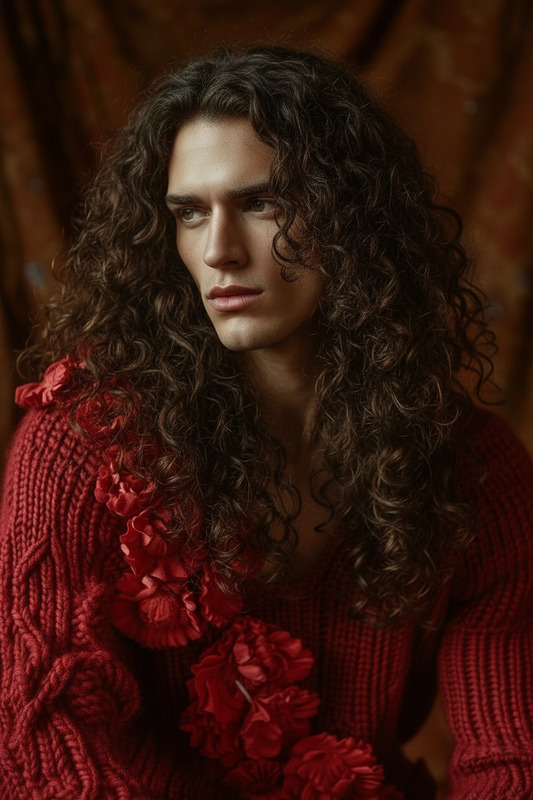
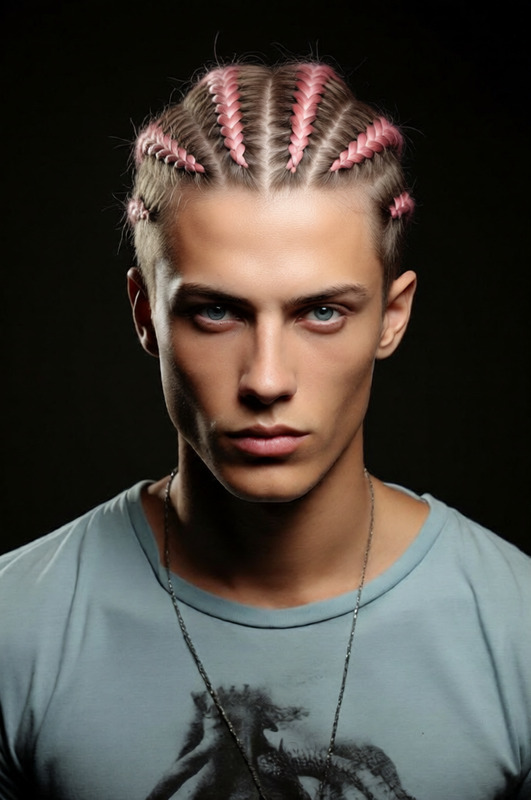
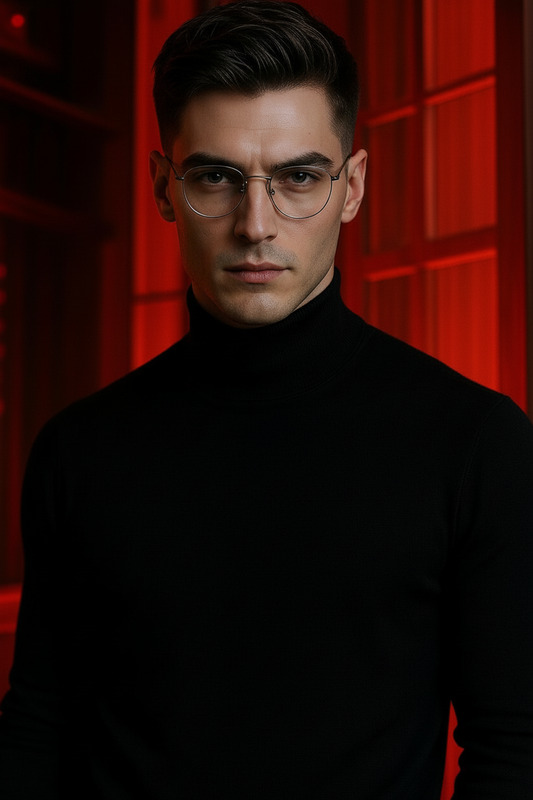
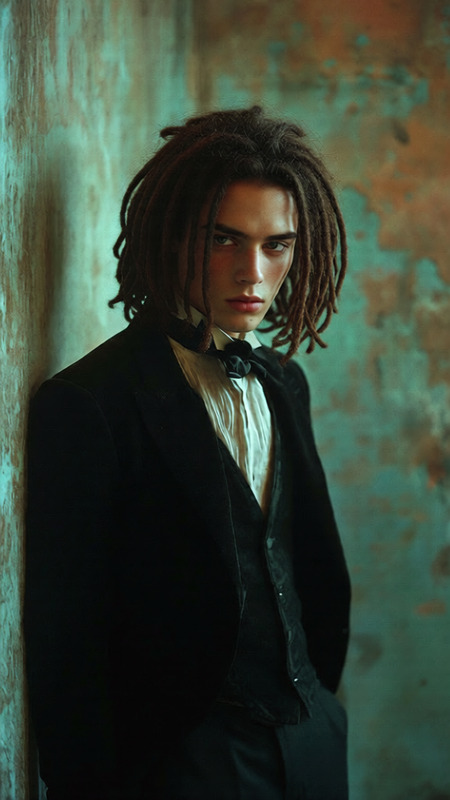
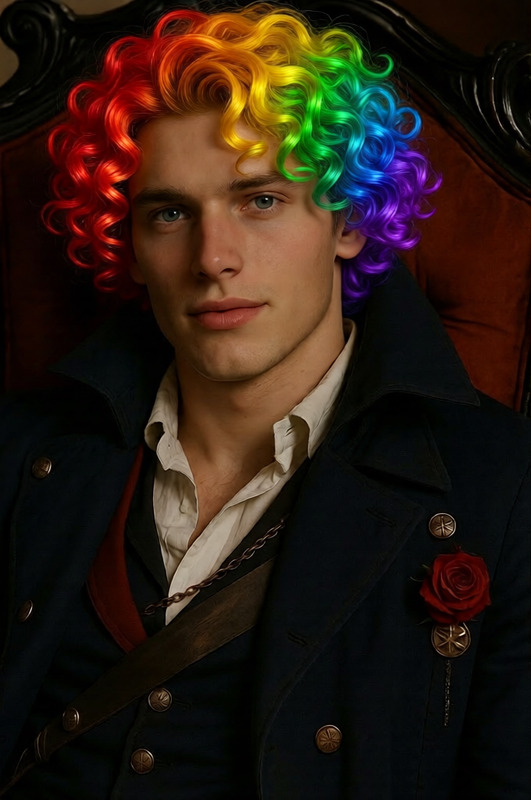
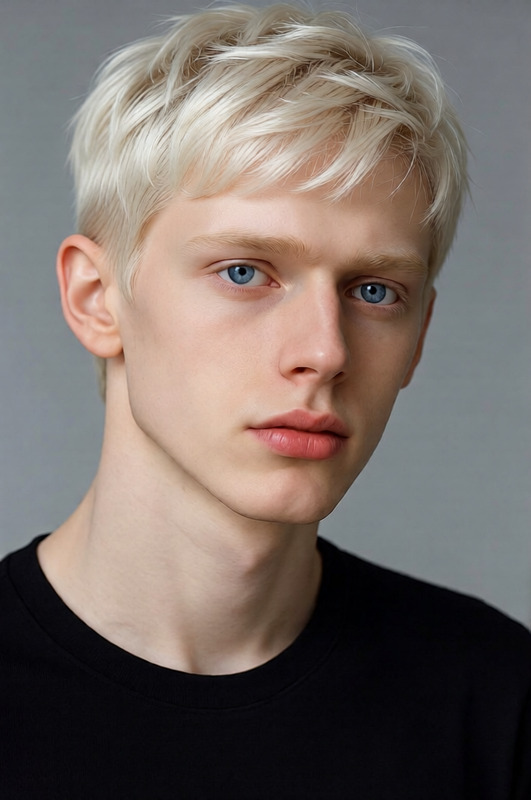
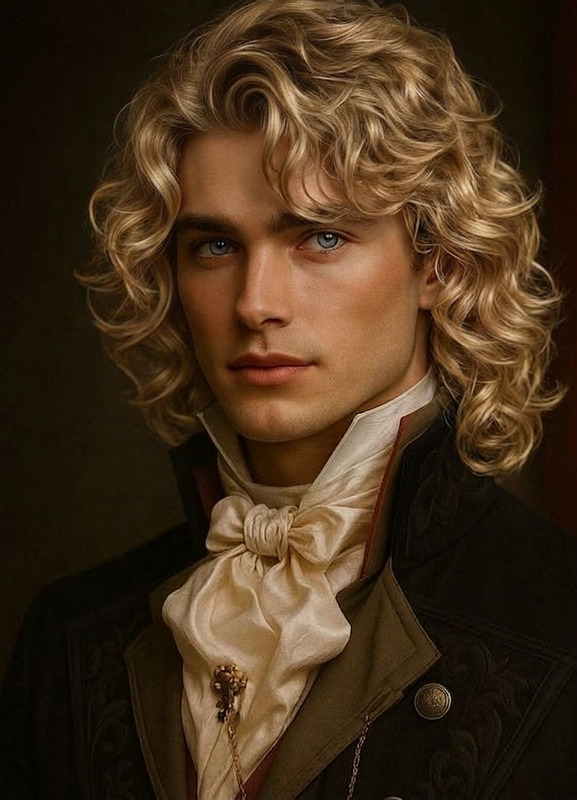
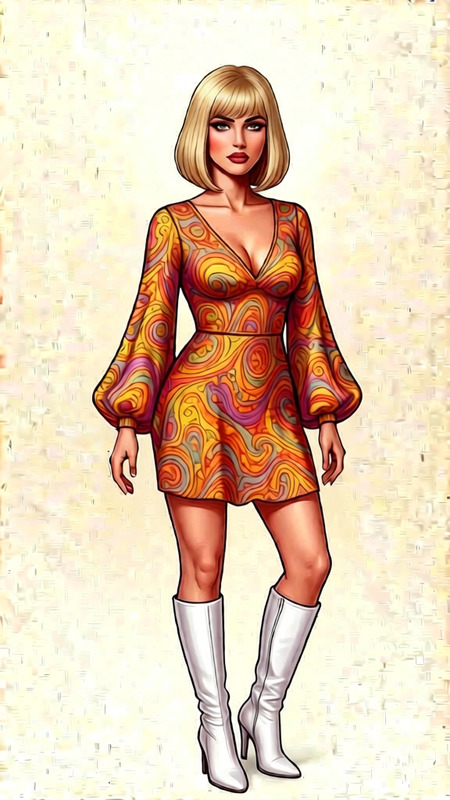
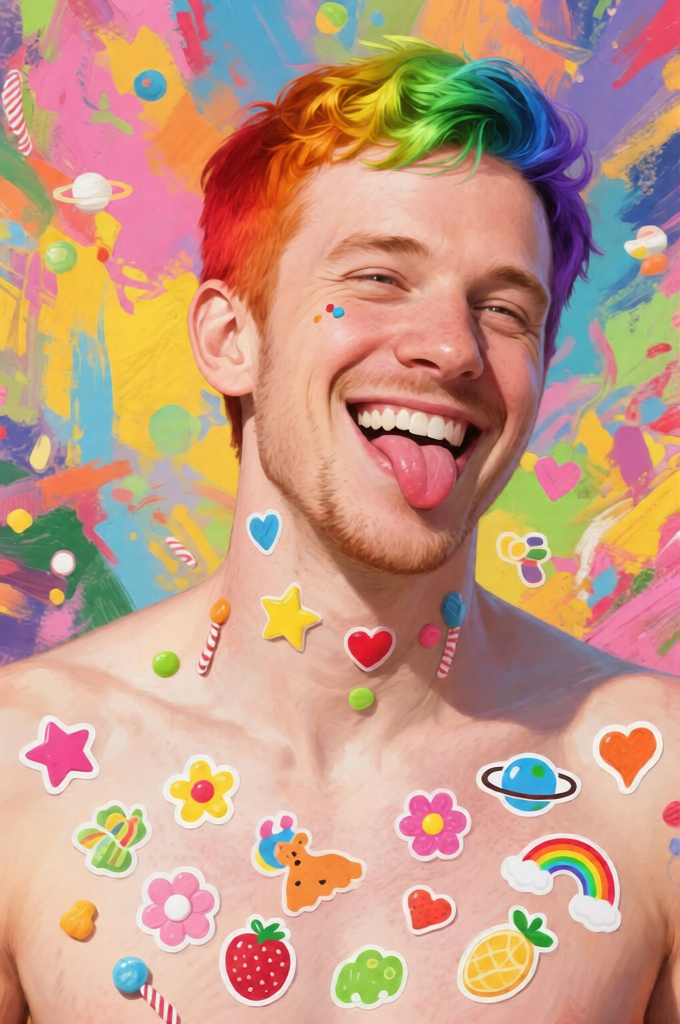
Give the person vibrant rainbow-colored hair with a smooth seven-color gradient (red, orange, yellow, green, blue, indigo, violet). Keep the hairstyle natural and realistic with soft curls or flow, preserving original shape, volume, and hairline. Ensure seamless color blending across strands with glossy, healthy shine and realistic texture. Maintain facial features, lighting, and identity unchanged. High detail, photorealistic, colorful yet natural finish.

Overview

Transform your visuals with the Rainbow Hair AI Image Editor template. This tool offers a stunning seven-color gradient effect that turns ordinary hair into a vibrant spectrum, maintaining a natural and realistic look. Ideal for creators looking to add a splash of color to their storytelling and capture audience attention.

What It Does

The Rainbow Hair template uses the Qwen-Edit model for detailed and photorealistic transformations, applying a smooth rainbow gradient to the subject's hair while preserving the original hairstyle, volume, and hairline. The soft curls or flow are kept realistic, with expertly blended colors that add a glossy and healthy shine. This makes it perfect for creating stunning visuals that stand out.

Who It's For

This template is perfect for digital artists, content creators, and social media influencers aiming to captivate their audiences with bold visual effects. Use it to enhance product videos, create Instagram Reels that pop, or add a creative touch to mood boards. No matter the project, this tool offers professional-grade results.

Summary

With the Rainbow Hair AI Image Editor, you can easily convert mundane images into eye-catching masterpieces. The AI Image Editor ensures high detail and photorealism, making any project colorful yet natural. The template is designed for quick, seamless transformations, maintaining the integrity of the subject’s facial features and identity.
How-To

    01

    Choose the Template

    Navigate to the AI Image Editor templates and select the Rainbow Hair option from the gallery.
    02

    Customize Your Inputs

    Upload an image of the person whose hair you want to transform. Ensure the photo is well-lit to achieve the best results.
    03

    Generate Your Image

    Click 'Generate' to apply the vibrant rainbow hair effect. Once rendered, download your new image in your desired format.

Use Cases

📷

Social Media Content

Elevate your social media profile with vibrant hair transformations.
  • Create unique <a href="/use-cases/tiktok-videos">TikTok videos</a> that stand out
  • Design eye-catching profile pictures
🚀

Marketing and Advertising

Add a splash of color to promotional material.
  • Engage viewers with vibrant <a href="/use-cases/ecommerce-ads">e-commerce ads</a>
  • Create dynamic visuals for <a href="/use-cases/social-media-ads">social media campaigns</a>
🎨

Personal Projects

Explore creative photography projects with colorful effects.
  • Experiment with visual storytelling
  • Diversify your art portfolio

Best Practices

  • Select High-Resolution Images

    For the best results, use images with good lighting and high resolution to capture details effectively.
  • Use Natural Hairstyles

    Ensure the original hairstyle is distinct and natural to maintain realism in the transformation.
  • Preserve Original Features

    Adjust settings to maintain facial features and lighting, ensuring the identity remains unchanged.

Frequently asked questions

Images with high resolution and good lighting work best to capture the photorealistic transformation effectively.

No, the effect focuses solely on the hair and maintains all facial features, lighting, and identity unchanged.

Currently, the template automatically blends the colors for optimal realism and natural appearance.

While exact file size limits may vary, it's best to use images that are reasonably large to ensure detail and quality.

More Like This