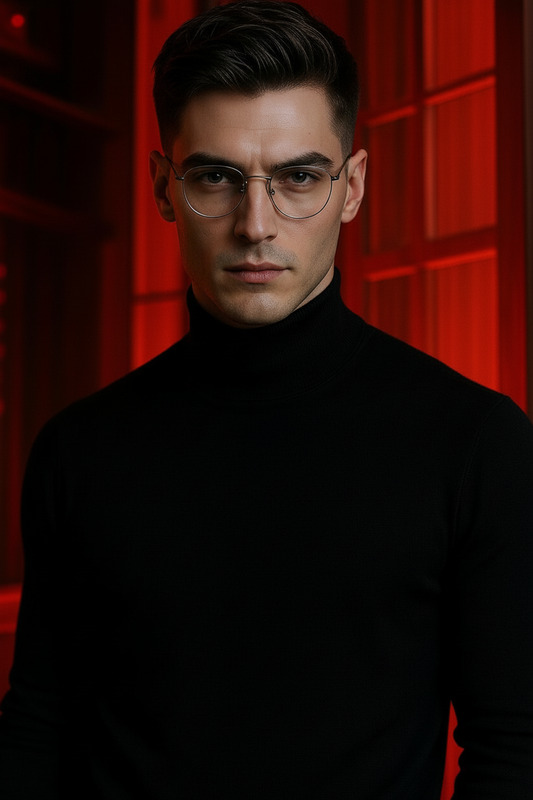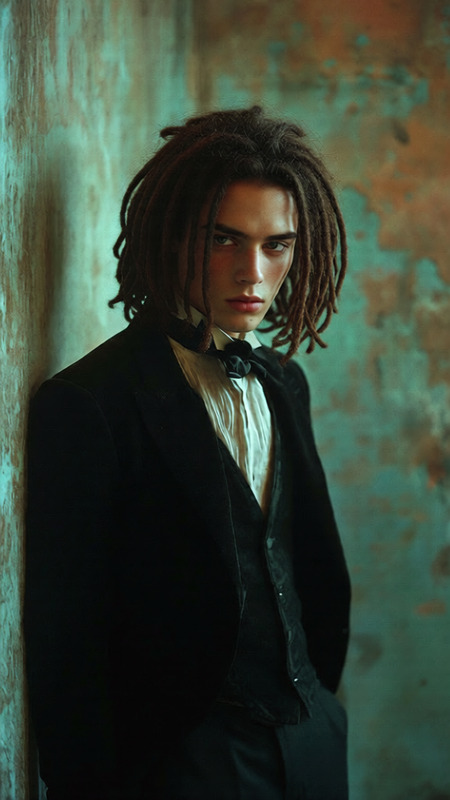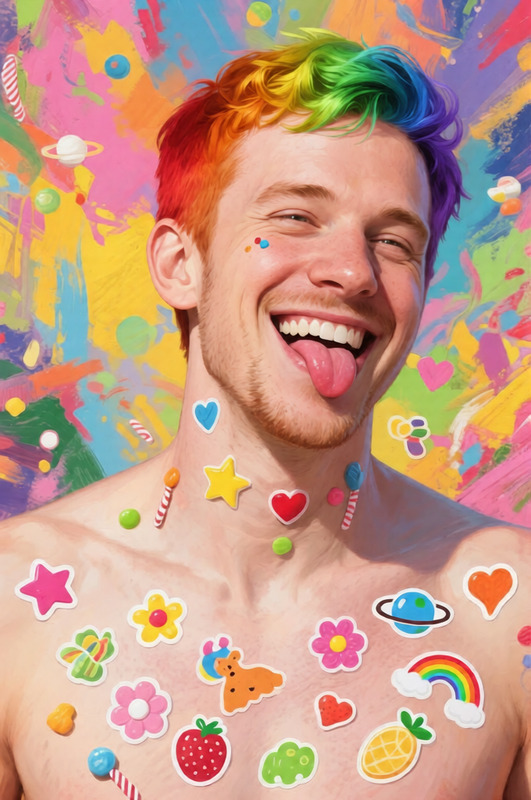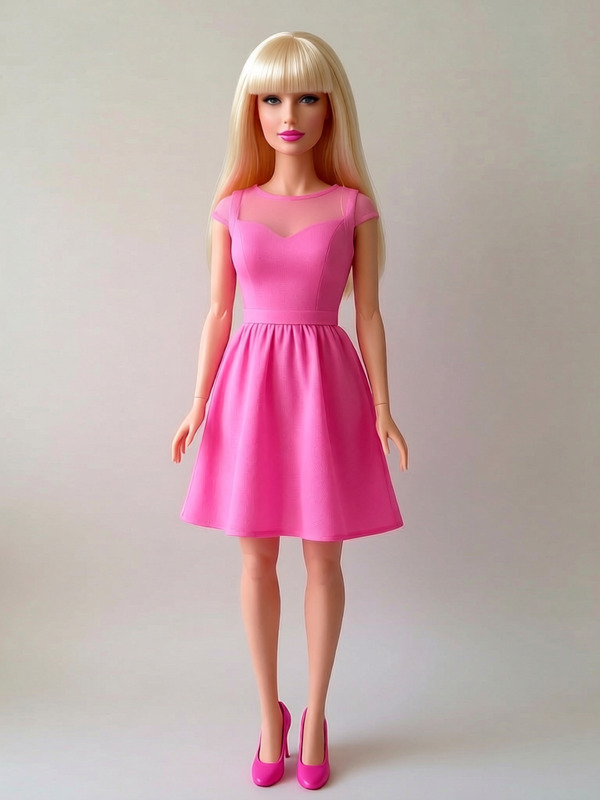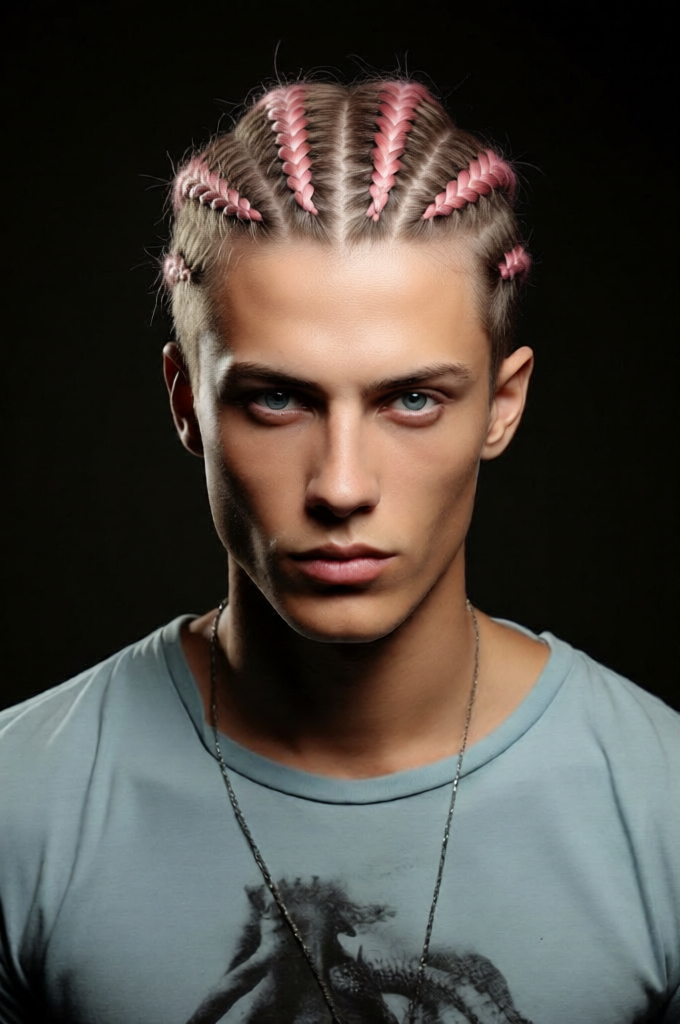
Cornrows Style Shift

Cornrows Style Shift

ai-image-editor

1 clip
0 uses

Any aspect ratio

Prompt

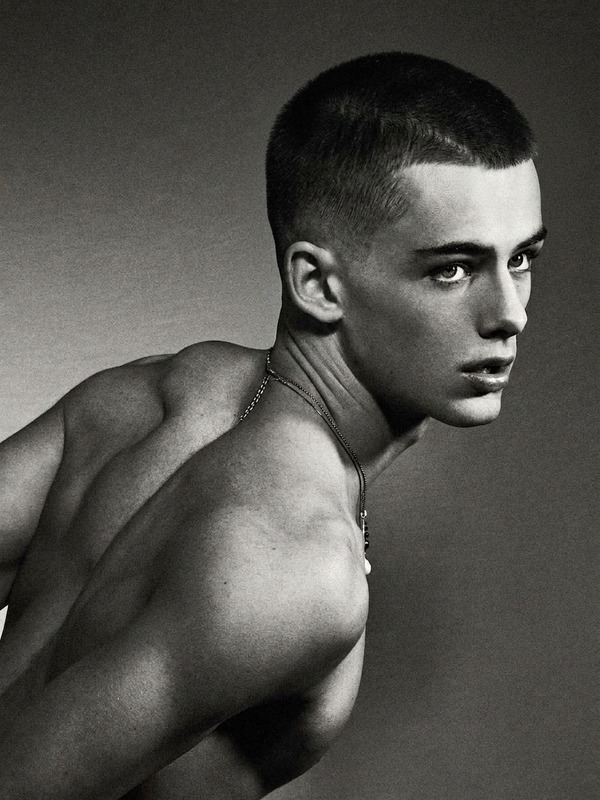
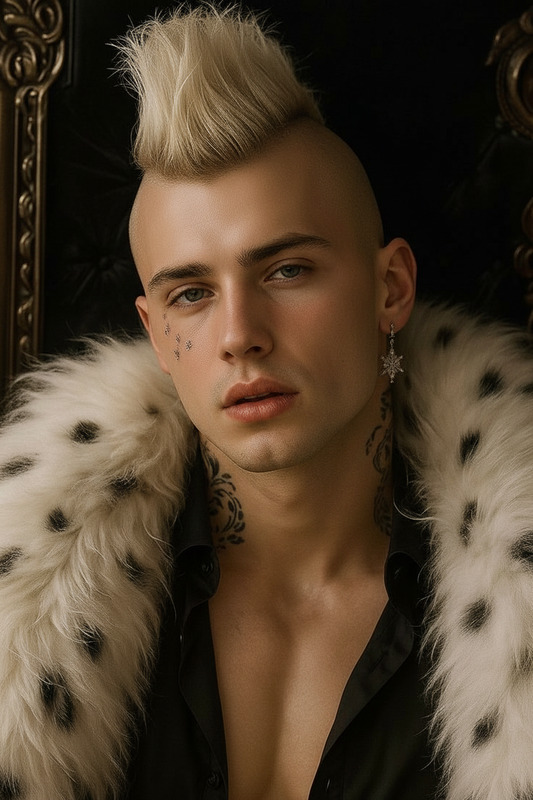
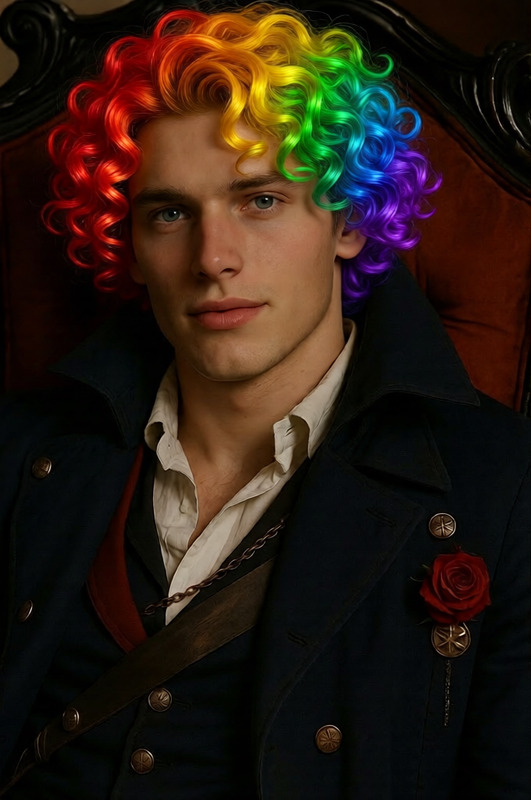
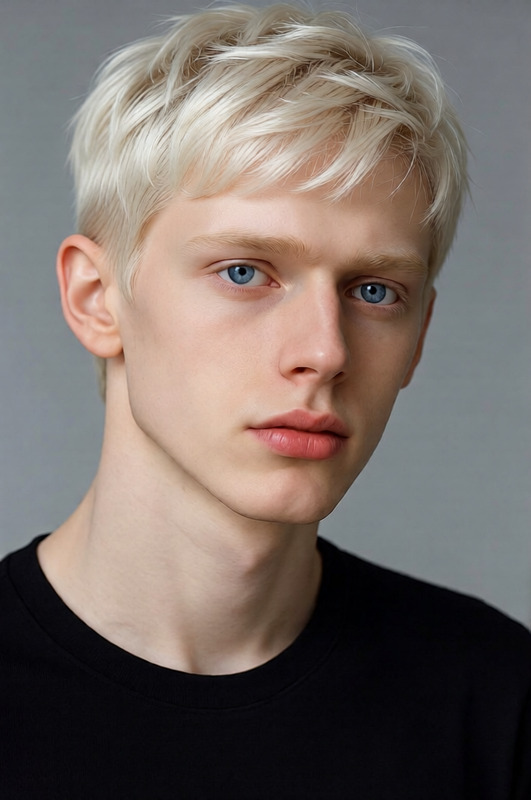
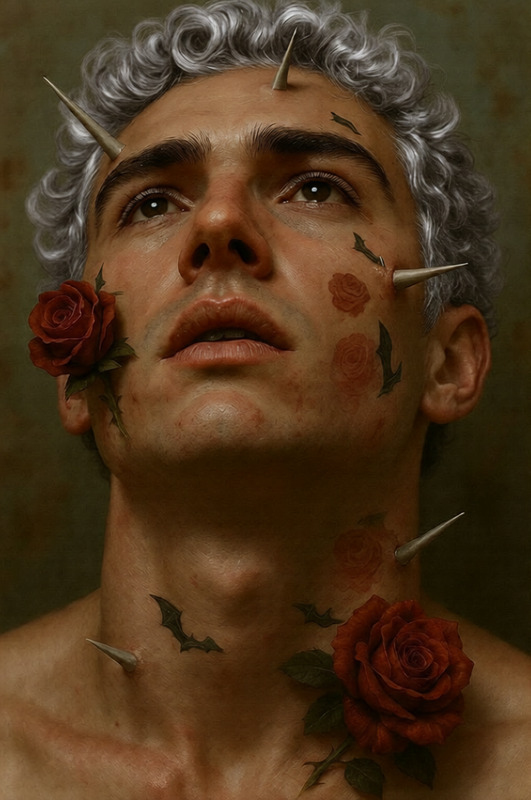
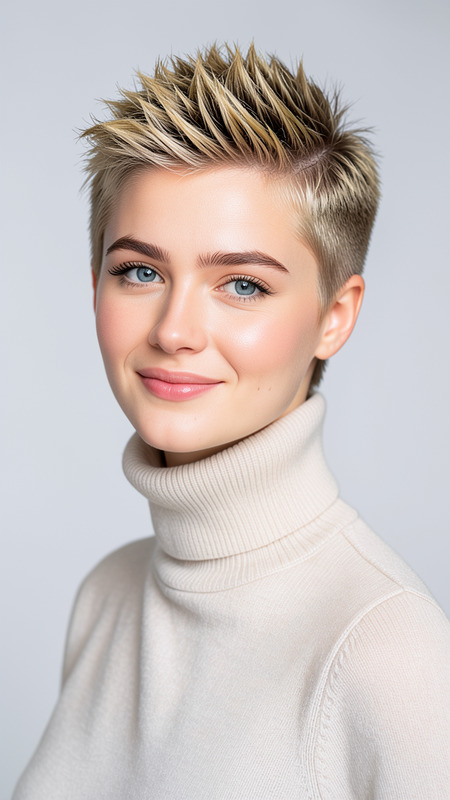
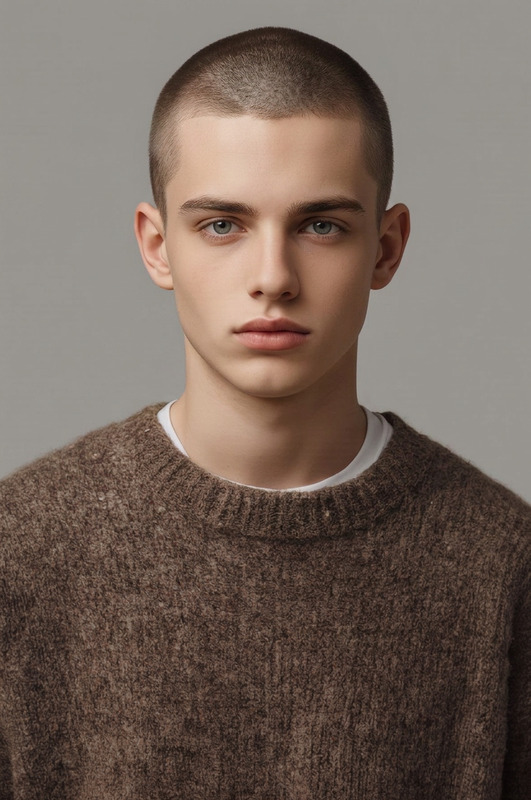
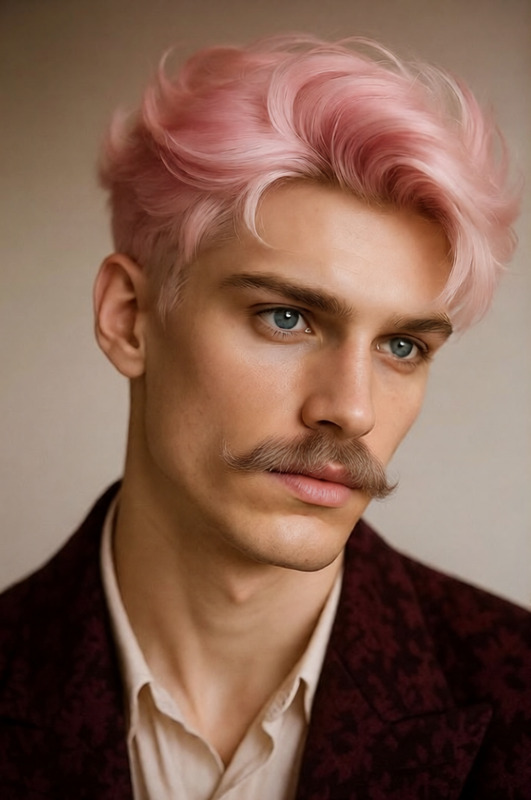
Change the subject’s hairstyle to cornrows, with neatly braided rows following the natural contour of the scalp. Ensure the braids are clean, evenly spaced, and detailed, with realistic texture and subtle shine. Preserve the subject’s facial features and identity, and integrate the hairstyle naturally with the lighting, angle, and overall appearance

AI Image Editor Template: Turn Any Photo Into a Polished, On‑Brand Visual in Minutes

Use this AI Image Editor template to transform raw photos into clean, professional visuals—without Photoshop or complex tools. Perfect for marketing teams, solo creators, developers, and startups who need fast, repeatable image quality for campaigns, product launches, or social content.

This template is built on the AI Image Editor, so you can quickly customize it, remix it, and adapt it to your brand.


What You Can Do With This Template

Use this template as a starting point whenever you need to:

  • Clean up or enhance existing photos
  • Remove distracting backgrounds or objects
  • Replace backgrounds with on‑brand scenes
  • Edit faces, outfits, or details while keeping identity intact
  • Create consistent visual styles across a campaign
  • Prepare assets for ads, landing pages, thumbnails, and social posts

For specialized workflows, you can pair it with other Magic Hour tools:


How to Remix This Template in Magic Hour

You can recreate or customize this template in a few steps:

  1. Open AI Image Editor
    Go to the AI Image Editor.

  2. Upload Your Base Image

    • Product shots (for e‑commerce or landing pages)
    • Portraits or headshots
    • Social, lifestyle, or UGC photos
    • Brand assets, illustrations, or mockups
  3. Describe the Change You Want
    Use concise, specific instructions. For example:

    • “Remove the background and replace with a clean white studio backdrop.”
    • “Turn this casual photo into a professional headshot with soft lighting and a neutral office background.”
    • “Make colors more vibrant and remove the person in the background.”
    • “Change the t‑shirt to black and add a minimalist logo on the chest.”
  4. Refine by Iterating

    • If the first result is close but not perfect, refine your prompt: specify lighting, composition, or style.
    • Save multiple versions to compare and reuse across campaigns.
  5. Save and Reuse as a Personal Template

    • Save your favorite workflow (e.g., “Product shots for homepage,” “LinkedIn headshots,” “YouTube thumbnail base”)
    • Use similar prompts and base styles to keep visuals consistent across assets and channels.

Once you’ve built a pattern that works, you’ve effectively created your own internal template on top of this one—just swap the input image and reuse your best prompts.


Example Use Cases for Creators, Marketers, and Teams

1. Marketing & Growth Teams

  • Ad creatives:
    Turn a quick phone photo into an ad‑ready visual by cleaning the background, correcting lighting, and aligning colors with your brand palette.
  • Landing pages & product pages:
    Use image editing plus AI Background Generator to place products in contextual, high‑quality scenes that match your messaging (e.g., “modern workspace,” “minimalist kitchen,” “fitness studio”).
  • Campaign consistency:
    Remix this template with variations for different channels: one version optimized for email headers, another for social ads, another for blog hero images.

2. Creators, Influencers & YouTubers

  • Thumbnails:
    Edit your face, lighting, and background for scroll‑stopping thumbnails. Combine with the Thumbnail Maker to design full layouts.
  • Social branding:
    Keep a consistent aesthetic across Instagram, TikTok, LinkedIn, and newsletters by remixing this template into a “signature style” workflow: same tone, background types, and framing.
  • Memes & short‑form content:
    Use AI Image Editor with AI Meme Generator or AI GIF Generator to quickly turn edited images into shareable formats.

3. Founders, Product Teams & Designers

  • MVP / prototype visuals:
    Quickly polish rough screenshots, mockups, or concept art so pitch decks and product pages look credible before a full design pass.
  • User avatars & brand characters:
    Start with a generated image from the AI Character Generator or AI Face Generator, then refine it in AI Image Editor for specific poses, outfits, or environments.
  • Decks & investor materials:
    Clean up office photos, team headshots, and product images for pitch decks—pair with the AI Headshot Generator or AI Selfie Generator for consistent portraits.

Advanced Workflows: Combine This Template With Other Magic Hour Tools

If you’re building richer pipelines, you can chain this AI Image Editor template with other products:

From Image to Video

  • Start with an edited hero image using this template
  • Turn it into motion content using:
  • If you need to upgrade video quality, use the Video Upscaler.

Talking Photos & Character Content

E‑commerce, Fashion & Branding


Practical Prompting Tips for Better Results

When remixing this template, your instructions are your “API.” A few patterns that work well:

  • Be specific about the goal, not just the edit

    • Instead of “edit this photo,” try:
      “Make this look like a professional LinkedIn headshot: soft lighting, neutral gray background, subtle depth of field.”
  • Describe style, mood, and environment

    • “Bright, minimal, tech‑startup landing page style”
    • “Cinematic, high‑contrast, shallow depth of field”
  • Include negative instructions when needed

    • “Enhance colors and lighting, keep the person’s face and proportions natural.”
    • “Remove the background clutter but keep the product shadows so it looks realistic.”
  • Iterate in small steps

    • If you’re building production workflows, treat each stage (background, color, cleanup, branding) as a separate remix for more predictable output.

Related Tools You Might Want in the Same Workflow

Depending on your use case, these tools often pair well with this AI Image Editor template:


Who This Template Is For

This AI Image Editor template is designed for:

  • Startup founders & teams who need high‑quality visuals before hiring full‑time design support
  • Marketers & growth leads shipping campaigns weekly and testing multiple creative angles
  • Content creators & educators publishing frequently across channels
  • Developers & no‑code builders embedding AI image workflows into products, tools, or internal systems

Instead of starting from a blank canvas every time, you can:

  1. Use this template as your baseline
  2. Remix it for each use case (ads, thumbnails, headshots, product shots)
  3. Standardize prompts and outputs across your team

The result: faster, more consistent image quality with less manual editing—and a workflow you can scale, document, and hand off.

More Like This