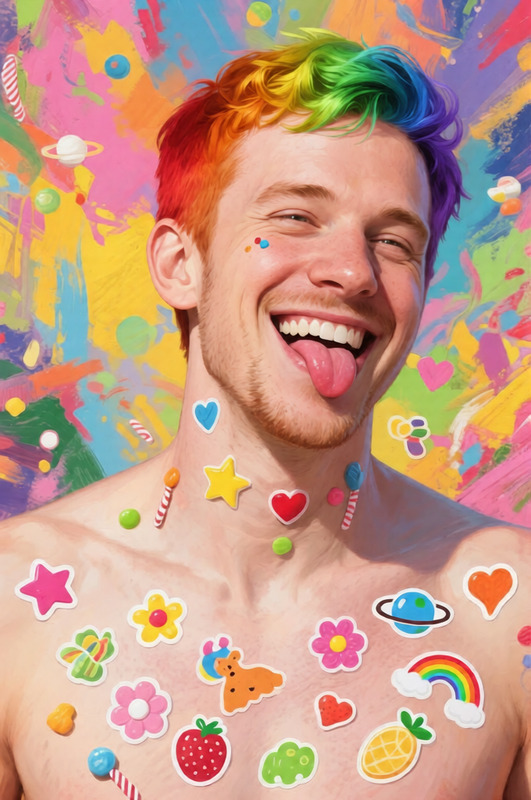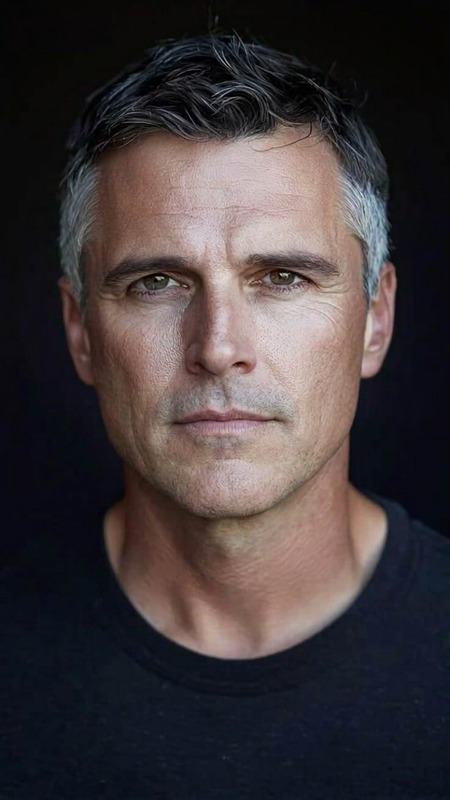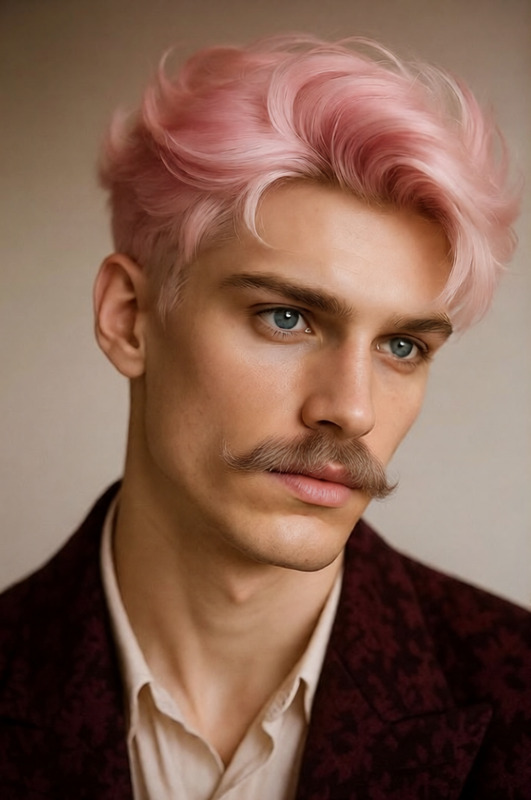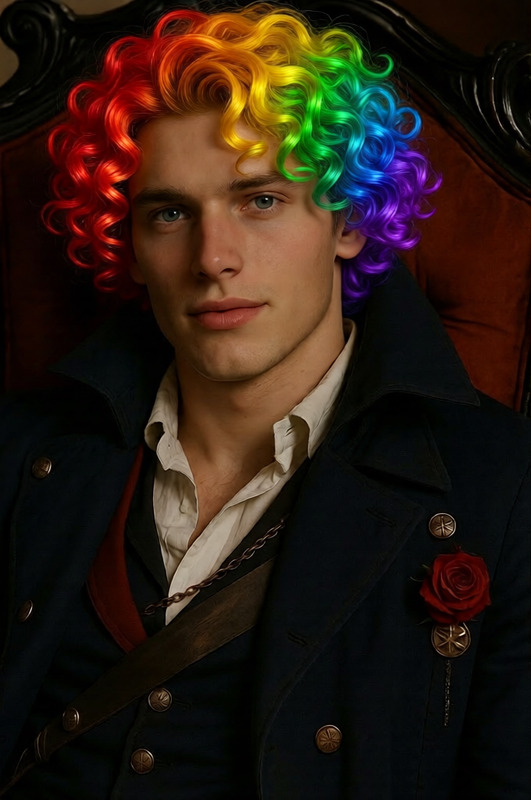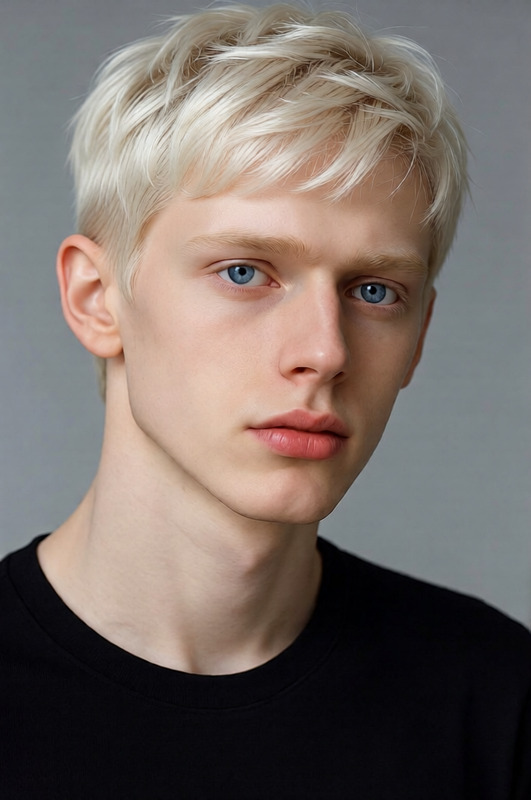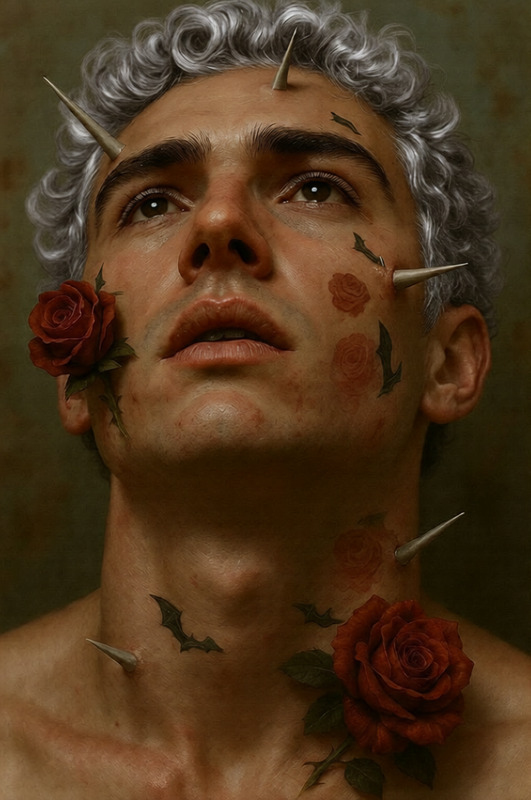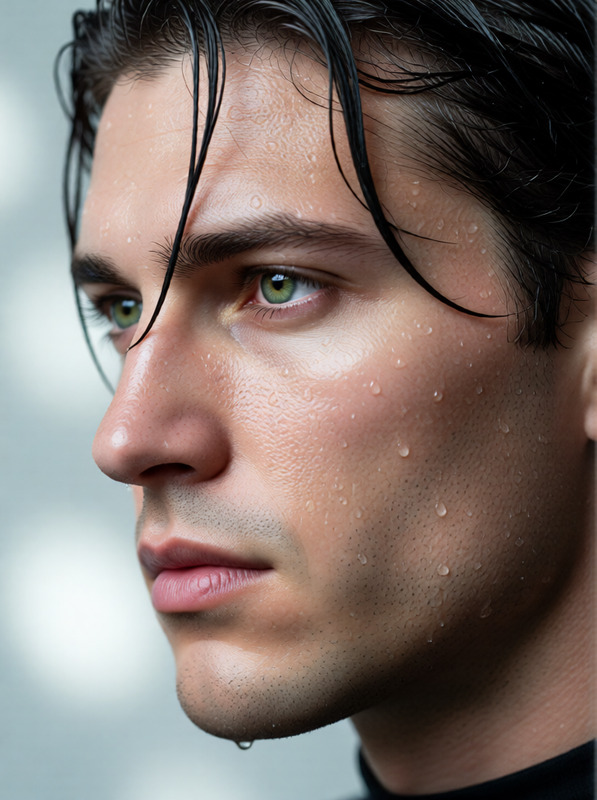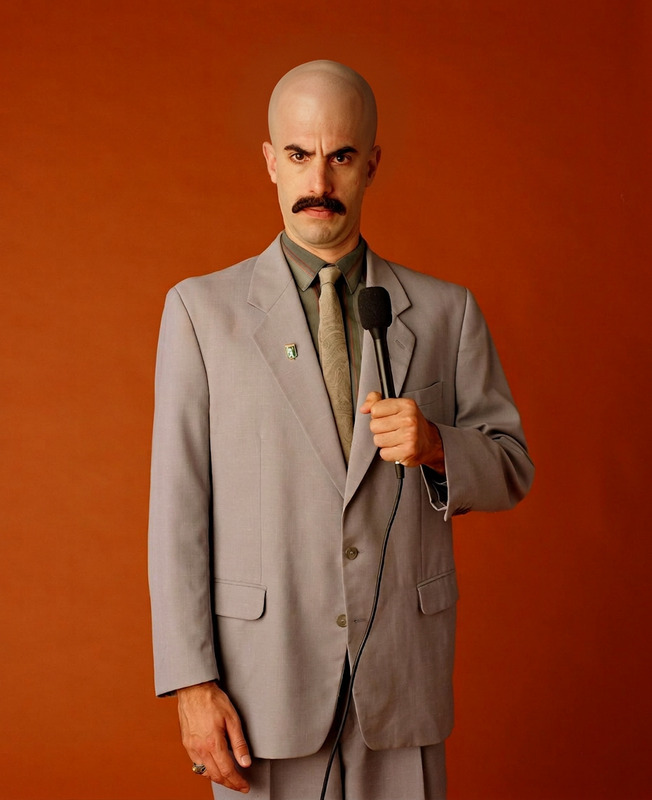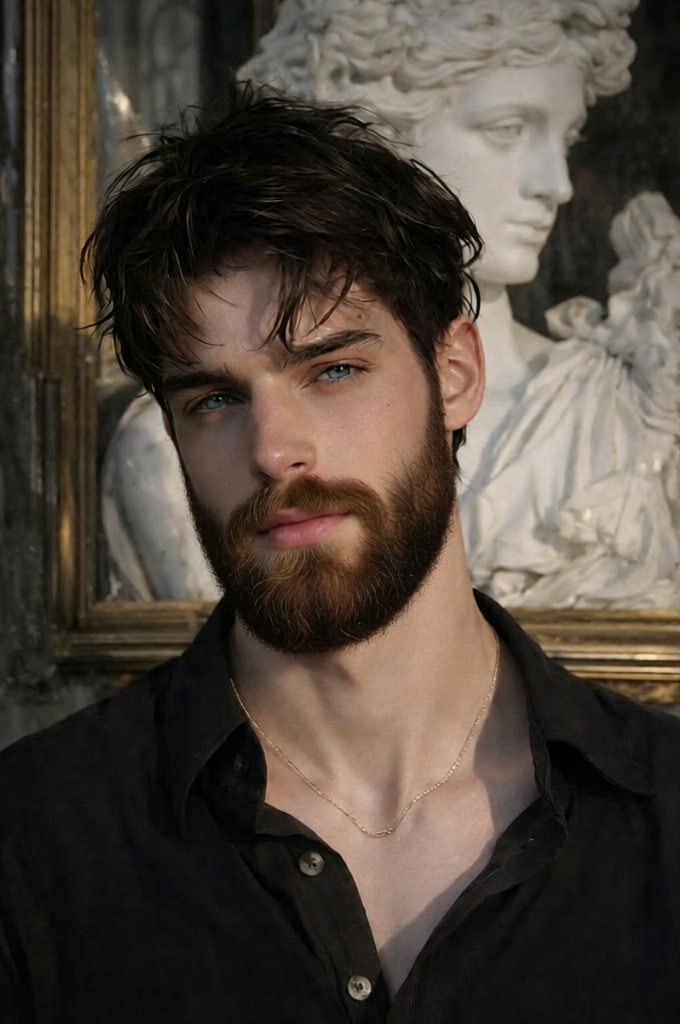
Seamless Beard Addition
- Model
- Qwen Edit
- Image
- 680 × 1024 px
Prompt
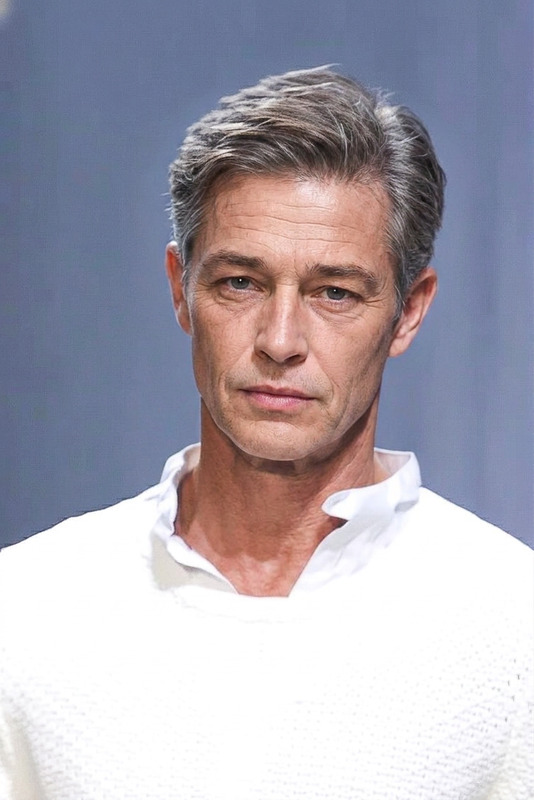
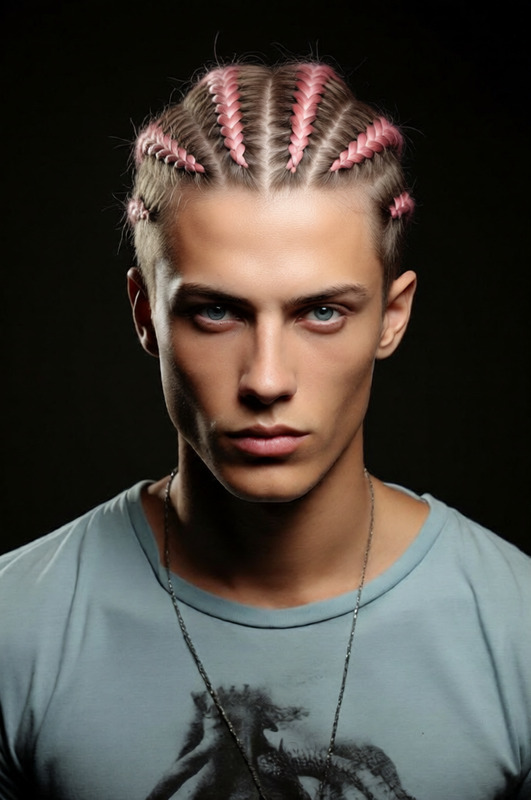
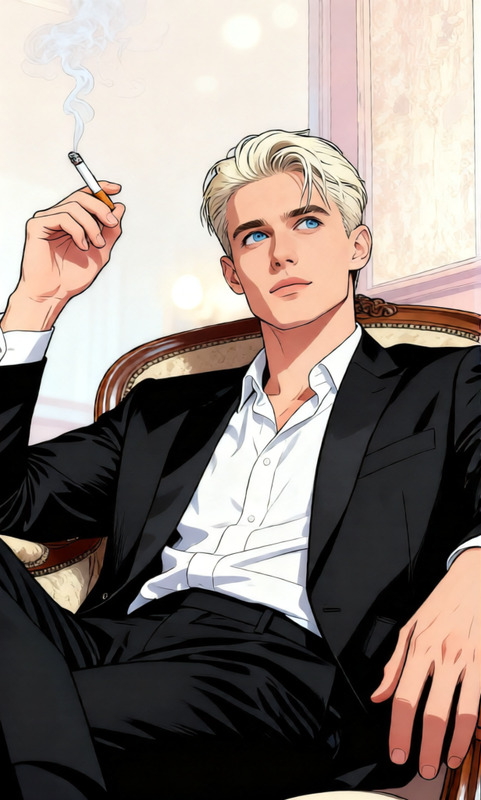
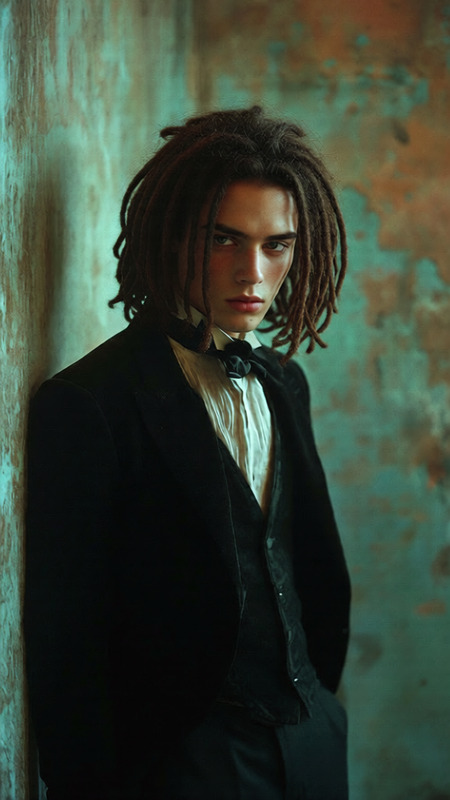
"""{ """"title"""": """"Add Realistic Beard Matching Hair Color"""", """"input"""": { """"type"""": """"image"""", """"description"""": """"A clear portrait of a person without facial hair. Their scalp hair is visible for color reference."""" }, """"task"""": """"facial feature augmentation"""", """"instructions"""": { """"objective"""": """"Add a natural, realistic beard to the person’s face."""", """"beard style"""": """"Default to a medium-to-full beard that follows the natural jawline, chin, and upper lip, unless otherwise indicated by facial structure."""", """"color matching"""": { """"rule"""": """"Match the beard color precisely to the person’s existing scalp hair."""", """"texture"""": """"Ensure the beard has similar texture and density as the hair—whether curly, wavy, or straight."""", """"grayscale handling"""": """"If the input image is in grayscale, match tone and contrast rather than assuming a color."""" }, """"preservation constraints"""": [ """"Do not alter the person’s original facial structure, skin tone, eye shape, or hairline."""", """"Retain all non-facial elements (e.g., clothing, background, lighting) exactly as in the original image."""" ] }, """"output"""": { """"description"""": """"A realistic version of the same image where the subject now has a beard that seamlessly matches their scalp hair color and texture."""" } } """
Any aspect ratio
Overview
The Seamless Beard Addition template uses the qwen-edit model to enhance your portraits by adding realistic, hair color-matched beards. This tool is part of our comprehensive AI Image Editor suite, designed to help you fine-tune facial features effortlessly.
What It Does
This template specializes in facial feature augmentation, focusing on beard addition. It adapts the beard's color and texture to match the existing scalp hair in your image. The output is a lifelike transformation that harmonizes with the original photo while preserving non-facial elements like clothing, background, and lighting.
Who It's For
Ideal for photographers, creative professionals, and content creators, this template enables users to experiment with new looks and styles. It's also perfect for digital artists looking to enhance character designs or anyone in the entertainment industry who needs dynamic and believable facial transformations.
Summary
Use the Seamless Beard Addition to create stunningly realistic images tailored to your style preferences. By leveraging this template with the AI Image Generator, you can maintain consistency across a variety of projects, from personal storytelling to professional advertising.
How to Use
Select Your Template

Adjust Parameters

Generate and Download

Use Cases
Portrait Enhancements
- Create complete character transformations.
- Enhance fashion photography.
Digital Character Design
- Add depth to game characters.
- Achieve consistent aesthetics in animated stories.
Marketing and Advertising
- Diversify character appearances in ads.
- Test different looks for targeted audience outreach.
Best Practices
Use High-quality Images
For optimal results, ensure the uploaded photo is clear and well-lit.Check Color and Texture Matching
Verify that the beard's color and texture align with the scalp hair to maintain a natural look.Preserve Originality
Keep the initial elements of the image intact for a result that enhances, rather than alters, the subject's uniqueness.