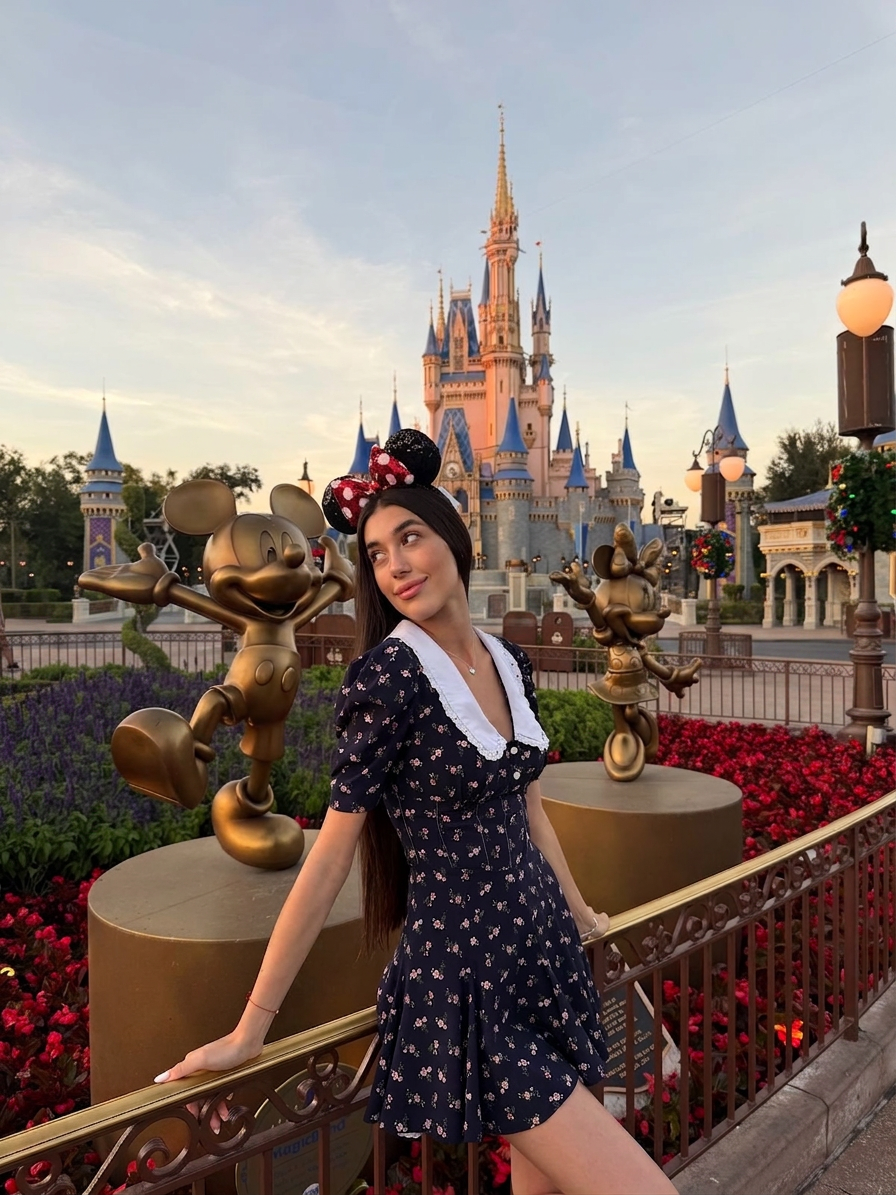
Clean Environment Fill
ai-image-editor
Any aspect ratio
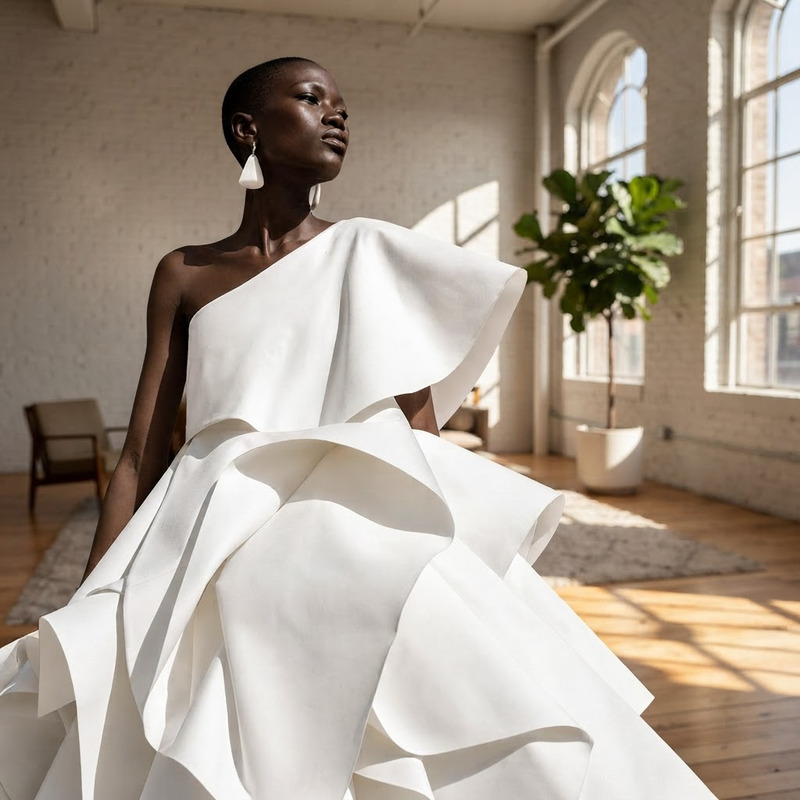
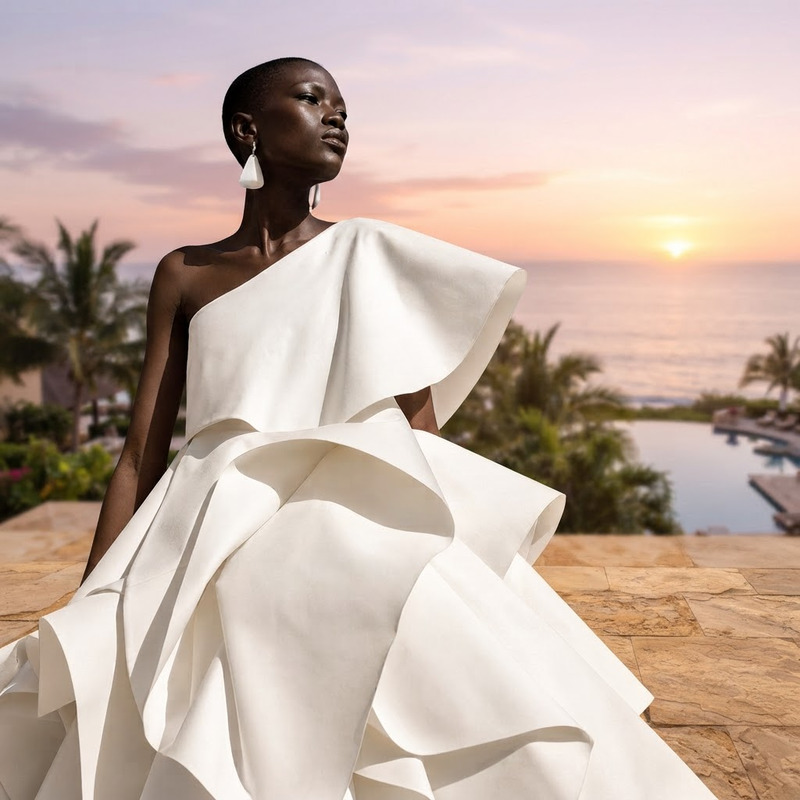
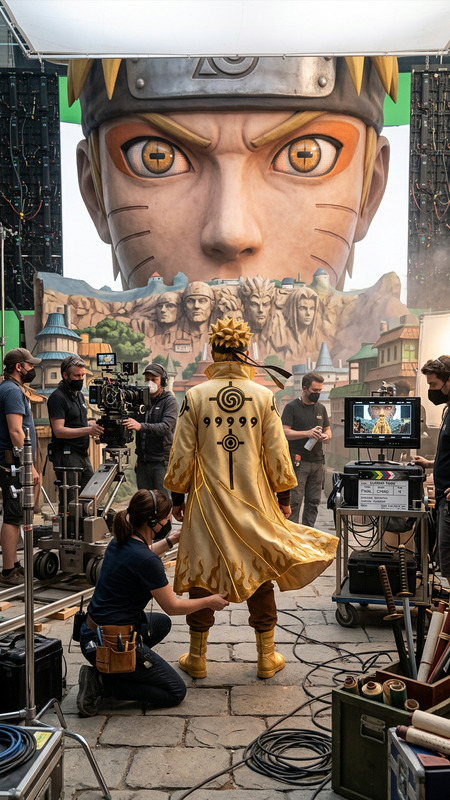
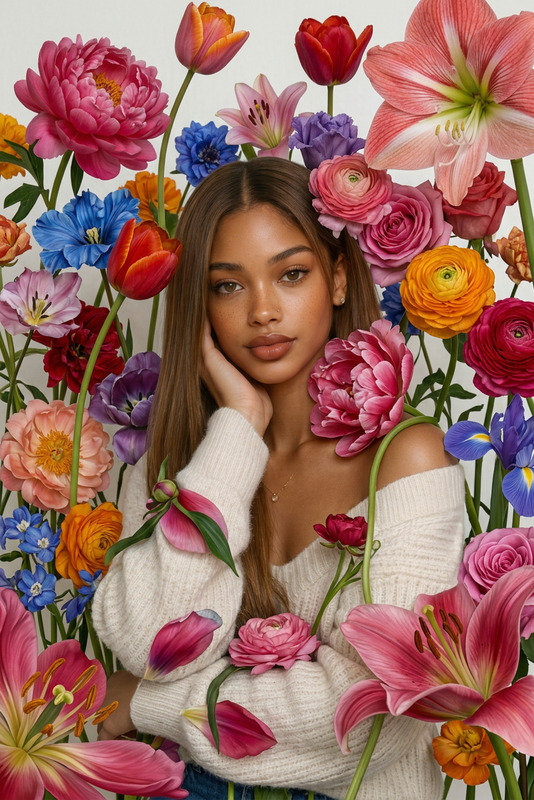
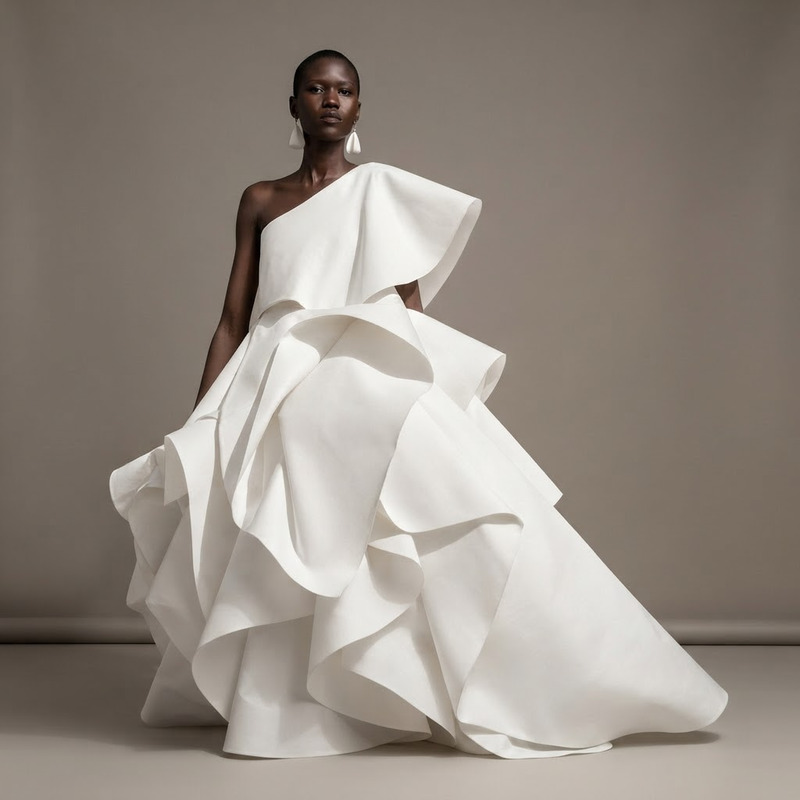
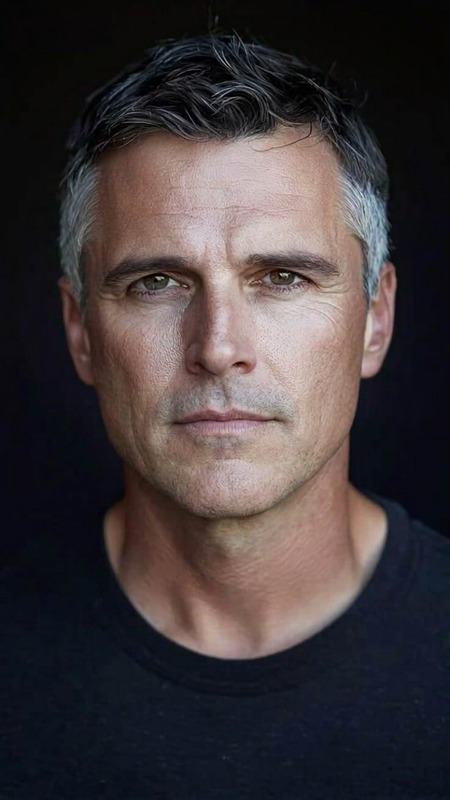
Remove all background people and tourists from the scene. Fill the cleared areas with realistic environmental textures that match the surroundings (e.g., pavement, walls, sky, foliage). Ensure seamless blending with correct perspective, lighting, and shadows. Avoid repetition, distortions, or artifacts, maintaining a clean, natural, and believable background.
AI Image Editor Template: Instantly Upgrade Product Photos with Studio-Quality Lighting
Use this template to turn ordinary product shots into polished, e‑commerce‑ready images in seconds. It’s powered by the AI Image Editor, so you can clean up backgrounds, fix lighting, and enhance details without touching Photoshop.
What This Template Is For
This template is designed for:
- E‑commerce product photos (Shopify, Amazon, Etsy, WooCommerce)
- Marketing and launch visuals (landing pages, ads, email hero images)
- Startup pitch decks and investor updates
- Social media campaigns (Instagram, TikTok, LinkedIn, Pinterest)
- Marketplace listings and catalog refreshes
Use it any time you need consistent, professional, on‑brand product imagery from raw or imperfect photos.
What You Can Do With This Template
With this AI Image Editor–based template, you can:
Clean and standardize backgrounds
Transform busy or inconsistent photos into clean, studio‑style shots. You can also combine this with tools like Image Background Remover and AI Background Generator when you need more control.Fix lighting and contrast automatically
Make dark, flat, or unevenly lit product shots look like they were captured under professional studio lights.Enhance sharpness and details
Recover texture and clarity from slightly soft or low‑quality photos. For more advanced sharpening, pair with the AI Image Upscaler or Unblur Image.Remove visual distractions
Instantly erase unwanted objects, props, or reflections. You can also use AI Remover and Remove Object From Photo for more precise cleanup tasks.Maintain brand consistency at scale
Apply a consistent look and feel across an entire collection, even if your original photos come from different sources (phones, cameras, user‑generated content).
How To Remix This Template in Magic Hour
You can easily adapt this template to your own brand, product, or workflow inside Magic Hour. Here’s a practical approach that works well for fast‑moving teams:
Start with a solid base image
- Use a real product photo from your catalog, or
- Generate a starting point with the AI Photo Generator or AI Art Generator if you’re still prototyping concepts.
Open it in the AI Image Editor
- Upload your image directly via the AI Image Editor.
- Use this template as a starting point to get the base “studio” look.
Refine composition and background
- Clean up or remove the original background.
- If you need contextual or lifestyle shots, you can generate new environments with:
- AI Background Generator
- AI Interior Design Generator for indoor scenes
- Architecture Generator for urban or structural backdrops
Enhance resolution and quality for distribution
- Before exporting for your store, ads, or marketplace, upscale using the AI Image Upscaler to meet platform requirements and preserve detail.
Create additional variants from the same base
Once your main “master look” is dialed in, you can quickly remix it to support multiple campaigns:- Social cut‑downs or thumbnails via the Thumbnail Maker
- On‑brand cover art via the Album Cover Generator or Book Cover Generator
- Brand‑aligned icons, badges, or UI elements via the AI Icon Generator and AI Logo Generator
Document your “remix recipe” for your team
- Save the specific steps you use with this template as a lightweight internal playbook.
- This makes it easy for teammates to recreate the same look without creative drift.
Advanced Use Cases for Builders & Marketers
If you’re a startup builder, marketer, or developer, this template can fit into more complex workflows:
Creative testing and iteration
- Generate multiple visual directions for the same product and quickly test performance across channels.
- Use the AI Image Editor to maintain product fidelity while experimenting with backgrounds, lighting styles, and framing.
Content systems for product launches
- Combine this template with the AI Image Generator to rapidly spin up supporting assets: lifestyle scenes, banners, hero images, and social variations that all reference the same core visuals.
Cross‑channel visual consistency
- For campaigns that include video, extend your edited product images using:
- Image to Video for simple motion
- Animation Templates to animate characters, mascots, or product illustrations
- Text to Video for narrative explainers that incorporate your edited imagery
- For campaigns that include video, extend your edited product images using:
Persona, avatar, or model workflows
If you use people or avatars in your product shots, you can:- Generate faces and models with the AI Face Generator or Avatar Generator
- Adjust expressions, identity, or style with the AI Face Editor
- Change outfits and styling for different segments or seasons with the AI Clothes Changer and AI Outfit Generator
Turning Edited Images Into Video and Dynamic Content
Once you’ve polished your images using this template, you can extend them into motion and interactive content directly in Magic Hour:
Talking and animated product demos
- Convert a static product or spokesperson image into a talking asset via AI Talking Photo.
- If you use character or mascot‑style visuals, animate them with the Animated Characters Generator.
Face‑driven campaigns and social content
- If your product photos involve people, you can create on‑brand social assets by:
- Swapping faces in short GIFs with Face Swap GIF
- Creating more advanced face content via Face Swap or Face Swap Video Templates
- Driving lip‑synced short‑form videos from your edited stills using Lip Sync Templates
- If your product photos involve people, you can create on‑brand social assets by:
Video explainers and UGC‑style promotions
- Use your edited product stills as inputs to:
- Video to Video Templates for stylistic restyling of existing footage
- AI GIF Generator for lightweight loops and motion graphics
- Auto Subtitle Generator to make marketing clips more accessible and higher‑performing on muted feeds
- Use your edited product stills as inputs to:
Quality, Compliance, and Best Practices
To get the most from this template:
Start from the highest‑quality source you have
Even with strong AI enhancement, better input still yields better output. High‑resolution JPEG or PNG with clear subject separation works best.Keep product accuracy non‑negotiable
For e‑commerce and marketplaces, edited images should still accurately represent the product (color, features, scale) to stay aligned with common platform guidelines and consumer protection norms.Respect user‑generated and licensed content
If you’re editing images you didn’t create (UGC, stock, brand partners), ensure you have the right to modify and reuse them.Document what’s AI‑assisted when needed
For regulated verticals (health, finance, etc.) or sensitive campaigns, keep a simple record of which assets were AI‑edited and how, in case stakeholders need transparency.
Other Magic Hour Tools That Pair Well With This Template
Depending on your stack and content strategy, this template works especially well alongside:
- AI Headshot Generator – for founder, team, and expert photos that visually match your polished product assets
- AI Meme Generator – for faster creative testing in social campaigns using your edited imagery
- AI QR Code Generator – to embed scannable codes into your polished product or packaging shots
- Photo Colorizer and Old Photo Restoration – if you’re modernizing legacy catalog or archival photos
- Video Upscaler – for campaigns where your edited stills are later integrated into high‑resolution video
How to Think About This Template in Your Workflow
You can treat this template as a reusable visual function in your content pipeline:
- Inputs: raw or inconsistent product photos
- Process: AI‑based cleanup, enhancement, and standardization via the AI Image Editor
- Outputs: brand‑ready, multi‑channel assets that can be repurposed into static, animated, or video formats using other Magic Hour tools
Remix it as needed for your brand, category, and channel mix—then make it a standard part of how your team ships visuals at speed.