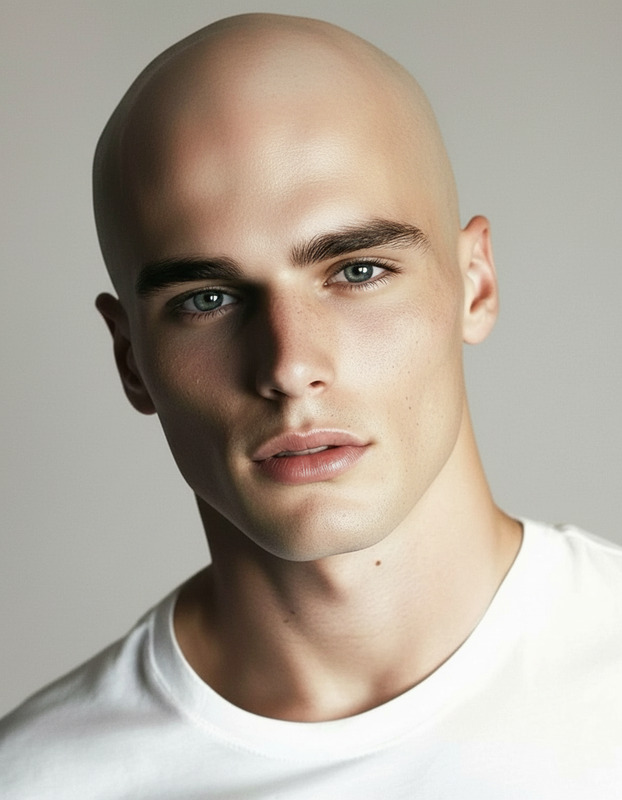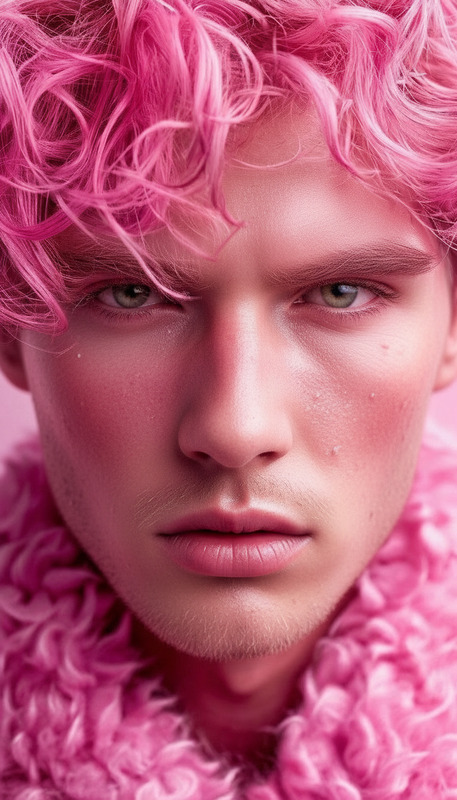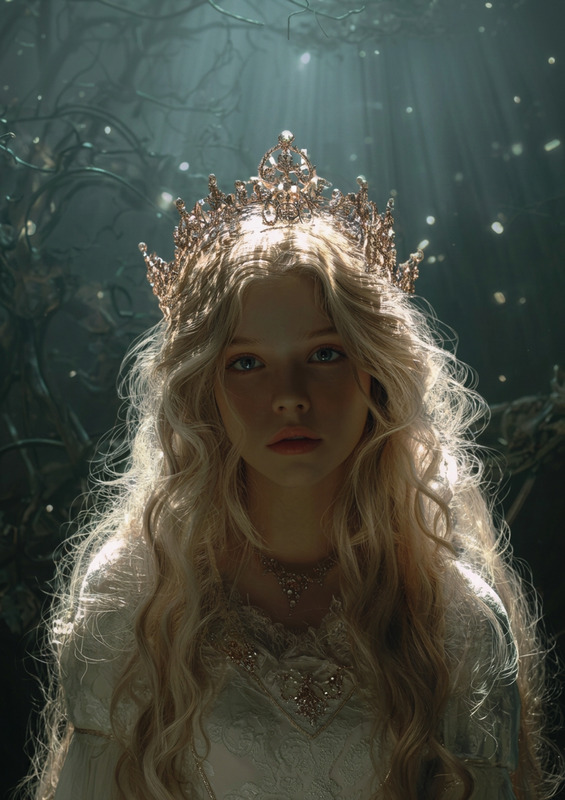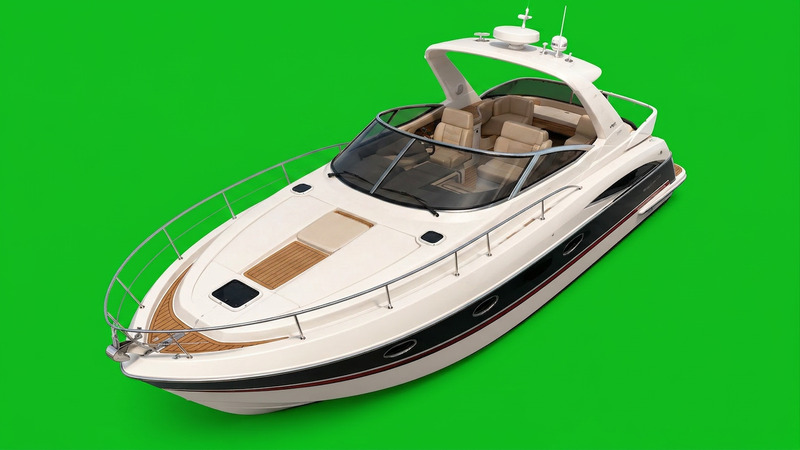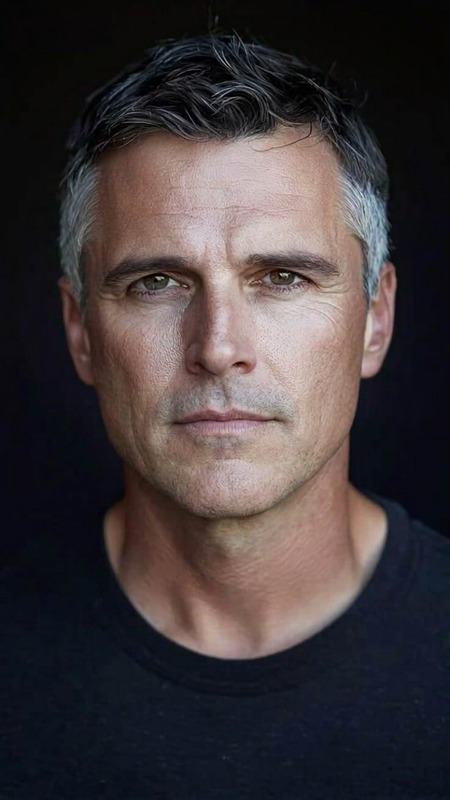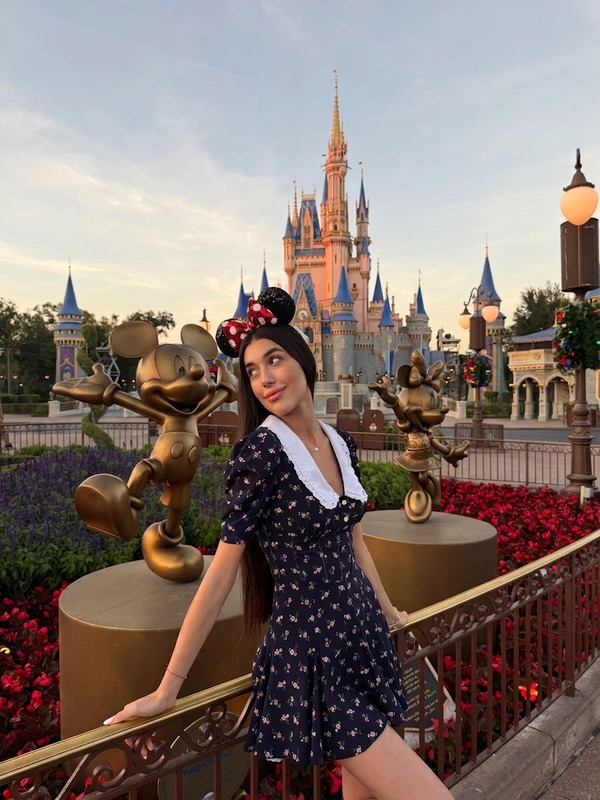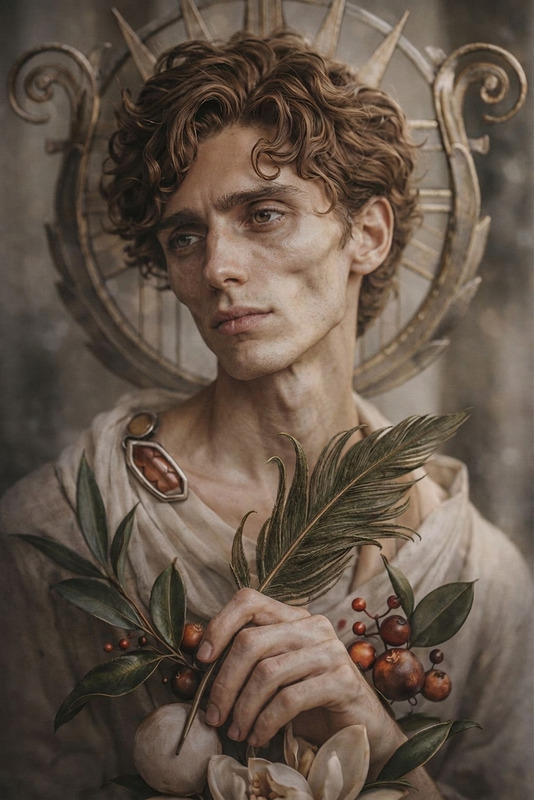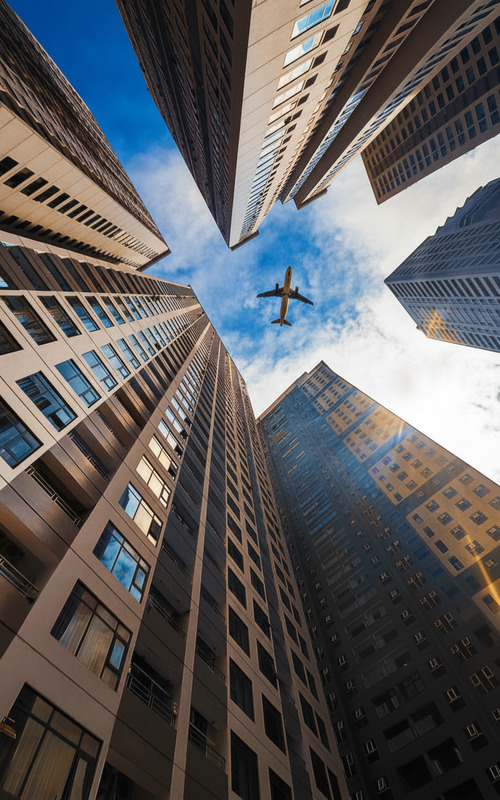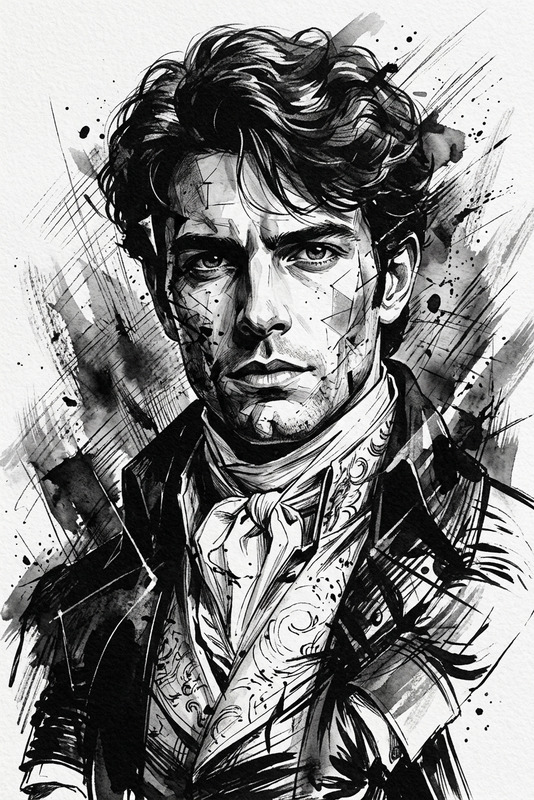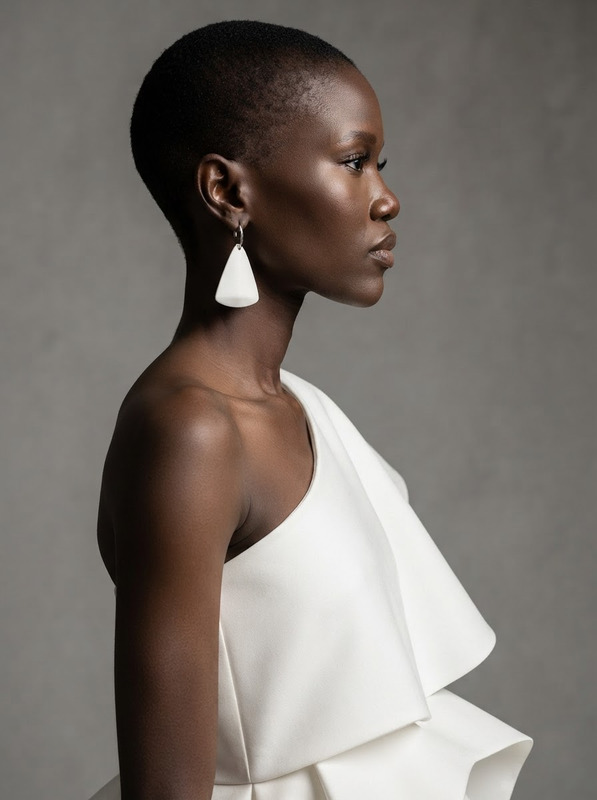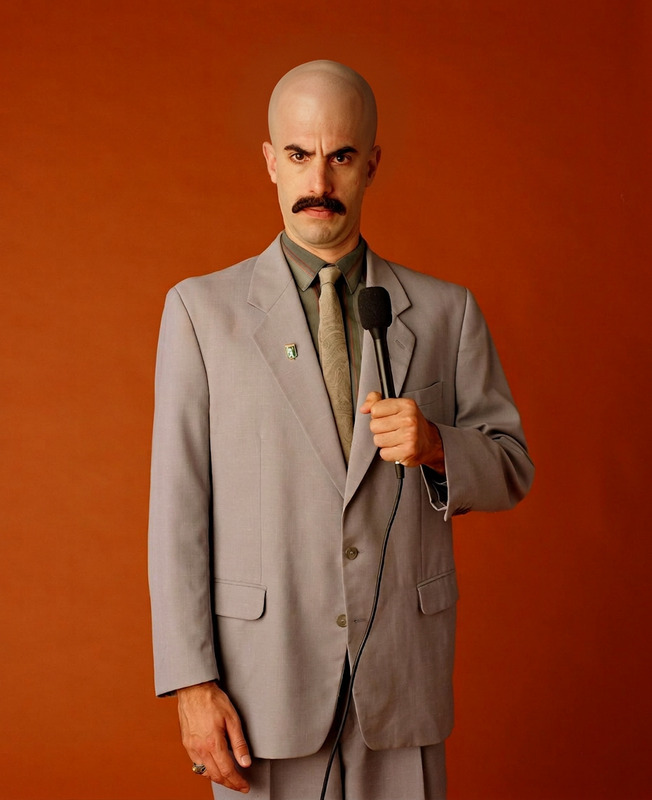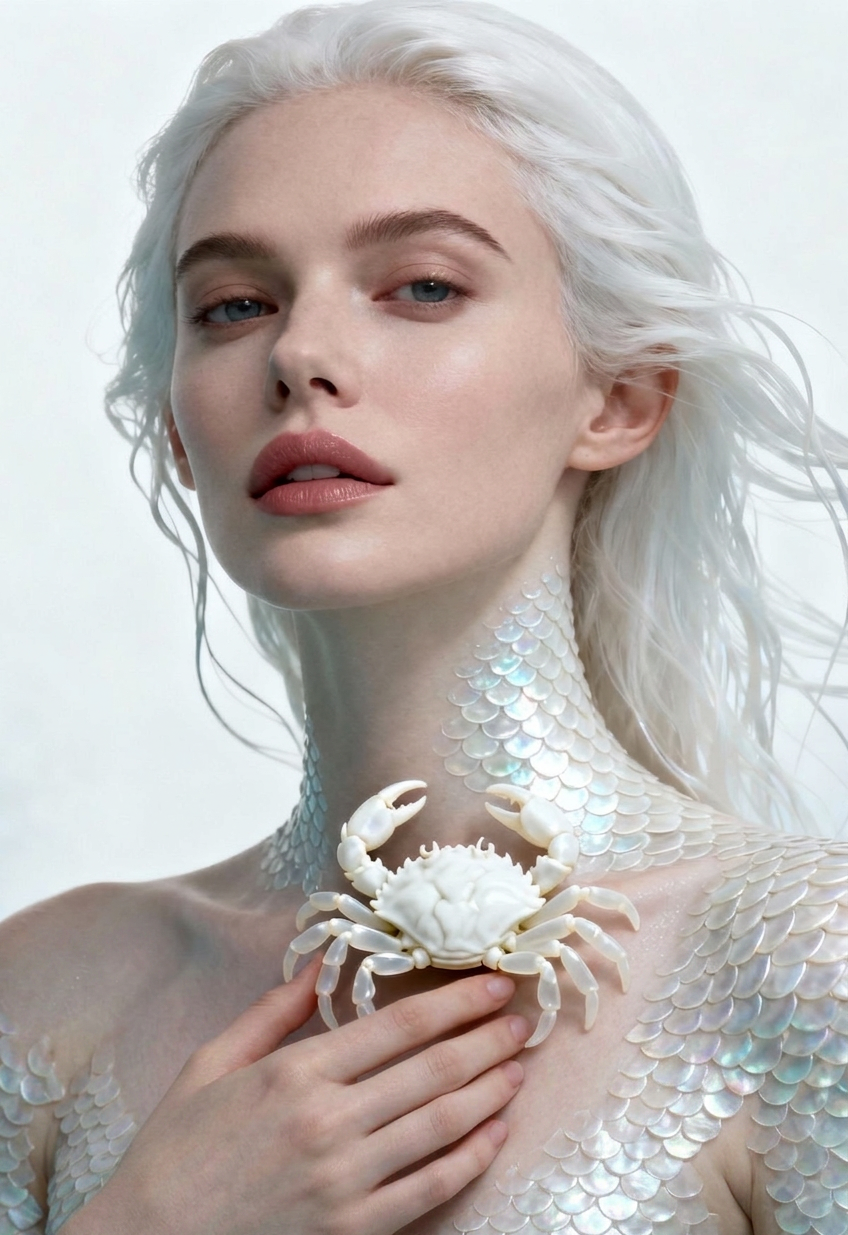
Text Removal
- Model
- Nano Banana 2
- Image
- 848 × 1235 px
Prompt
Remove all text from the image while preserving the original background, objects, lighting, and composition. Reconstruct any hidden or covered areas naturally so the result looks seamless and unedited. Ensure no artifacts, distortions, or leftover text traces remain.
Any aspect ratio
Overview
The Text Removal template within our AI Image Editor suite allows you to eliminate text from images while maintaining the integrity of your visuals. By keeping the original background and composition intact, your images will appear untouched and polished, free from any text artifacts.
What It Does
This template processes your image to remove text effectively, using the Nano Banana-2 model for superior results. It intelligently understands the lighting, objects, and composition to reconstruct any hidden areas, ensuring that your final image looks natural and clean.
Who It's For
Ideal for designers, marketers, and content creators who need to clean images for polished presentations and creative projects. Whether you're preparing images for product videos or crafting content for social media ads, this tool will help streamline your workflow.
Summary
Use the Text Removal feature to swiftly transform your visuals. The template effortlessly removes text without compromising image quality. Integrated into our AI Image Editor, it's a reliable component for any digital toolkit.
How To
Choose Your Template

Customize Your Inputs

Generate the Result

Use Cases
Polished Marketing Materials
- Brochures
- Flyers
- Online ads
Social Media Content
- Instagram stories
- Facebook posts
- Twitter images
Digital Art Enhancement
- Illustrations
- Graphic design
- Photo manipulation
Best Practices
Choose High-Quality Images
For optimal results, ensure your source images are high-resolution so the template can accurately reconstruct hidden areas.Define Text Areas Clearly
Clearly marking text areas needing removal will help the model accurately interpret and process your needs.Double-Check Outputs
Review the final image to ensure no text artifacts remain, ensuring a professional finish.