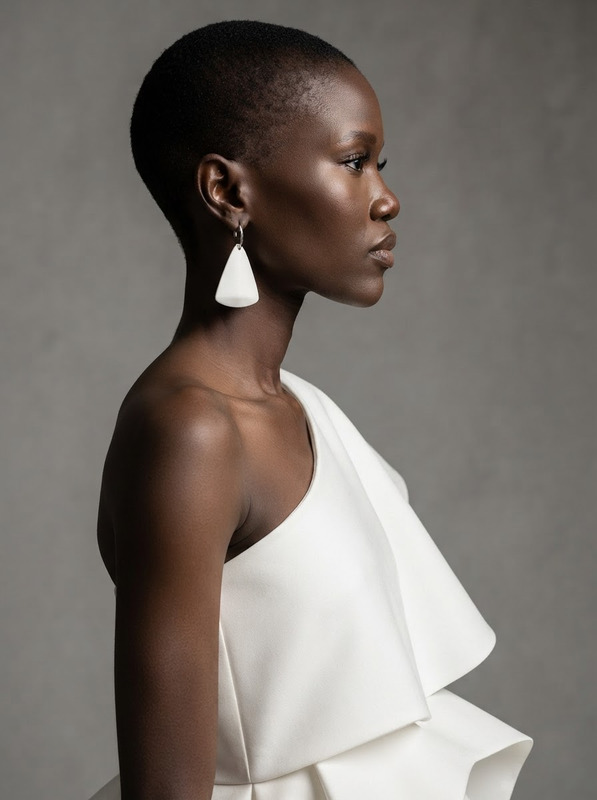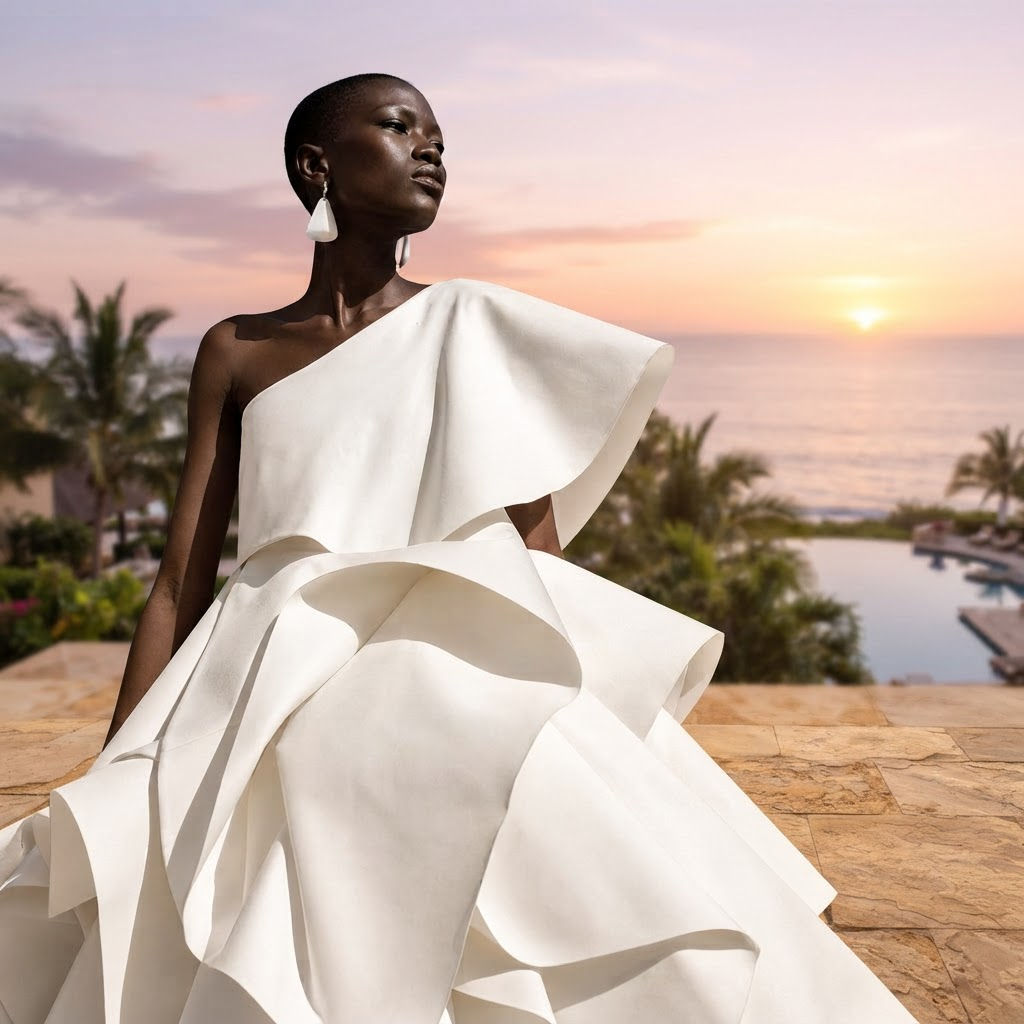
AI Image Editor · Replace the background with a
- Model
- Nano Banana 2 Lite
- Image
- 1024 × 1024 px
Prompt
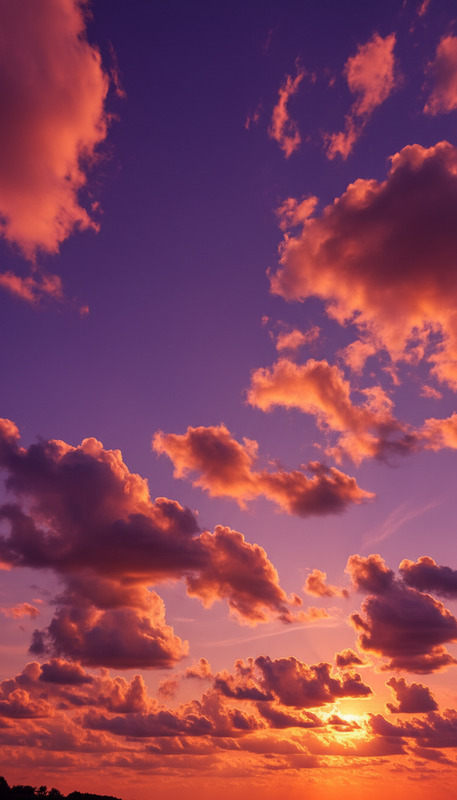
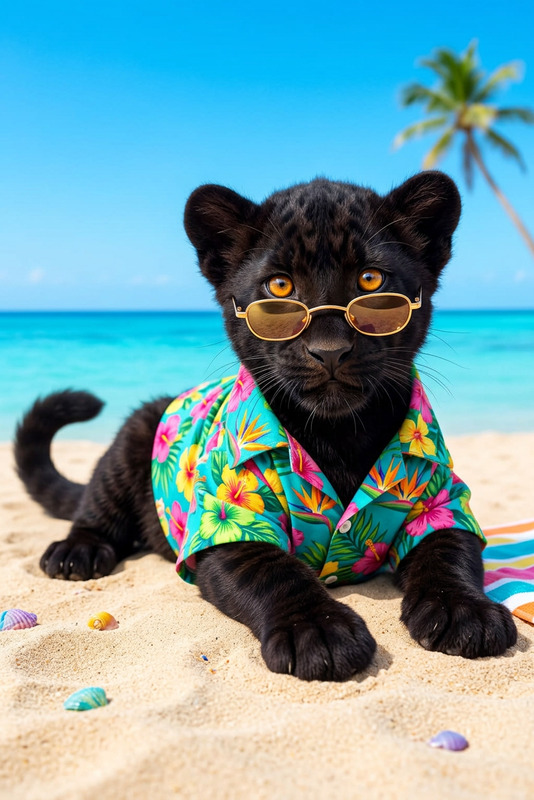
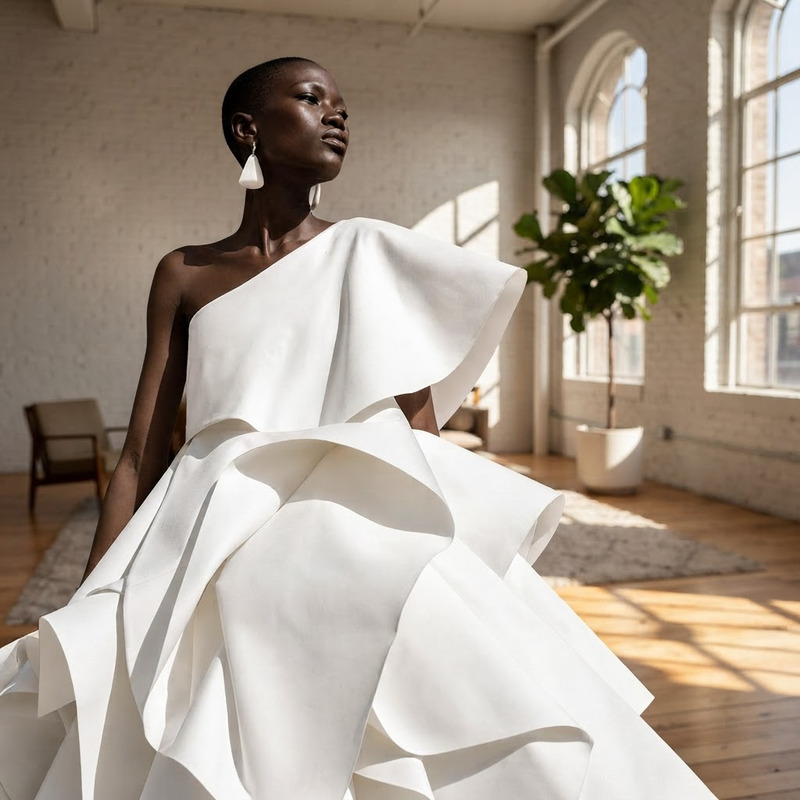
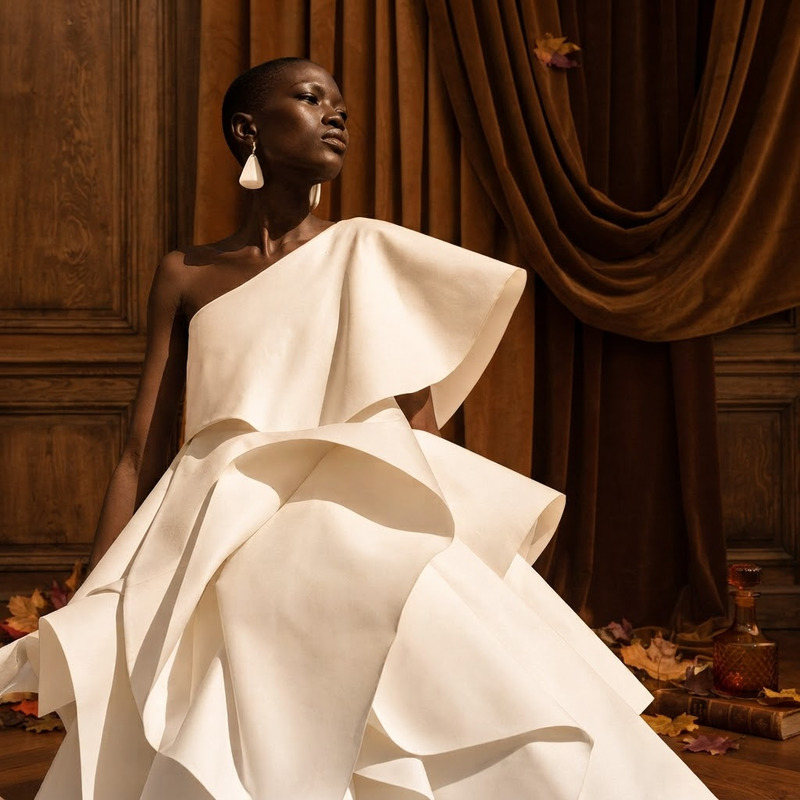
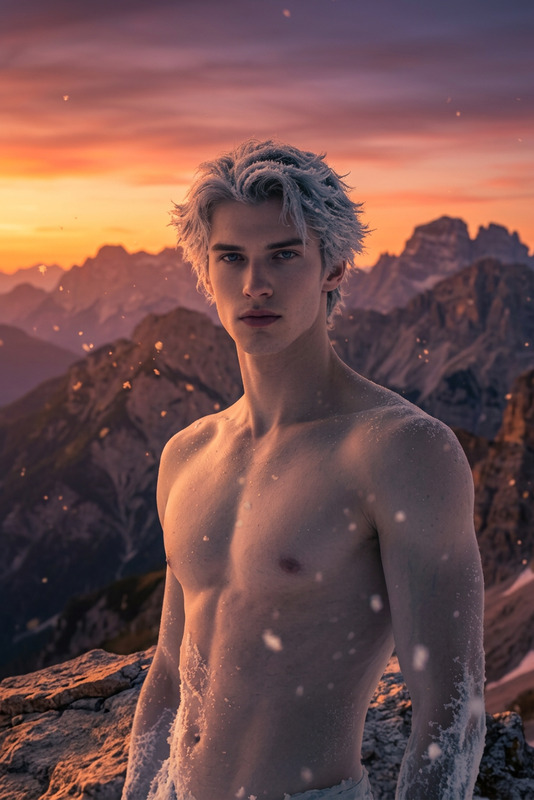
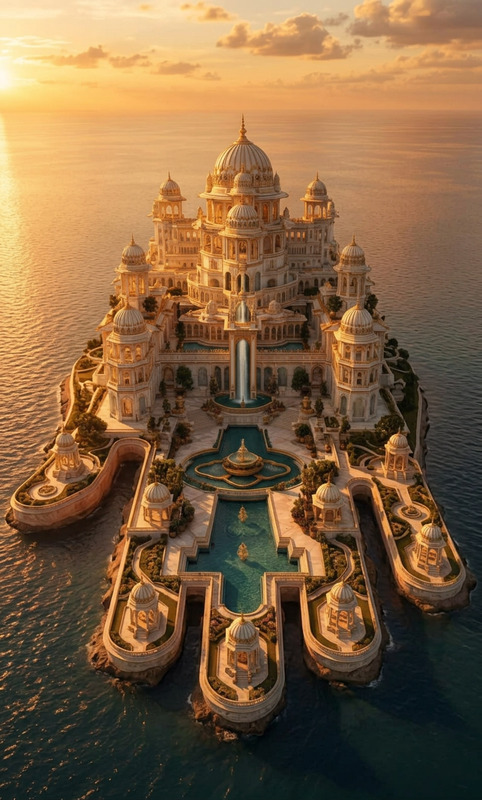
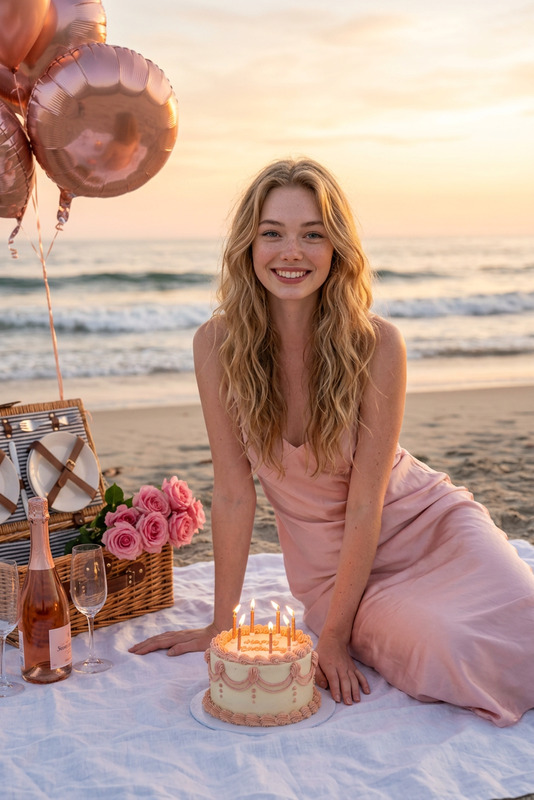
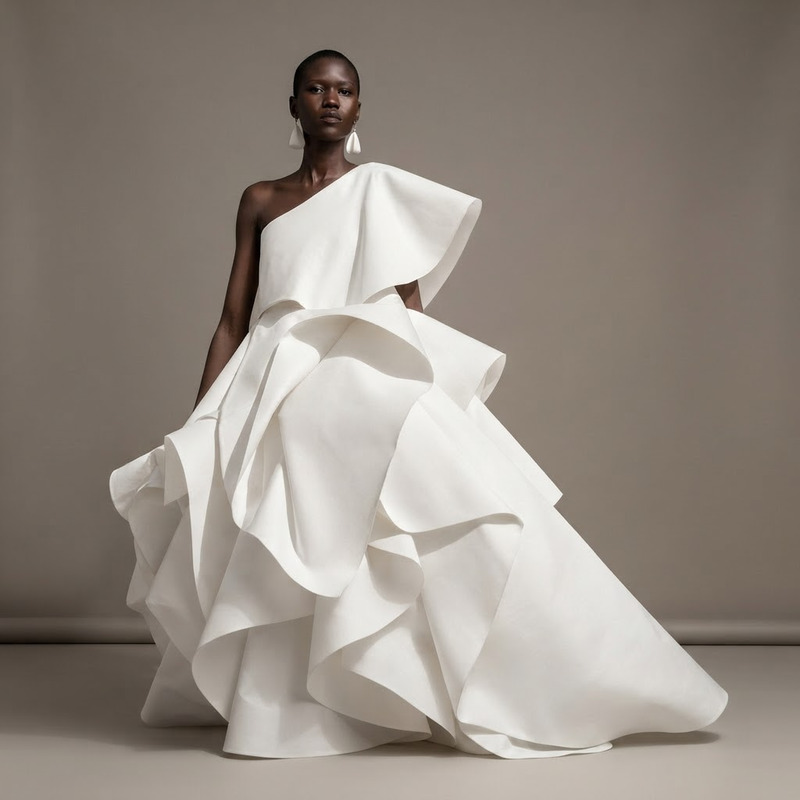
Replace the background with a tropical resort terrace overlooking the ocean at sunrise
Any aspect ratio
Overview
The AI Image Editor template is designed to replace image backgrounds with stunning scenes using the nano-banana-2-lite model. This tool is perfect for transforming the ambiance of any image by integrating a tropical resort terrace overlooking the ocean at sunrise.
What It Does
With this template, you can quickly and easily modify the background of any image to create a scene that feels like a tropical getaway. The AI Image Editor analyzes the original background and replaces it with a high-quality image of a tropical resort terrace, providing a cohesive and realistic transformation.
Enhance your images with ease, whether you're upgrading product photography or crafting captivating social media content. Consider pairing this tool with the AI Image Upscaler to improve image resolutions.
Who It's For
This template is ideal for creative professionals, marketers, and content creators looking to add a touch of paradise to their visuals. It's especially beneficial for e-commerce sites looking to enhance product imagery, and travel agencies wanting to inspire potential customers. This tool seamlessly integrates with other products like the AI Profile Picture Generator for personal branding needs.
Summary
The AI Image Editor with its background replacement feature is a powerful asset for those aiming to improve image aesthetics. By utilizing the AI Image Editor, users can craft visuals that capture attention and engage audiences with professional-grade imagery.
How to Use
Choose Your Template

Customize Your Inputs

Generate and Download

Use Cases
E-commerce Product Images
- Showcase products in exotic settings.
- Create lifestyle imagery effortlessly.
Social Media Content
- Captivate audiences with dynamic backgrounds.
- Boost engagement through visually appealing posts.
Travel and Hospitality Marketing
- Inspire travel dreams with tropical backgrounds.
- Promote packages with contextual images.
Best Practices
Choose High-Resolution Images
Start with high-quality images to ensure the final output is clear and professional.Adjust Lighting and Colors
Make sure the lighting and color tones of the subject match the new background to maintain a natural look.Use Complementary Tools
Incorporate other tools like the Full Body Generator to enhance and complete your visuals.