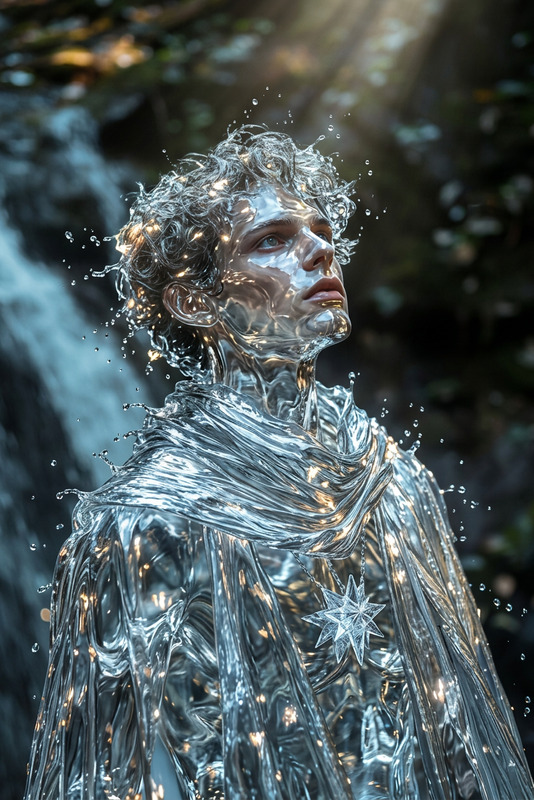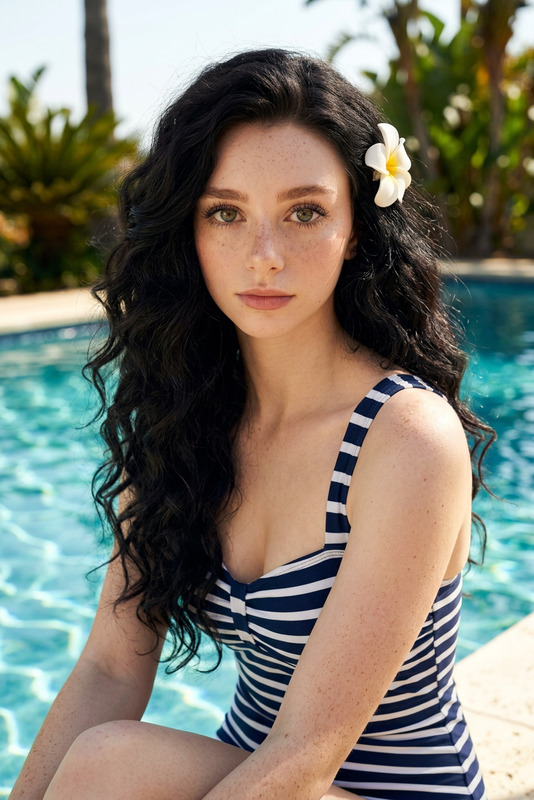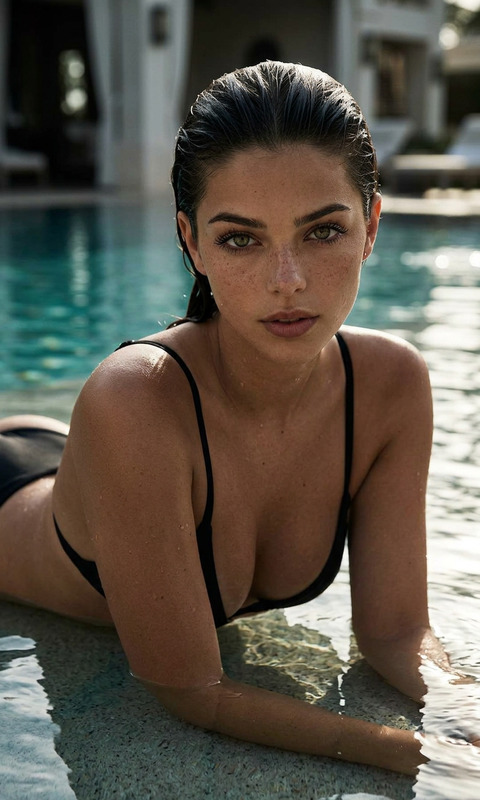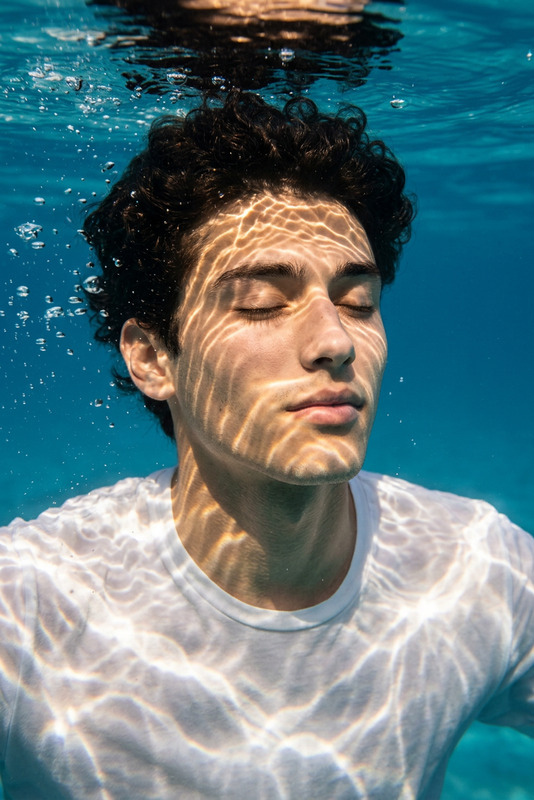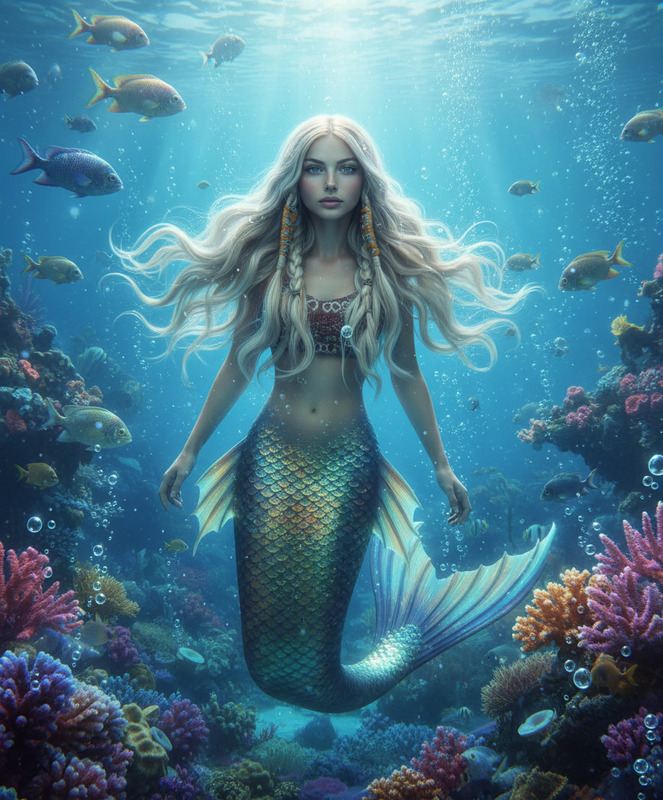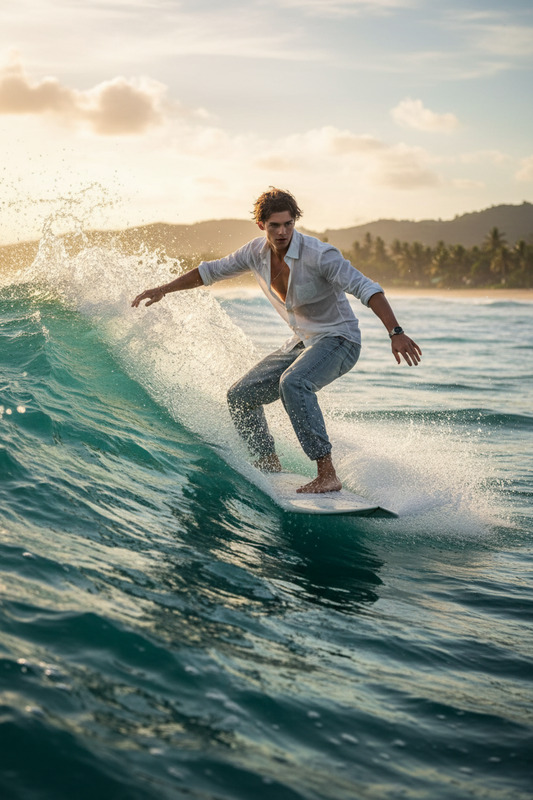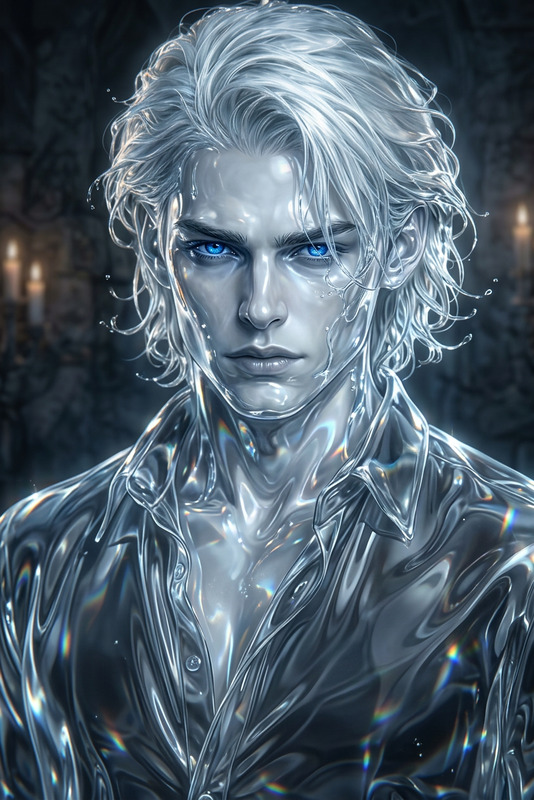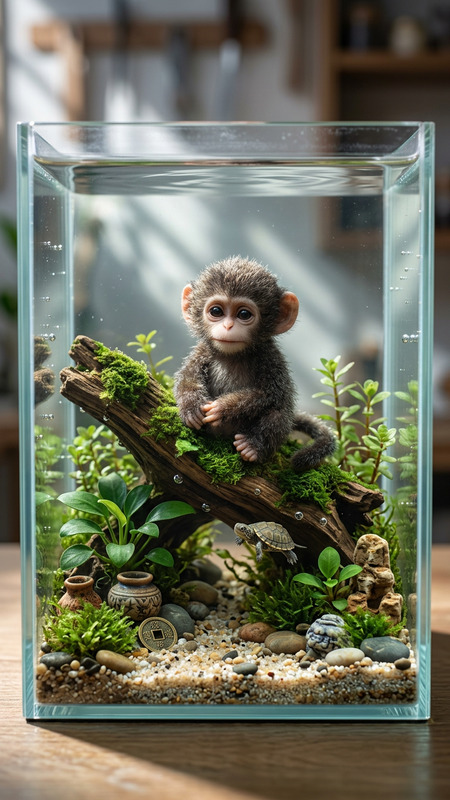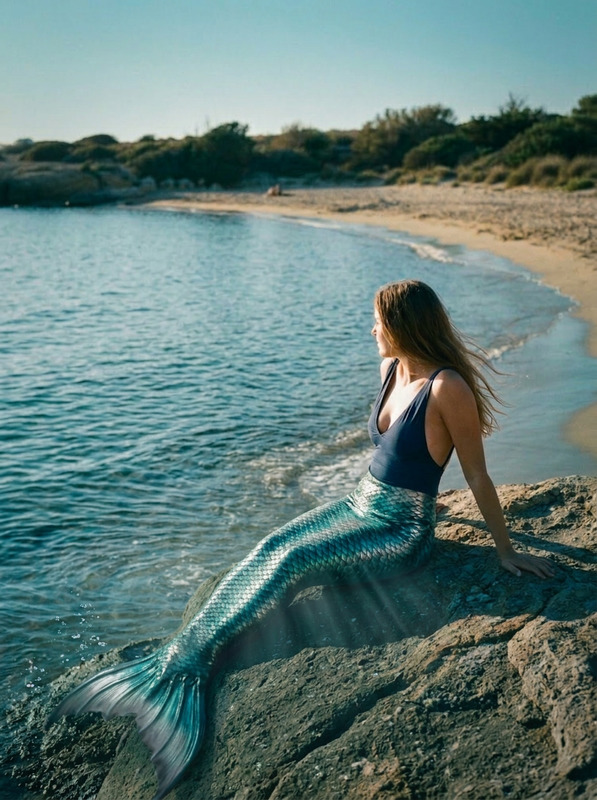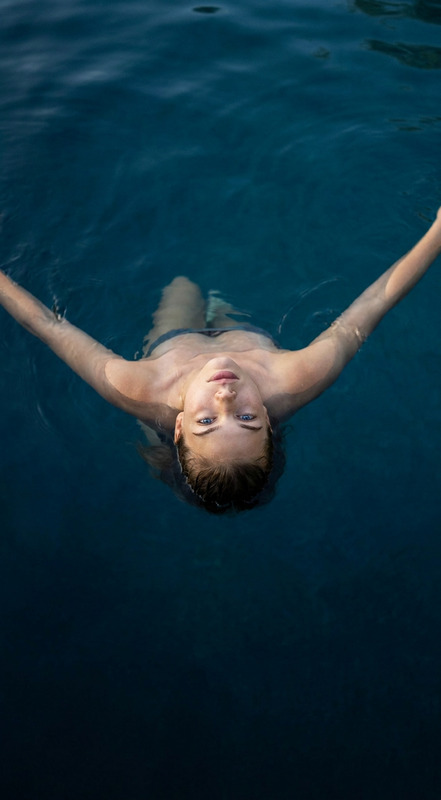
Underwater Pool Scene
- Model
- Nano Banana 2
- Image
- 784 × 1372 px
Prompt
Place the subject underwater in a clear swimming pool. Add realistic light rays, soft caustics, and gentle water distortion. Adjust colors to cool blue tones while preserving subject details. Include subtle bubbles and natural refraction for a realistic underwater look.
Any aspect ratio
Overview
The Underwater Pool Scene is an exceptional template within our AI Image Editor. Tailored for creating captivating underwater visuals, this template renders subjects in a lifelike pool environment complete with realistic lighting and fluid dynamics.
What It Does
This template transforms any image by placing subjects underwater in a clear pool while maintaining their original details. It adds dynamic light rays, caustics, and soft water distortions to convey depth and natural refraction. The end result is a vivid scene enhanced with cool blue hues and subtle bubble effects.
Who It's For
Ideal for content creators, photographers, and designers seeking to enrich their portfolios with immersive underwater scenes. Whether you're working on social media content or professional projects, this template offers new ways to engage and captivate audiences. Enhance your work further by integrating elements from tools like the Full Body Generator.
Summary
The Underwater Pool Scene template provides a quick and efficient way to add stunning underwater effects to images, making it a must-have tool for anyone looking to bring a touch of aquatic elegance to their visuals. Pair it with other creative assets such as the AI Talking Photo for enriched multimedia experiences.
How to Use
Choose Your Template

Customize Your Image

Generate and Download

Use Cases
Social Media Content
- Instagram Reels
- TikTok Videos
Marketing & Advertising
- Ecommerce Ads
- Product Demo Videos
Creative Projects
- Mood Boards
- Storyboard Creation
Best Practices
Select High-Quality Photos
For best results, start with high-resolution images that maintain clarity and detail when edited.Adjust Lighting Carefully
Fine-tune light rays and caustics to ensure they complement your subject without overwhelming it.Experiment with Color Tones
Subtle changes to the blue hues can vastly alter the atmosphere and realism of the scene.