Mountain background
- Model
- Nano Banana 2
- Image
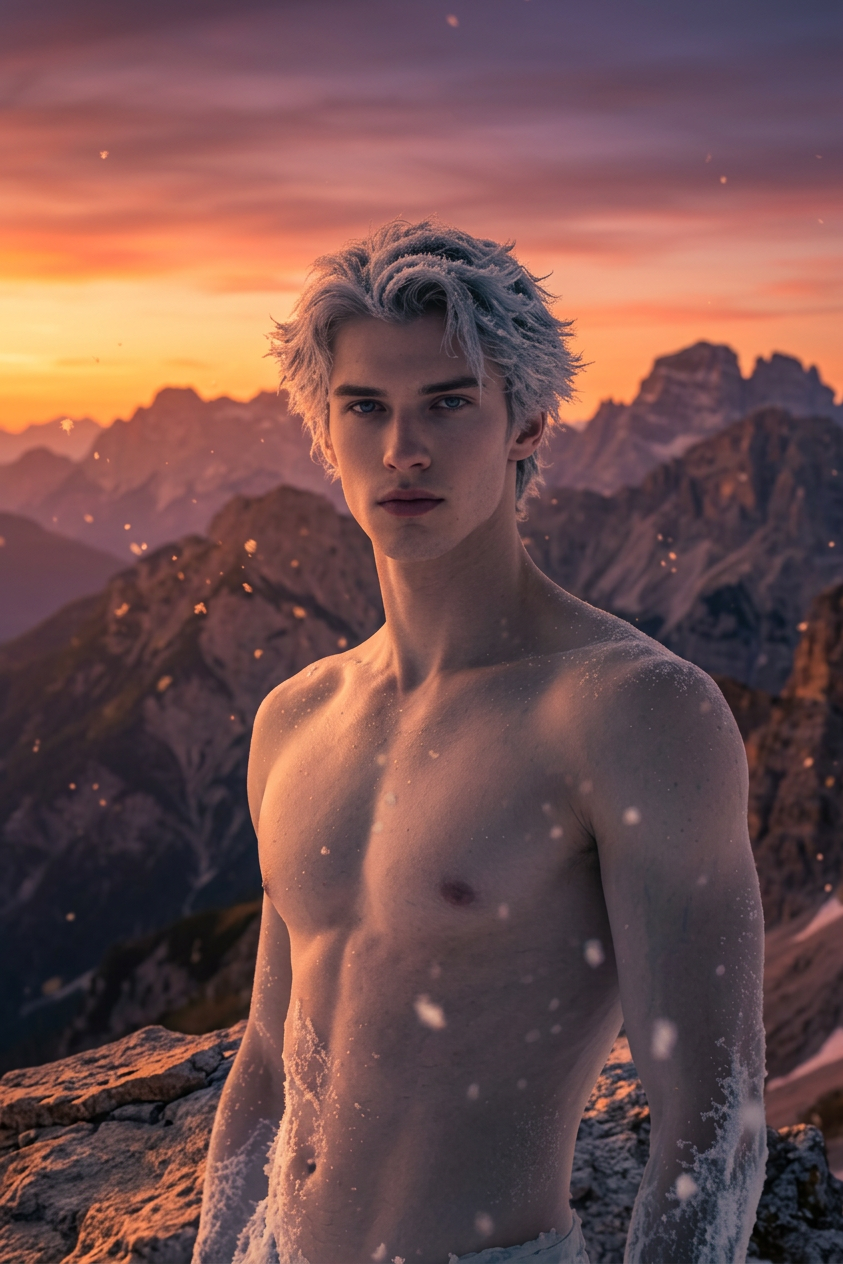
- 843 × 1264 px
Prompt
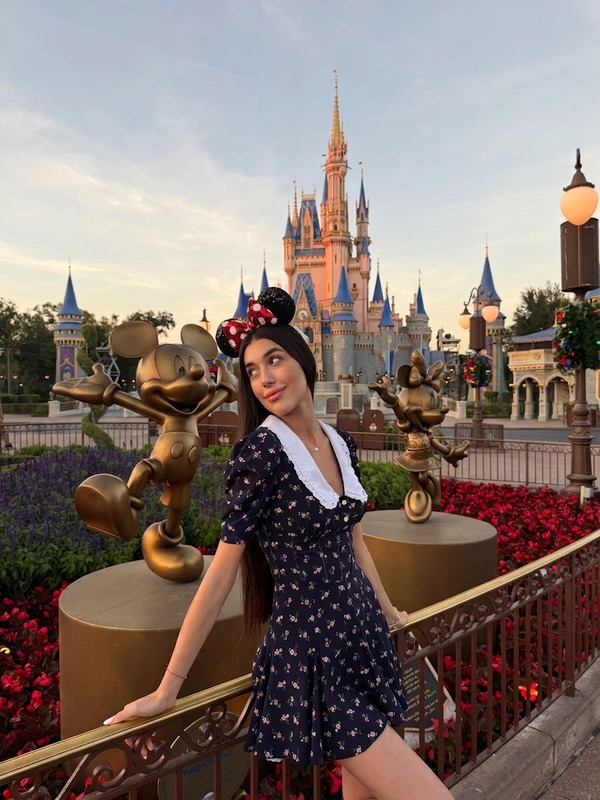
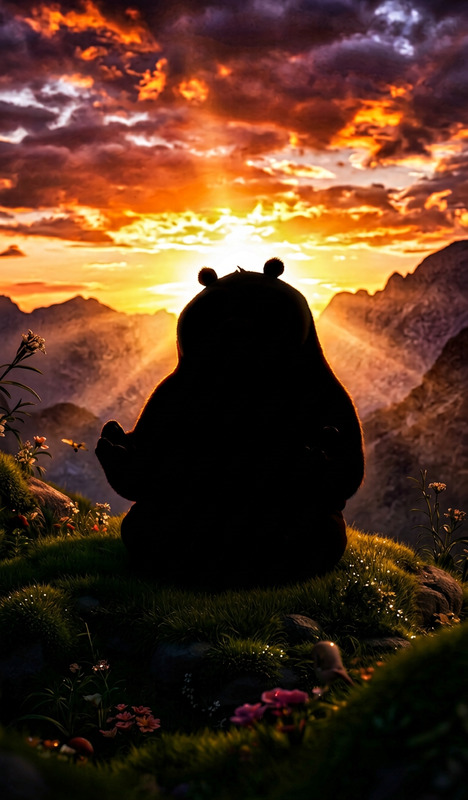
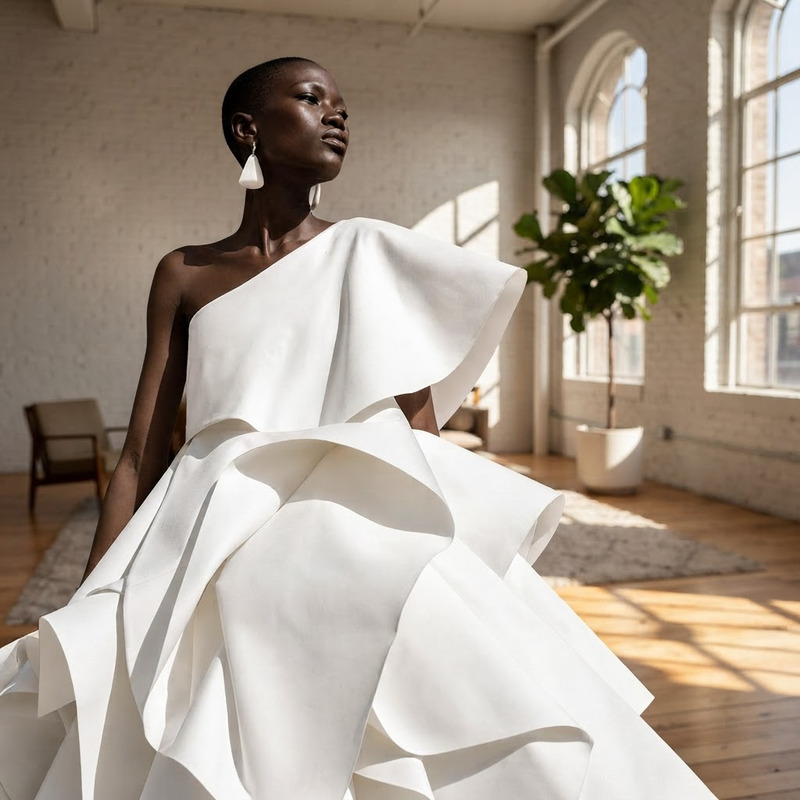
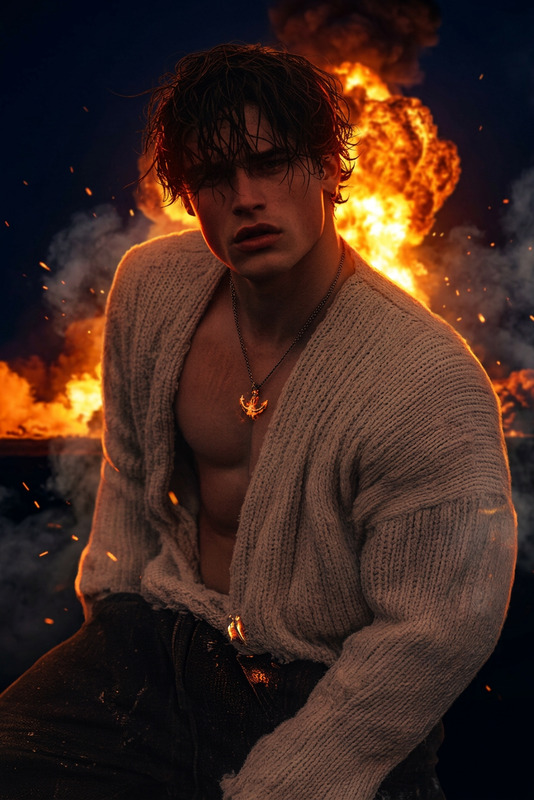
Remove background and replace with cinematic mountain sunset, keeping soft dramatic lighting.
Any aspect ratio
Overview
Transform your visuals by swapping out backgrounds with striking mountain vistas using our AI Image Editor. This template makes it easy to replace any backdrop with a stunning cinematic mountain sunset, perfect for video projects that require a dramatic and engaging landscape.
What It Does
Utilizing the power of the nano-banana-2 model, this AI Image Editor template automatically removes the existing background from your images and replaces it with a majestic mountain scene bathed in sunset hues. The soft, dramatic lighting ensures a polished and professional look, enhancing the aesthetic appeal of your visuals.
Who It's For
This template is ideal for filmmakers, marketers, and content creators who want to add a touch of cinematic beauty to their projects. Whether you're crafting a promotional video or a personal project, the mountain sunset background adds depth and appeal, making your content unforgettable.
Summary
With the Mountain Background template, easily transform any video or image into a work of art featuring breathtaking mountain backdrops. This simple yet powerful tool is part of our suite of products designed to elevate your digital creations, including the AI GIF Generator and Full-Body Generator.
How-To

Customize

Generate

Use Cases
Social Media Content
- Increase engagement with stunning visuals
- Ideal for travel and lifestyle content
Marketing Videos
- Catch viewers' attention with beautiful backgrounds
- Perfect for promotional or explainer videos
Film and Video Projects
- Use in scenes that require an outdoor setting
- Save time and resources on location shooting
Best Practices
Use High-Resolution Images
For the best results, start with high-resolution images to ensure that the background replacement looks seamless and professional.Adjust Lighting
Match the foreground lighting with the new background to maintain realism and consistency in the visual output.Preview Changes
Always preview the changes before finalizing to make any additional adjustments to the brightness and contrast for a cohesive look.