Portrait Enveloped
- Model
- Nano Banana 2
- Image
- 896 × 1193 px
Prompt
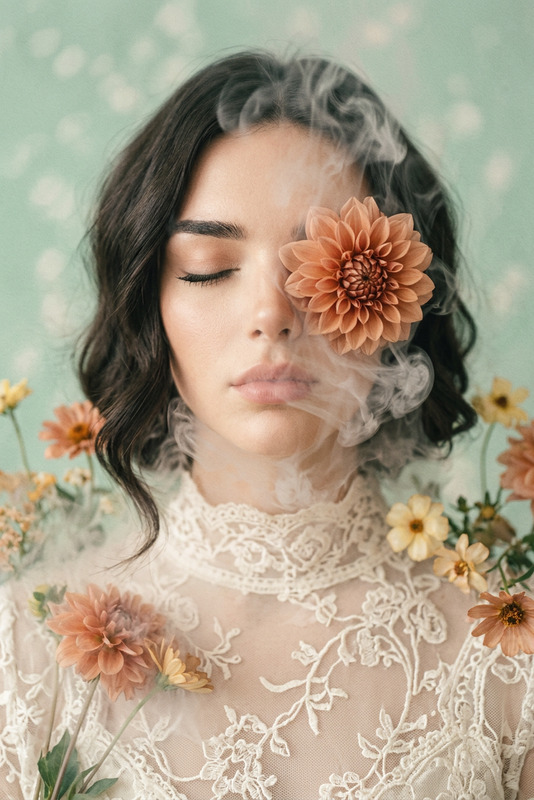
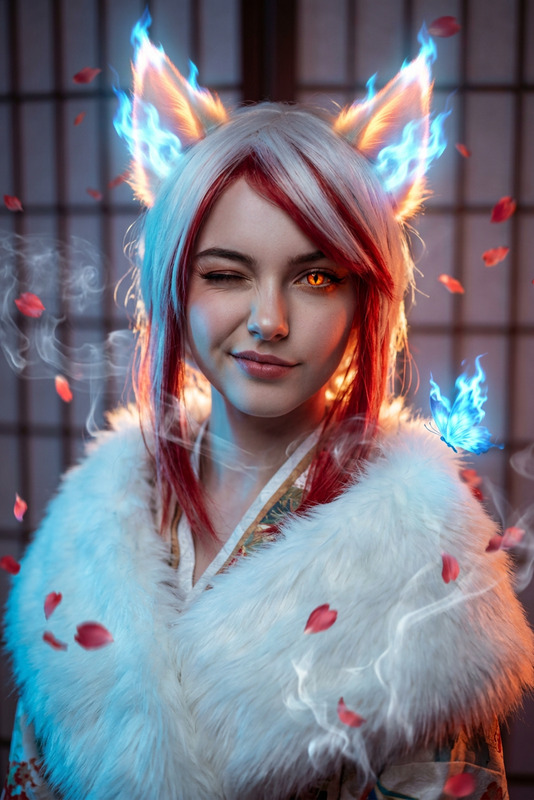
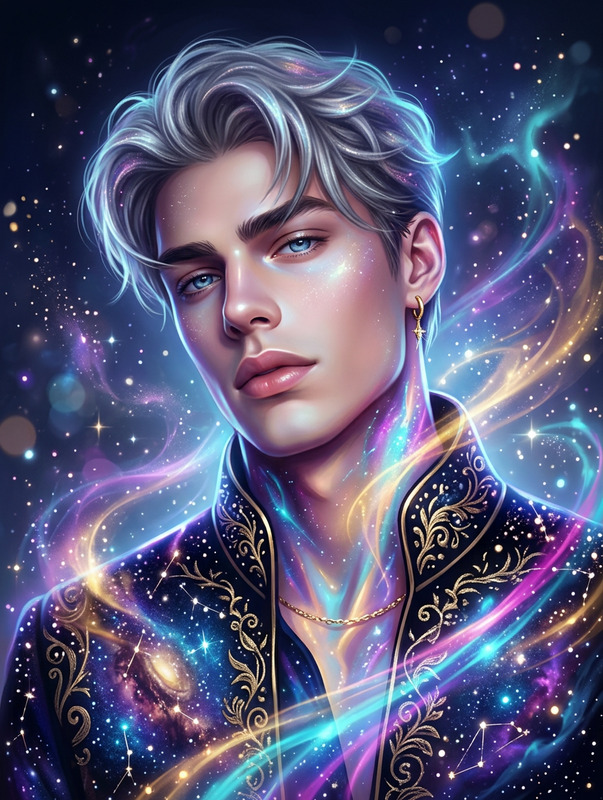
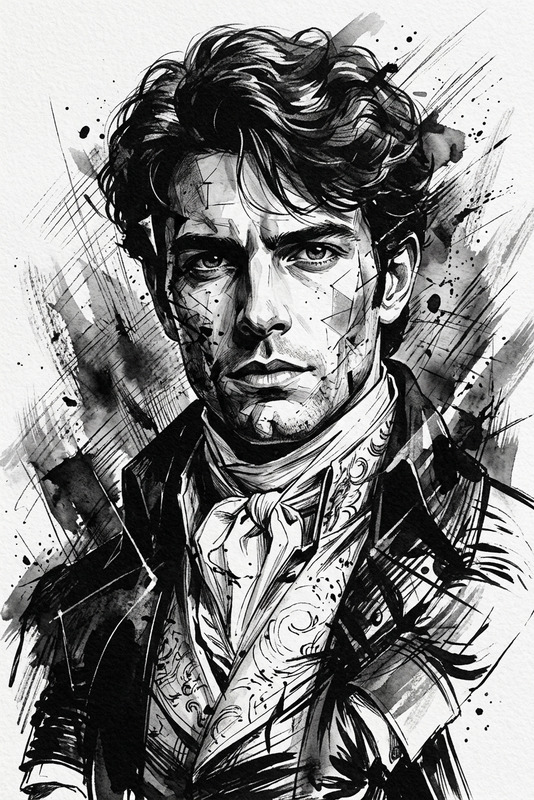
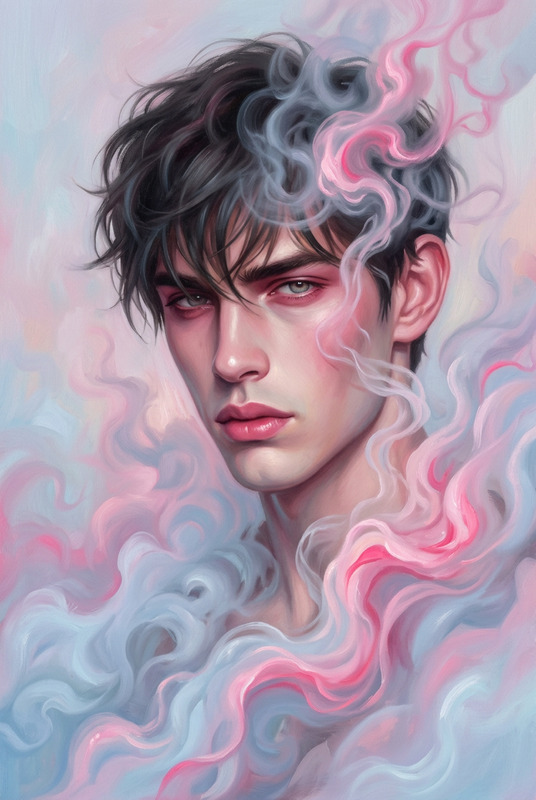
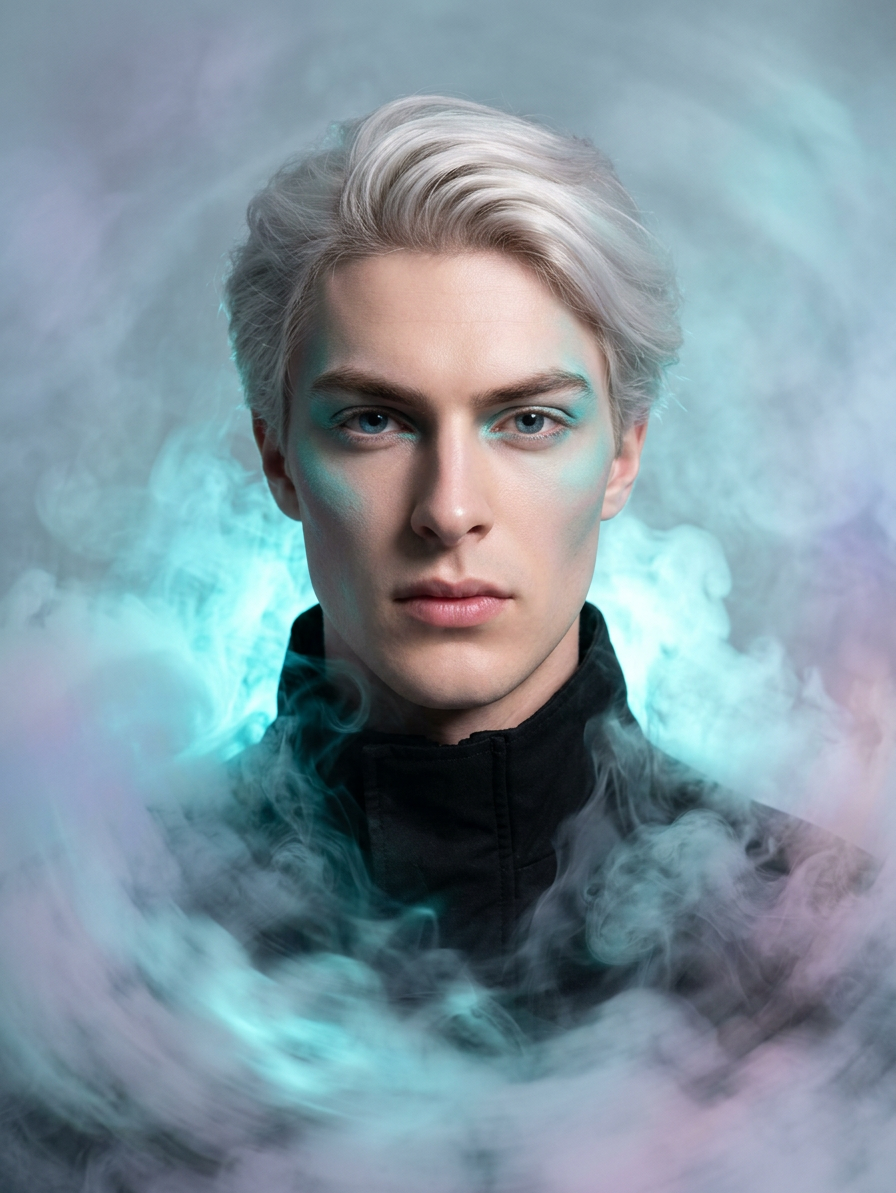
a stunning portrait of a subject enveloped in a swirling cloud of smoke with hints of a whirlwind effect the artwork features captivating cyan highlight colors and subtle cyan makeup accents intertwined with touches of pastel tones the scene is misty
Any aspect ratio
Overview
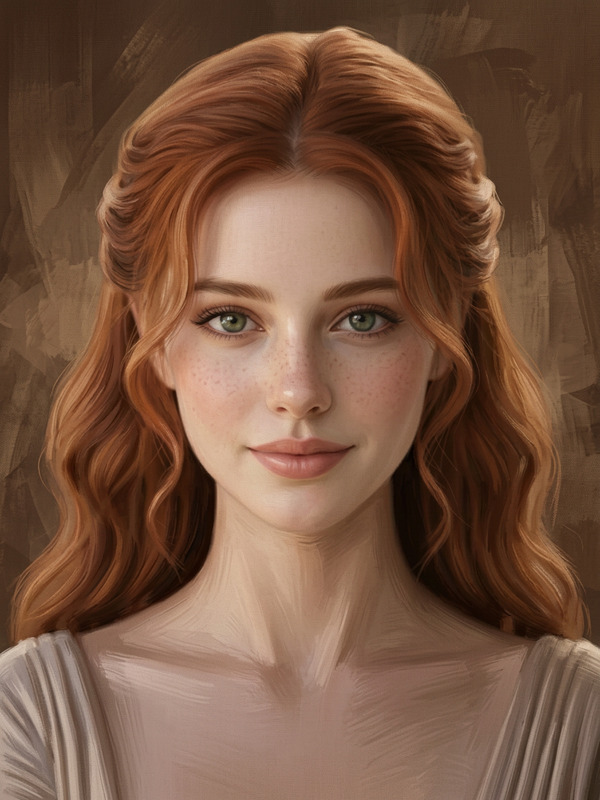
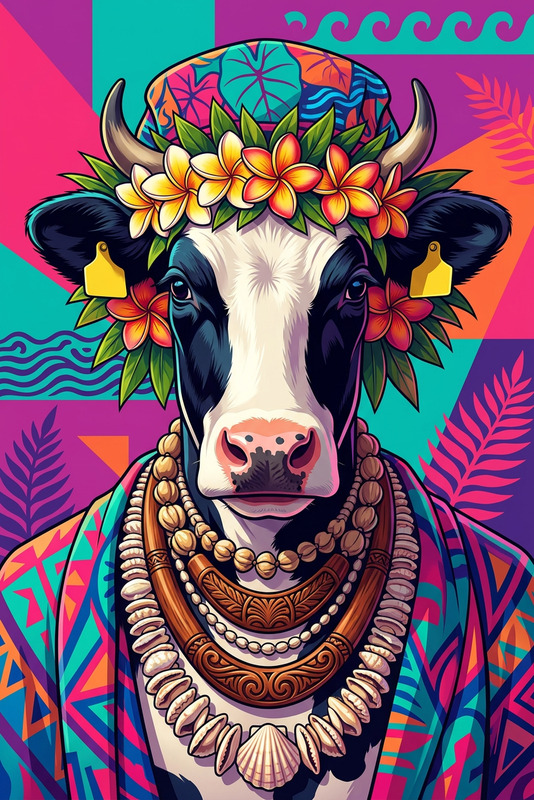
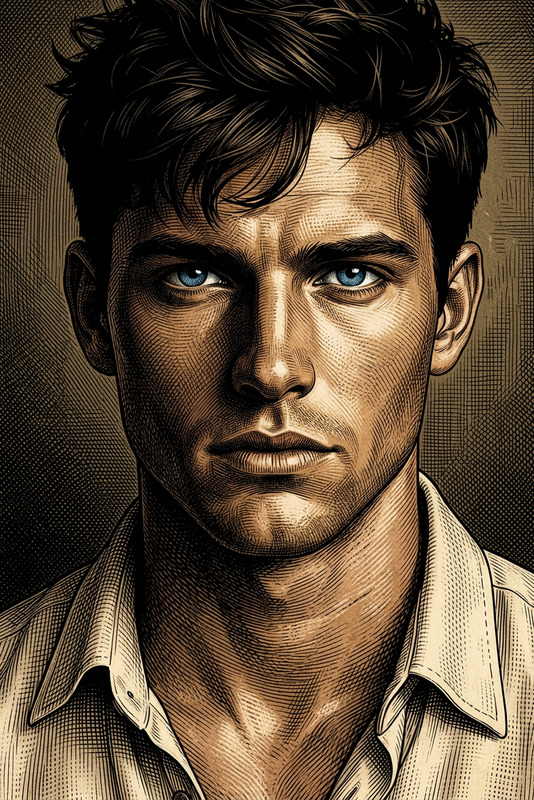
Enhance your portraits with the Portrait Enveloped template, a specialized tool in our AI Image Editor. Using the advanced capabilities of the nano-banana-2 model, this template offers a unique way to wrap your subject in a swirling, cyan-highlighted smoke cloud, creating a mystical and engaging visual effect.
What It Does
The Portrait Enveloped template transforms standard photos into compelling artworks. By applying a smoky whirlwind backdrop with cyan highlights, it adds depth and intrigue to your imagery. Subtle cyan makeup accents and pastel tones contribute to a cohesive, stylized appearance, enhancing the subject's features dramatically.
Who It's For
This template is perfect for photographers and digital artists looking to expand their creative repertoire. Whether you're producing editorial content, personal projects, or social media art, the Portrait Enveloped approach elevates your visuals, presenting them with a professional and artistic flair.
Summary
The Portrait Enveloped template offers a unique fusion of creativity and technology, providing a platform for artists to create enchanting portraits seamlessly. A tool for building captivating visuals, it integrates smoothly with the Face Swap and AI Clothes Changer tools to further enhance your creative processes.
How To Use
Choose

Customize

Generate

Use Cases
Editorial Photography
- Highlight subject's features with mystical cyan tones.
- Add a dramatic whirlwind effect for visual storytelling.
Social Media Art
- Attract followers with visually striking images.
- Develop a consistent, artful aesthetic.
Personal Projects
- Experiment with moods and atmospheric effects.
- Personalize family portraits with a touch of fantasy.
Best Practices
Use High-Resolution Photos
Start with high-quality images to ensure the final output retains clarity and detail.Experiment with Prompts
Adjust the prompt settings for color and effect intensity to tailor the output to your project's needs.Combine with Other Tools
Consider integrating with Body Swap or AI Image Generator for enhanced creative flexibility.