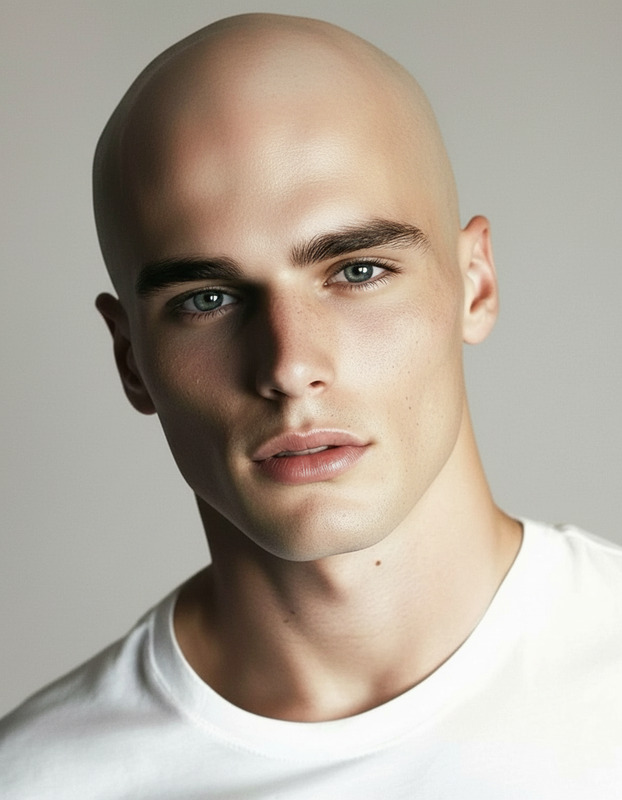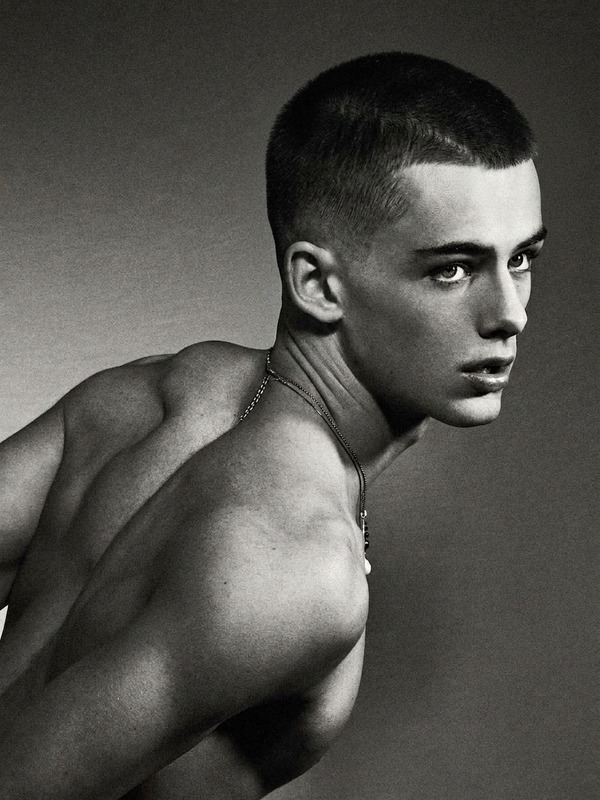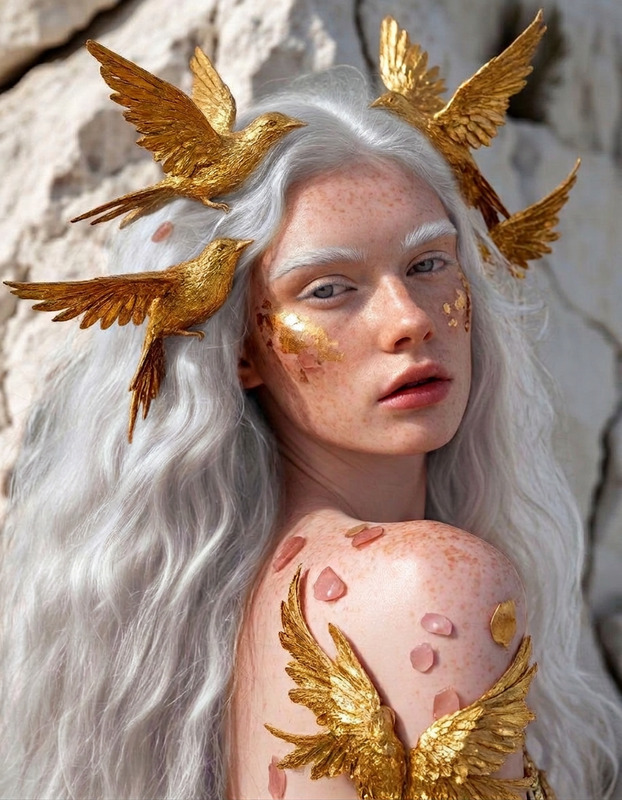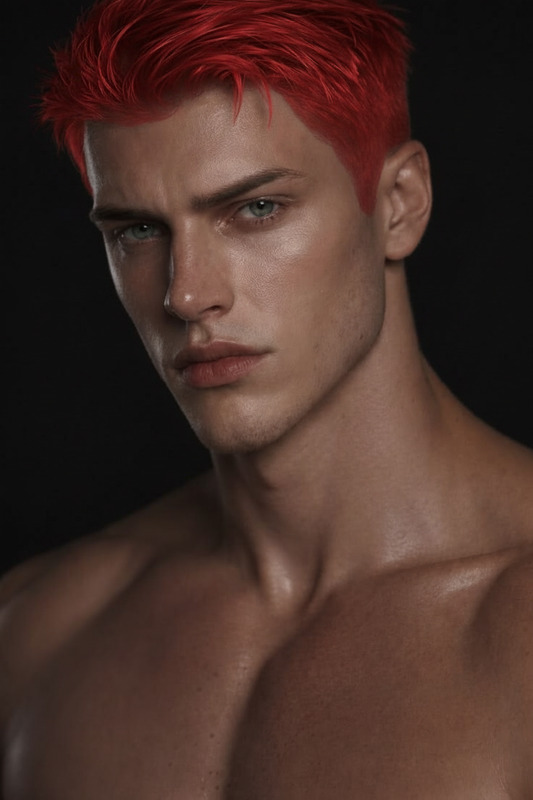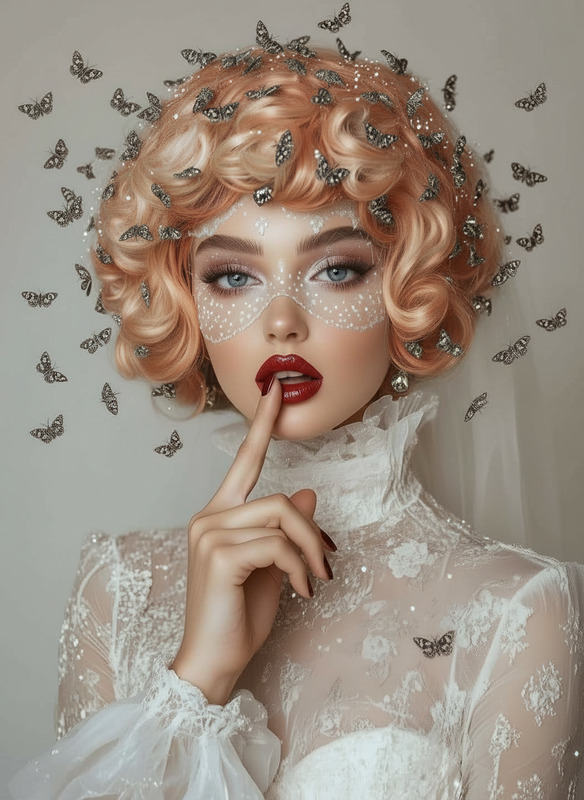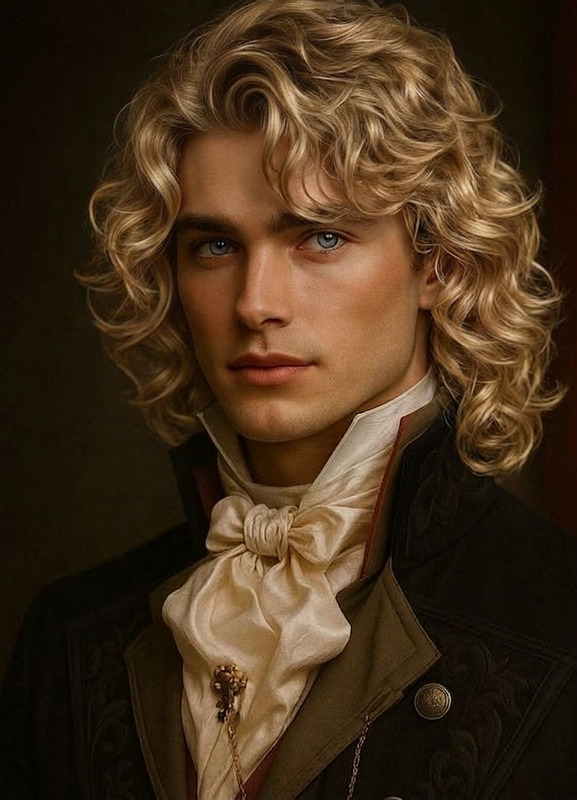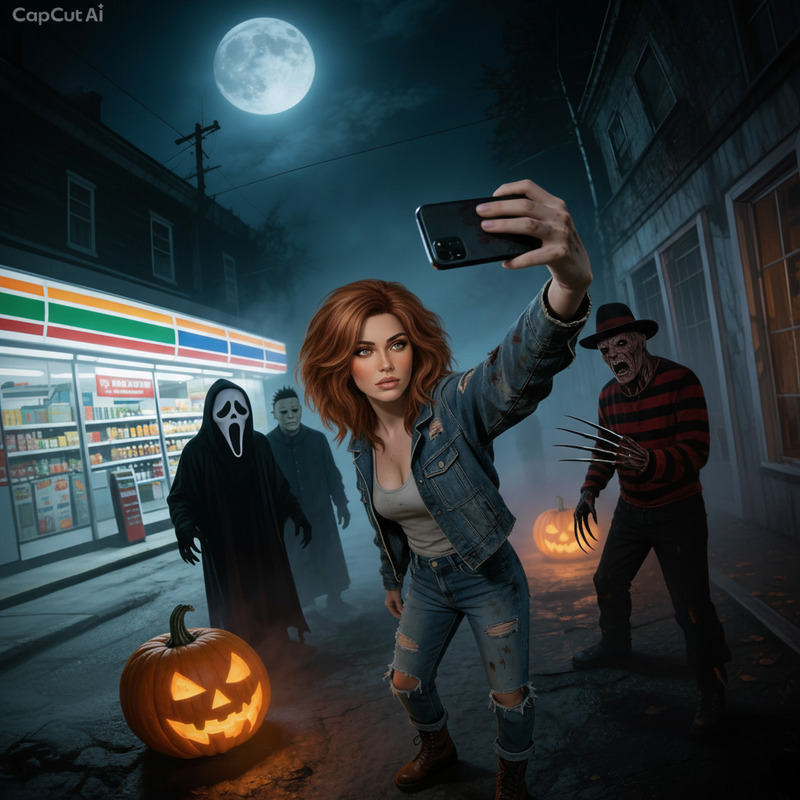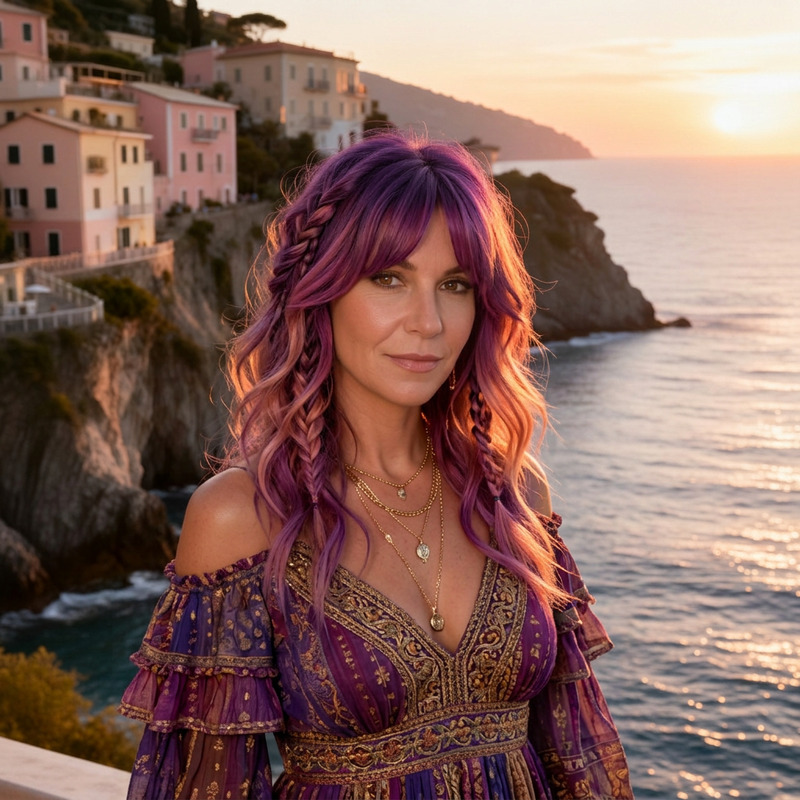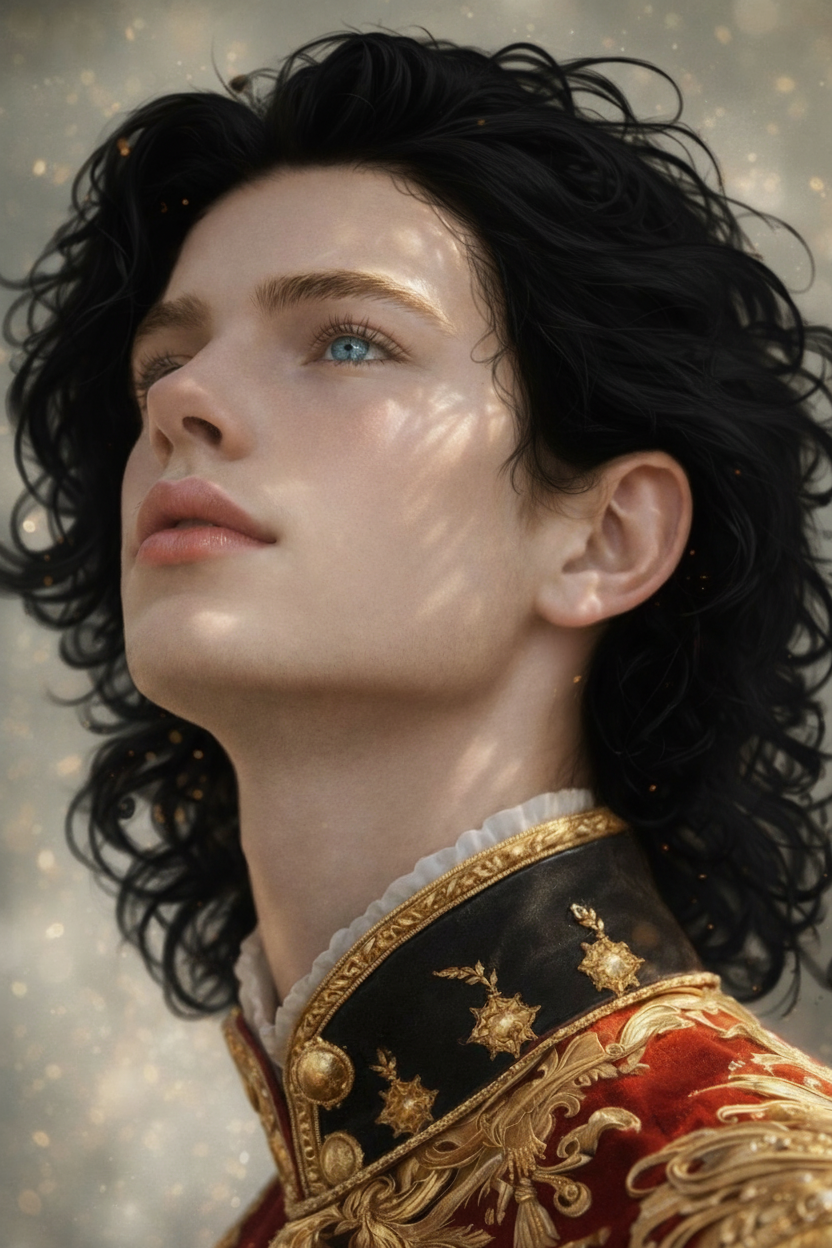
Black Hair
- Model
- Nano Banana
- Image
- 832 × 1248 px
Prompt
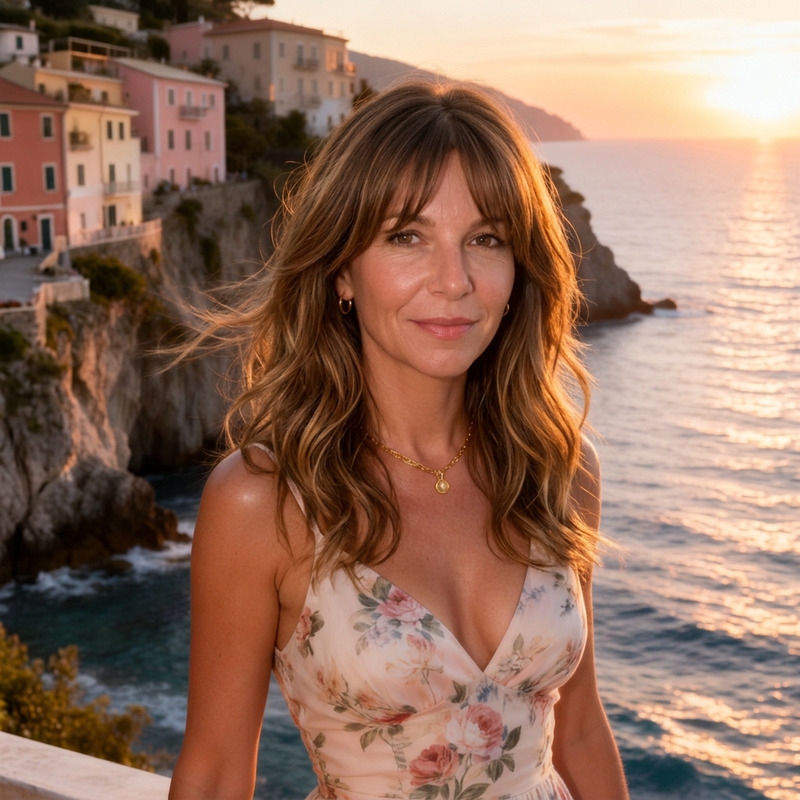
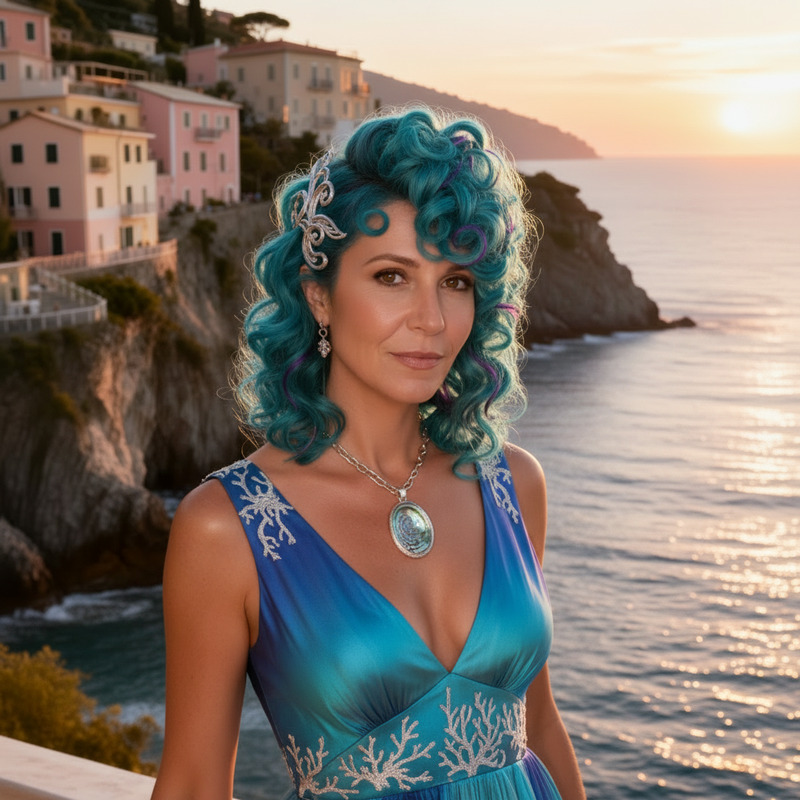
Change the hair color to black while preserving original shape, texture, lighting, and details. Blend naturally with the scene for a realistic result.
Any aspect ratio
Overview
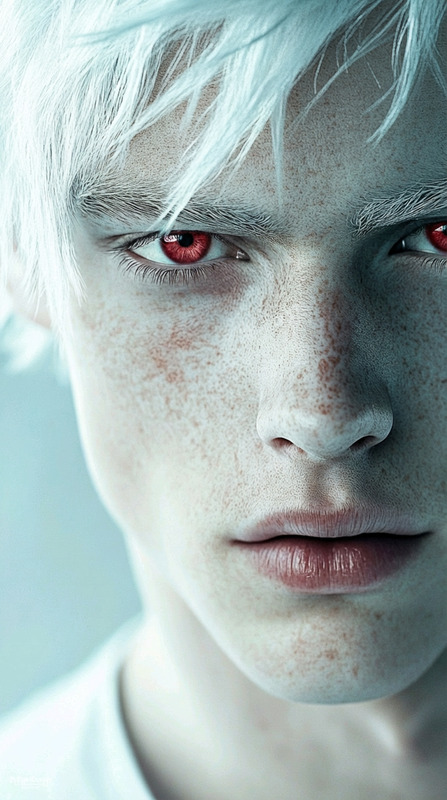
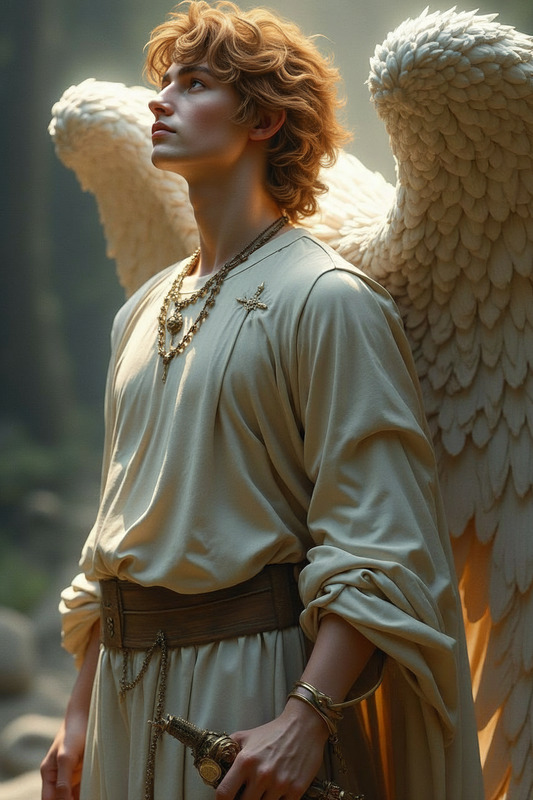
The Black Hair AI Image Editor is designed to transform hair color into elegant black while maintaining all the finer details of the original image. With this template, you can produce images that showcase a seamless and realistic integration of black hair, ideal for various creative fields.
What It Does
This template uses the nano-banana model to convert hair color in any image to black, preserving the original shape, texture, and lighting. It delivers a natural-looking transformation that blends flawlessly into the existing scene. Whether it's for digital marketing, portfolio enhancement, or editorial content, results are consistently high-quality.
Who It's For
Perfect for digital artists, content creators, and beauty experts who want to experiment with hair color changes in their imagery. Anyone in the fashion industry or involved in creative projects will find this tool highly beneficial for generating captivating visuals. Additionally, marketing professionals can utilize the generated images in social media ads and campaigns.
Summary
Transform the ordinary into extraordinary with the Black Hair AI Image Editor. By leveraging AI Image Editor technology, this tool allows users to effortlessly change hair color to black while retaining the natural style of the original image. It is a simple and effective solution for enhancing your projects, whether they're in beauty, fashion, or any other creative endeavor.
How To
Choose Your Template

Customize Your Image

Generate and Download

Use Cases
Fashion Editorials
- Emphasize clothing colors through contrasting hair.
- Create themed photoshoots with monochromatic aesthetics.
Beauty Campaigns
- Attract attention on social media platforms.
- Use images in beauty influencer content.
Digital Art Projects
- Enhance mood boards with distinct color themes.
- Generate concept art with varied hair colors.
Best Practices
Choose High-Quality Images
Use images with clear resolution and defined details for optimal transformation results.Ensure Accurate Selection
Refine selections for precise hair color changes that don't affect unintended areas of the image.Combine with Other Tools
Try pairing your black hair edits with AI Image Upscaler to enhance image resolution and clarity.