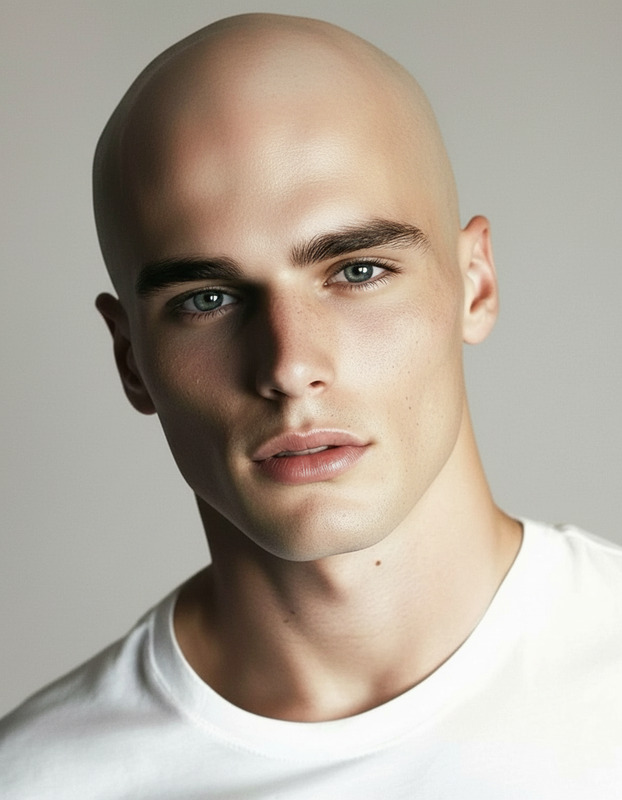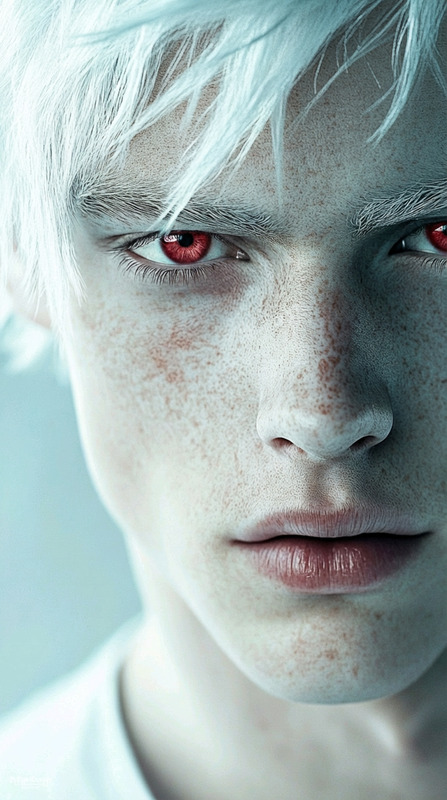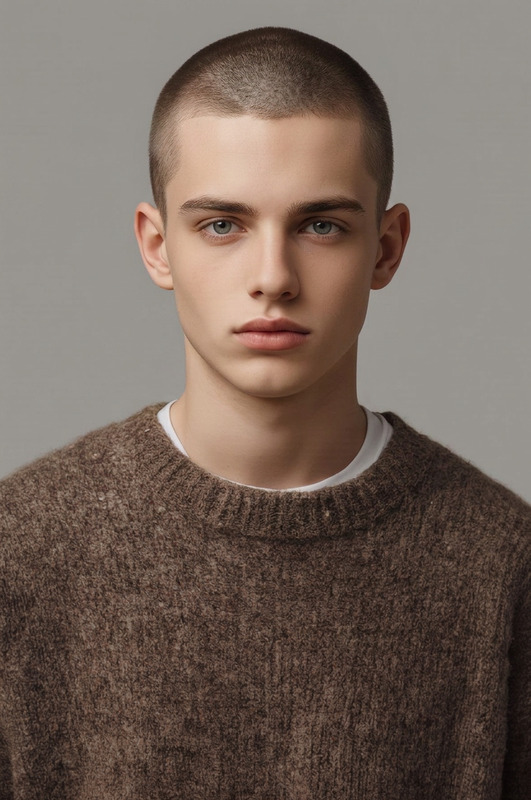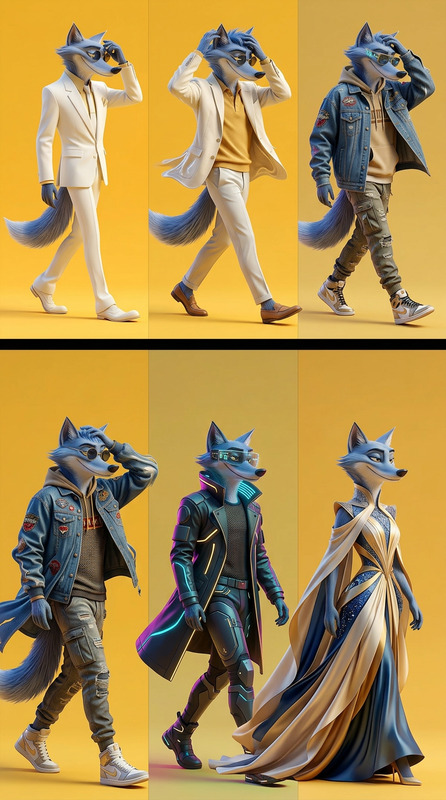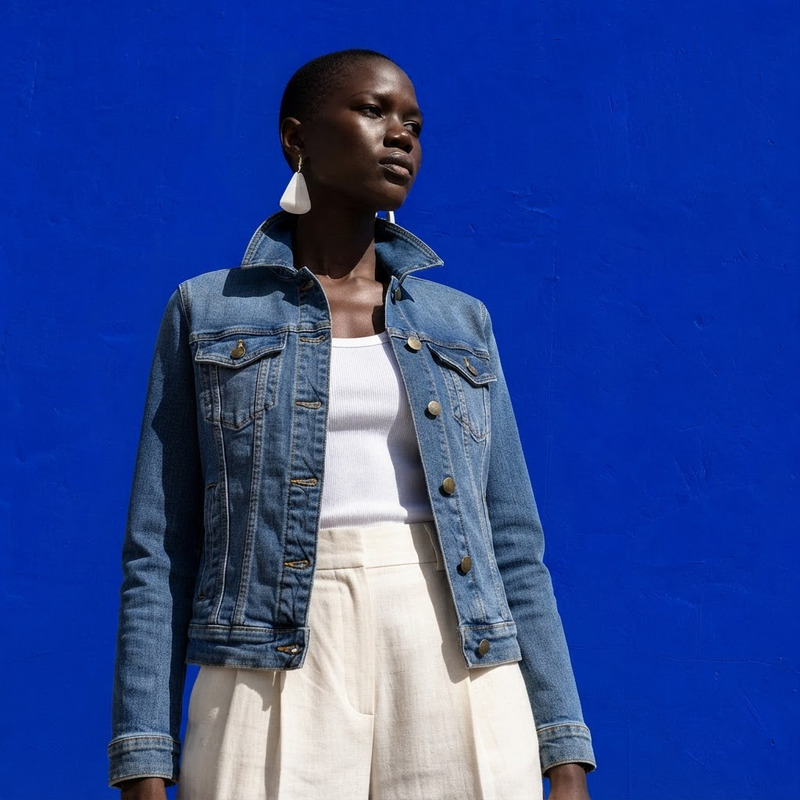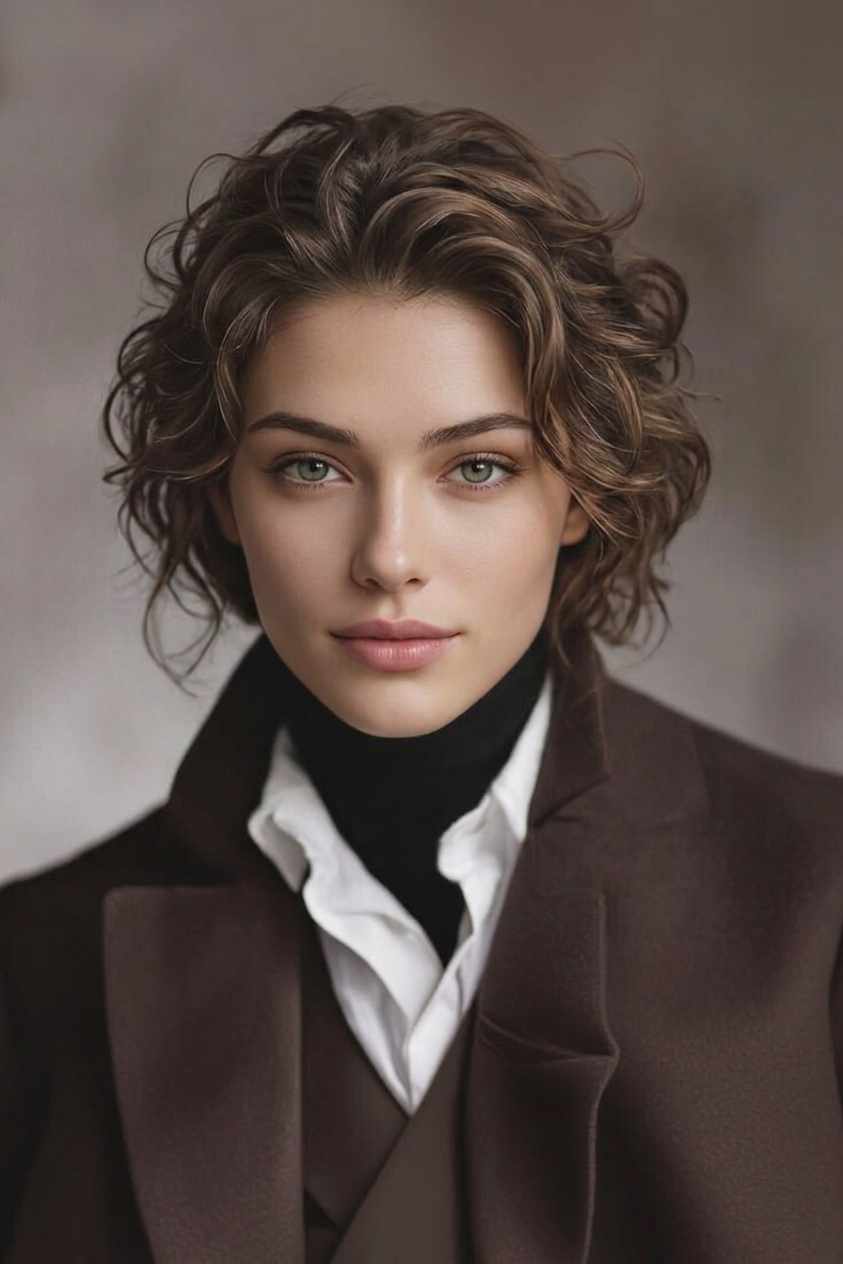
Gender Swap Transformation
- Model
- Nano Banana 2
- Image
- 843 × 1264 px
Prompt
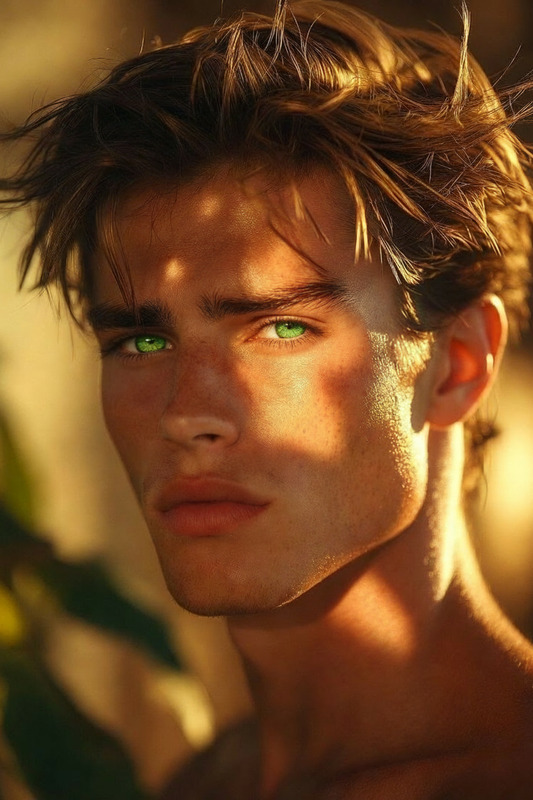
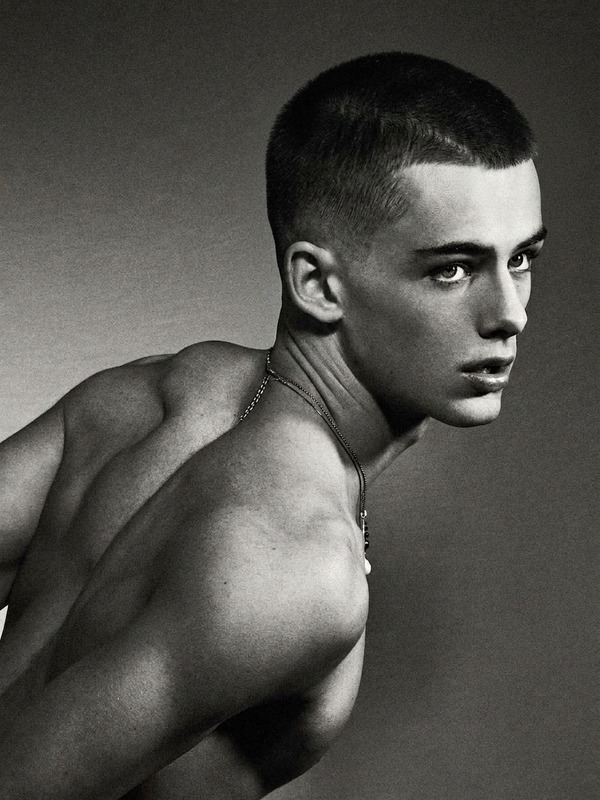
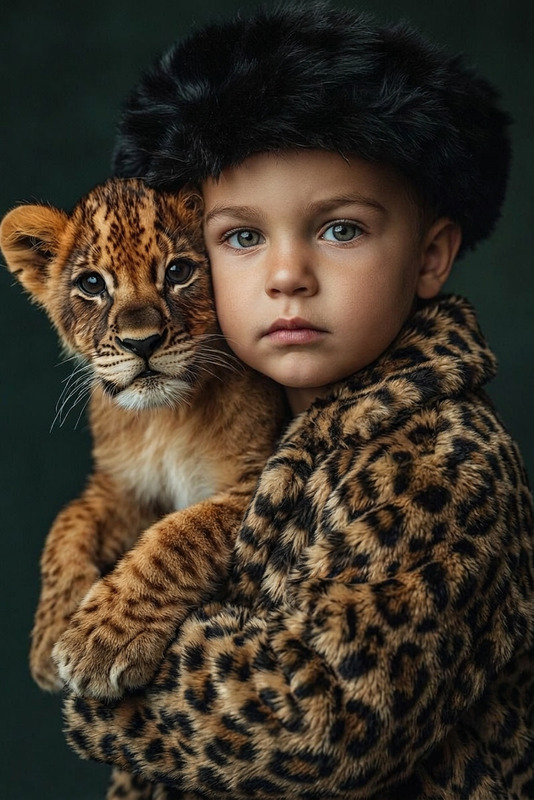
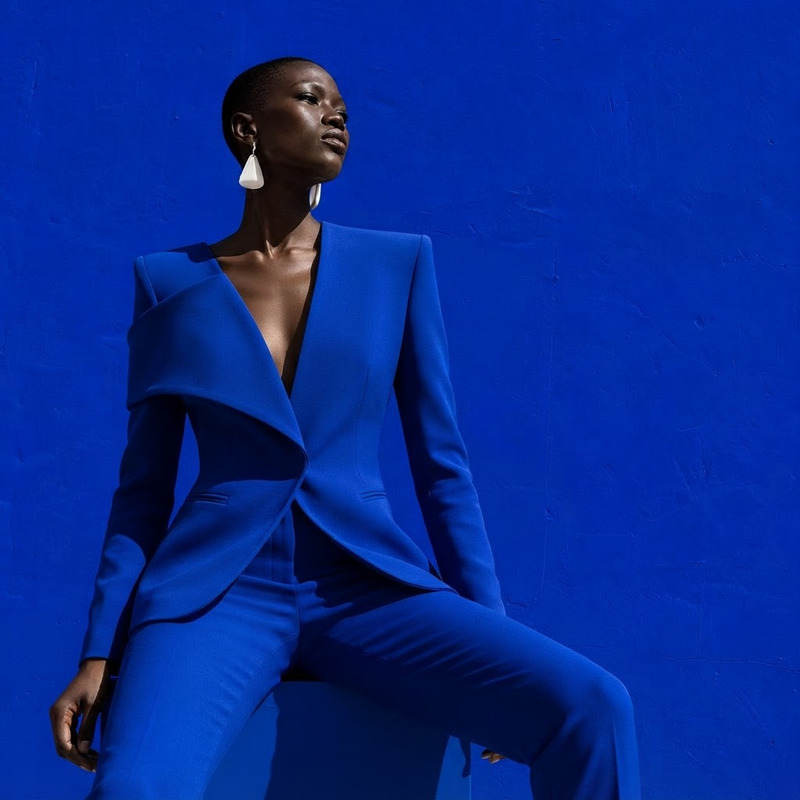
Transform the subject’s gender while preserving their core identity, pose, and overall composition. Adjust facial structure, hairstyle, and body features to reflect the opposite gender naturally and realistically. Maintain similar expression, lighting, and environment. Ensure the result looks cohesive and believable, with photorealistic detail, accurate skin texture, and balanced proportions.
Any aspect ratio
Overview
The Gender Swap Transformation template is a part of our AI Image Editor suite using the advanced nano-banana-2 model. This template is designed to transform the gender of a subject in images while keeping their core essence intact. Through adjustments in facial structure, hairstyle, and body features, the template creates a natural and realistic depiction of the opposite gender.
What It Does
The Gender Swap Transformation modifies images by altering gender-defining features such as facial structure and hairstyle. The template maintains the original pose and overall composition for a coherent transformation. Photorealistic details like skin texture and balanced proportions ensure that the output remains believable. Explore how you can modify images with other tools like the AI Image Generator to complement your creativity.
Who It's For
This template is ideal for creators, artists, and influencers looking to experiment with gender transformations in a realistic manner. Whether you're a content creator needing diverse imagery for your social media ads or a designer aiming to explore gender diversity in projects, this template offers a robust solution. It's also perfect for hobbyists and tech enthusiasts curious about AI capabilities in image editing.
Summary
Offering stunning and realistic results, the Gender Swap Transformation template gives users the power to experiment and create dynamic images. Seamlessly integrate this with tools like the AI Profile Picture Generator to expand your design capabilities. This tool is not only intuitive but also enables artists to rethink gender portrayals in artistic and commercial mediums.
How To
Follow these steps to transform the gender of a subject in your images:
Choose Your Template

Customize Your Inputs

Generate and Download

Use Cases
Creative Experiments
- Create artwork that challenges traditional gender norms.
- Develop diverse character designs for project storytelling.
Social Media Content
- Generate gender transformation videos for viral content.
- Enhance personal branding by showcasing diverse looks.
Entertainment Industry
- Design posters with gender-swapped actors.
- Craft transformation scenes for digital content.
Marketing Campaigns
- Promote products with diverse representation.
- Use transformed images in campaigns targeting inclusivity.
Best Practices
High-Quality Images
Use high-resolution images to ensure that fine details, like skin texture and facial features, are accurately transformed.Balanced Adjustments
Maintain a balanced approach when adjusting features to ensure the final image appears natural and coherent.Environment Consistency
Be mindful of the original lighting and environmental elements to keep the transformation seamless.