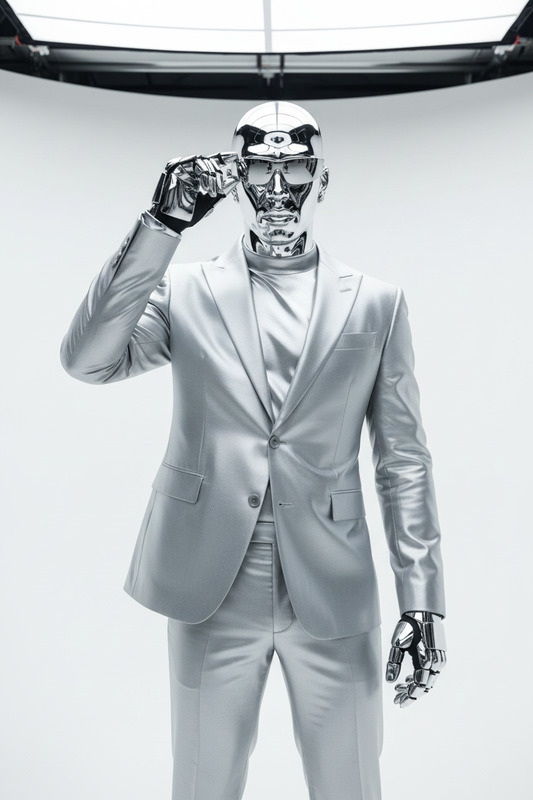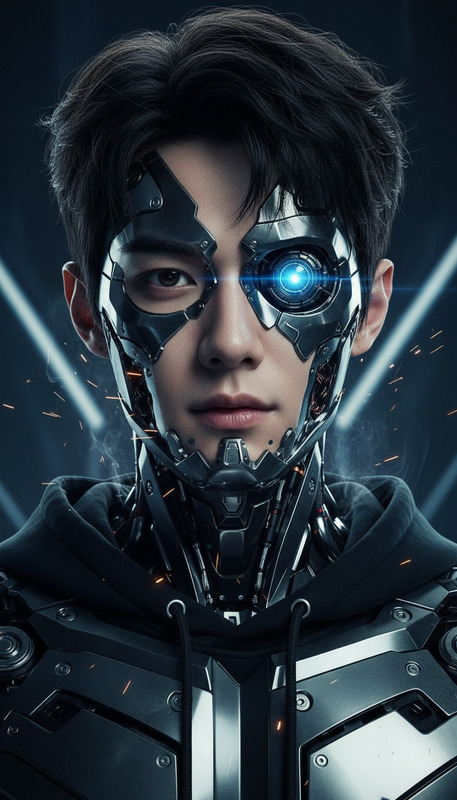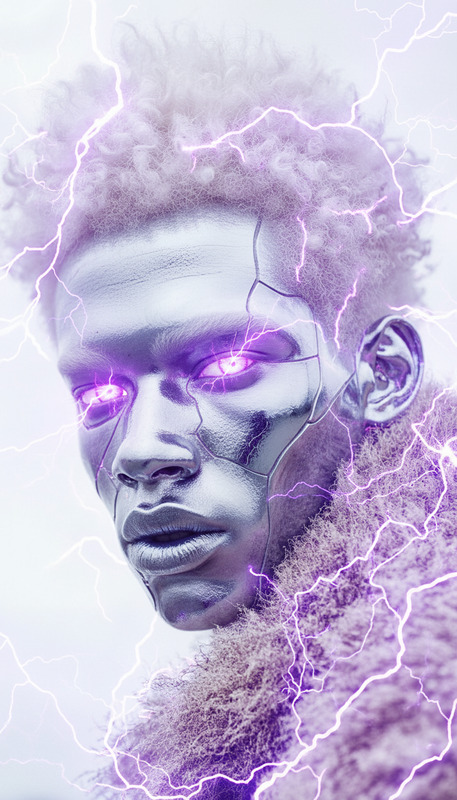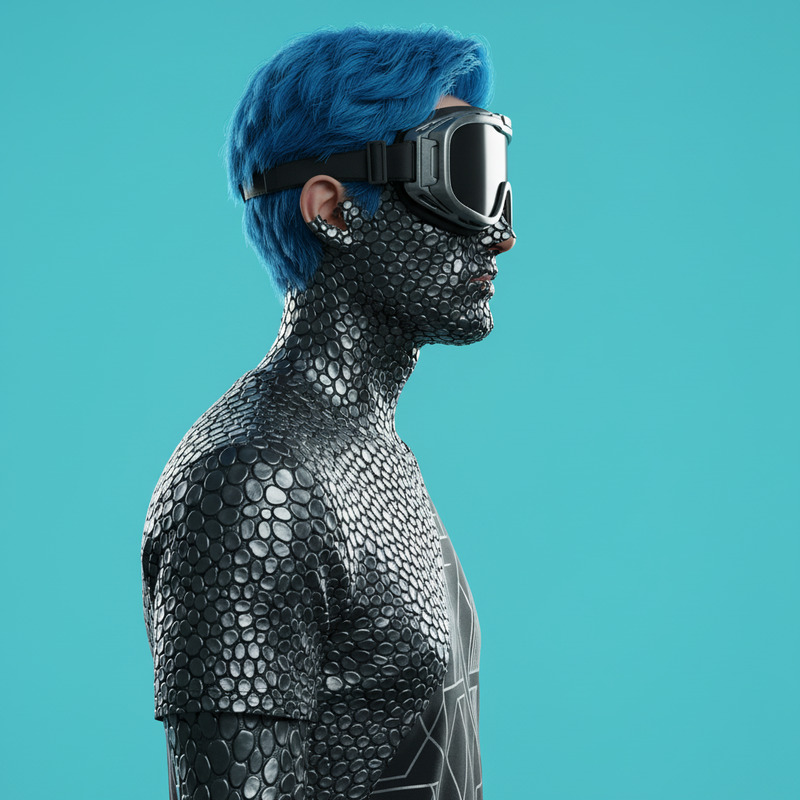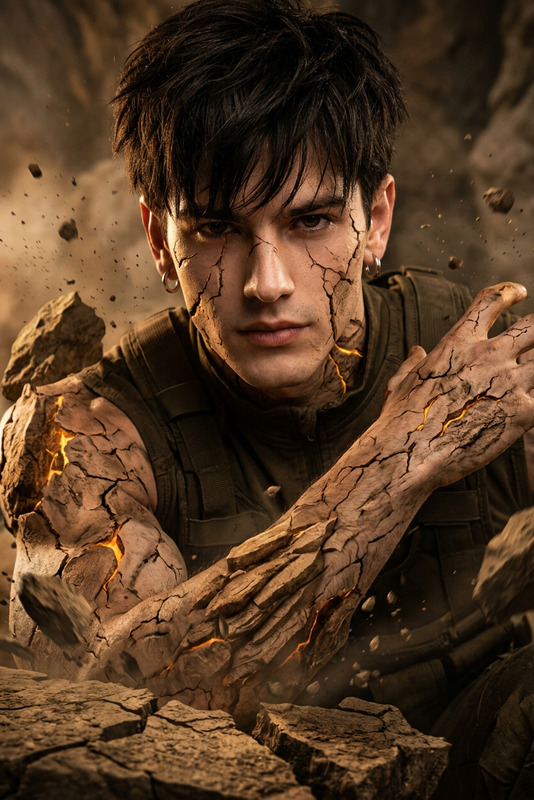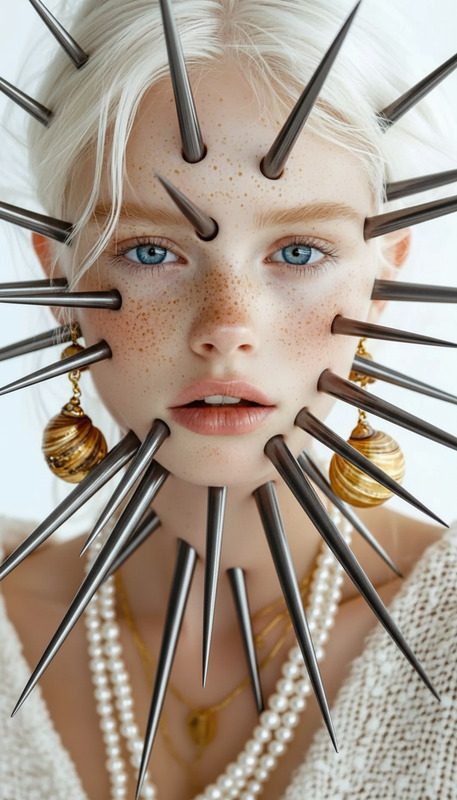
Green Metal
- Model
- Nano Banana
- Image
- 768 × 1344 px
Prompt
Medium close-up of a subject's body and head made entirely of smooth green metal with glowing eyes. Strong sunlight creates sharp highlights and reflections, heat haze in background, cinematic, ultra-realistic, HDR, shallow depth of field.
Any aspect ratio
Overview
Immerse yourself in a world of technological innovation with the Green Metal template, designed for those seeking to create futuristic and industrial-themed content. As an AI Image Editor template, Green Metal offers the ability to generate ultra-realistic images that evoke a sense of advanced technology and industrial prowess.
What It Does
The Green Metal template leverages the capability of the nano-banana model to transform images into a captivating fusion of artificial elements and reality. With its focus on creating subjects made of smooth green metal, the template enhances your visuals with glowing eyes, sharp highlights, and a cinematic HDR feel, capturing the essence of futuristic design.
Who It's For
This template is ideal for creators in the tech and industrial sectors, as well as sci-fi enthusiasts looking to integrate cinematic, ultra-realistic elements into their projects. Perfect for crafting content that demands high visual impact, such as promotional material for technology products or creative projects involving future-forward narratives.
Summary
With the Green Metal template, your creative process becomes streamlined and impactful. Customize your images easily, making them suitable for a wide range of applications, from marketing to storytelling. To further explore the transformative capabilities of image editing, check out our Face Swap and AI Image Generator products.
How-To
Choose Template

Customize Elements

Generate Image

Use Cases
Tech Product Promotions
- Highlight product features with high-tech visuals.
- Use in promotional videos or social media ads.
Sci-Fi Storytelling
- Enhance book covers or digital storytelling.
- Create immersive environments for story settings.
Creative Industrial Designs
- Add a modern touch to project presentations.
- Visualize industrial concepts with detail and depth.
Best Practices
Select Suitable Images
Use medium close-up shots to ensure all elements, like glowing eyes and reflections, are prominent.Adjust Light and Shadow
Play with sunlight and shadow intensity to create depth and realism.Leverage Background Elements
Incorporate background elements like heat haze to enhance the cinematic quality.