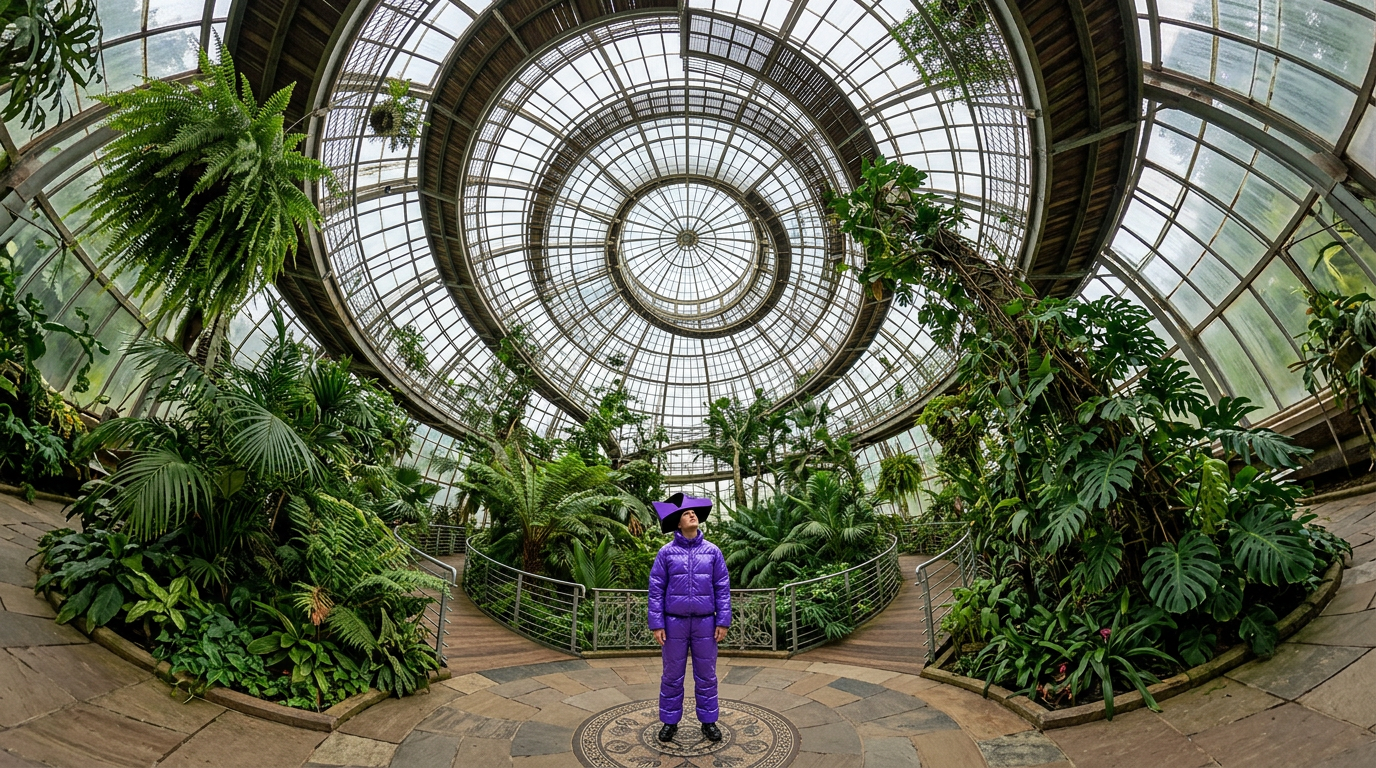
360 Greenhouse Fashion Shot
ai-image-editor
Any aspect ratio
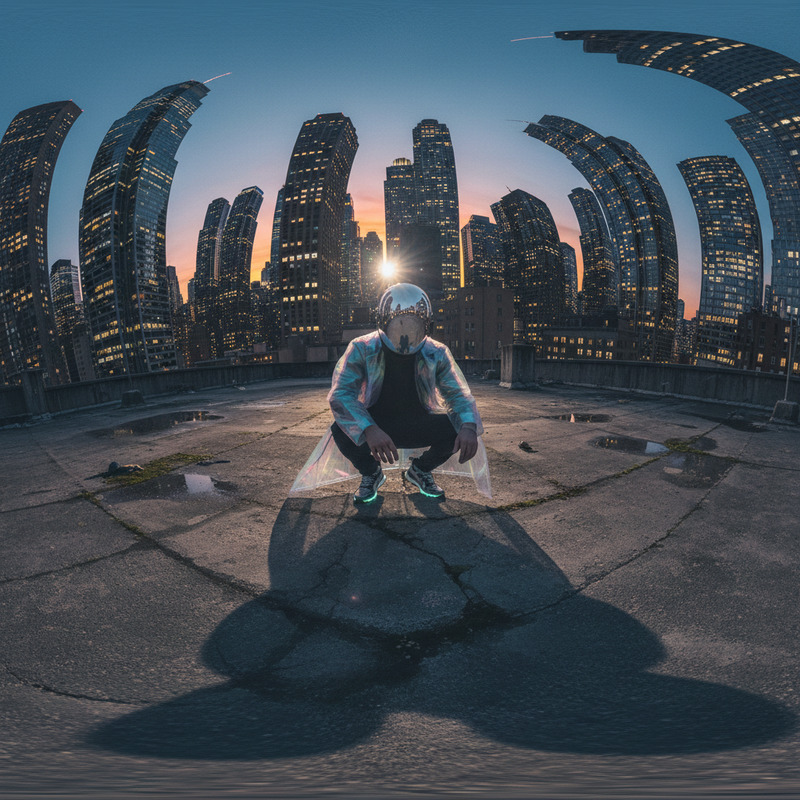
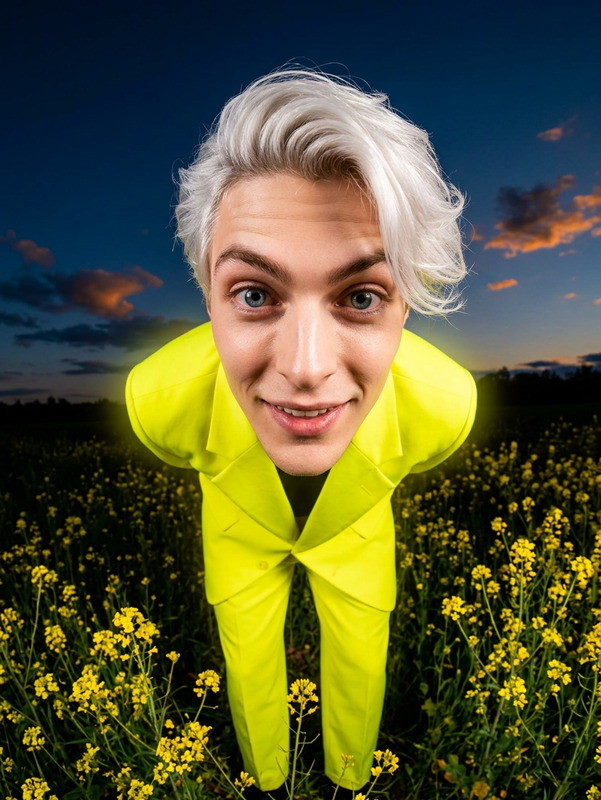
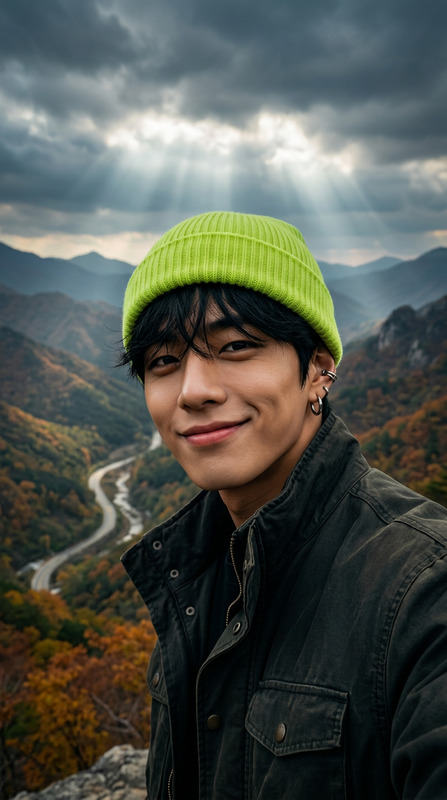
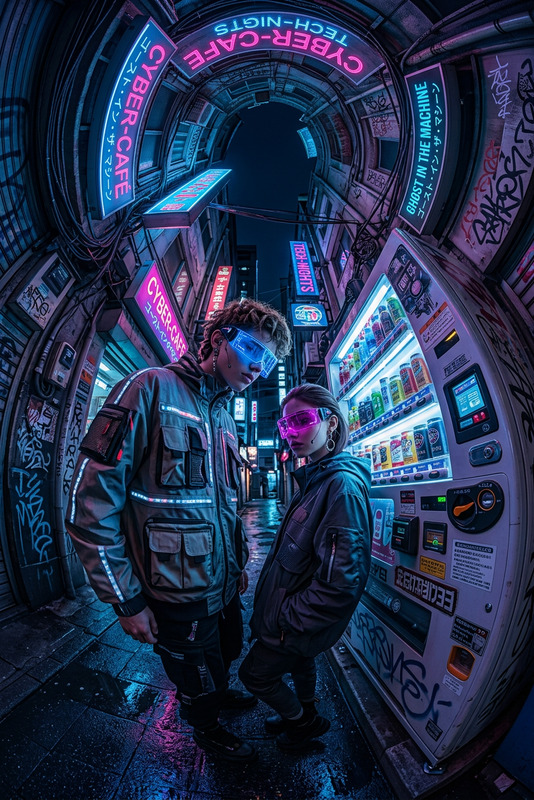
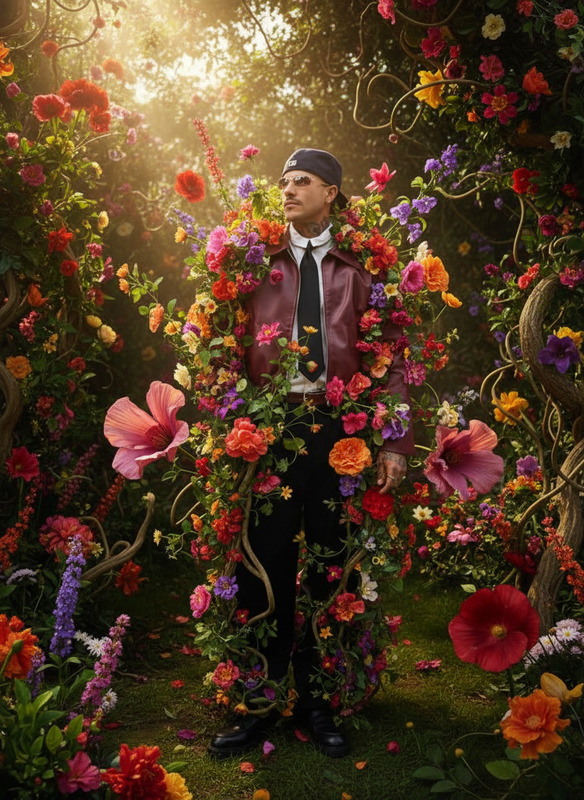
A 360-degree upward-facing shot of a subject standing at the center of a circular greenhouse filled with lush tropical plants. The subject wears a glossy violet puffy suit and a geometric hat. Curved glass panels and dense greenery bend inward due to spherical distortion, creating a tunnel-like effect. Soft daylight filters through, casting gentle shadows.
Tags
camera motionAI Image Editor Template: Precision Visual Editing for Fast, High-Quality Assets
Use this template to turn any image into a polished, on-brand visual in minutes. The Magic Hour AI Image Editor lets you remove distractions, swap elements, clean up details, and generate new variations without opening a traditional design tool.
This template is ideal for:
- Creators and marketers refreshing social posts, ads, and thumbnails
- Startup teams iterating on product shots and landing page images
- Developers prototyping UI visuals, mockups, and concept art
- Anyone who needs clean, consistent, professional images quickly
What You Can Do With This Template
With this AI Image Editor–based template, you can:
Clean up images
- Remove unwanted objects, text, logos, or people using the AI Remover and Remove Object from Photo tools
- Erase background clutter and make subjects pop for social, ads, and product pages
Change or enhance backgrounds
- Instantly swap plain backdrops for more engaging scenes with the AI Background Generator
- Create studio-like product shots or lifestyle images without reshoots
Edit faces and portraits
- Tweak facial details, expressions, or style with the AI Face Editor
- Generate professional profile photos with the AI Headshot Generator
- Improve selfies and portraits using the AI Selfie Generator
Fix quality issues
- Sharpen soft or blurry images with Unblur Image
- Enhance resolution for print, web, or marketplace listings with the AI Image Upscaler
Restyle content for different channels
- Turn photos into illustrations, sketches, or stylized art using the AI Art Generator or AI Illustration Generator
- Convert photos to line art or pencil-style visuals with Photo to Sketch
- Reformat images for thumbnails using the Thumbnail Maker
Create branded, campaign-ready visuals
- Generate cover art and marketing visuals with:
How to Remix This Template in Magic Hour
You can duplicate and adapt this template to fit your workflow:
Start from this template
- Open the template in Magic Hour’s AI Image Editor.
- Upload your base image (product shot, portrait, screenshot, illustration, etc.).
Define your editing goal
Typical, repeatable goals you can encode into your own template prompt:- “Remove all background clutter and keep only the main subject.”
- “Make this product look like it’s shot in a clean studio environment.”
- “Convert this photo into a flat illustration suitable for a landing page hero.”
- “Turn this portrait into a professional LinkedIn-style headshot.”
Remix for your brand or use case
- Specify your brand style (colors, mood, audience) in the template’s description or prompt.
- Add notes like: “Output should work on light backgrounds,” “Social-first creative,” or “Suitable for an app store listing.”
- Save it as your own custom version so your team can reuse it for consistent output.
Chain with other Magic Hour tools (optional)
Once your edited image looks right, you can:- Turn it into a short video with Image to Video or Text to Video.
- Create an animated character version using the Animated Characters Generator or AI Character Generator.
- Upgrade it to a full campaign asset with the AI Meme Generator or AI QR Code Generator.
Example Workflows Using This Template
1. Ad & Social Creative Refresh
- Use AI Image Editor to clean up your product photo and remove distractions.
- Swap in an on-brand background via AI Background Generator.
- Upscale for ad platforms with the AI Image Upscaler.
- Spin it into a short promo clip using Image to Video or Animation.
2. Landing Page and App Store Assets
- Convert raw screenshots or UI mockups into polished visuals using the AI Art Generator.
- Create associated icons with the AI Icon Generator.
- Generate on-brand hero illustrations through AI Illustration Generator.
3. Creator & Influencer Content
- Clean up selfies with AI Image Editor and AI Face Editor.
- Generate multiple stylized versions (anime, cartoon, fantasy) using the AI Anime Generator, Disney AI Generator, or Dark Fantasy AI.
- Turn still photos into short lip-sync videos with Lip Sync or talking portraits via AI Talking Photo.
4. Brand Identity & Concepting
- Prototype logos and visual directions quickly with the AI Logo Generator, then refine results with AI Image Editor.
- Explore character or mascot styles via the AI Character Generator, Superhero Generator, or Pokemon Generator.
Advanced Use Cases for Builders and Teams
For technical teams and power users:
Design systems & component libraries
- Use this template to standardize illustration and image style for documentation, design systems, and component libraries.
- Generate variant sets (light mode/dark mode, mobile/desktop, different locales) directly in Magic Hour.
Rapid testing and iteration
- Produce multiple creative variations for A/B tests in ads, landing pages, and onboarding flows.
- Pair visuals with auto-generated subtitles in video using the Auto Subtitle Generator for fast multi-channel deployment.
Product & feature storytelling
- Turn product screenshots into narrative visuals, comics, or storyboards via the Comic Book Generator and AI Illustration Generator.
- Animate key visuals with Video to Video or Animation.
Related Templates and Tools to Explore
If you like this AI Image Editor template, you may also want to try:
- Face Swap Video – apply realistic face swaps to video content.
- Lip Sync – animate any photo to match audio.
- Video to Video – restyle existing footage with new looks and aesthetics.
- Animation – turn static ideas into animated scenes.
For more specialized image tasks, explore:
- Image Background Remover for fast, clean subject isolation
- Old Photo Restoration and Photo Colorizer for archival and personal projects
- Watermark Remover for cleaning up your own content exports (only on assets you have rights to modify)
Why Use an AI Image Editor Template Instead of Manual Editing?
Research and industry practice show that AI-assisted editing can:
- Cut production time for marketing and product visuals from days to hours
- Reduce dependency on specialized design tools for routine edits
- Increase consistency across channels by encoding style and constraints directly into reusable templates
By remxing this template inside Magic Hour, you capture your editing rules once and reuse them across your team, campaigns, and projects—without sacrificing quality or control.