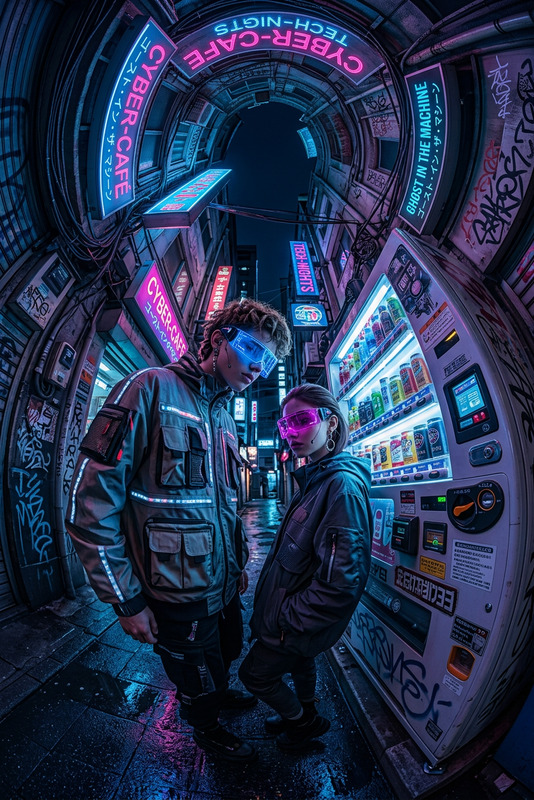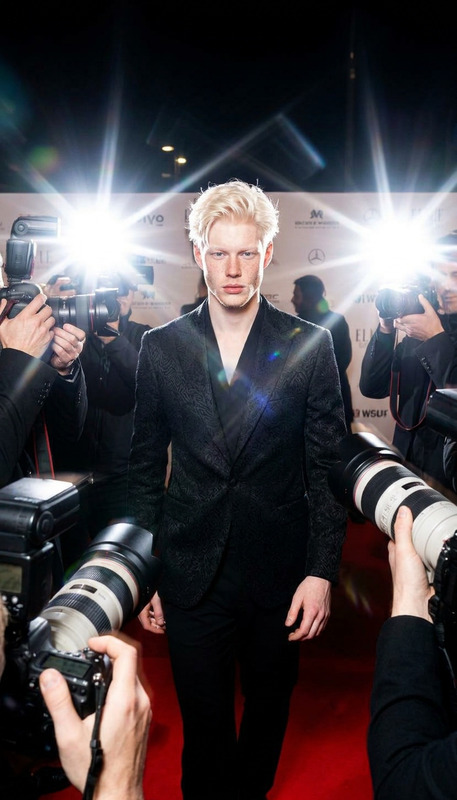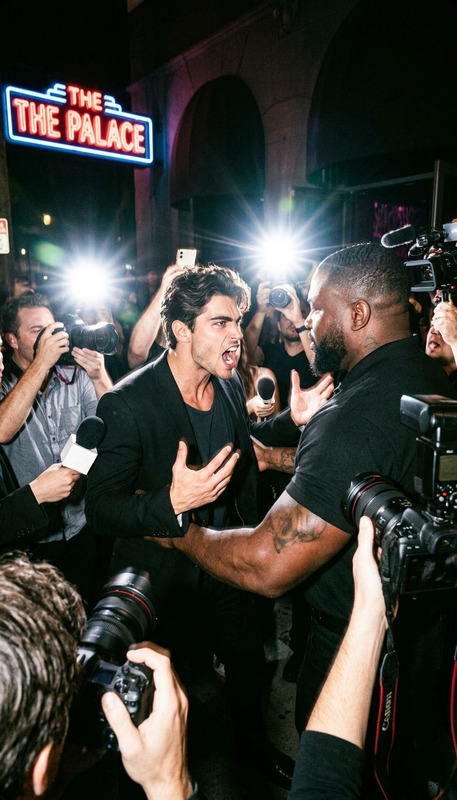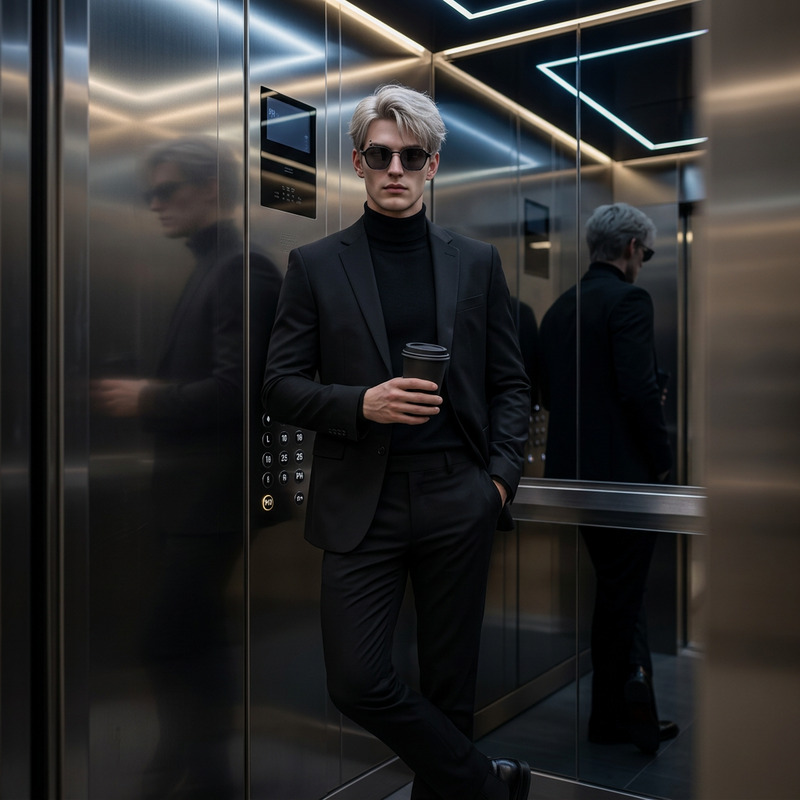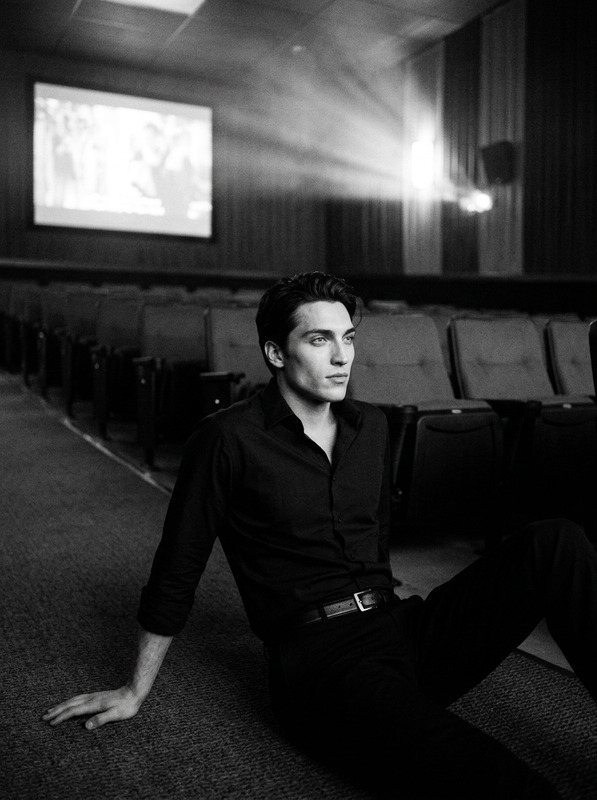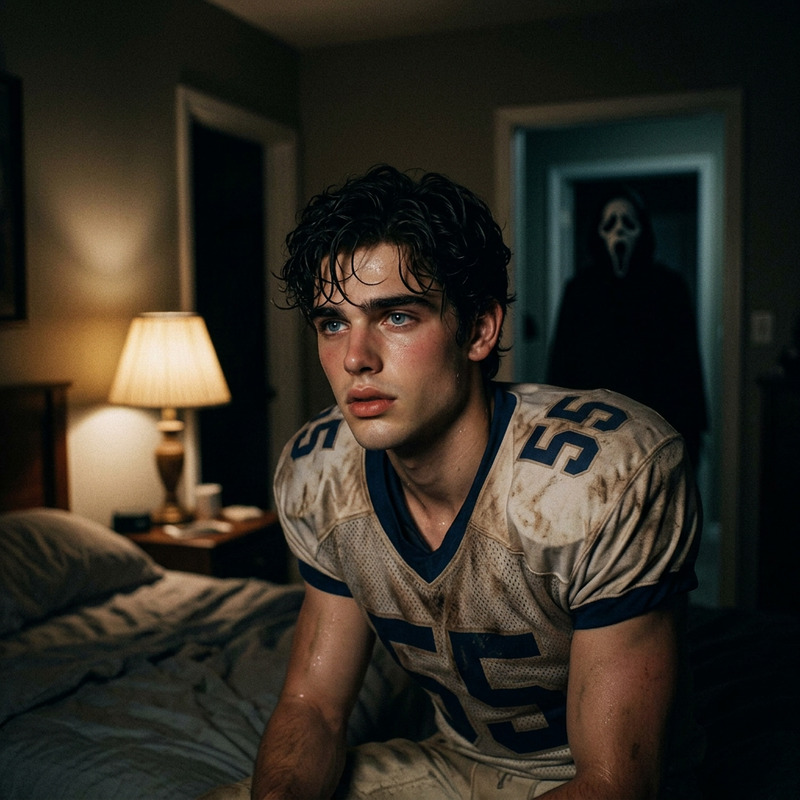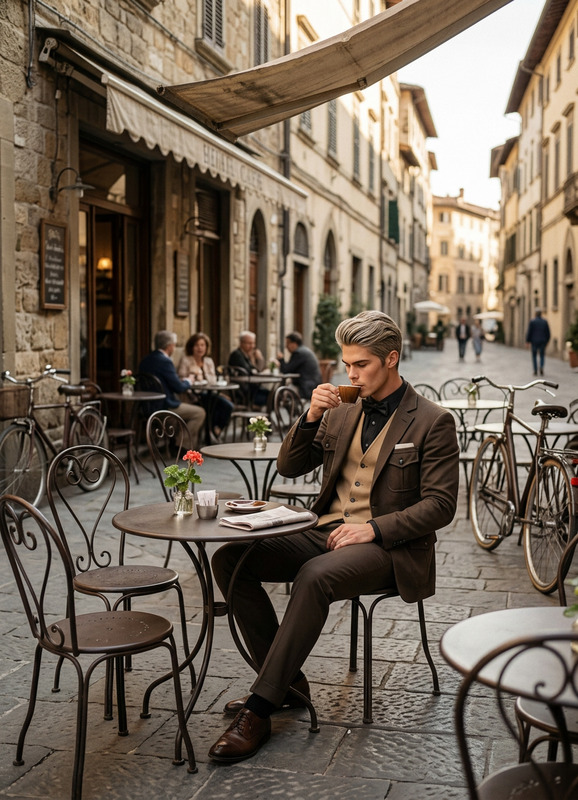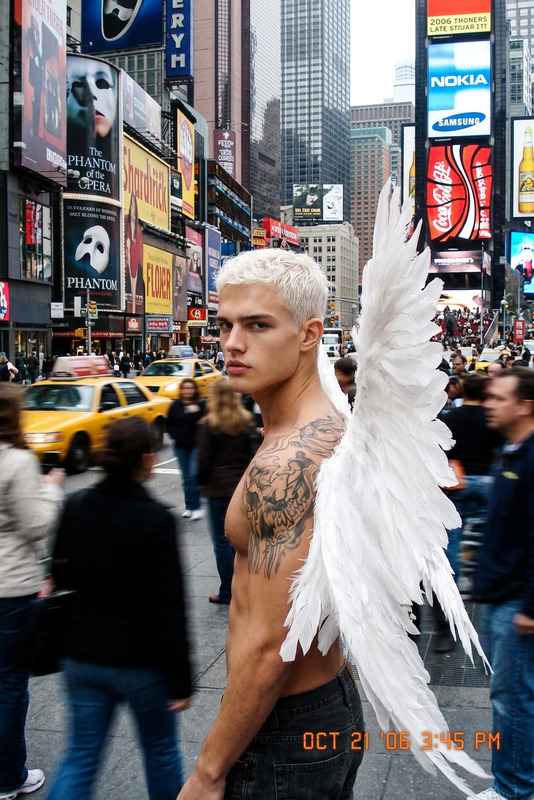
Random Camera
- Model
- Nano Banana 2
- Image
- 843 × 1264 px
Prompt
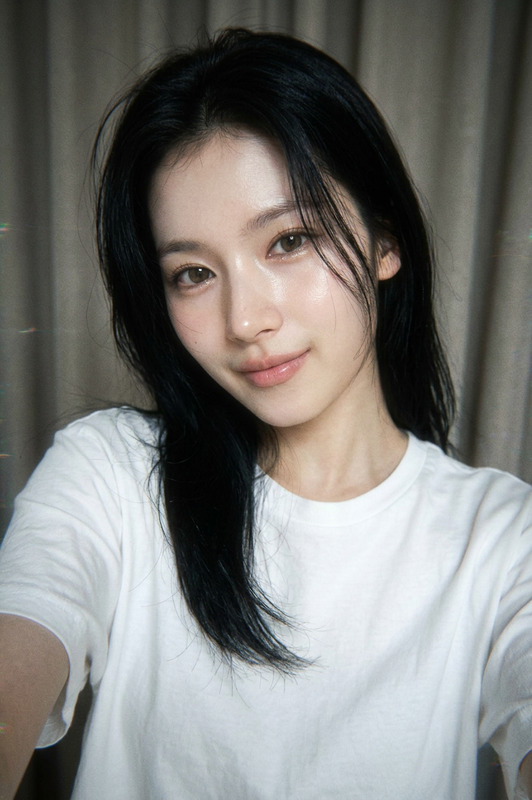
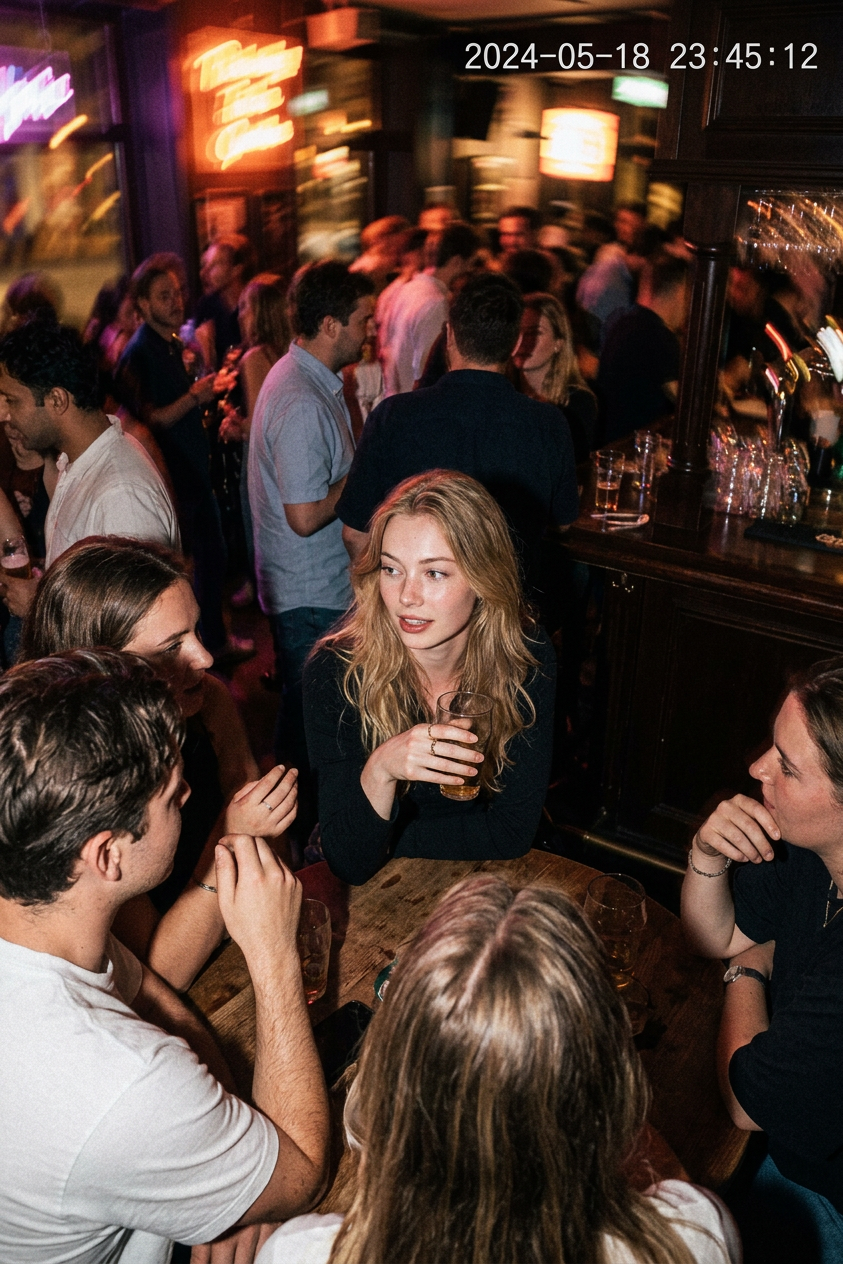
A realistic surveillance-style shot from a crowded bar or small club, as if the character in the reference image was accidentally captured by a security camera for a brief moment. They are sitting or standing near a table with friends, slightly turned toward the dance floor, relaxed and unaware of the camera. The scene should look like real bar security footage: overhead angle, subdued mixed lighting, neon reflections, people moving in the background, glasses on tables, a relaxed crowd, slight motion blur, low-light noise, compression artifacts, and less-than-ideal exposure.
Any aspect ratio
Overview
The Random Camera template is a versatile tool within our AI Image Editor suite, designed to recreate the ambiance of a casual bar scene as captured unintentionally by a security camera. Using the advanced capabilities of the nano-banana-2 model, this template focuses on delivering a realistic depiction with elements like neon reflections and motion blur.
What It Does
This template captures the essence of surveillance footage by introducing realistic security camera effects to your images. It achieves this through subtle noise, motion blur, and compression artifacts typical of low-light surveillance captures. With the Random Camera template, recreate candid bar scenes where your character seamlessly blends against a dynamic backdrop.
Who It's For
This template is ideal for content creators, filmmakers, and designers looking to incorporate realistic surveillance imagery into their work. It's suitable for use in storytelling where capturing authentic human interactions in lively settings enhances the narrative. Whether you're working on an art project or a film scene, this template adds depth and realism to your visuals.
Summary
With the Random Camera template, utilize our AI Image Editor capabilities to render images that mirror the unfiltered look of bar security footage. Featuring the power of the nano-banana-2 model, this tool is a strong addition for creatives needing authentic and gritty visuals.
How To Structure
Choose Your Template

Customize Your Inputs

Generate and Download

Use Cases
Artistic Photography
- Enhance photo exhibitions with real-life narratives.
- Explore social dynamics in nightlife through imagery.
Film and Video Production
- Add a layer of authenticity to indie projects.
- Use in thrillers or mystery genres to establish scene context.
Marketing Materials
- Engage audiences with storyline-driven ads.
- Feature vibrant, lifelike settings in promotional content.
Best Practices
Prioritize Realism
Focus on using images and prompts that naturally fit the scene's ambience for the most authentic results.Optimize Lighting
Experiment with lighting settings to ensure a delicate balance between visibility and artifact realism.Experiment with Angles
Try different angles and perspectives to accurately convey the feeling of being captured by a security camera.