Duotone Illustration Overlay
- Model
- Nano Banana 2
- Image
- 768 × 1376 px
Prompt
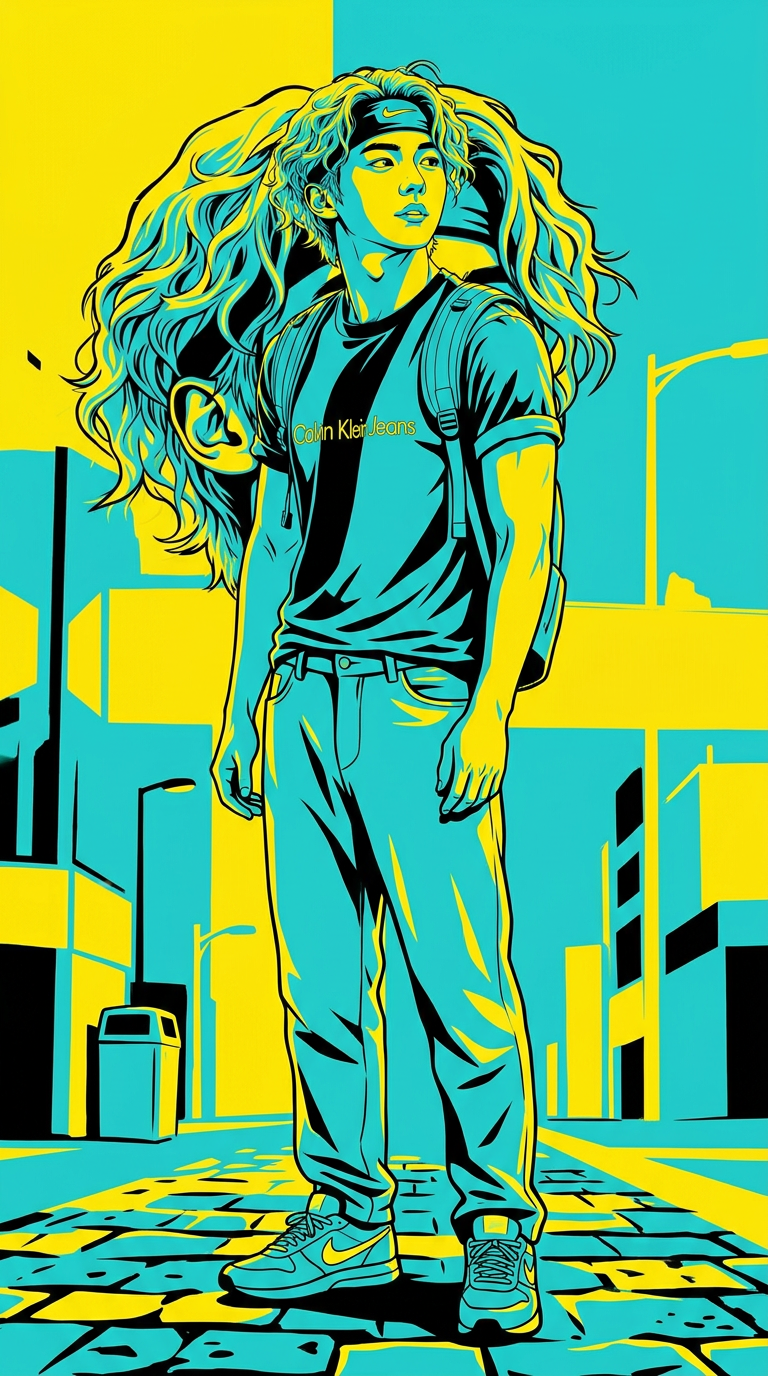
Full-body figure with bold split-color duotone (cyan & yellow), high contrast, graphic illustration, strong outlines, minimal shading, cinematic lighting, 4K.
Any aspect ratio
Overview
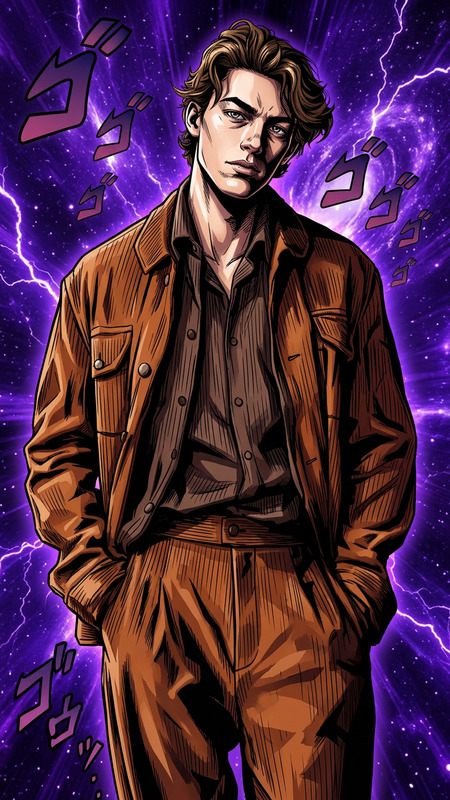
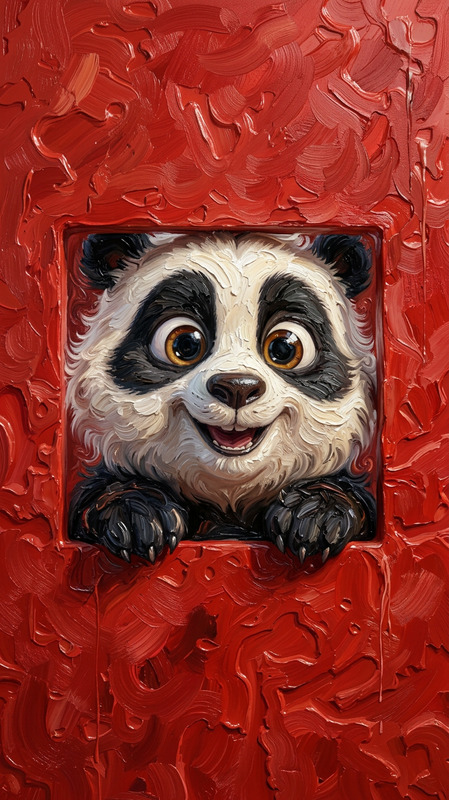
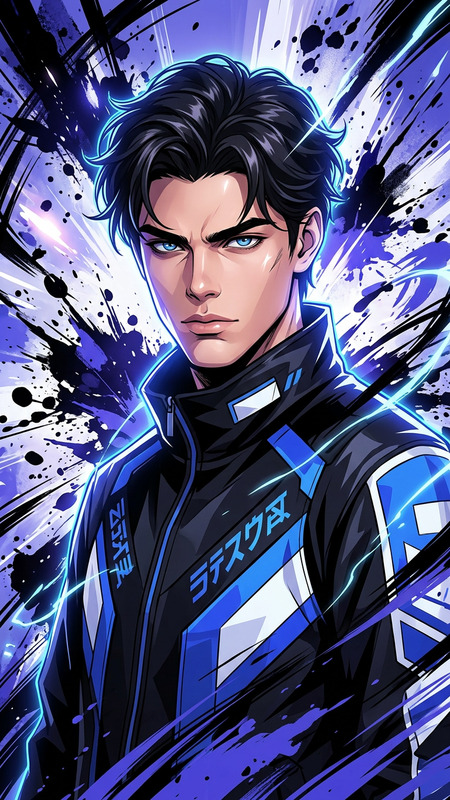
The Duotone Illustration Overlay template utilizes the nano-banana-2 model to create striking image overlays. This AI-powered tool is designed to enhance your visuals with bold cyan and yellow duotones, giving them a high-contrast and cinematic appearance.
What It Does
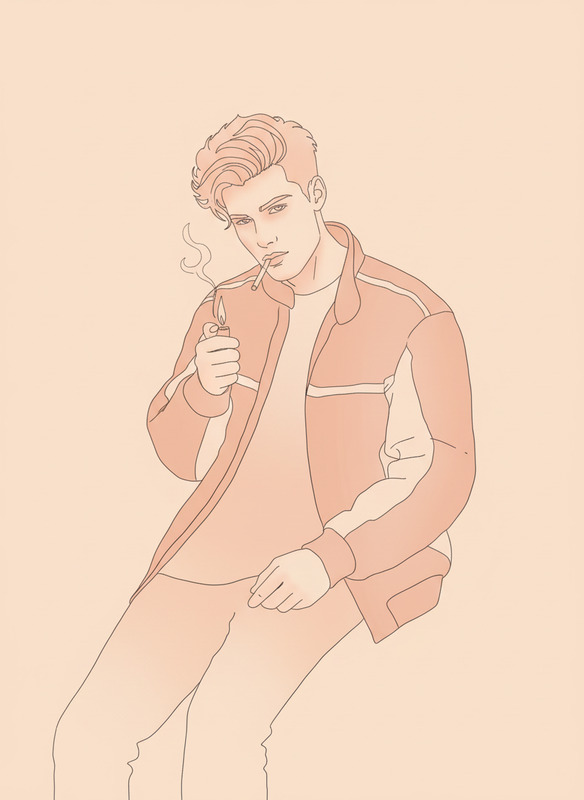
This template adds a bold, split-color effect to your images, focusing on full-body figures. It emphasizes strong outlines and minimal shading, transforming ordinary images into graphic illustrations. The high contrast and cinematic lighting are perfect for projects that need a modern, artistic touch.
For additional editing capabilities, explore our AI Image Editor to further refine your images.
Who It's For
Graphic designers, artists, and social media content creators will find this template particularly useful. It’s ideal for those looking to add a dramatic flair to their projects, whether for print, web, or multimedia presentations.
Combine it with the AI Multi-Angle Generator for dynamic presentations.
Summary
Enhance the visual impact of your images with the Duotone Illustration Overlay template. Its bold duotone effect is perfect for amplifying the creative appeal of your projects. Whether you're stepping up your design portfolio or enhancing social media graphics, this template ensures your visuals stand out.
Consider pairing it with the AI GIF Generator to create animated versions of your duotone illustrations.
How to Use
Choose Your Template

Customize Your Input

Generate and Download

Use Cases
Social Media Graphics
- Instagram posts
- Facebook banners
- Twitter headers
Print Design
- Posters
- Flyers
- Event invitations
Web Design
- Landing pages
- Blog headers
- Portfolio showcases
Best Practices
Choose Images Wisely
Select images with clear outlines and minimal background clutter for the best duotone effect.Color Calibration
Adjust the cyan and yellow tones to match your project's color palette or brand guidelines.Combine Effects
Use in conjunction with other AI tools, like the AI Background Changer, for more complex projects.