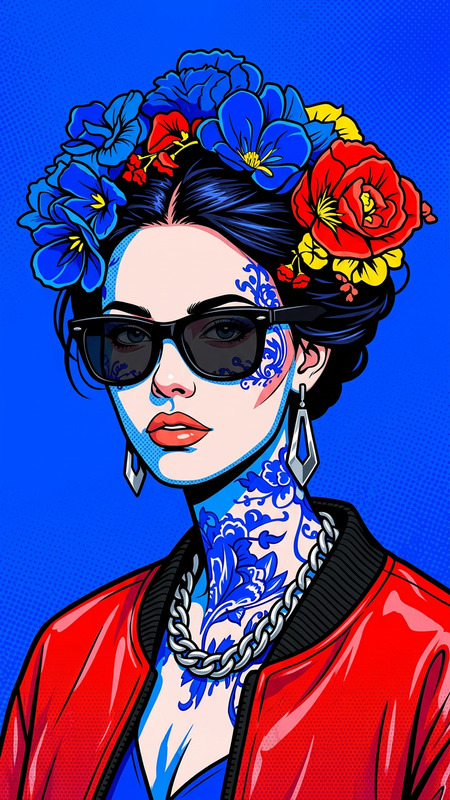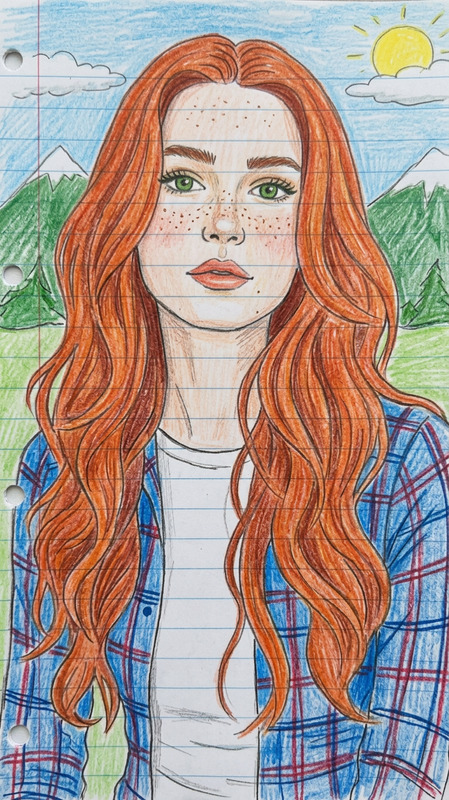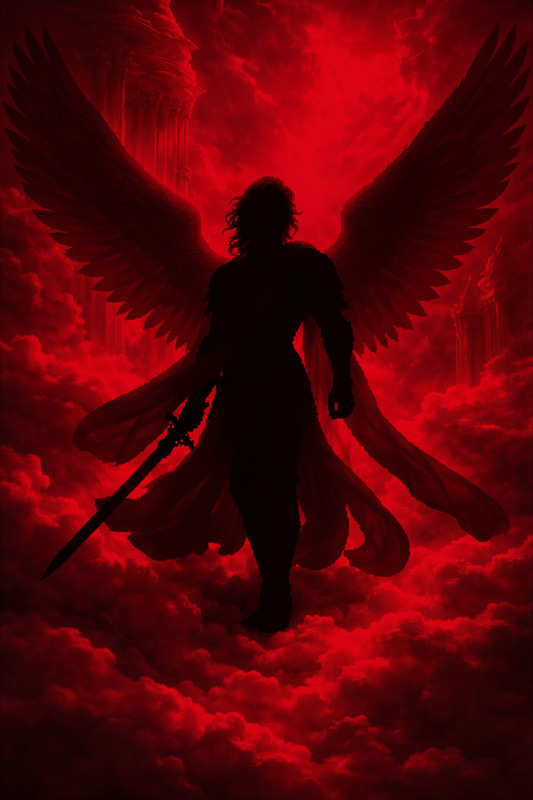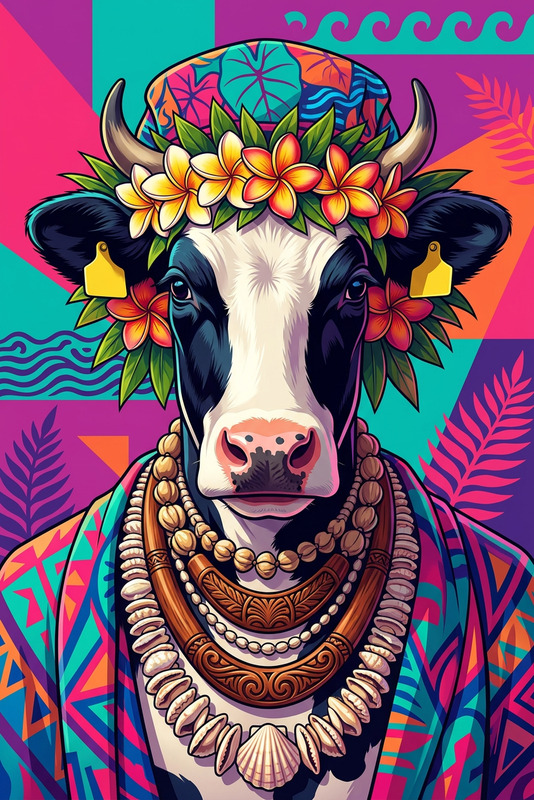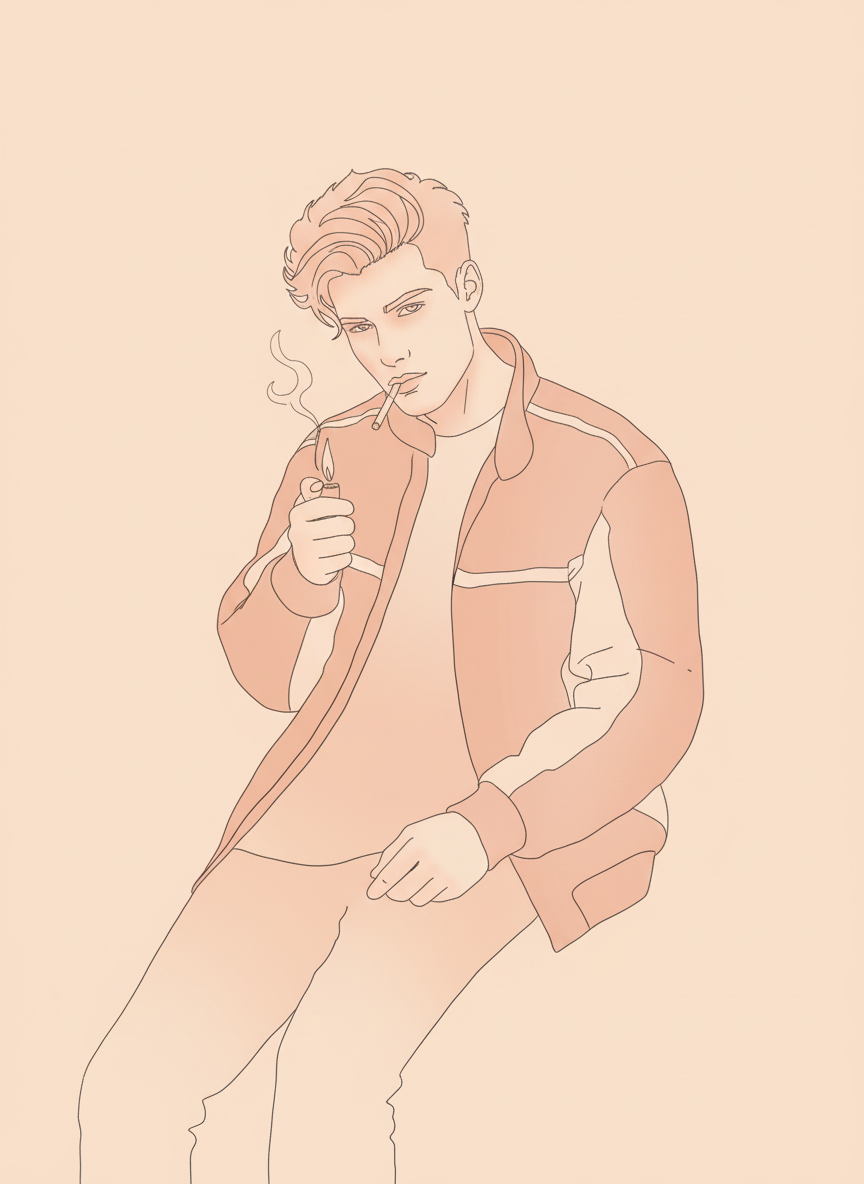
Peach Line Chic
- Model
- Nano Banana
- Image
- 864 × 1184 px
Prompt
Stylized portrait of a subject, minimalistic peach monochrome palette, bold continuous line art with soft gradient shading, clean elegant features, modern editorial vibe, smooth curves, flat background, high contrast outlines, aesthetic illustration, soft lighting, 4K
Any aspect ratio
Overview
Capture the refined elegance of modern editorial aesthetics with the Peach Line Chic template. Designed for the AI Image Editor, this template uses the nano-banana model to transform your subjects into stylized portraits with a peach monochrome palette. Experience a sophisticated fusion of bold line art and gradient shading, ideal for creating high-impact visuals with smooth curves and minimalistic charm.
What It Does
The Peach Line Chic template accentuates bold lines and soft gradations to produce aesthetic illustrations that are suited for high-end fashion and lifestyle imagery. It offers features like elegant line art against flat backgrounds and supports rendering in 4K for detailed outputs. This template transforms your image inputs into visually stunning artworks suitable for a range of editorial applications.
Who It's For
This template is perfect for fashion photographers, lifestyle content creators, and those in the creative arts seeking to enhance their projects with stylized imagery. Whether you are working on presentations or promotional materials, Peach Line Chic will elevate your work with its editorial allure and modern design elements. It's particularly beneficial for users looking to integrate AI Product Photography in their work.
Summary
The Peach Line Chic template offers a blend of minimalistic and elegant design elements that appeal to users across the fashion and lifestyle industries. Utilizing the advanced features of the AI Image Generator, this template helps convert simple images into artistic statements, ensuring that your visuals are not just seen, but remembered.
How To
Choose Your Template

Customize Your Inputs

Generate Your Image

Use Cases
Fashion Editorials
- Stylized fashion shoots
- Editorial spreads
- Lookbooks
Creative Advertisements
- Product advertisements
- Promotional graphics
- Brand identity visuals
Lifestyle Content
- Blog illustrations
- Social media posts
- Content marketing campaigns
Best Practices
Select High-Quality Images
For the best results, use high-resolution images that will maintain detail and clarity when processed.Adjust Prompt Parameters
Experiment with different prompt adjustments to find the optimal blend of line strength and gradient shading.Consider Lighting and Contrast
Ensure your initial images have suitable lighting and contrast to enhance the effectiveness of the transformation.