Animated Oil Painting
ai-image-editor
Any aspect ratio
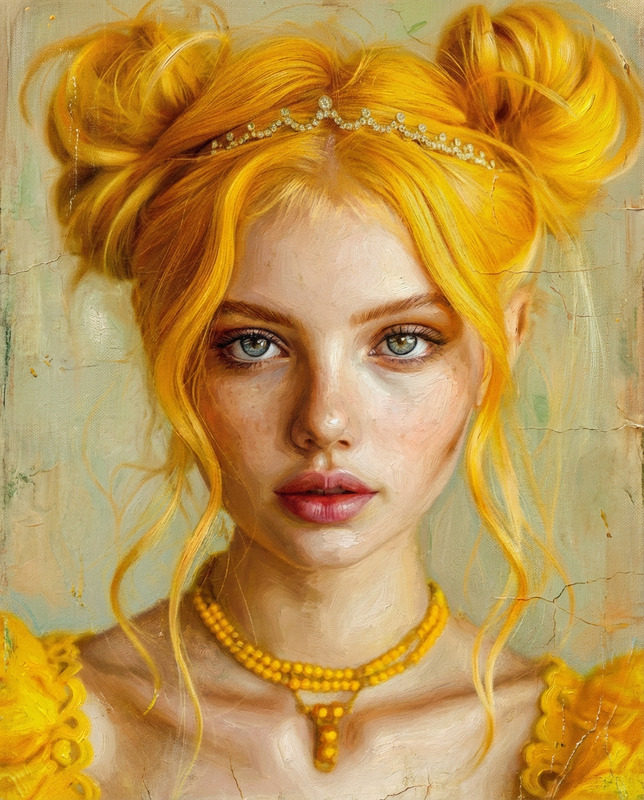
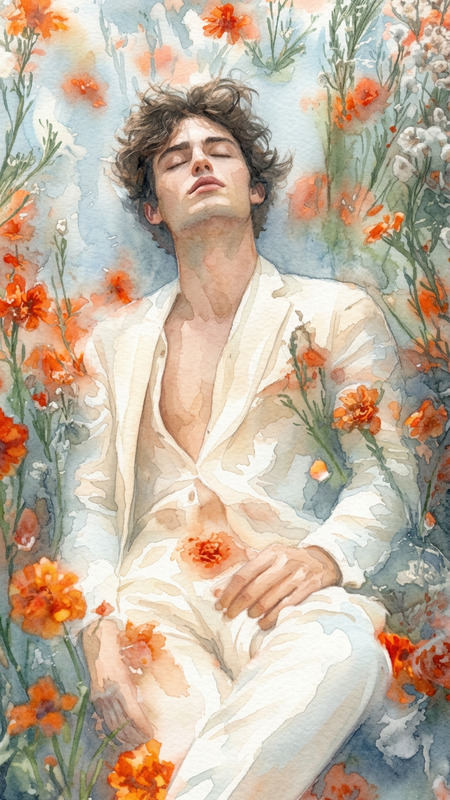
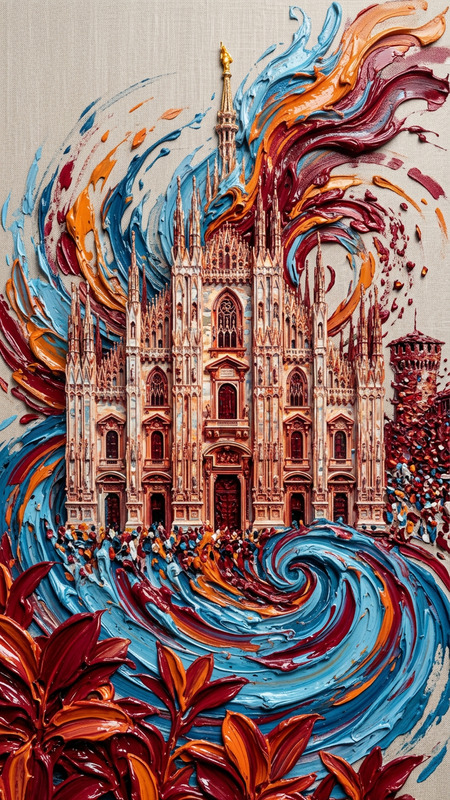
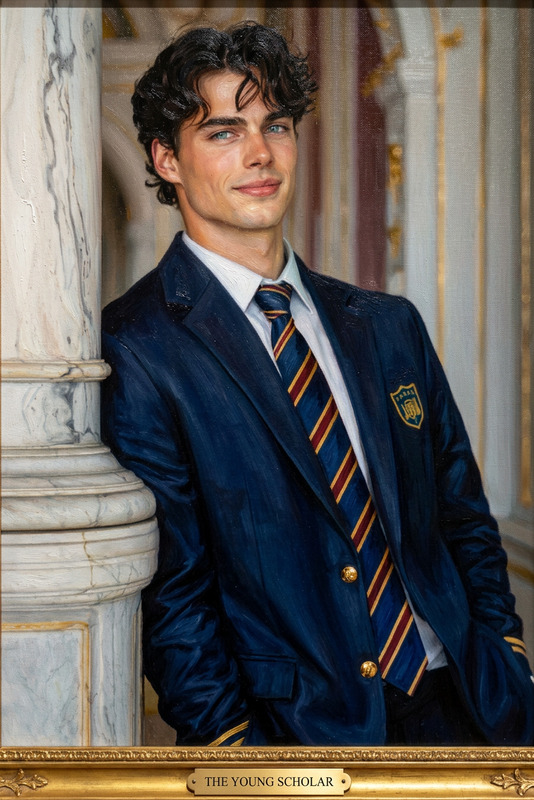
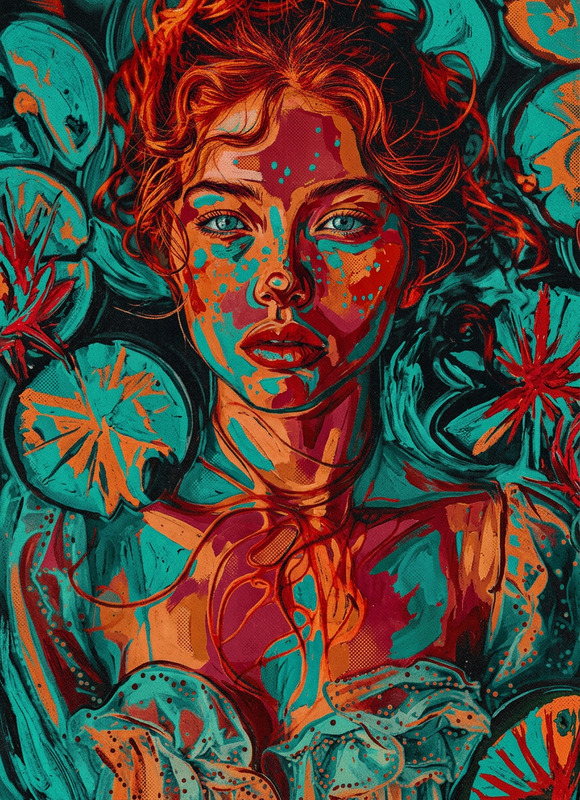
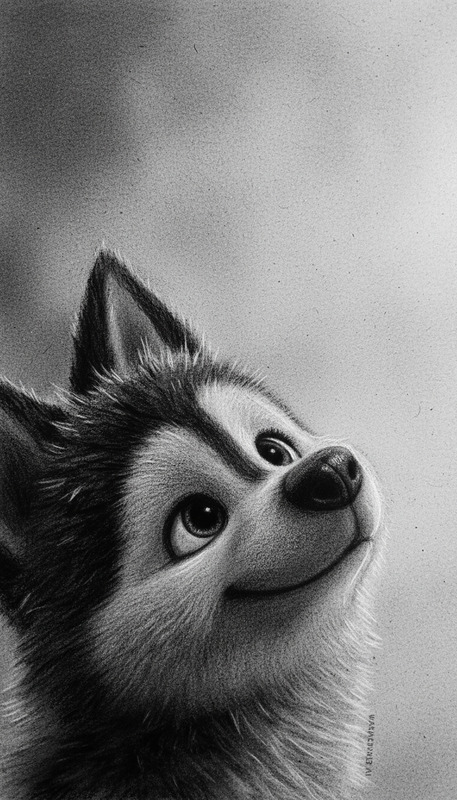
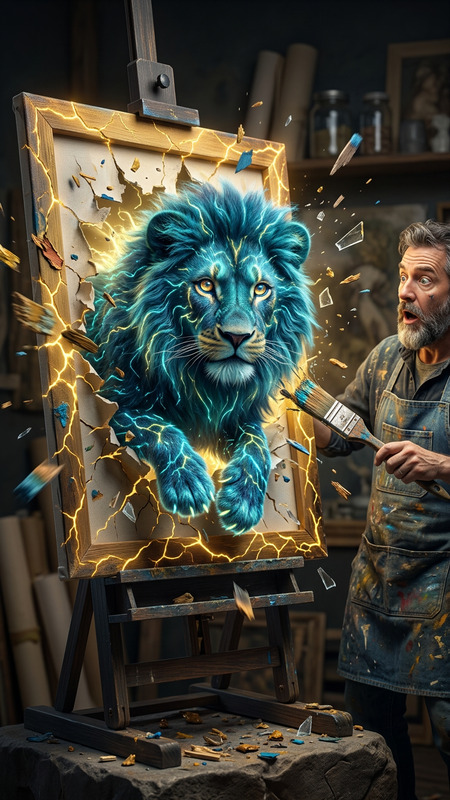
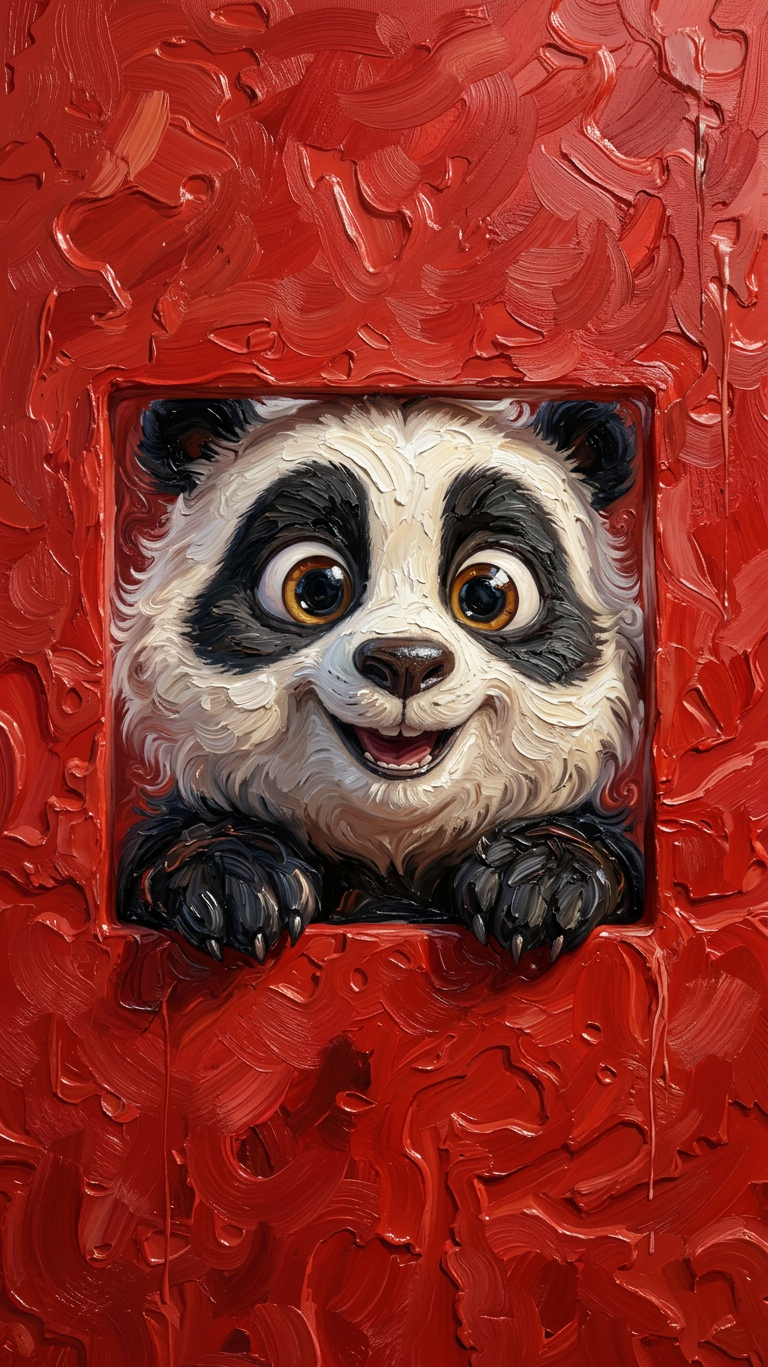
The subject and entire background quickly morph into an oil painting animation style while preserving the original color palette and hues. Thick, expressive brushstrokes and layered paint textures flow across all elements with soft impasto details and smooth blending. The subject’s face and body transform into painterly strokes while maintaining likeness and silhouette. The entire scene becomes a living oil painting, artistic, immersive, ultra-detailed, cinematic lighting, 4K.
Tags
stylesAI Image Editor Template: Turn Any Photo into a Polished, On-Brand Visual in Minutes
Use this template to quickly clean up, enhance, and transform any image with the AI Image Editor. Whether you’re a marketer optimizing creatives, a founder iterating on product shots, or a designer prototyping concepts, this template gives you a repeatable workflow you can remix for your own projects.
What This Template Is Best For
This AI Image Editor–powered template is designed for:
- Product & marketing images
- Clean up e‑commerce photos
- Remove distractions from UGC and ad creatives
- Match visuals to campaign concepts or landing pages
- Brand & content design
- Quickly prototype hero images and social posts
- Generate multiple on-brand variants from a single photo
- Localize visuals for different audiences or platforms
- Founder / startup workflows
- Improve pitch-deck visuals without a designer
- Create consistent team or founder imagery
- Test creative directions before you invest in production
Under the hood, this template uses Magic Hour’s AI Image Editor, which combines image-generation models with inpainting, background editing, and detail enhancement.
How to Remix This Template in Magic Hour
You can use this template as-is, or treat it as a starting point and customize it for your own use-case.
Start from this template
- Open the template in Magic Hour and duplicate it into your workspace.
- Replace the example input image with your own (e.g., product shot, portrait, UI mockup, or illustration).
Define your input images clearly
- Use high‑resolution images where possible; if your source is low quality, you can pre‑enhance it with the AI Image Upscaler.
- If you’re using portraits, consider pairing this with AI Headshot Generator or AI Face Editor for consistent, professional looks.
Specify what should change vs. stay the same
- Use clear, structured text in your editor prompt:
- What to preserve (subject, pose, product, layout, lighting style)
- What to modify (background, style, accessories, colors, text, mood)
- For object-level edits (logo cleanup, item removal, clutter reduction), combine this template with the AI Remover or Remove Object from Photo tools, then feed the cleaned image back into the editor.
- Use clear, structured text in your editor prompt:
Iterate with variations
- Duplicate the workflow and adjust the textual instructions to create:
- Different backgrounds (studio, lifestyle, abstract) using AI Background Generator
- Multiple stylistic directions (minimal, cinematic, comic-style, manga-style with AI Manga Generator, etc.)
- Platform-specific formats (thumbnails with Thumbnail Maker, memes using AI Meme Generator, or covers via Album Cover Generator or Book Cover Generator)
- Duplicate the workflow and adjust the textual instructions to create:
Chain with other Magic Hour tools (optional)
- From static to motion:
- Turn your edited image into short clips with Image to Video or Text to Video.
- Create GIFs from your edited visuals using the AI GIF Generator.
- From photo to character / IP:
- Convert portraits into stylized avatars with the Avatar Generator or AI Character Generator.
- Build consistent animated personas via Animated Characters Generator.
- For ads and campaigns:
- Clone or adjust voices for talking visuals using AI Voice Cloner and AI Voice Generator.
- Tighten campaign videos with Auto Subtitle Generator and Video Upscaler.
- From static to motion:
Example Use-Cases You Can Adapt
Use this template as a blueprint for:
High-converting product photos
- Start with a raw product shot.
- Clean the background using Image Background Remover.
- Use the AI Image Editor to:
- Match brand colors
- Add realistic reflections or soft shadows
- Generate multiple scene variants (desktop, lifestyle, packshots)
- Optional: Animate with Image to Video for short social clips.
Founder / team profile upgrades
- Take a simple portrait or selfie.
- Improve it with AI Selfie Generator or AI Headshot Generator.
- Use the AI Image Editor to:
- Standardize background and lighting
- Align with your brand’s color system
- Create multiple moods (formal, casual, conference, podcast-style)
Thumbnail, banner, and social creative systems
- Define a repeatable layout (subject + title + brand bar).
- Use Thumbnail Maker for structure,
then refine style and details with the AI Image Editor:- Adjust contrast, focus, and background complexity
- Test alternative colorways and typography
- Save your favorite variations as “patterns” you can re‑use as custom instructions in future templates.
Concept art and visual exploration
- Start with a sketch or rough 3D render.
- Use Photo to Sketch or AI Art Generator to establish style, then refine in the AI Image Editor.
- Explore alt-styles with:
How to Build Your Own Version of This Template
If you want a custom version tuned to your workflow:
Define the core “contract” of your template
- Inputs: e.g., “portrait + short brand description” or “raw product photo + use-case (homepage / ad / Amazon listing)”
- Output: e.g., “clean, on-brand product image with neutral background and clear lighting,” or “stylized portrait in brand colors suitable for LinkedIn.”
Describe your brand or style in reusable language
- Document a few key characteristics:
- Color palette (e.g., muted blues, warm neutrals)
- Style (minimal, editorial, playful, cinematic, cyberpunk)
- Target platform (web hero, mobile app store, Instagram, YouTube)
- You can store this description separately and paste it into any remix of this template to keep outputs consistent.
- Document a few key characteristics:
Create specialized variants of the base template
- Performance creative variant: prioritizes clarity, high contrast, and legible text for ads.
- Brand storytelling variant: softer, more atmospheric visuals for blogs and landing pages.
- Technical / product variant: more focus on UI, diagrams, and screenshots.
Combine with other Magic Hour templates and tools
- For talking visuals or explainers, pair your edited image with:
- For stylized motion content:
- Use Video to Video templates to stylize footage that incorporates your edited assets.
- Convert still illustrations into motion via the Animation templates.
Practical Tips and Best Practices
Keep one “source of truth” image
- Always keep a high-quality original; direct each new iteration from that base rather than repeatedly editing edits to avoid compounding artifacts.
Use tools in sequence for best results
- Example workflow for a rough photo:
- Clean and remove unwanted elements with AI Remover or Remove Object from Photo.
- Enhance resolution with AI Image Upscaler.
- Apply your customized AI Image Editor template for final styling.
- Optionally convert into motion with Image to Video or into memes / thumbnails as needed.
- Example workflow for a rough photo:
Maintain consistency across assets
- Reuse the same style description and brand notes across the AI Image Editor, AI Logo Generator, AI Icon Generator, and AI Background Generator so your logo, icons, backgrounds, and main imagery all feel coherent.
Respect realism where it matters
- For apparel, use AI Clothes Changer to test outfits, then refine imagery in the AI Image Editor.
- For color accuracy (e.g., product packaging), keep your modifications stylistic (lighting, shadows, backgrounds) while preserving the true product color.
When to Use This Template vs. Other Magic Hour Tools
Use this AI Image Editor template when:
- You already have a base image and want to improve, clean, or restyle it.
- You need fast, controllable iteration for marketing or product visuals.
- You’re building a repeatable image workflow for your team or company.
Consider other tools when:
- You’re starting from no image at all: use AI Image Generator or AI Photo Generator.
- You want to go straight to video: use Text to Video or Image to Video.
- You need specialized transformations like:
- Gender swap: Gender Swap
- Old photo restoration: Old Photo Restoration or Photo Colorizer
- Unblurring: Unblur Image
- Tattoo, outfit, or interior exploration: AI Tattoo Generator, AI Outfit Generator, AI Interior Design Generator
Summary
This template gives you a practical, remixable starting point for:
- Turning average photos into clean, brand-ready assets
- Creating consistent visual systems across marketing, product, and content
- Experimenting quickly with styles, layouts, and concepts—without manual editing
Duplicate the template, plug in your own images, and adjust the textual instructions to align with your brand or campaign. From there, you can chain in other Magic Hour tools—face swap, lip sync, talking photos, image-to-video, and more—to turn a single edited image into an entire content system.