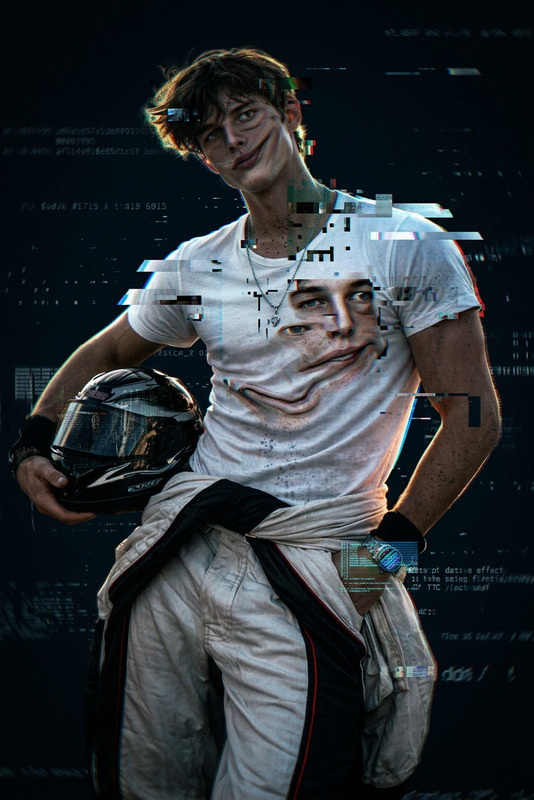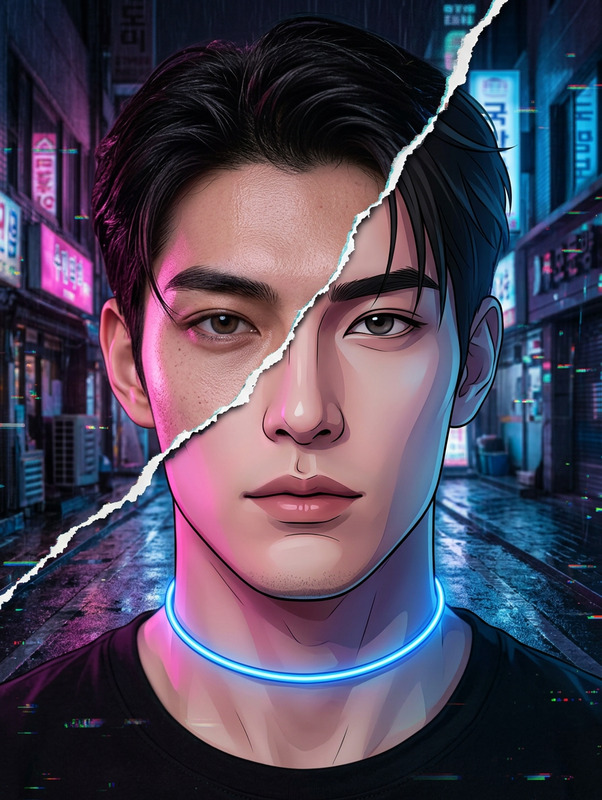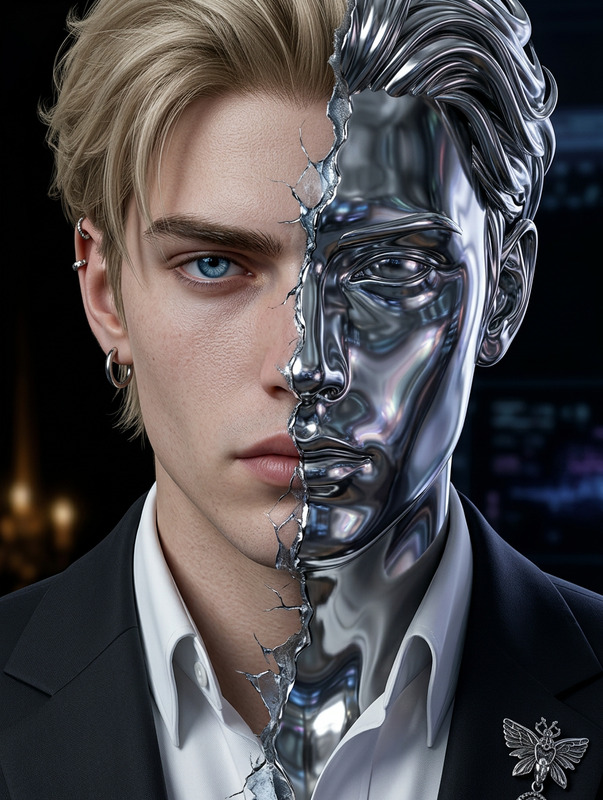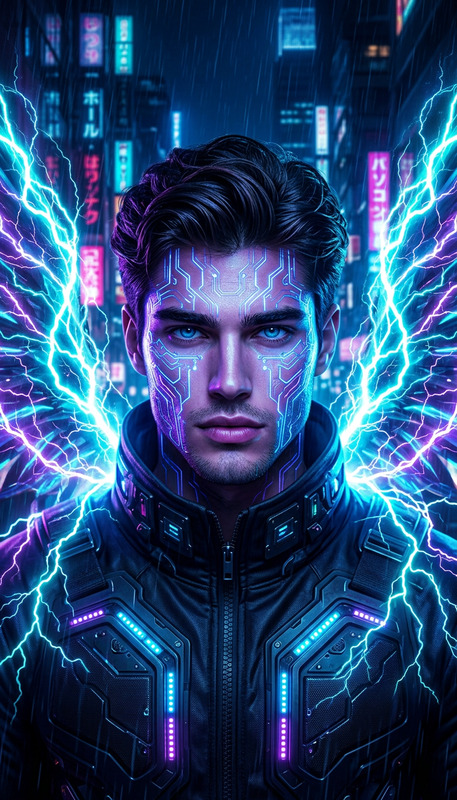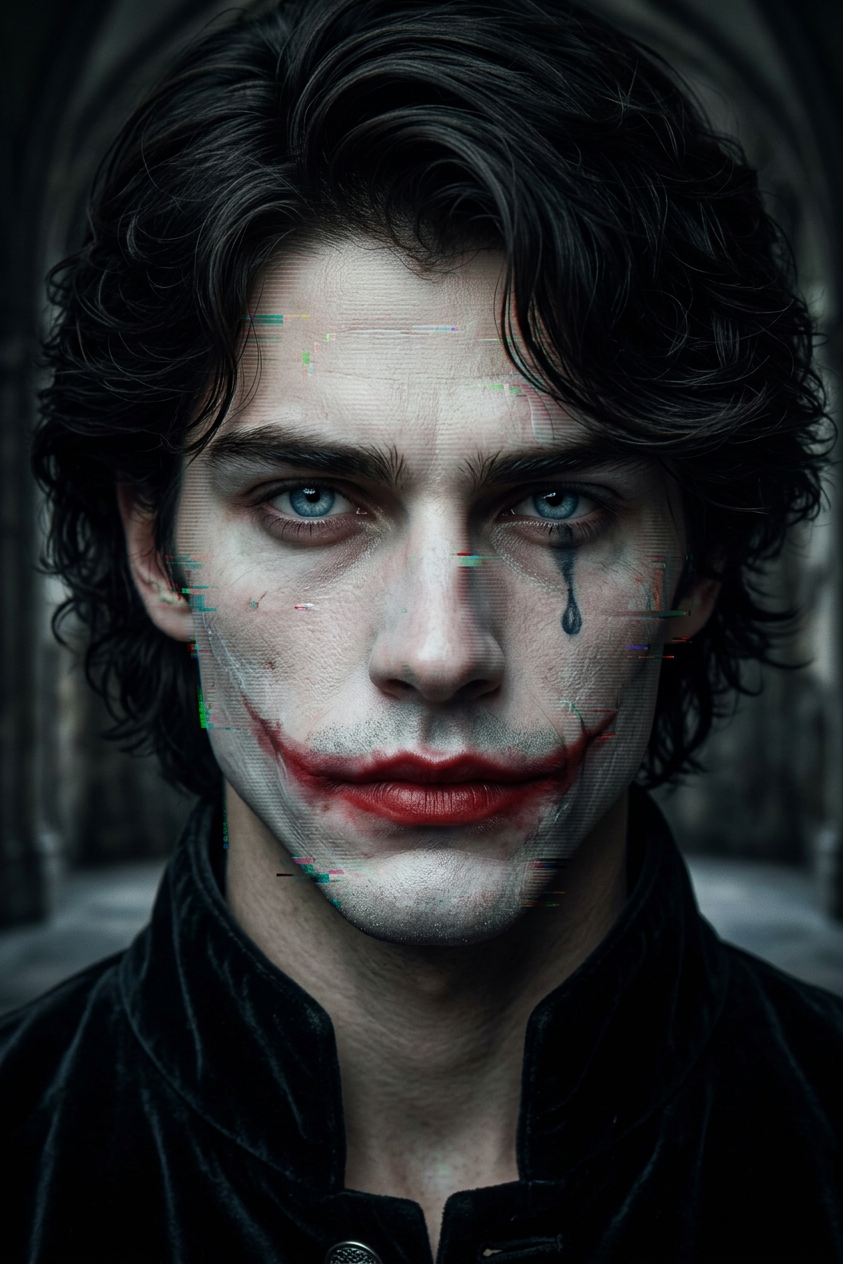
Distorted Villain Portrait
- Model
- Nano Banana 2
- Image
- 843 × 1264 px
Prompt
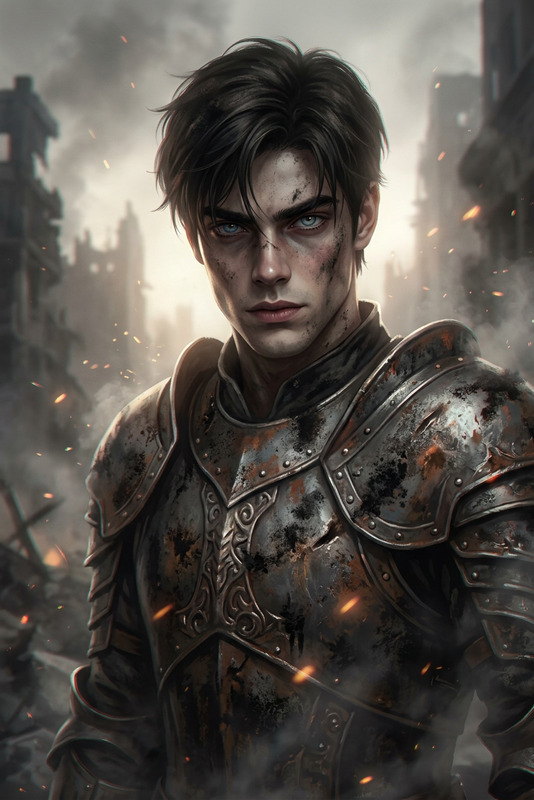
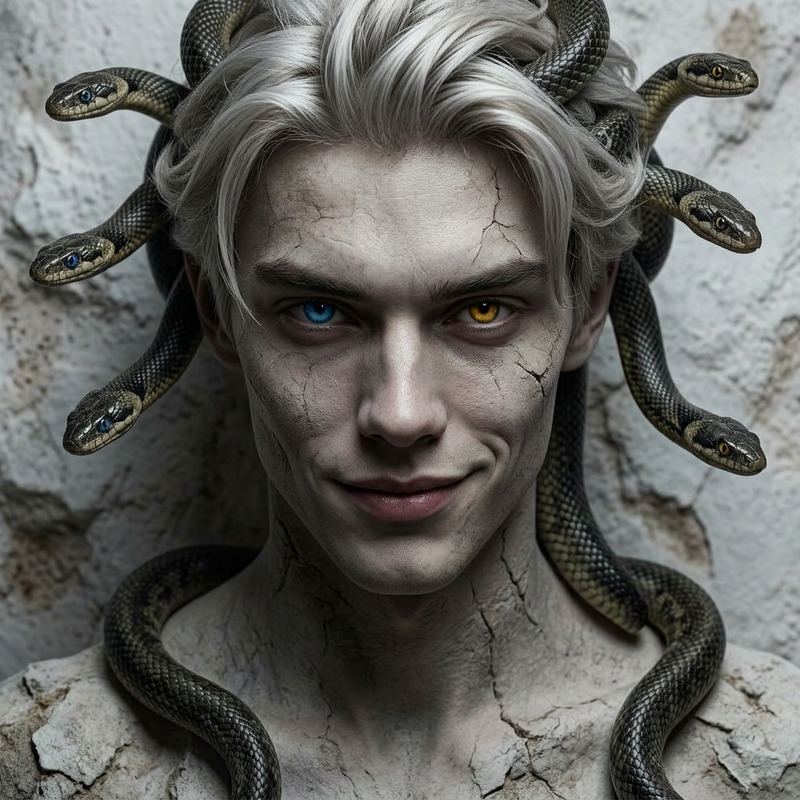
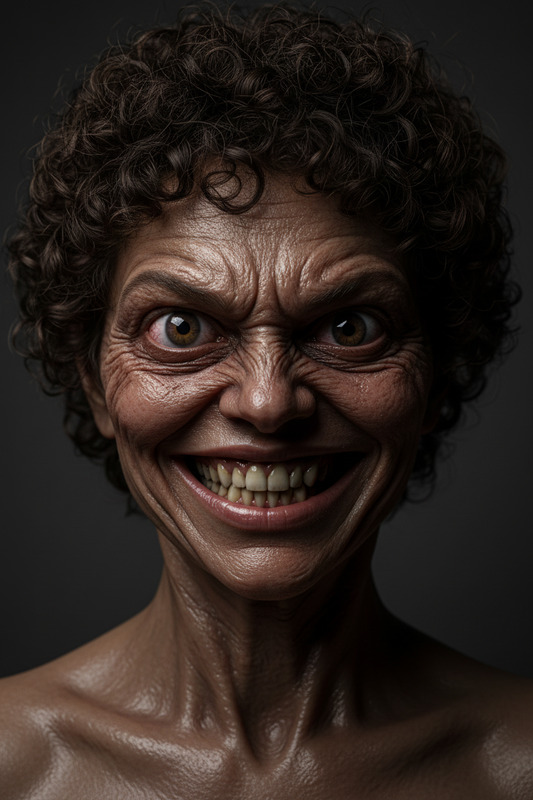
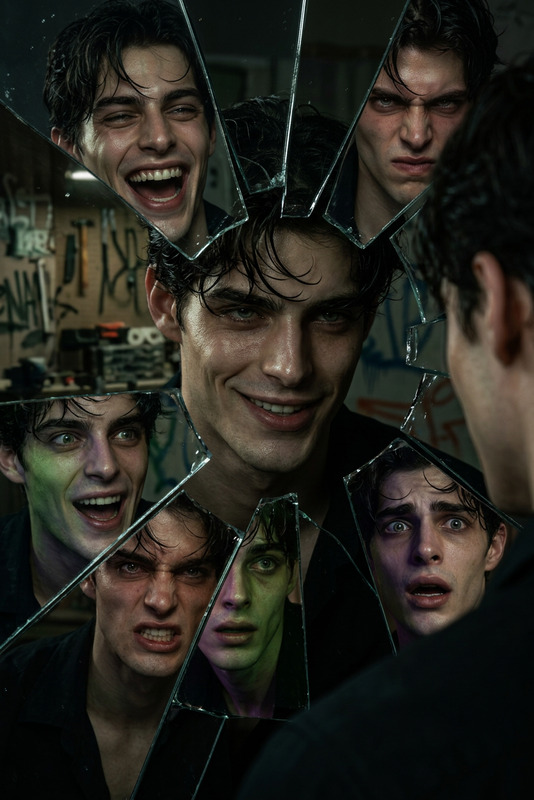
Generate a hyper-realistic close-up portrait of a sinister, clown-like villain subject with a calm yet deeply unsettling expression; the face is partially distorted through subtle digital corruption, including glitch artifacts, compression noise, and fragmented symmetry; dramatic, low-key cinematic lighting sculpts the face, enhancing emotional tension and psychological depth; the rendering is ultra-detailed with realistic skin texture, but intentionally includes controlled imperfections such as slight anatomical inconsistencies, soft blur in selective areas, and visual noise; the composition evokes discomfort through eerie stillness rather than extreme deformation; the overall aesthetic blends realism with glitch horror, creating a haunting, immersive portrait in high resolution without logos or text.
Any aspect ratio
Overview
The Distorted Villain Portrait is a unique offering from our AI Image Editor, designed to create chilling and hyper-realistic portraits with a sinister twist. Leveraging the nano-banana-2 model, this template is perfect for those seeking to add an unsettling yet visually captivating character to their storytelling or artistic projects.
What it Does
This template crafts ultra-detailed villain portraits by integrating digital distortions such as glitch artifacts and compression noise. It emphasizes a calm yet disturbing expression, using low-key cinematic lighting to enhance psychological depth. The aesthetic blends realism with glitch horror to evoke discomfort without extreme deformation.
Who it's For
Designed for creators in the film, game development, and digital storytelling industries, the Distorted Villain Portrait is ideal for anyone in need of a creepy yet intricate character design. It can also benefit graphic designers and artists exploring the intersection of realism and horror in visual media.
Summary
Create haunting villain portraits with our AI Image Editor. By employing high-resolution rendering combined with controlled imperfections, this template provides a unique blend of cinematic realism and digital corruption. Explore eerie character representations as part of your narrative AI Image Generator projects.
How to Use
Choose

Customize

Generate

Use Cases
Game Development
- Hyper-detailed antagonists
- Glitch horror elements
Film and Animation
- Cinematic lighting effects
- Psychological depth
Art and Design Projects
- Controlled imperfections
- Eerie aesthetics
Best Practices
Balance Realism and Distortion
Ensure that the digital distortions complement the realistic elements rather than overpowering them.Focus on Expression
Pay special attention to the subject's facial expression to enhance psychological depth.Experiment with Lighting
Use low-key lighting to create dramatic moods and highlight the eerie characteristics of your portrait.