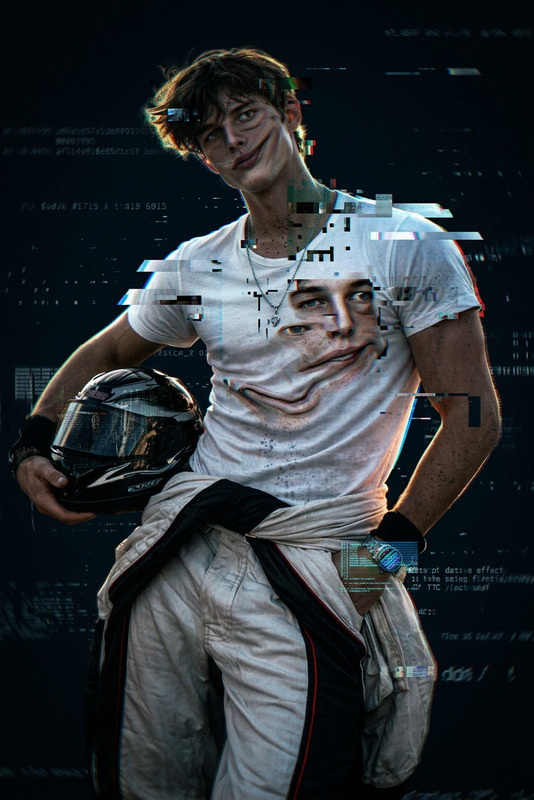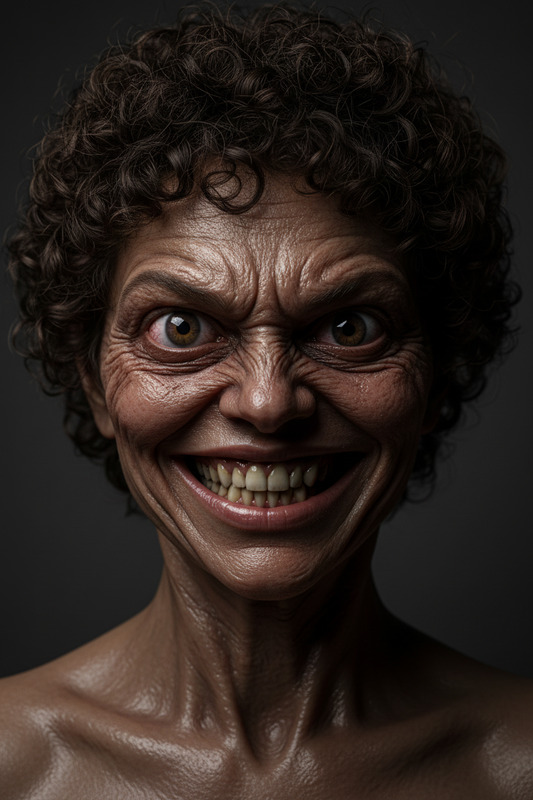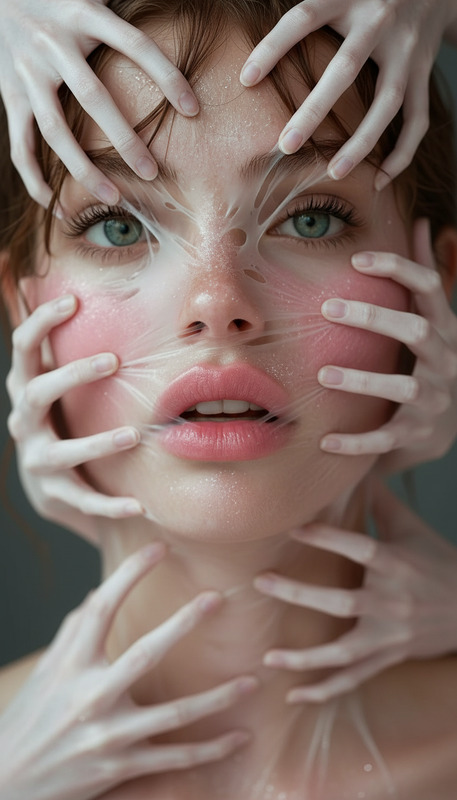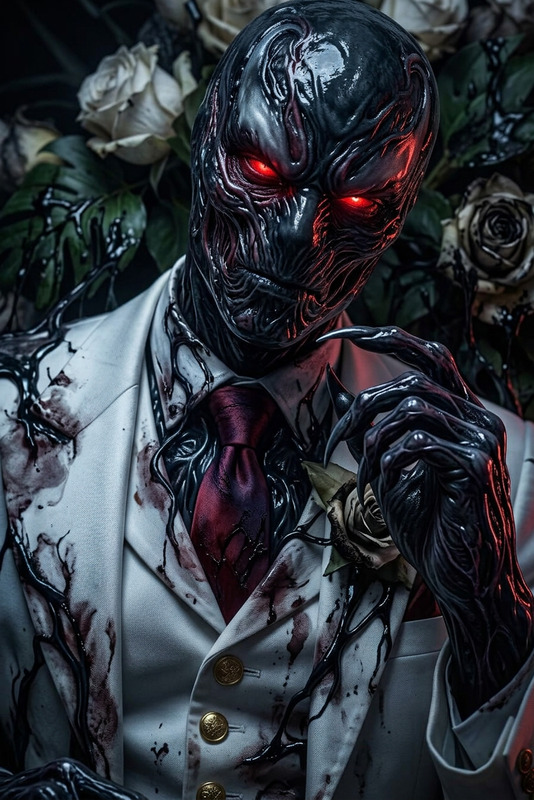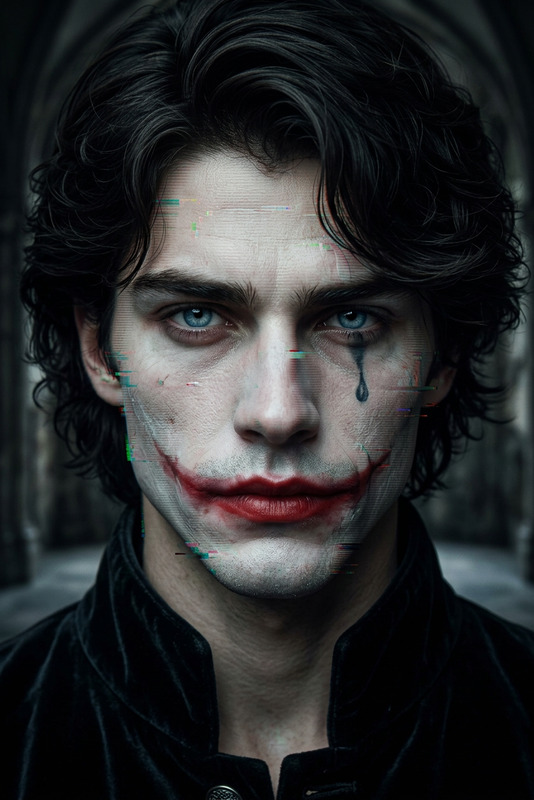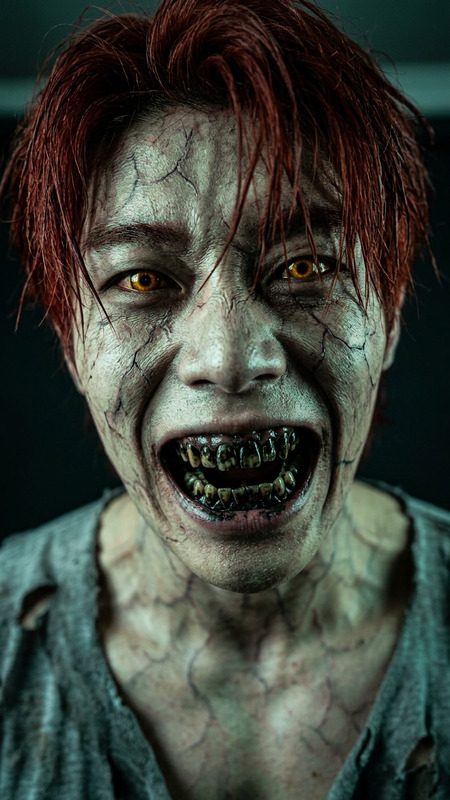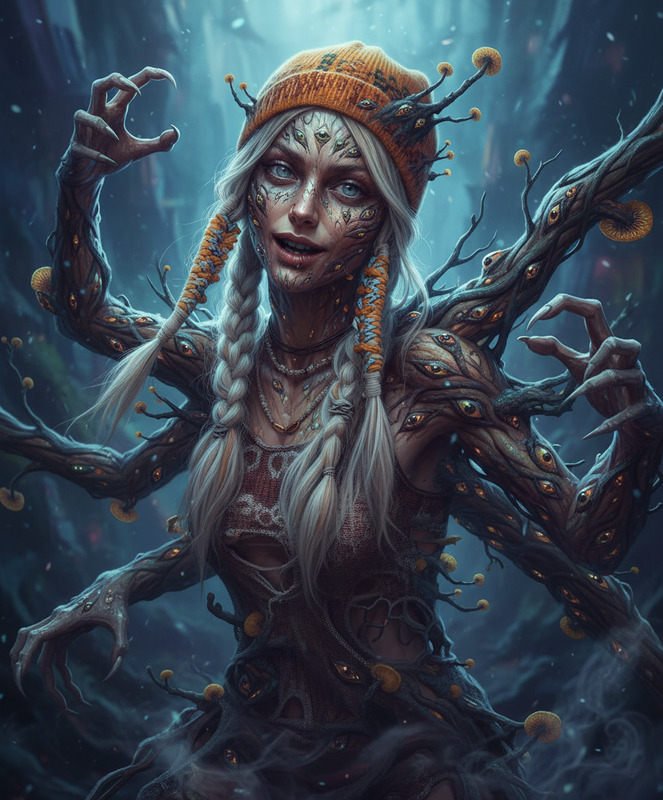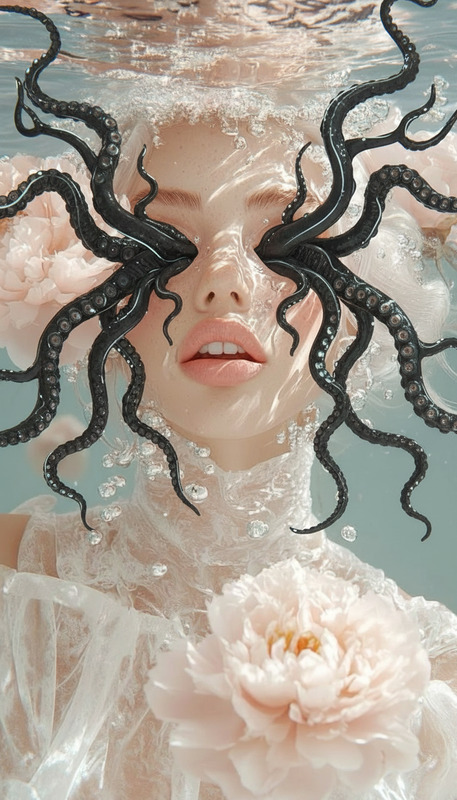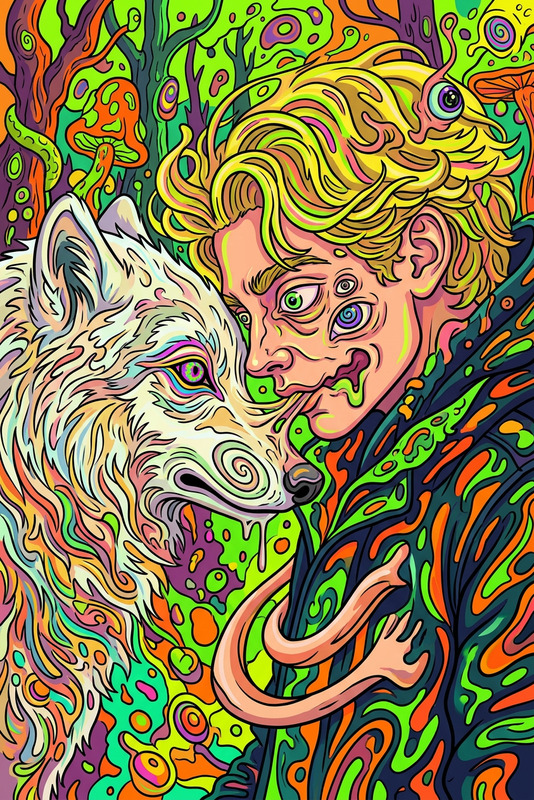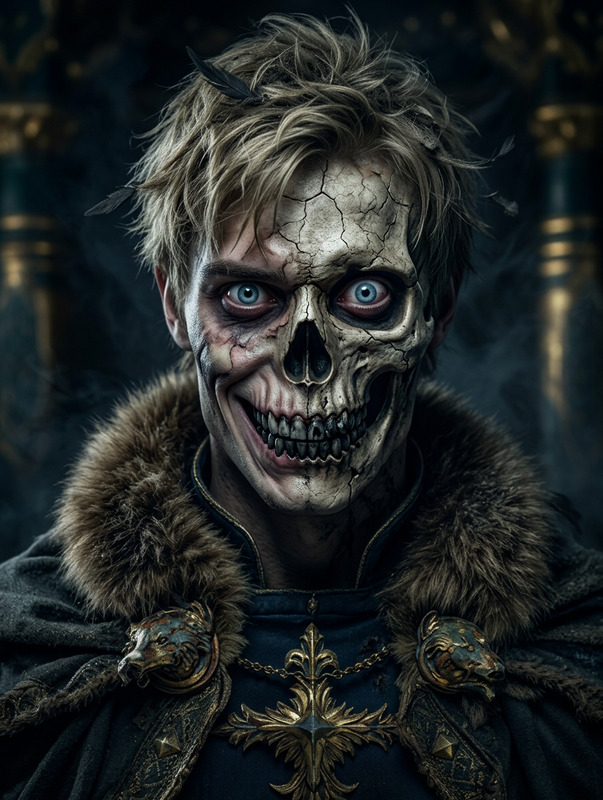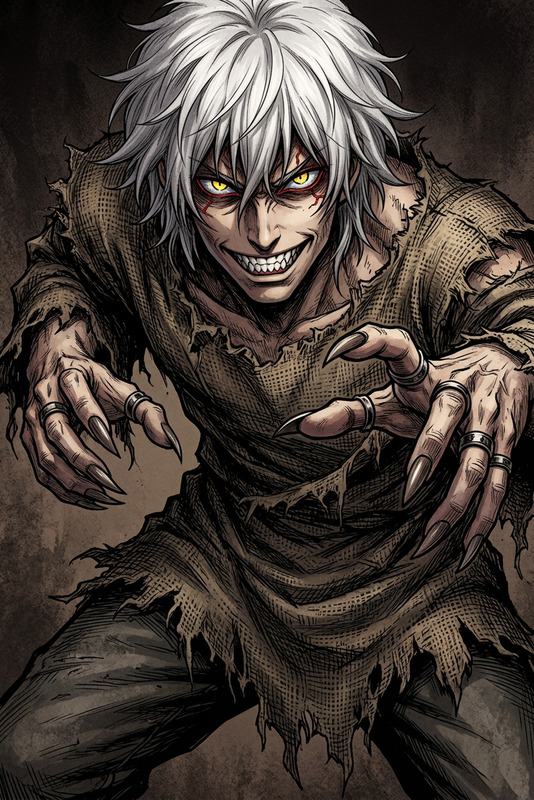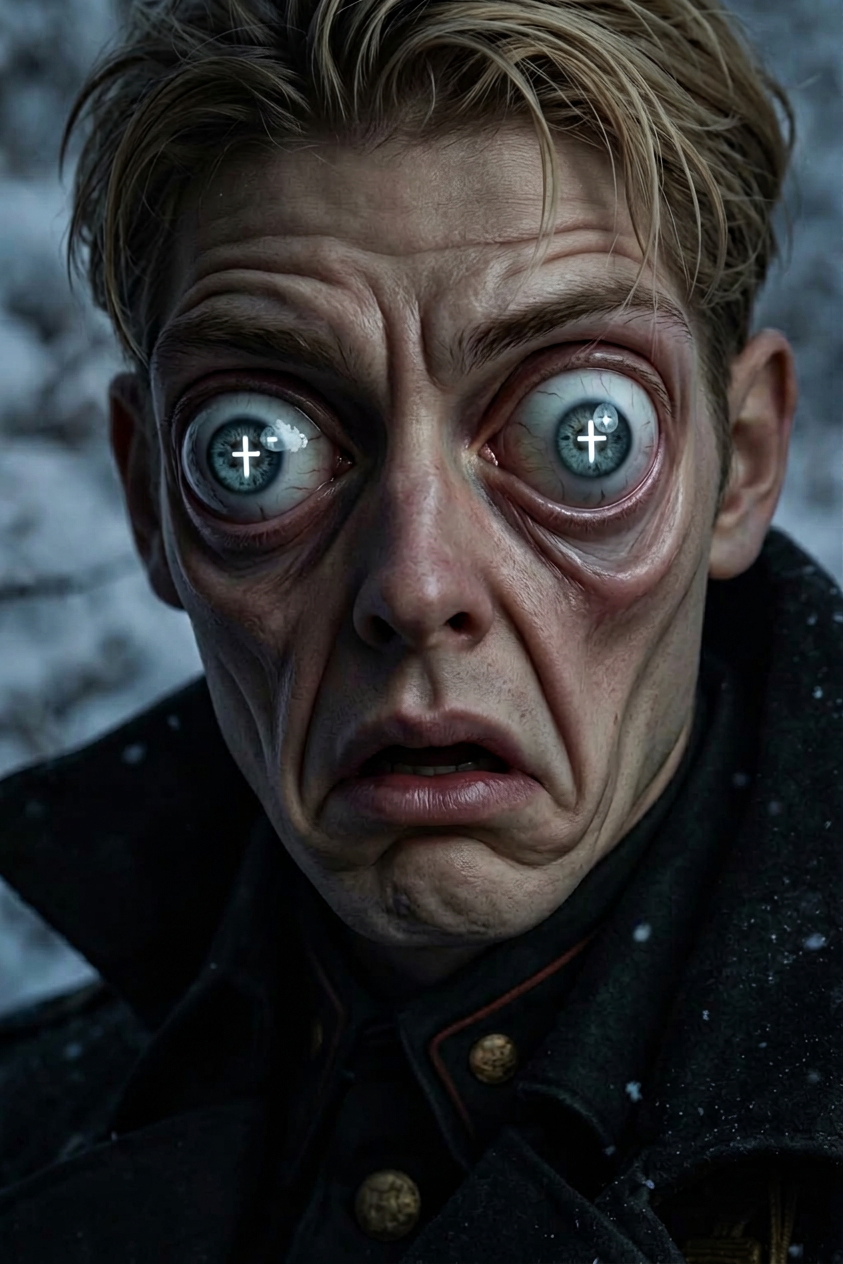
Eye deformity
- Model
- Nano Banana 2
- Image
- 843 × 1264 px
Prompt
A creepy three-stage transformation: first, the subject develops exaggerated large bulging eyes. Second, the pupils transform into glowing cross shapes. Third, the eyes and eyebrows stretch and slide downward unnaturally toward the mouth, distorting the face in a grotesque, fluid motion. Uncanny valley, body horror, dark cinematic lighting, surreal, highly detailed.
Any aspect ratio
Overview
Transform your images with the Eye Deformity template, part of the powerful AI Image Editor suite. Designed for those looking to explore creative and unsettling visual effects, this template leverages the capabilities of the nano-banana-2 model. Perfect for artistic projects requiring a touch of the surreal and fantastical.
What It Does
This template guides you through a chilling transformation process: bulging eyes, cross-shaped pupils, and a downward slide of features creating a disturbing visage. Each stage is crafted to provide a detailed, eerie transition, bringing uncanny scenarios to life. It's an ideal tool for creators interested in horror themes or experimental video art.
Who It's For
Whether you're a filmmaker working on a horror project or an artist delving into abstract visual narratives, the Eye Deformity template is tailored for you. It suits anyone seeking to push creative boundaries with AI-generated visual effects, including those involved in animatics, storyboarding, or concept design.
Summary
Enter the realm of the bizarre with the Eye Deformity template, offering unparalleled control and creativity. When integrated with tools like the AI Video Generator, it enhances your ability to produce intricate, eerie animations and stills. Make your projects stand out with this visually striking effect, designed for maximum impact.
How to Use
Choose Your Template

Customize the Parameters

Generate Your Image

Use Cases
Horror Film Production
- Create unsettling visual effects
- Augment scenes with impactful horror elements
Experimental Art
- Produce thought-provoking visual art
- Add a new dimension to installations
Social Media Content
- Boost engagement with eerie visuals
- Fit for Instagram or TikTok strategies
Best Practices
Maintain Clarity
While creating fantastical images, ensure that parts of the image remain clear to maintain viewer engagement.Use Subtle Transitions
Incrementally apply stages to foster a more realistic transformation effect.Experiment with Lighting
Leverage dark cinematic lighting to enhance the horror aspect without obscuring key features.