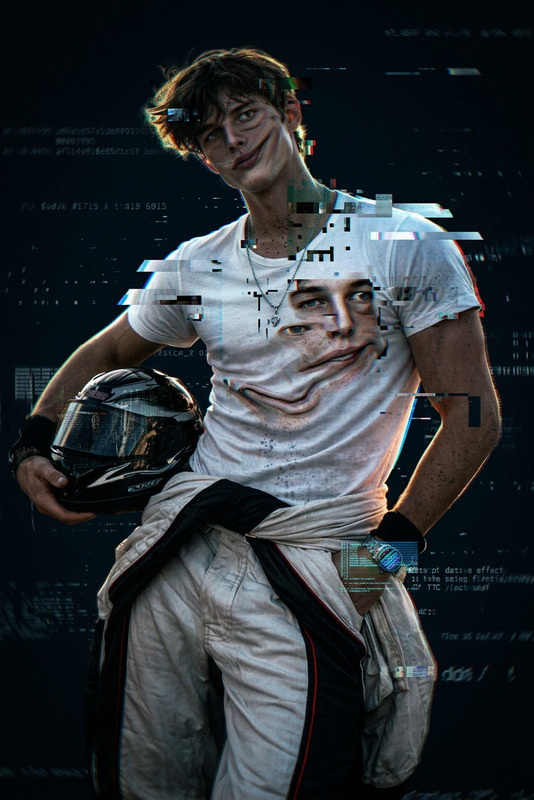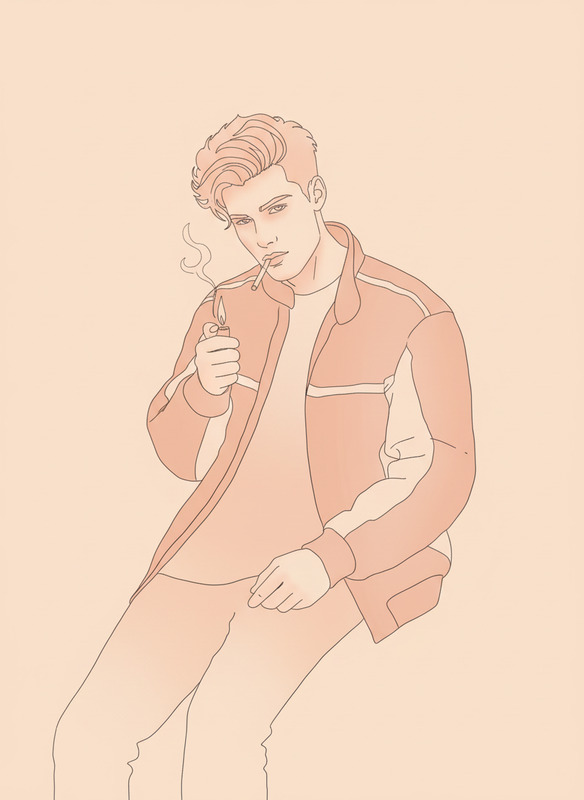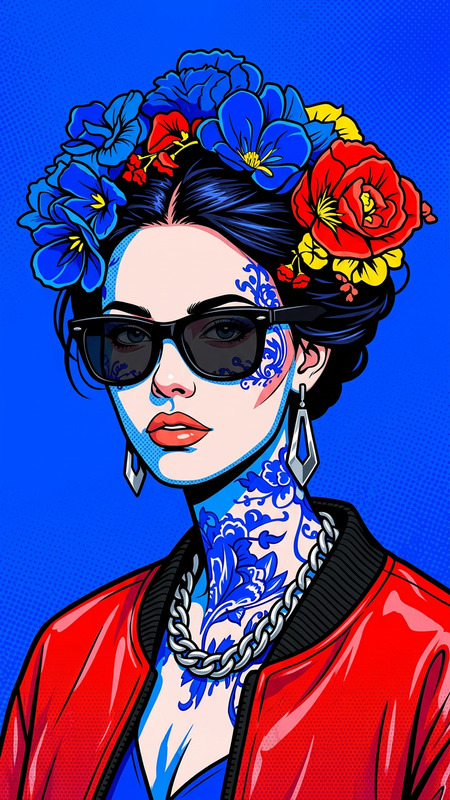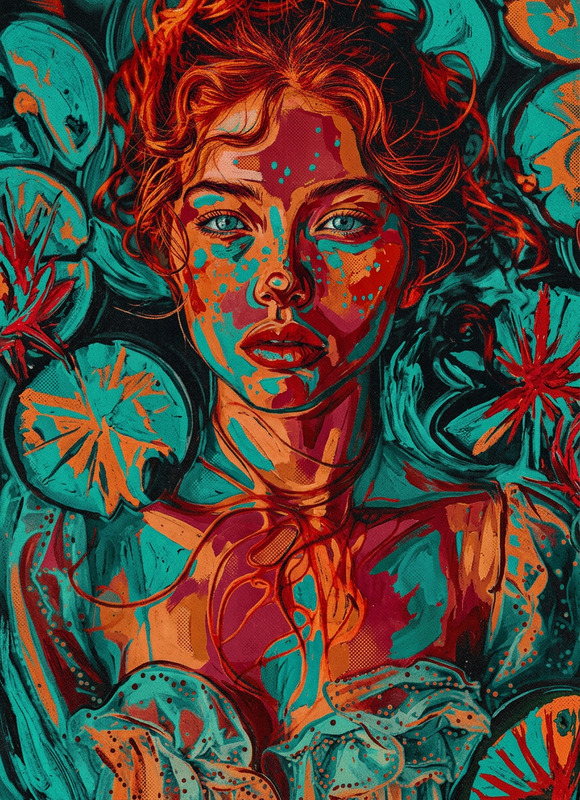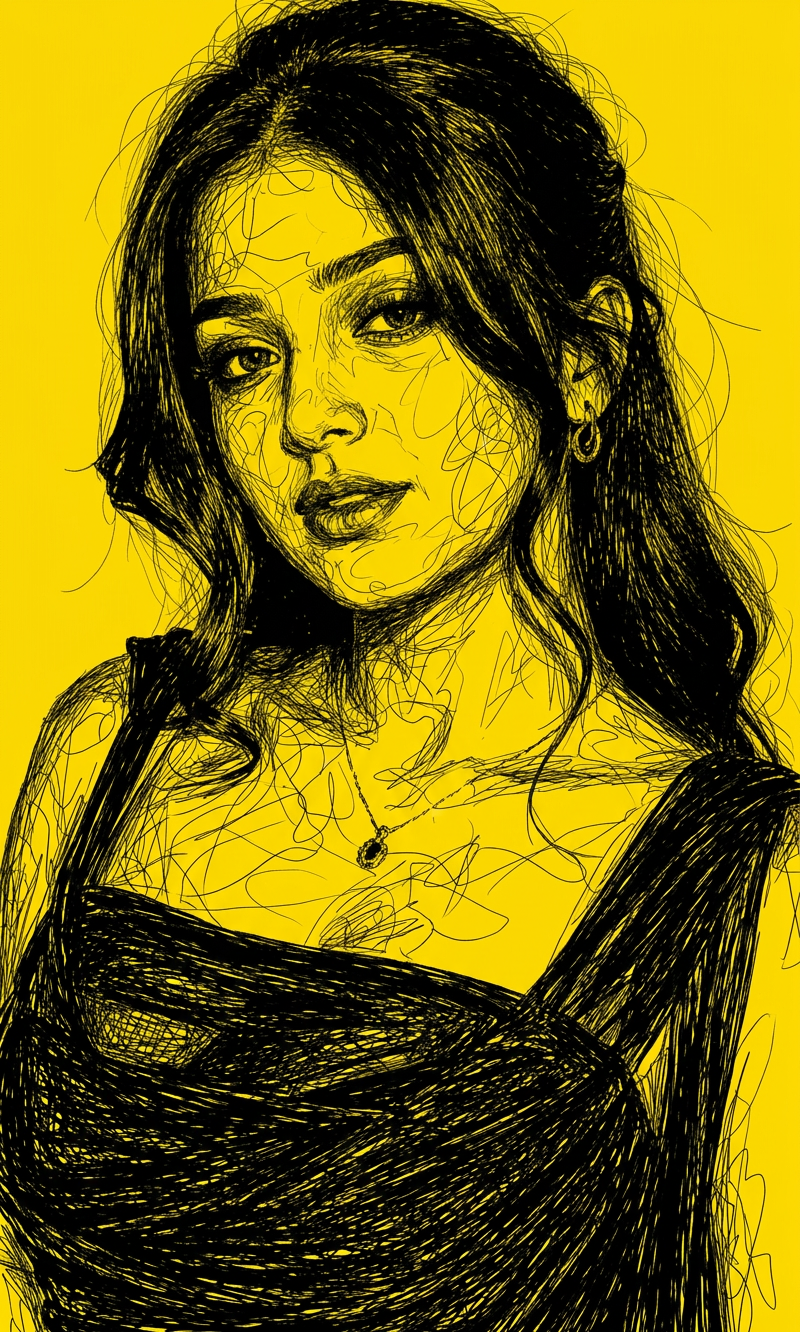
Chaos Line Face
- Model
- Nano Banana 2
- Image
- 800 × 1332 px
Prompt
A high-contrast scribble art portrait black lines on a solid yellow background, intricate chaotic line work forming realistic facial features, cinematic lighting, hyper-detailed, tangled line style, minimalist color palette
Any aspect ratio
Overview
The Chaos Line Face template leverages the AI Image Editor capabilities of the nano-banana-2 model to create intricate art portraits. This template applies a unique chaotic line work style to your images, perfect for generating hyper-detailed, scribble art portraits with a minimalist color palette.
What It Does
This template transforms your photographs into high-contrast scribble portraits, utilizing black lines on a solid yellow background. The line work is detailed and chaotic, forming realistic facial features under cinematic lighting. It's ideal for adding stylistic depth and visual intrigue to any project.
Who It's For
The Chaos Line Face template is designed for graphic designers, artists, and creators who wish to incorporate a distinct visual effect into their projects. It's particularly beneficial for those working on video style transfers or creating unique visual identities in animatics.
Summary
Perfect for artists and designers looking to explore the chaos and beauty of detailed line work, the Chaos Line Face template turns ordinary images into works of art with realistic, hyper-detailed facial features showcased in a minimalist palette. Dive into the world of AI Image Generator effects today!
How-To
Choose Your Template

Customize Your Inputs

Generate and Download

Use Cases
Visual Identity Creation
- Develop a signature artistic style for your brand
- Create unique social media graphics
Art Installations
- Design pieces for modern art shows
- Contribute to digital art collections
Hybrid Video Projects
- Use as backdrop visuals
- Enhance video storytelling techniques
Best Practices
Choose High-Quality Images
Ensure your original images are clear and well-lit to maximize the detail captured in the line work.Experiment with Prompts
Tweaking the prompt can result in varied artistic expressions, offering flexibility in the output.Combine with Other Tools
Use in conjunction with the AI Image Upscaler for enhanced definition and clarity.