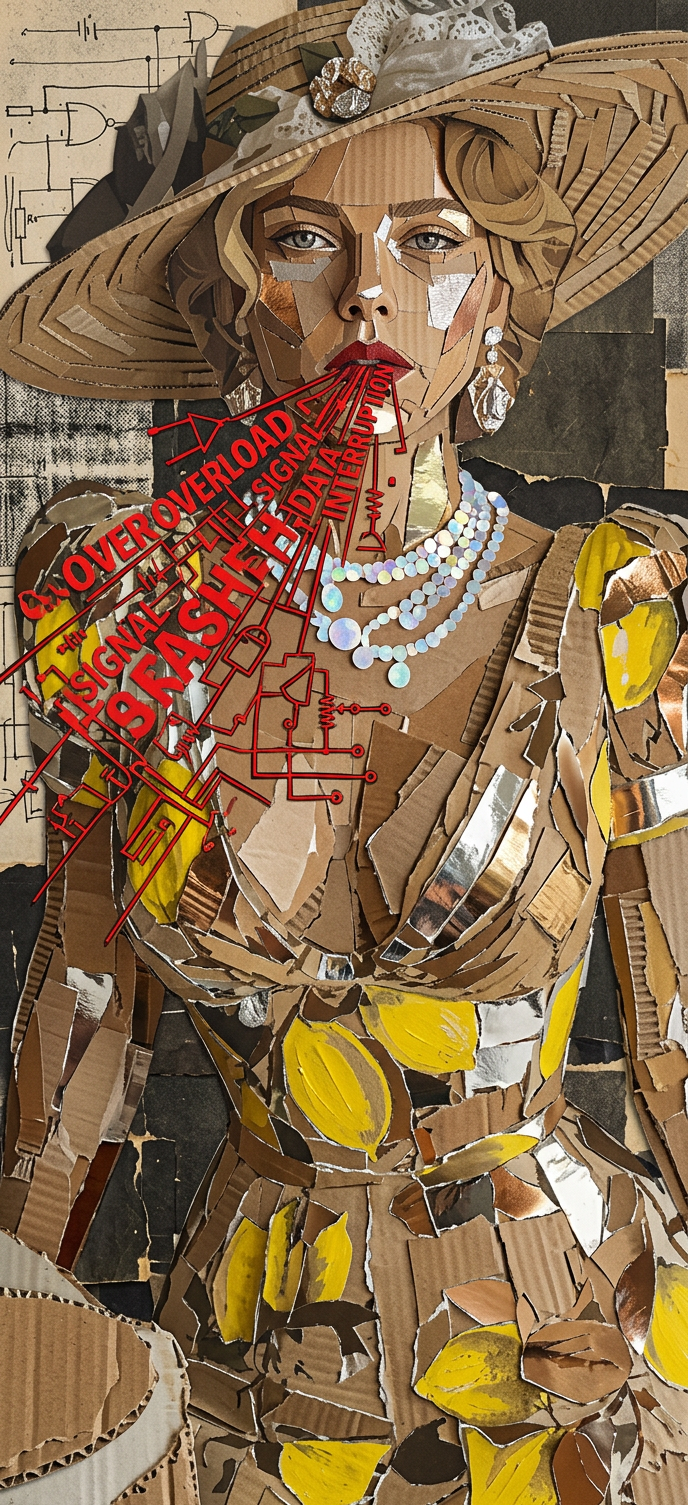
Human Made of Cardboard and Foil
ai-image-editor
Any aspect ratio
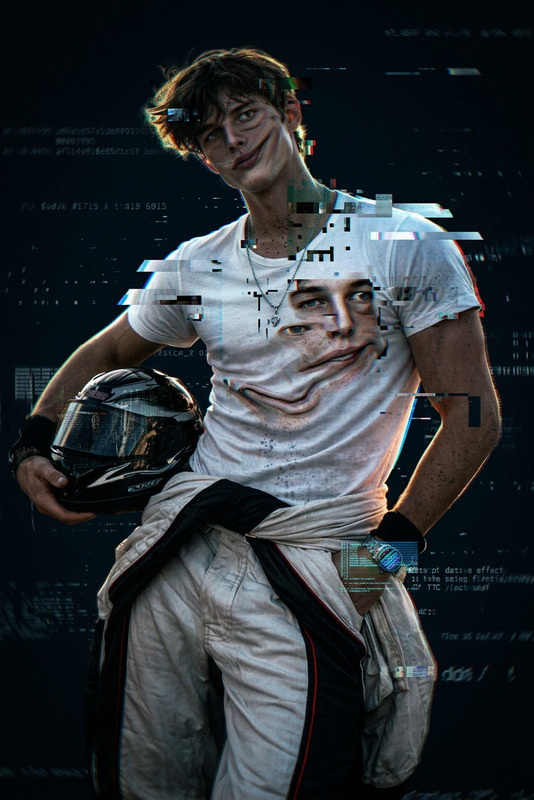
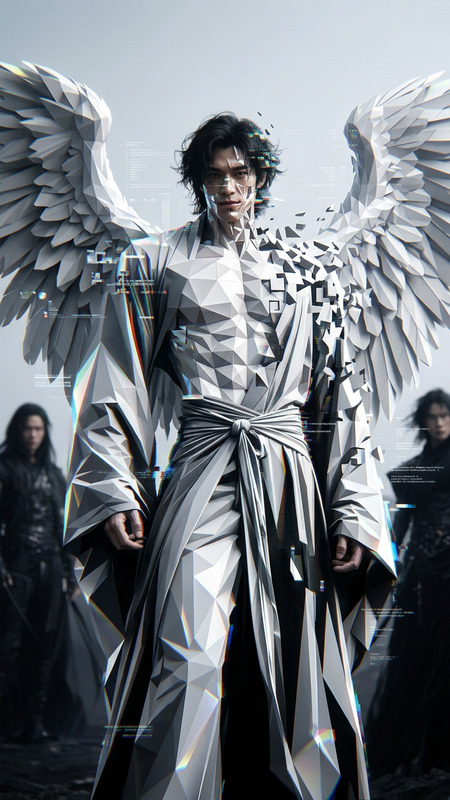
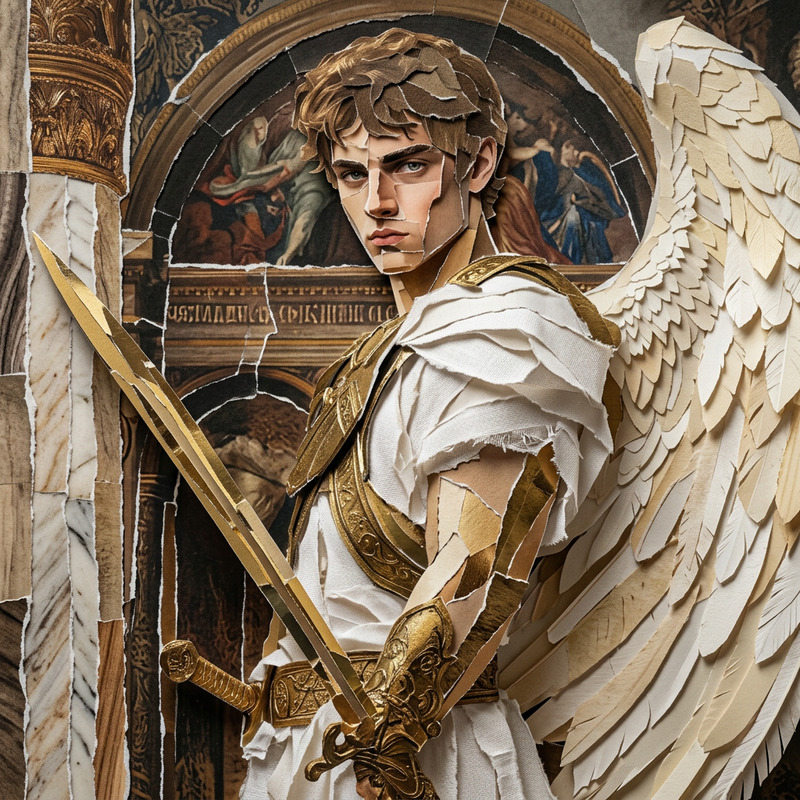
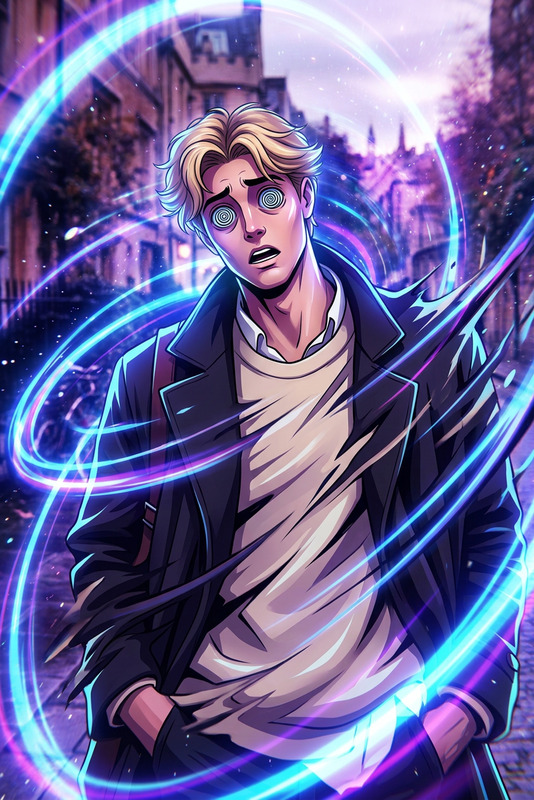
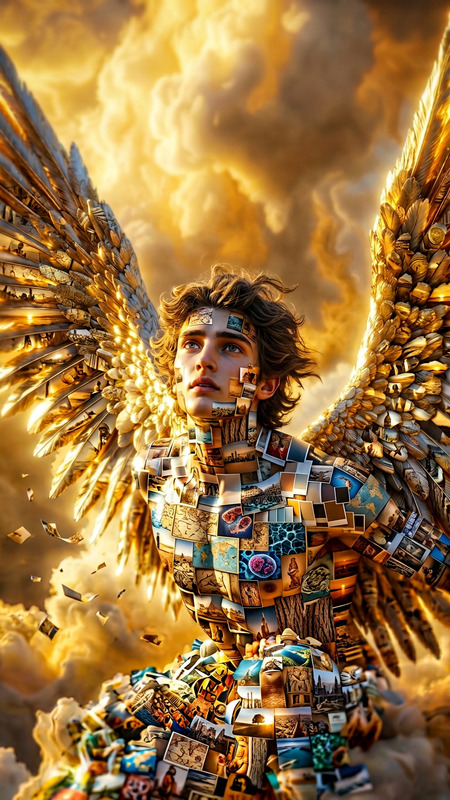
A medium close-up of a subject whose body is constructed from jagged fragments of torn cardboard and reflective foil, with rough, layered textures. The subject leans forward as sharp red typography and electric diagram-like graphics burst from the mouth and across the face. The surface appears cracked, folded, and imperfect. Background is a chaotic collage of wire sketches and static textures in dark tones. Harsh, flat lighting emphasizes the raw, cut-and-paste 2D collage effect.
Tags
visual effectsTransform Any Photo with AI Image Editor (Template Overview)
This template was built with the AI Image Editor to show how far you can push a single image: edit faces, swap outfits, change backgrounds, clean up details, and prepare assets for campaigns or product launches—all in one workflow.
Use this page as a reference to:
- Understand what this template does
- Remix it in Magic Hour to create your own version
- Discover related Magic Hour tools that extend the same idea into video, avatars, ads, and more
What This Template Is For
This AI Image Editor–based template is ideal if you need to:
- Redesign or restyle a photo without reshooting (social posts, ads, landing pages)
- Change clothes or looks for models or founders using AI Clothes Changer
- Refine portraits and faces with the AI Face Editor and AI Headshot Generator
- Clean up or remove distractions using the AI Remover or Remove Object from Photo
- Replace or enhance backgrounds with the AI Background Generator or Image Background Remover
- Upscale and unblur images for print or high-res campaigns via the AI Image Upscaler and Unblur Image
Use cases that work especially well:
- Startup founders refreshing headshots for pitch decks, LinkedIn, and press kits
- Marketers testing multiple creative variations from one original product photo
- Creators and designers producing thumbnails, cover art, and promo visuals at scale
- Agencies building repeatable editing workflows for clients
How to Remix This Template in Magic Hour
You can’t copy this template’s settings directly, but you can recreate the same behavior using AI Image Editor and related tools. A typical remix flow looks like this:
Start from an existing image
- Upload a photo you want to transform: a portrait, product shot, or scene.
- If you don’t have a base image, generate one first using:
Edit faces and expressions
- Use AI Face Editor to refine facial features, adjust age, or tweak style.
- For professional, “LinkedIn-ready” looks, reference the AI Headshot Generator for inspiration on lighting, framing, and styling.
Change outfits, style, or aesthetic
- Apply AI Clothes Changer or AI Fashion Generator to switch from casual to formal, minimalist to bold, etc.
- For brand- or niche-specific looks (e.g., anime, superhero, or fantasy), explore:
Clean up, remove, and refine details
- Remove unwanted objects, logos, or clutter using:
- Fix blur, noise, or low resolution with:
Replace or enhance backgrounds
- Isolate the subject with Image Background Remover.
- Generate new branded or thematic backdrops using:
- AI Background Generator
- AI Interior Design Generator
- Architecture Generator for architectural or urban scenes.
Adapt the image for your specific channel
- Social and YouTube: design hooks and visuals with the Thumbnail Maker, Album Cover Generator, or Book Cover Generator.
- Branding: explore the AI Logo Generator and AI Icon Generator.
- Avatars and profiles: create consistent personal or brand avatars with the Avatar Generator, AI Selfie Generator, or AI Face Generator.
Save your process as a repeatable pattern
- Repeat the same sequence of edits on new photos to turn this into a “template workflow.”
- Keep a written checklist of which Magic Hour tools you chained (e.g., “Headshot → Clothes Changer → Background Generator → Upscaler”) so your team can reproduce it.
Turning Edited Images into Video and Dynamic Content
Once you’ve refined an image with AI Image Editor, you can turn it into video, animations, and talking content using other Magic Hour tools:
Animate faces or characters
- Use AI Talking Photo to bring a static image to life with speech and facial movement.
- Combine with the AI Voice Generator or AI Voice Cloner for realistic dialogue, explainers, and product walkthroughs.
Convert images into motion
- Transform a still image into short clips via Image to Video or Text to Video for use in ads and social posts.
- Generate short loops or memes using the AI GIF Generator or AI Meme Generator.
Build structured video workflows
- For character- or style-consistent videos, look at templates built on:
These products let you remix your edited images into campaigns, tutorials, trailers, and story content without traditional production costs.
Advanced Ways to Use This Template (for Builders & Teams)
If you’re a creator, developer, or marketer building repeatable workflows, this AI Image Editor–based template can serve as the “visual core” of a broader pipeline:
Campaign creative testing
- Start from one hero image and generate multiple variants by changing outfits, lighting, and backgrounds.
- Use consistent editing sequences so performance insights are about creative differences, not random variations.
Brand-safe asset generation
- Generate or edit on-brand characters with:
- Then refine faces/outfits via AI Face Editor and AI Clothes Changer before pushing them into video.
Content systems for media and education
- Turn edited illustrations into comics and visual explainers with the Comic Book Generator or AI Illustration Generator.
- Convert educational diagrams or brand imagery into explainer videos using Text to Video and Auto Subtitle Generator.
IP and world-building
- Use stylized outputs from AI Art Generator, Fantasy Map Generator, DND AI Art Generator, and AI Manga Generator as base images.
- Then refine, clean, and adapt them with AI Image Editor for pitch decks, decks for investors, or community drops.
Other Helpful Magic Hour Tools for Image-Based Templates
Depending on your specific project, you may want to combine this template with:
Style and fun experiments
Photo enhancement and restoration
Privacy, variants, and experimentation
- Gender Swap
- AI Face Generator for synthetic faces and privacy-friendly personas.
How to Build Your Own Template from This One
To create your own version of this AI Image Editor template inside Magic Hour:
- Decide the primary goal:
- Portrait cleanup? Product hero shot? Stylized art? Campaign creative?
- Choose the minimal tool chain (e.g., “Face Editor → Clothes Changer → Background Generator → Upscaler”).
- Run a few images end to end to validate that your chain works for different inputs.
- Document the steps so teammates can follow the same sequence consistently.
- Reuse this documented flow as your internal “template” for future projects.
You can then plug that workflow into content operations for:
- Paid social creative
- Founder and team branding
- Product launches
- UGC-style content and shorts
- Investor and sales decks
By combining this AI Image Editor–based template with the broader Magic Hour ecosystem—image generation, editing, video, faces, voices, and GIFs—you can move from a single static photo to an entire creative system that’s fast to iterate, consistent with your brand, and easy for your team to reuse.