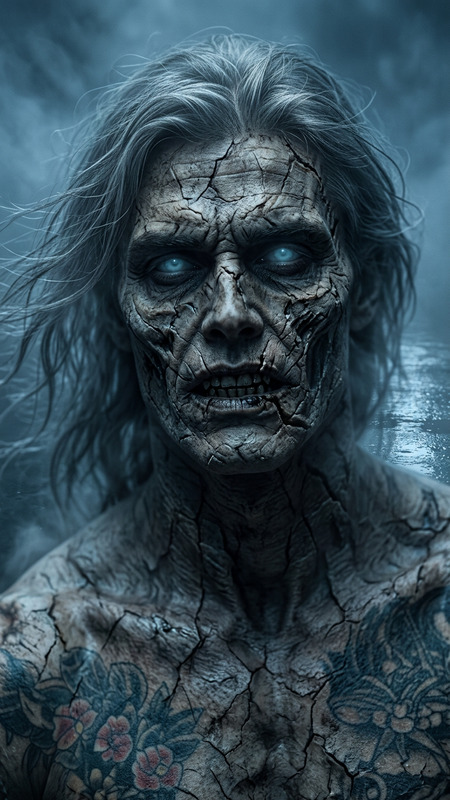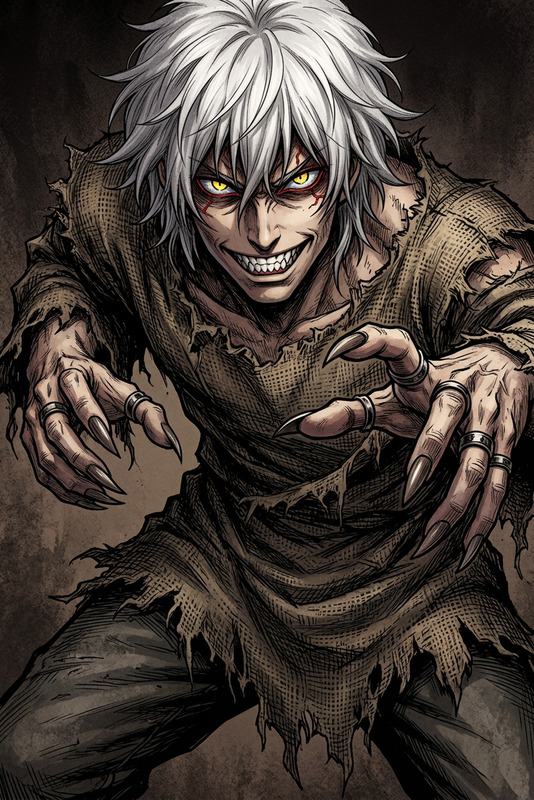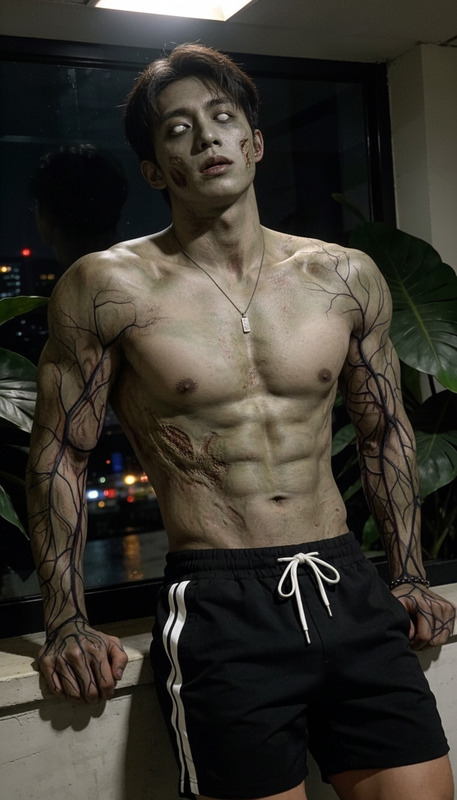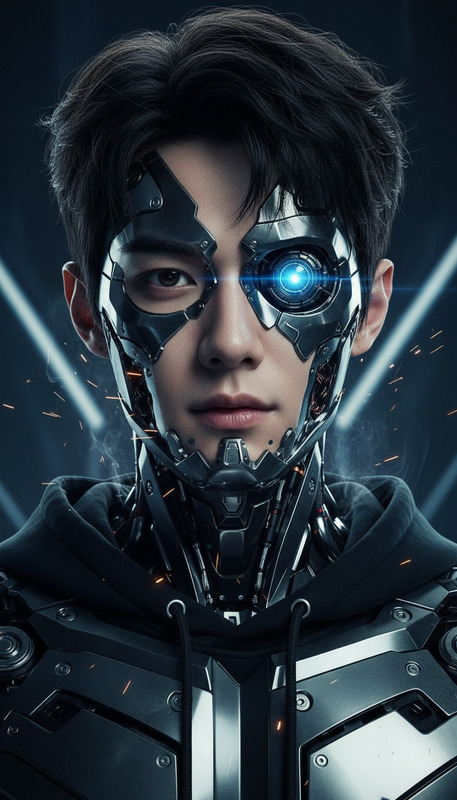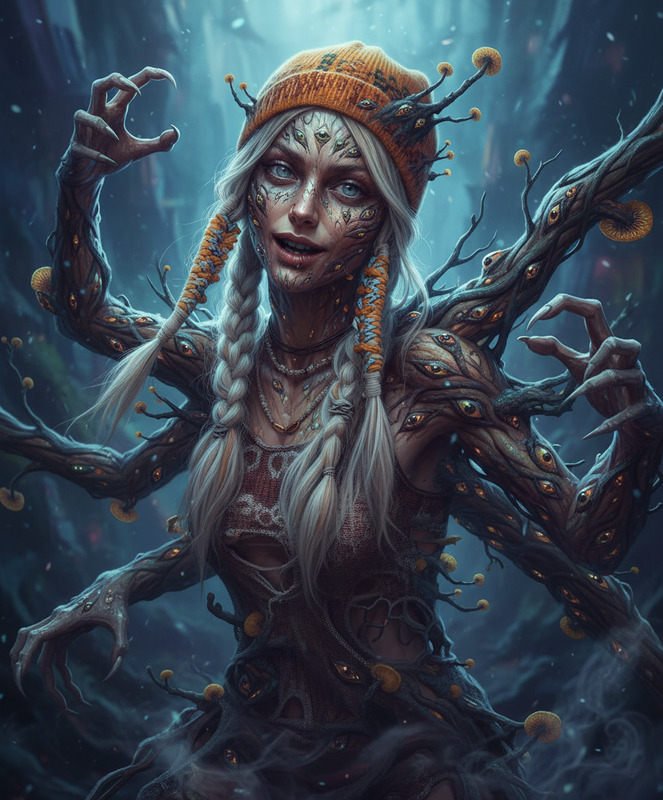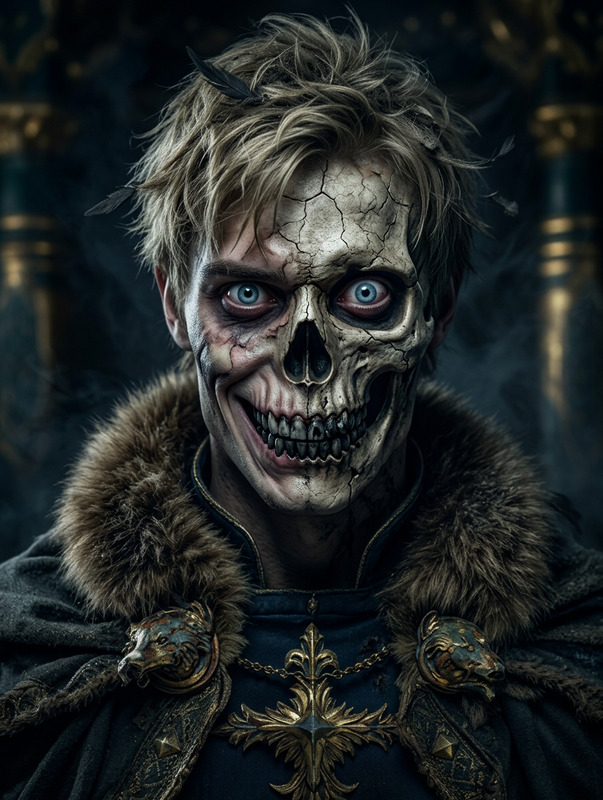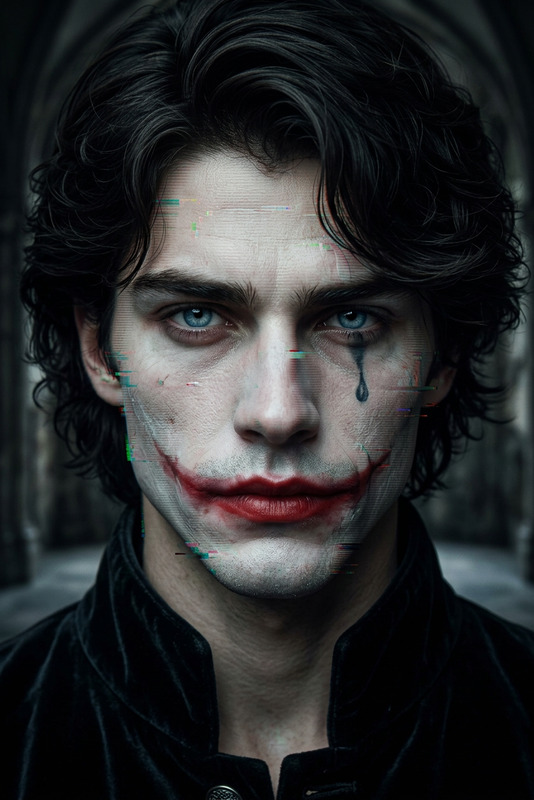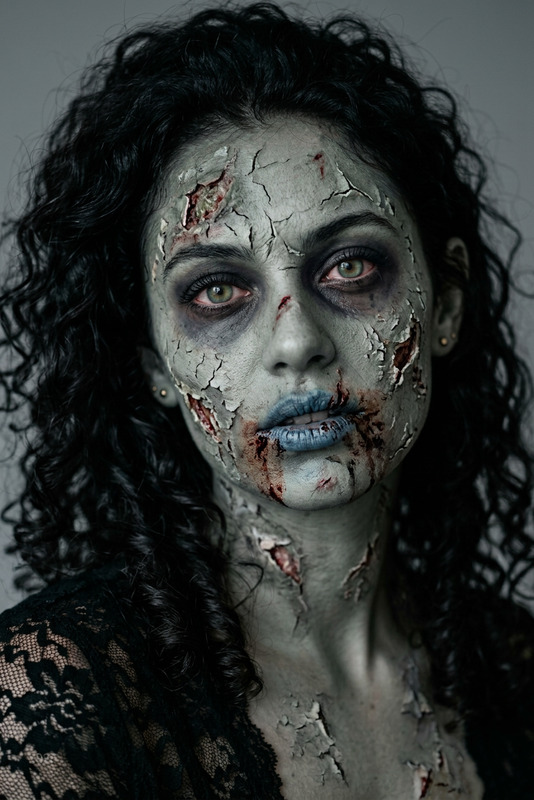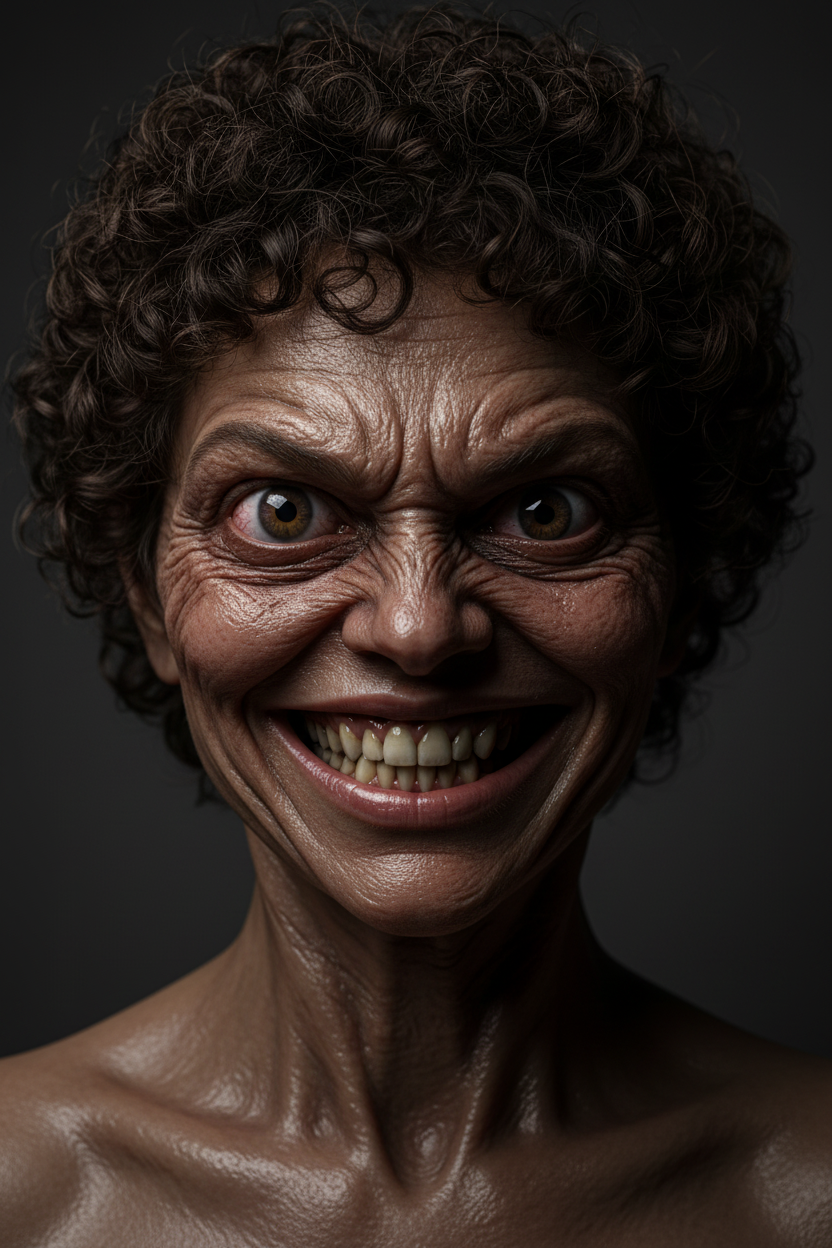
Horror Face
- Model
- Nano Banana
- Image
- 832 × 1248 px
Prompt
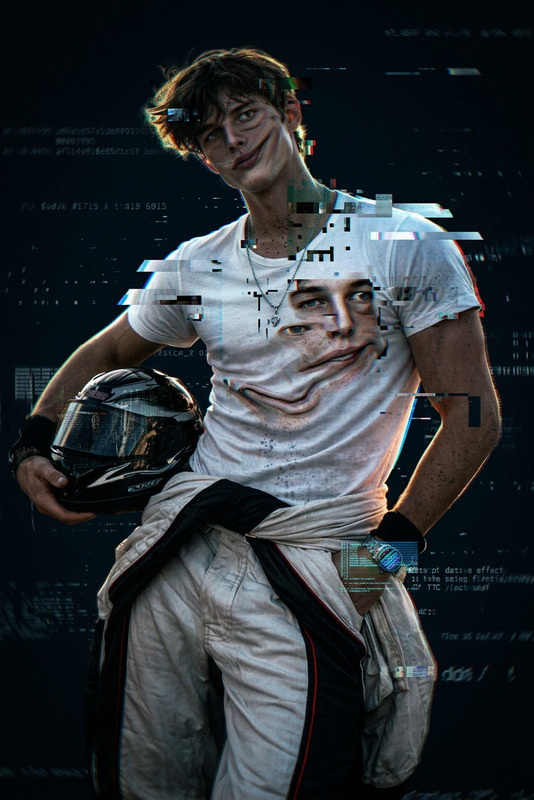
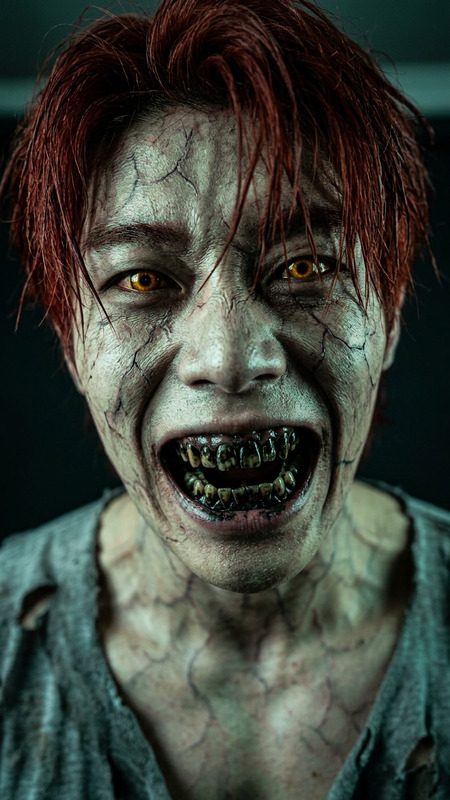
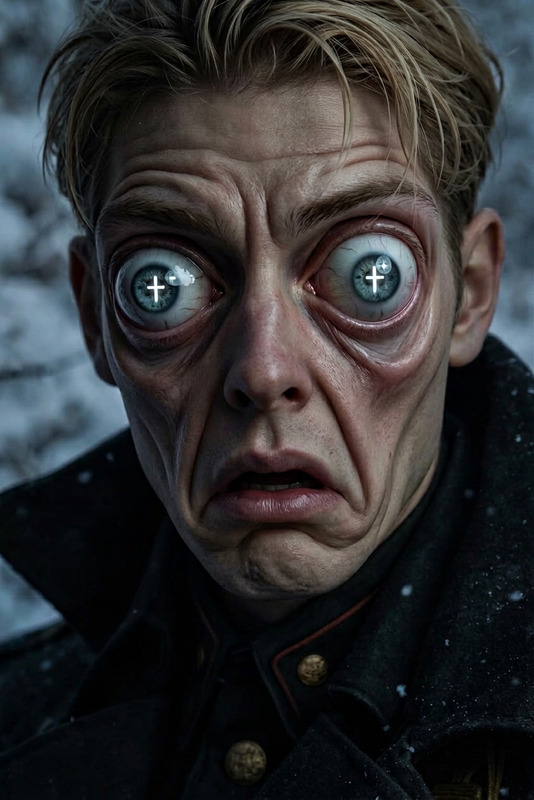
An extreme close-up of a subject transforming into a grotesque humanoid. The face distorts with stretched, wrinkled skin and exaggerated features, forming a wide, menacing grin with uneven yellow teeth. One eye bulges and stares intensely at the camera. Skin appears glossy with detailed pores and folds. Harsh side lighting creates deep shadows and emphasizes texture, set against a plain background for a disturbing, hyper-realistic horror effect.
Any aspect ratio
Overview
Ready to craft the most spine-tingling images? The Horror Face template is your gateway to creating terrifying visuals that captivate and unsettle. Utilizing the advanced capabilities of the nano-banana model, this template turns ordinary close-ups into hyper-realistic horror scenes. Perfect for Halloween, horror-themed campaigns, or any creative project that demands an unnerving edge.
What It Does
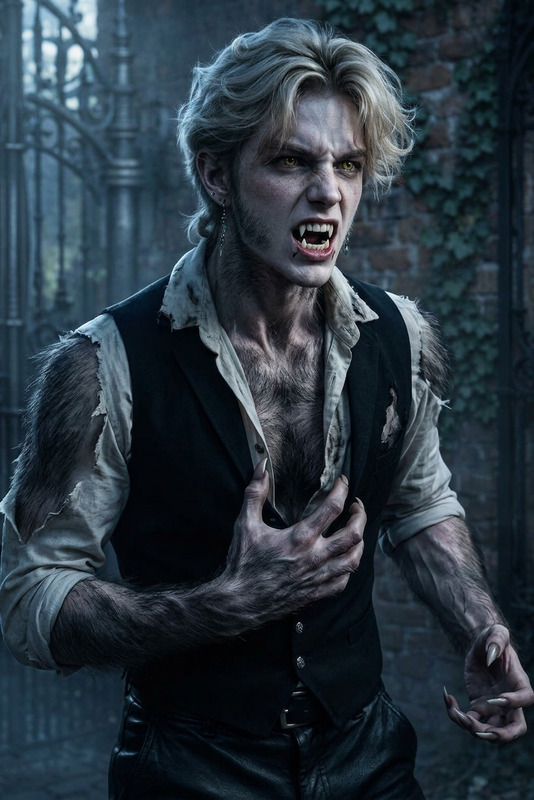
The Horror Face AI Image Editor template morphs facial features into grotesque and unsettling images. It distorts to form wide, menacing grins, bulging eyes, and textured, glossy skin. This template leverages nuanced AI Image Editor technology to create a realistic horror effect that enhances every chilling detail with precision lighting to amplify the eerie outcome.
Who It's For
This template is designed for creators who specialize in horror films, Halloween content, or eerie digital art. Ideal for video editors looking to enhance visual storytelling with bizarre transformations, or for marketers seeking to build a chilling advertising campaign. It's also useful for game developers in need of intense character design and artistry.
Summary
With the Horror Face template, users can effortlessly transform any image into a horror masterpiece. It's a powerful tool for achieving hyper-realistic horror visuals by manipulating facial features and lighting. Explore our AI Video Generator and AI GIF Generator for further creative possibilities in extending your horror-themed projects.
How-To
Choose the Template

Customize Your Image

Generate the Final Image

Use Cases
Halloween Promotions
- Create eerie online posters
- Develop spooky social media campaigns
Horror Game Development
- Develop villainous characters
- Design creepy game covers
Film and Media Production
- Enhance video trailers
- Create nightmare-inducing movie frames
Best Practices
Start with a High-Resolution Image
High-quality images provide better detail and depth, enhancing the end result.Experiment with Lighting and Angles
Different lighting intensities and angles can significantly impact the mood and realism of the horror effect.Use Consistent Themes
Keep a cohesive theme in mind across all images for better storytelling, especially when integrating with other tools like the AI Clothes Changer.