AI Image Editor · Restyle the scene as a cozy au
- Model
- Nano Banana 2 Lite
- Image
- 1024 × 1024 px
Prompt
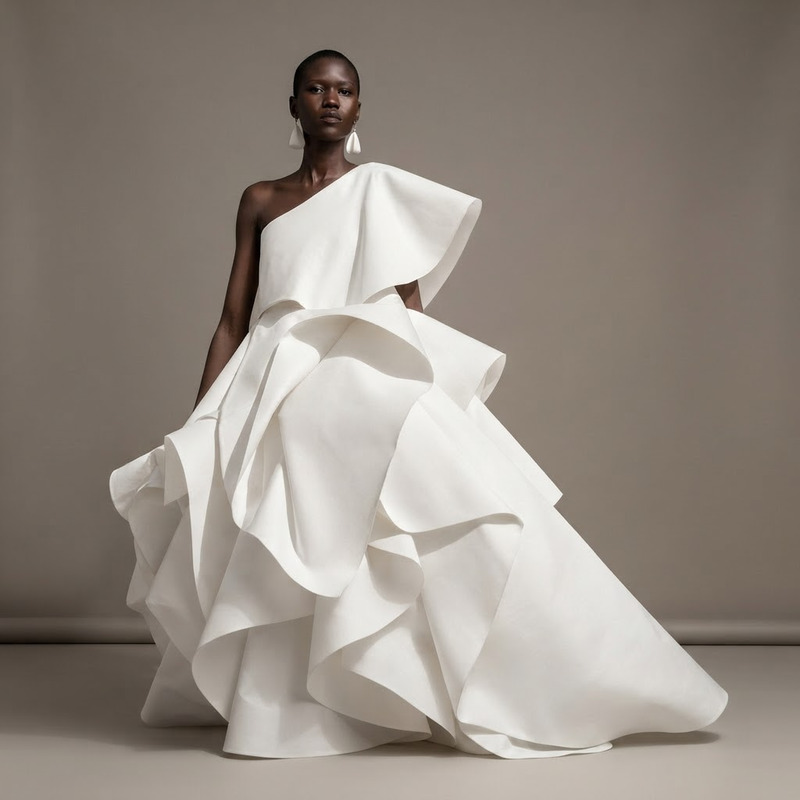
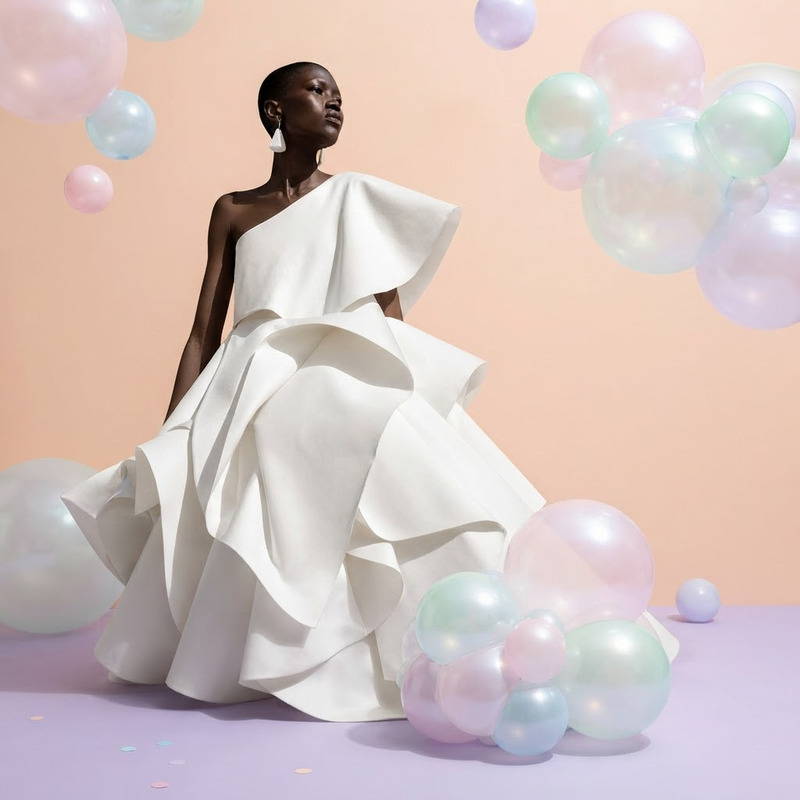
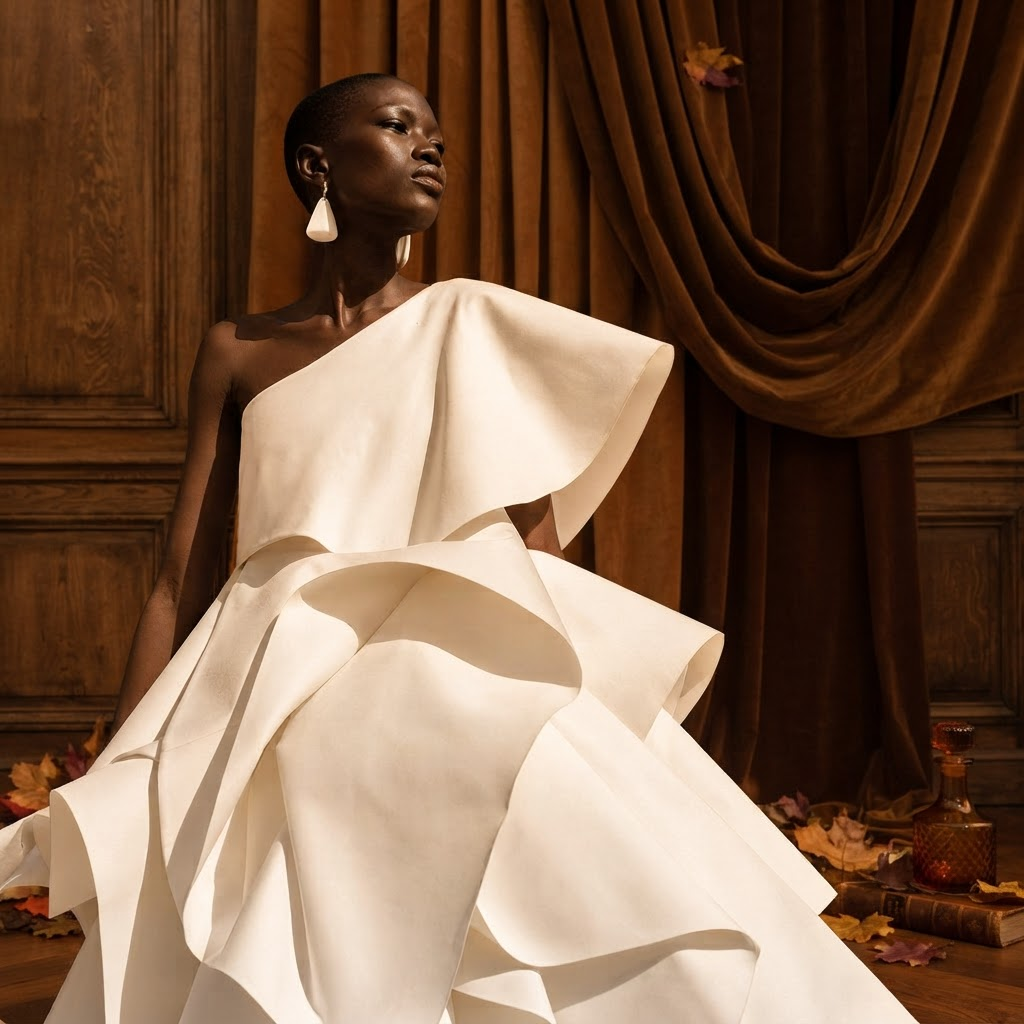
Restyle the scene as a cozy autumn editorial with warm brown background and soft amber light
Any aspect ratio
Overview
The AI Image Editor template lets you transform any scene into a cozy autumn editorial style. Using nano-banana-2-lite model, this tool applies a warm brown background and soft amber lighting, perfect for creating inviting visuals.
What It Does
This template is designed to instill a sense of autumn warmth in your images. By retexturing scenes with a cozy color palette and gentle lighting, it helps create an engaging editorial look.
It's a quick and effective way to output images that are suitable for seasonal marketing or lifestyle content. Pair this with the AI Image Editor for broader customization options.
Who It's For
This template is ideal for content creators, marketers, and designers aiming to evoke an autumnal ambiance in their imagery. Whether for a social media campaign, a magazine layout, or blog visuals, this template simplifies the process.
Summary
With the AI Image Editor template, transform your images into evocative autumn scenes. It's an excellent choice for those needing high-quality, seasonally themed images quickly. For more in-depth video conversions, consider the Image to Video product.
How to Use
Choose Template

Customize Inputs

Generate Image

Use Cases
Seasonal Marketing
- Email newsletters
- Social media posts
- Seasonal brochures
Lifestyle Blogs
- Home decor
- Travel journals
- Fashion blogs
Interior Design Previews
- Digital mock-ups
- Client presentations
Best Practices
Choose High-Quality Images
For best results, work with high-resolution images to maintain clarity and detail after editing.Adjust Lighting Carefully
Play with the light settings in the prompt to achieve the desired balance of warmth and shadow.Try Multiple Outputs
Experiment with different backgrounds to find the best match for your project before finalizing your design. Use the AI Headshot Generator for more personalized images.