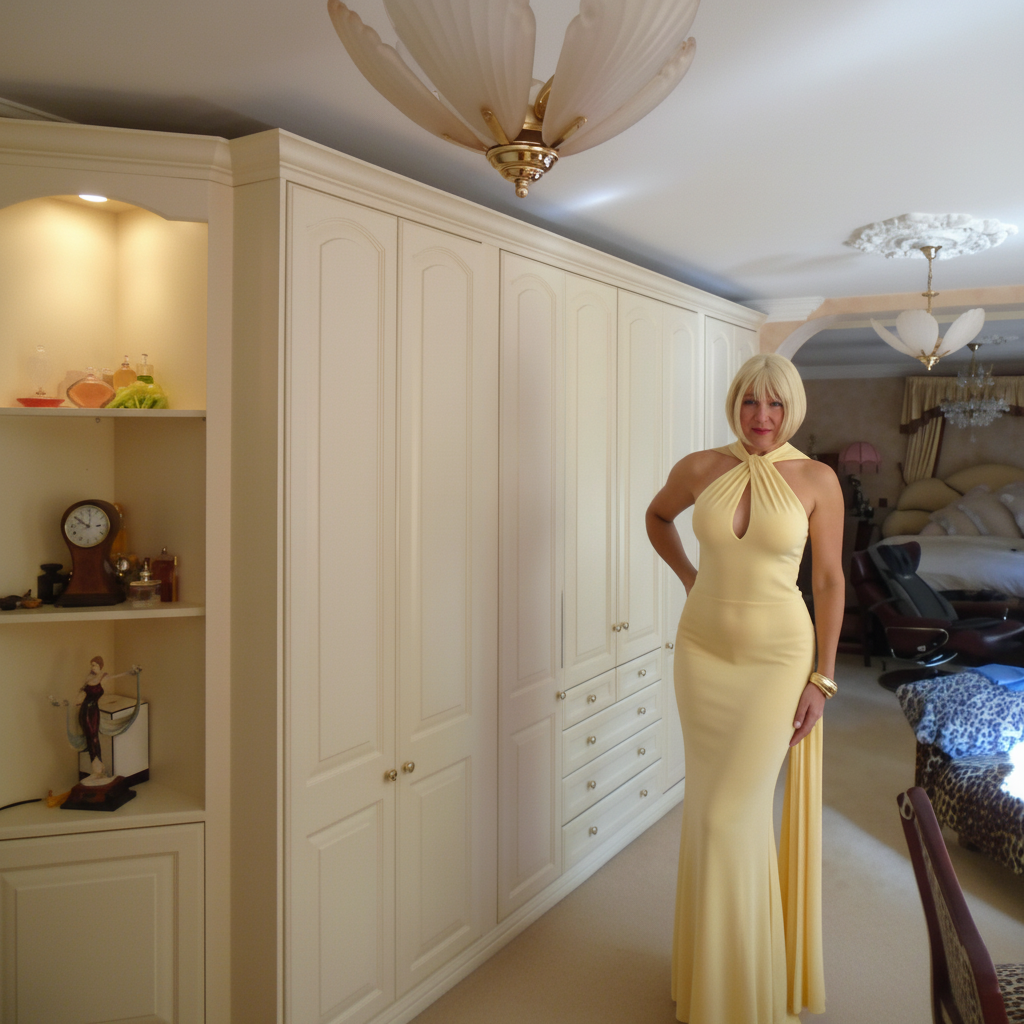
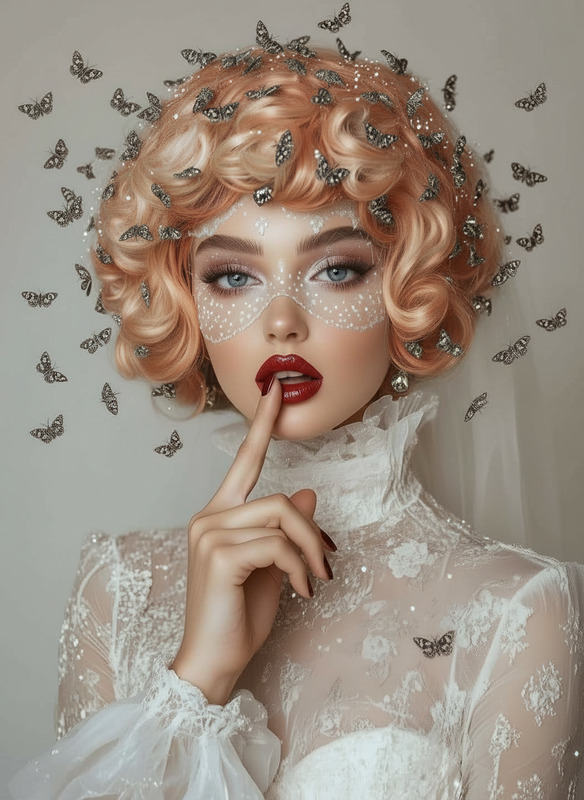
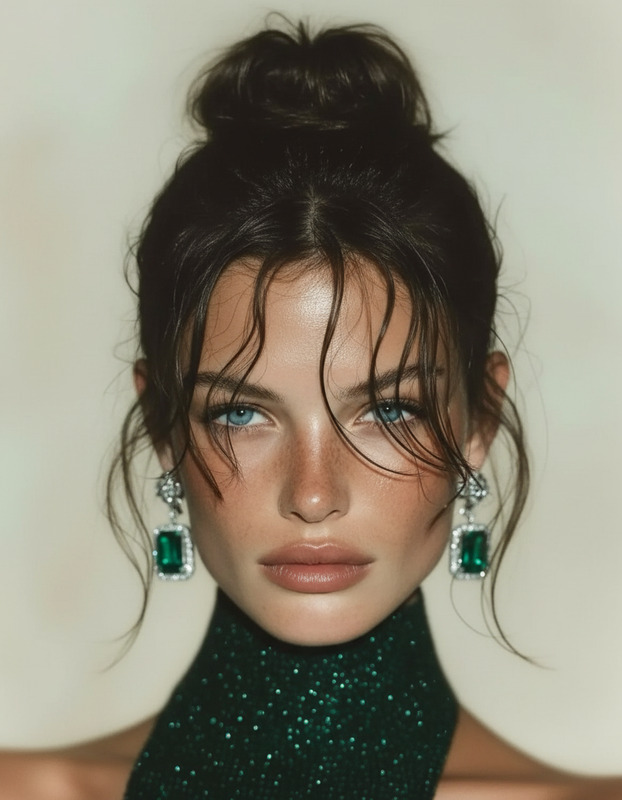
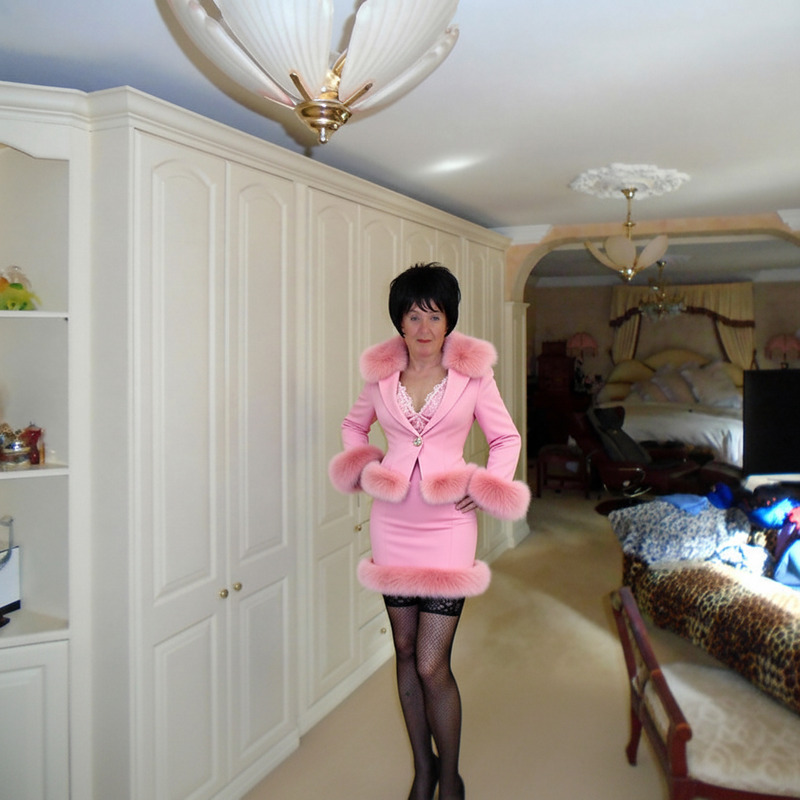
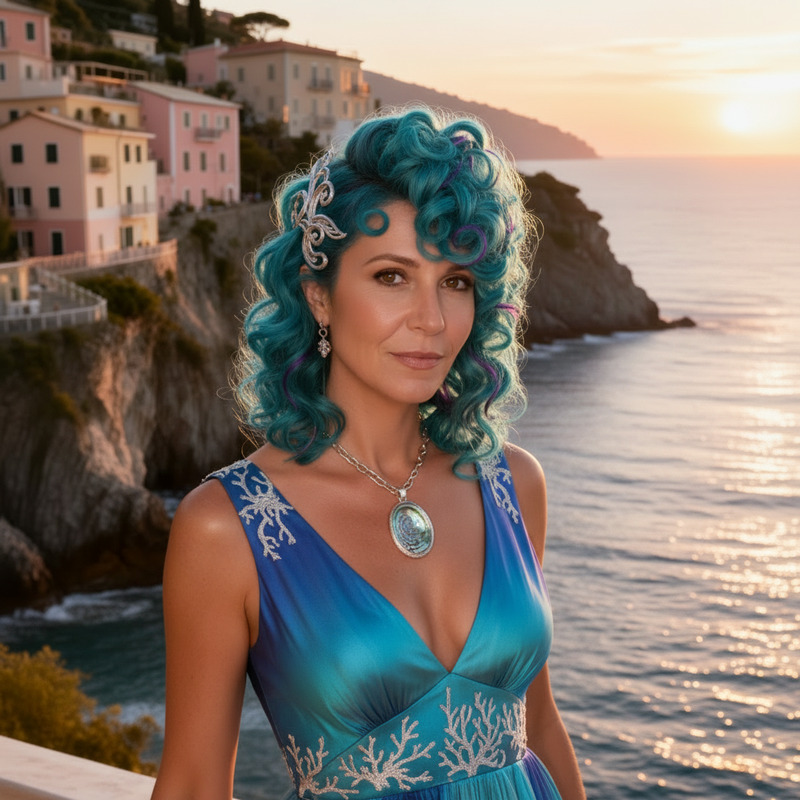
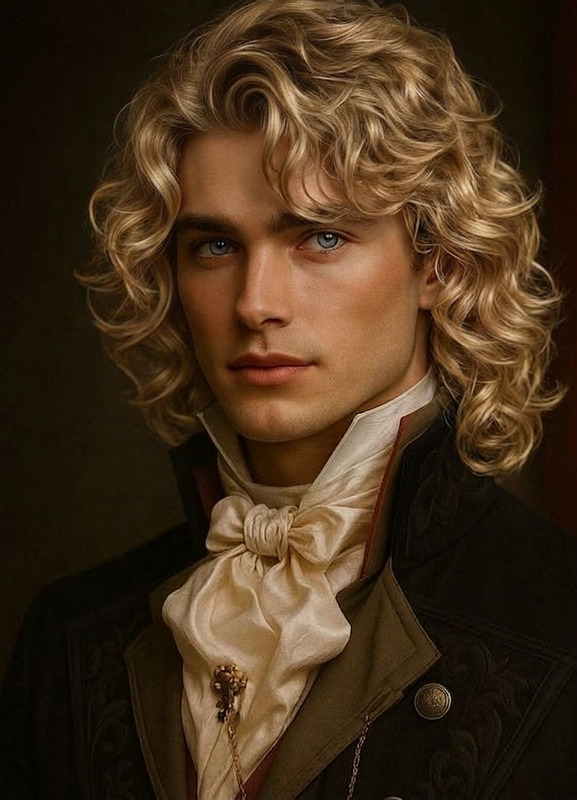
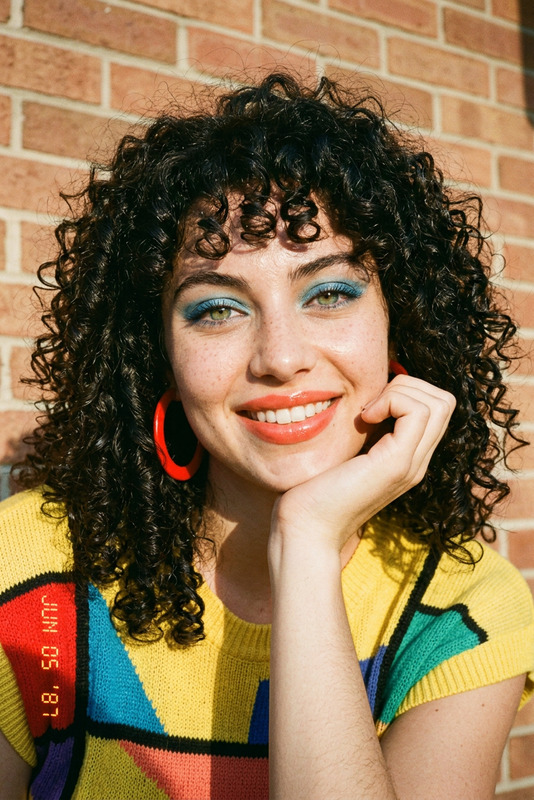
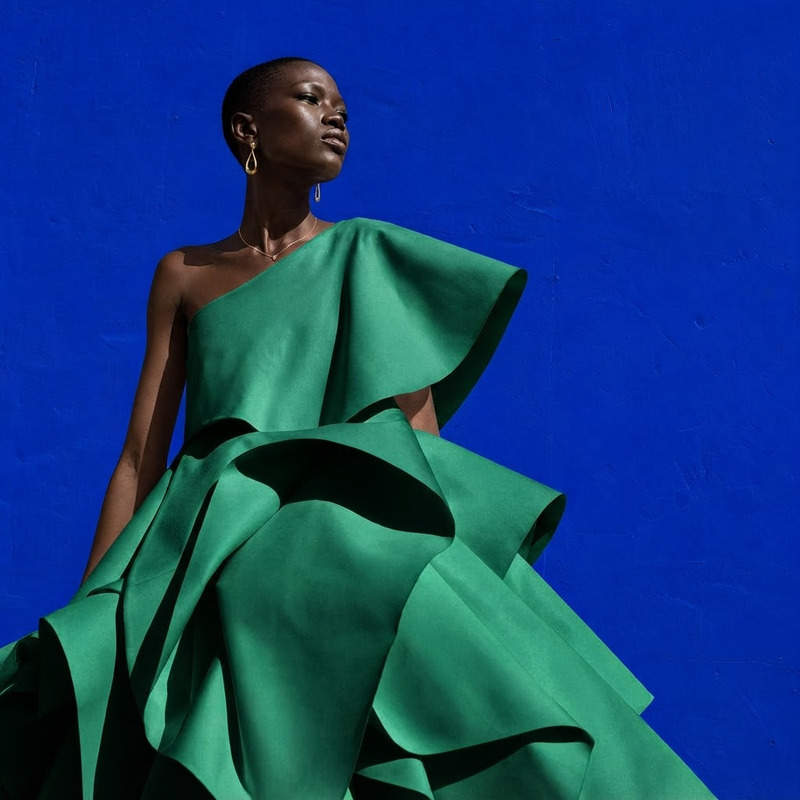
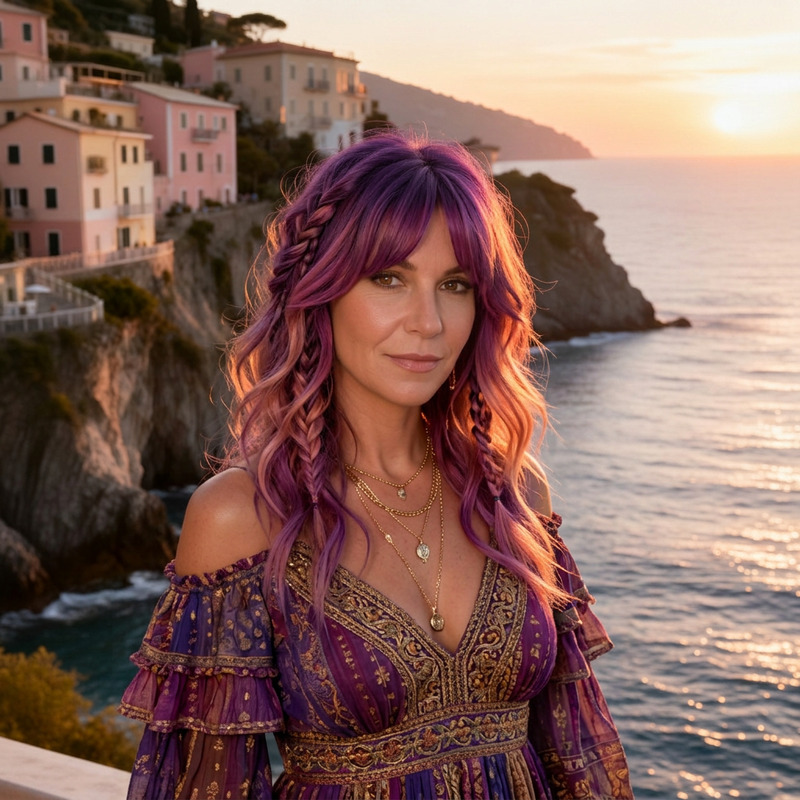
Enhance the blonde color of her wig to make it more vibrant and eye-catching, and adjust the lighting to create a more glamorous atmosphere around her.
Any aspect ratio
styles
Overview
Upload a photo and transform the blonde elements into a more vibrant, eye-catching style. Adjustments to lighting create a glamorous atmosphere, all within the "Blonde Glamour" template using the AI Image Editor.
How To
Follow these steps to use the "Blonde Glamour" template.
01
Choose Your Photo
Upload an image where you want to enhance the blonde elements.
02
Customize Settings
The template automatically applies enhancements with its saved content and settings. No manual options are available.
03
Generate and Review
Click 'Generate' to transform the image, then review the enhanced, glamorous result.