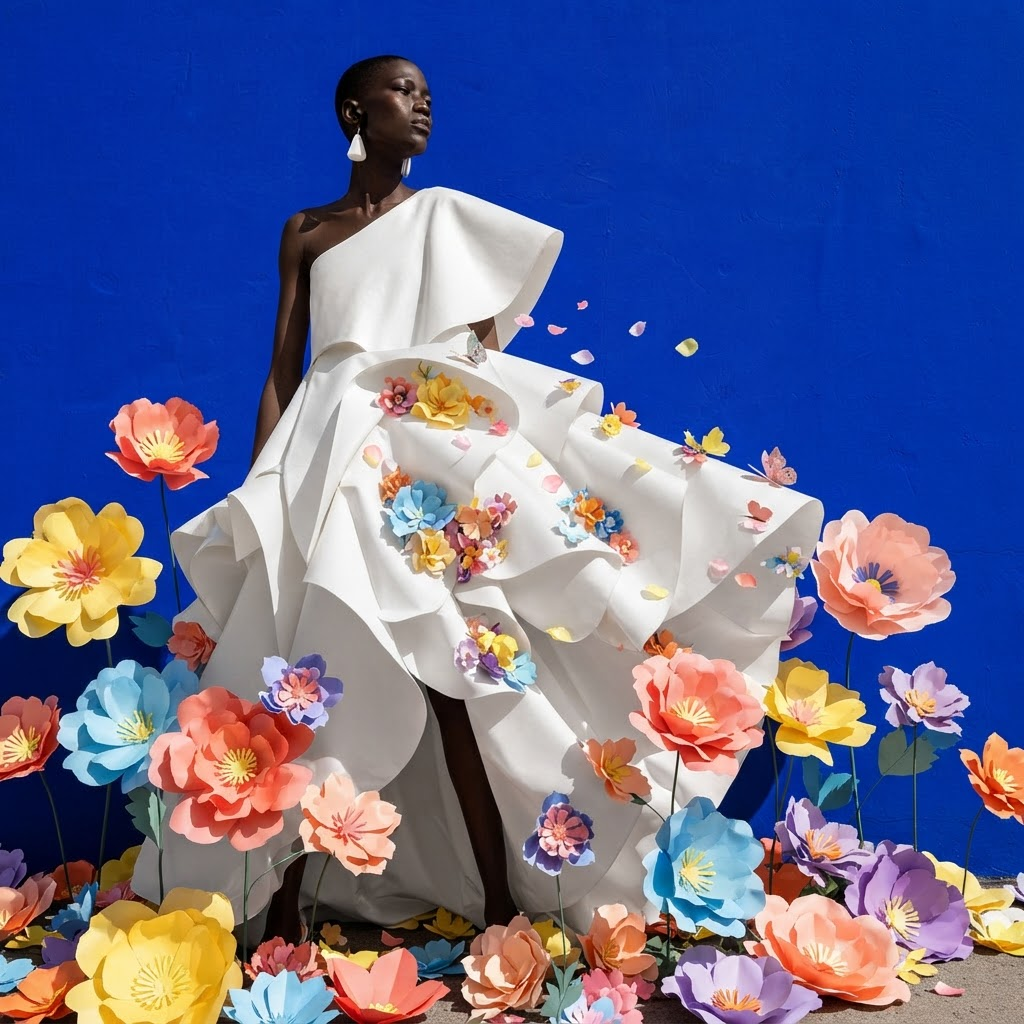
AI Image Editor · Add colorful paper flowers aro
- Model
- Nano Banana 2 Lite
- Image
- 1024 × 1024 px
Prompt
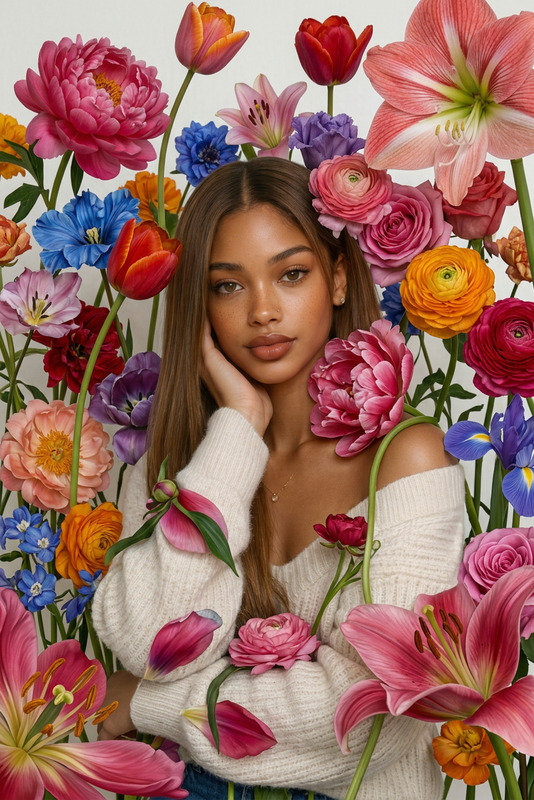
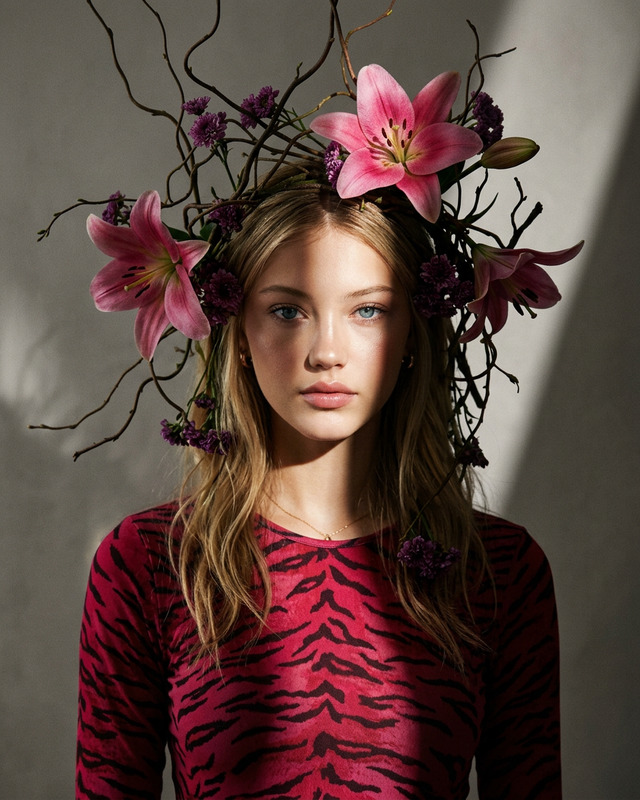
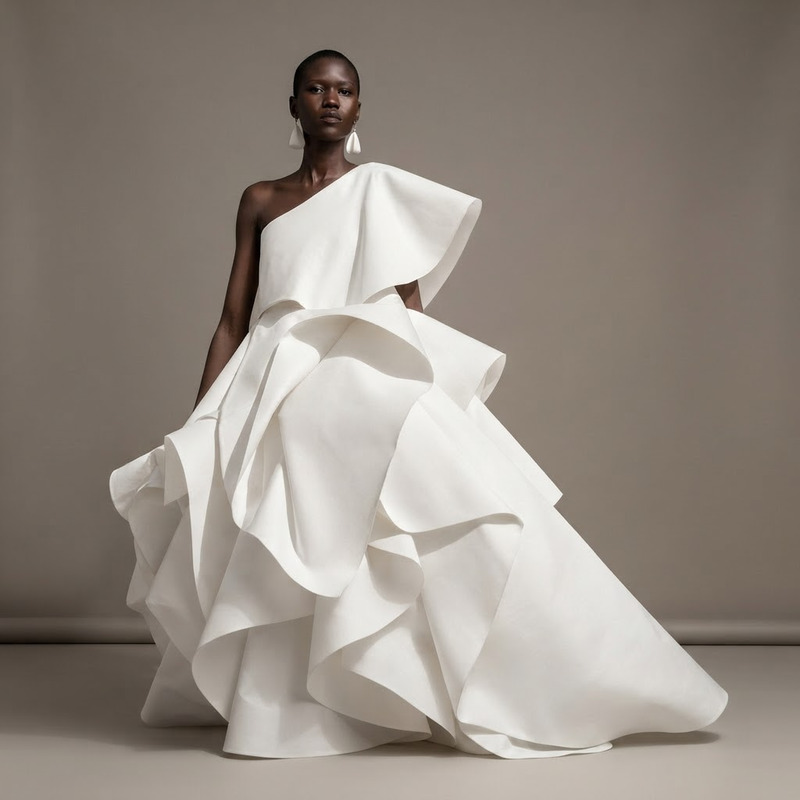
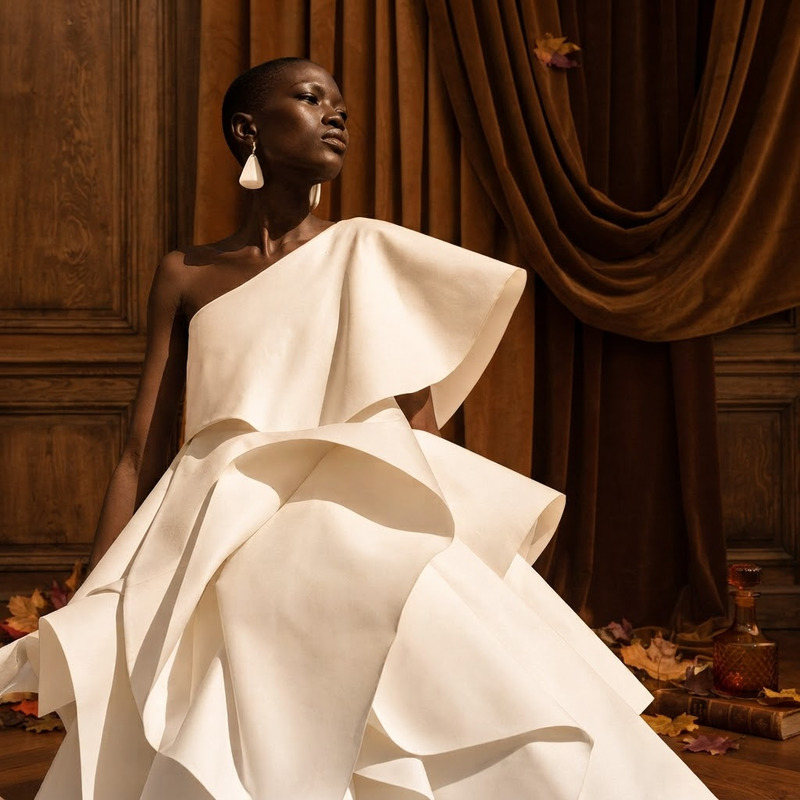
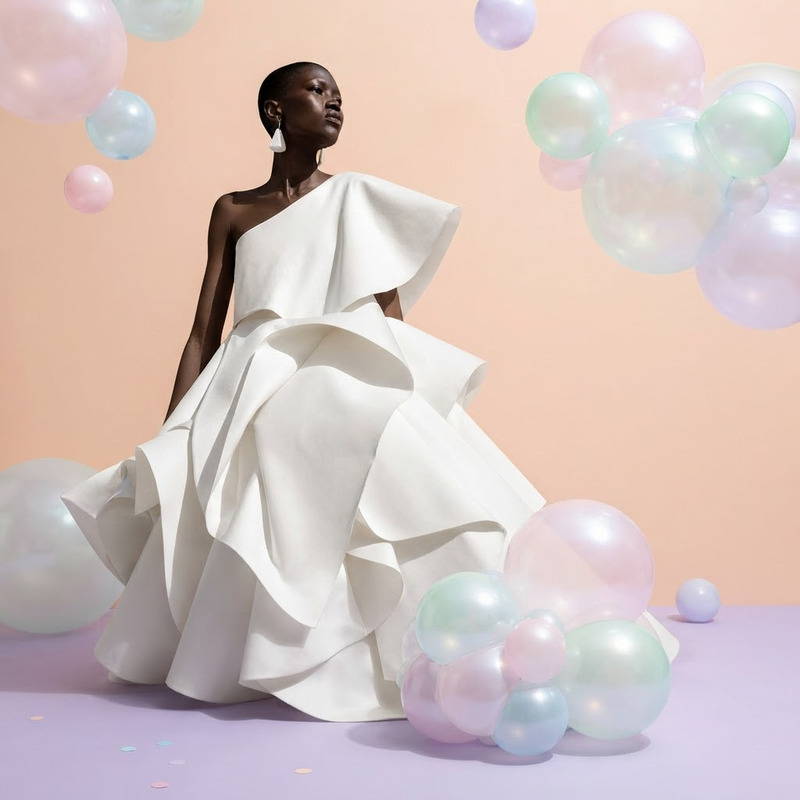
Add colorful paper flowers around the model for a cheerful spring fashion campaign
Any aspect ratio
Overview
The AI Image Editor: Add Colorful Paper Flowers template is a dynamic tool designed to enhance your fashion campaigns by adding vibrant, seasonal elements like paper flowers. Tailored for spring-themed projects, this template uses the nano-banana-2-lite model to deliver stunning, cheerful compositions that captivate and engage your audience.
What It Does
This AI Image Editor template allows you to incorporate colorful paper flowers around a model's image for a lively fashion campaign look. Perfect for spring promotions, it enhances images by seamlessly integrating digital flora. With support for multiple file formats, your marketing materials are ready-to-use across platforms.
Take your visuals further by combining this with our AI Image Upscaler for higher resolution outputs that's perfect for print and digital displays.
Who It's For
This template is ideal for fashion brands, digital marketers, and content creators aiming to refresh their seasonal campaigns. Whether crafting imagery for social media ads or product launch videos, this tool offers an easy way to infuse color and seasonal charm into your content.
Summary
Use the AI Image Editor to enrich your images with colorful paper flower decorations, perfect for springtime promotions. Harness the power of the AI Image Editor alongside complementary tools to elevate your marketing strategy with visually compelling content.
How To
Choose Your Image

Customize Flower Arrangement

Generate Your Edited Image

Use Cases
Spring Fashion Campaigns
- Highlight new designs with a floral theme
- Boost engagement with eye-catching ads
Social Media Content
- Increase followers with appealing visuals
- Maintain a cohesive brand look
Marketing Materials
- Elevate press kits with vivid imagery
- Attract new customers via digital ads
Best Practices
Select High-Quality Images
Use clear, high-resolution images to ensure the added flowers blend naturally and look professional.Play with Color Schemes
Customize flower colors to match your brand's aesthetic or current campaign theme for a uniform appearance.Use in Conjunction with Other Tools
Complement your edited images with tools like the Character Replace for enhanced visual storytelling.