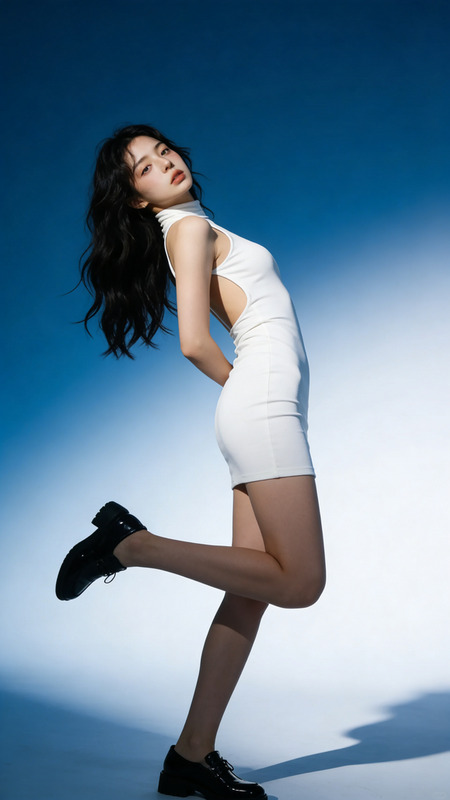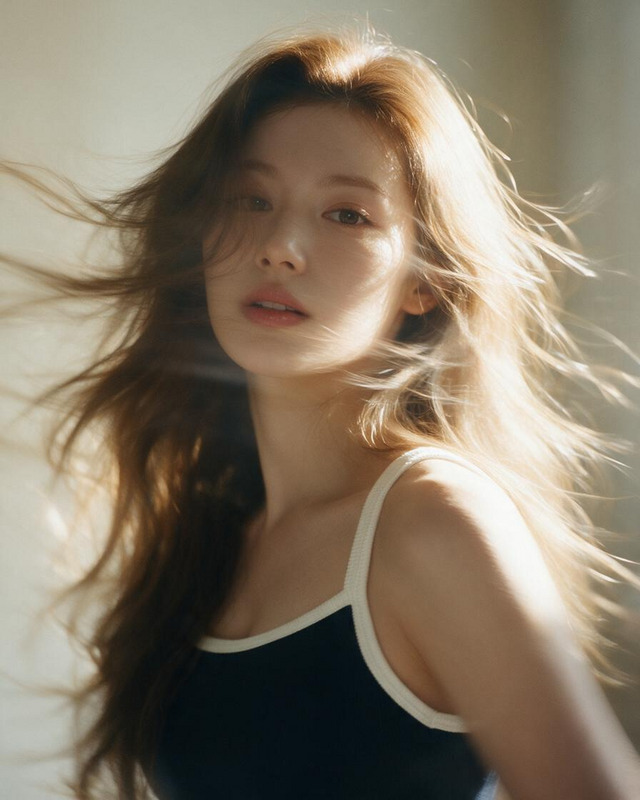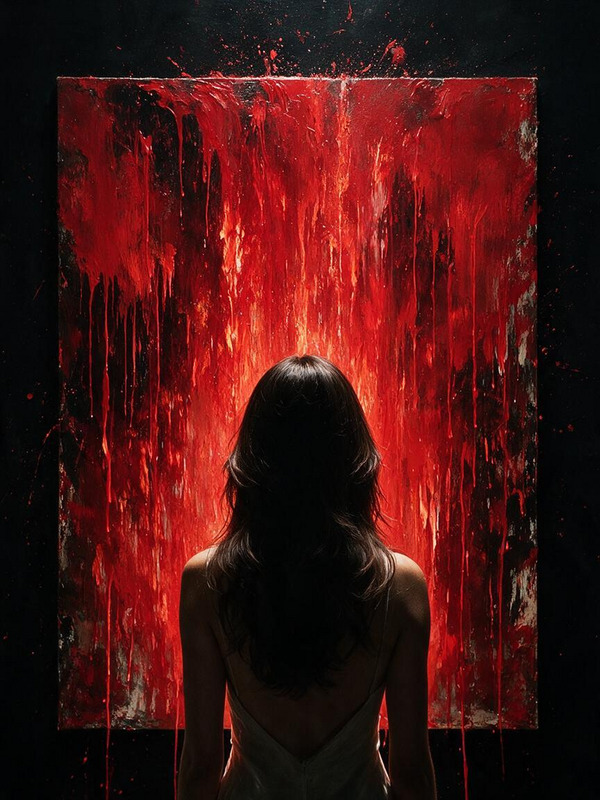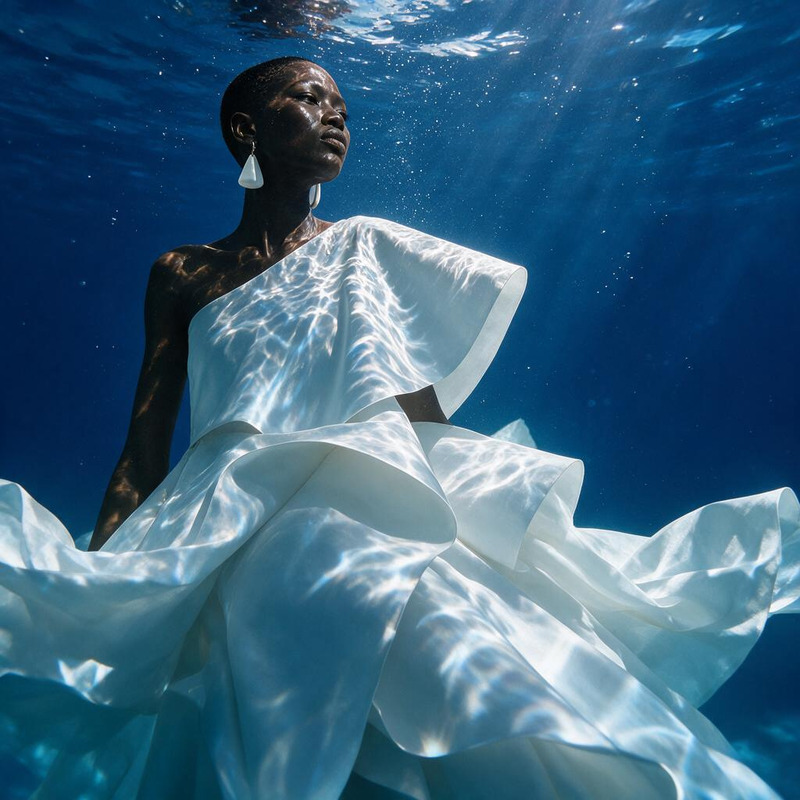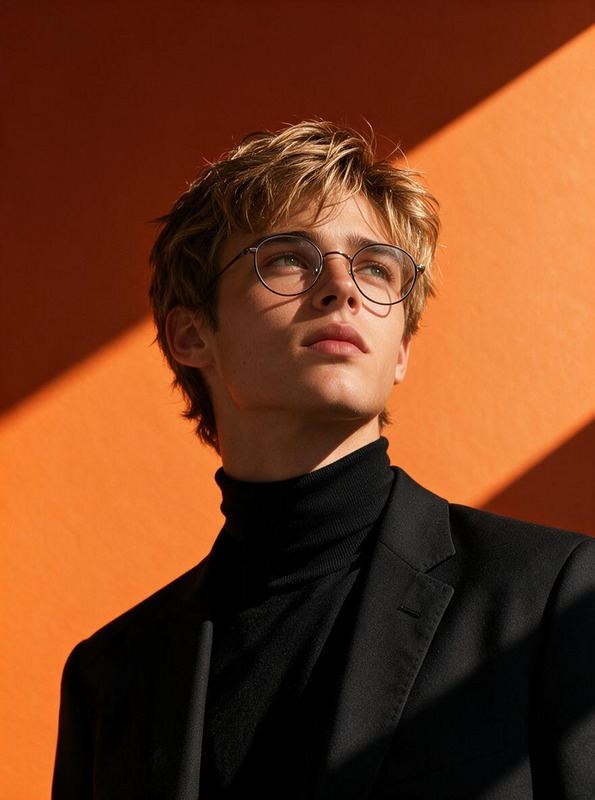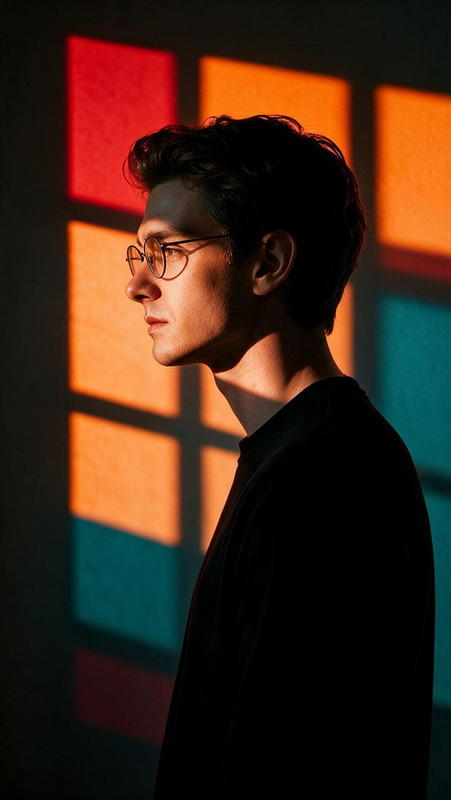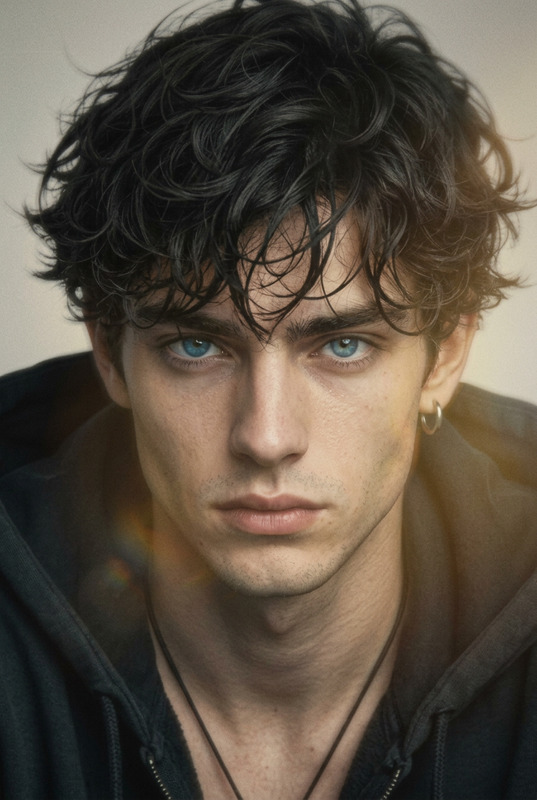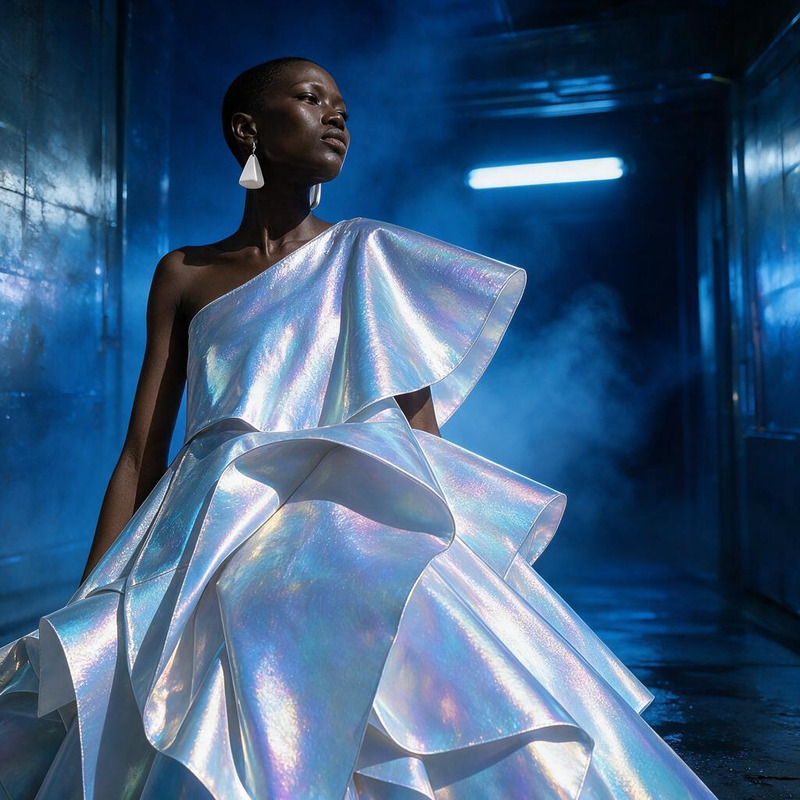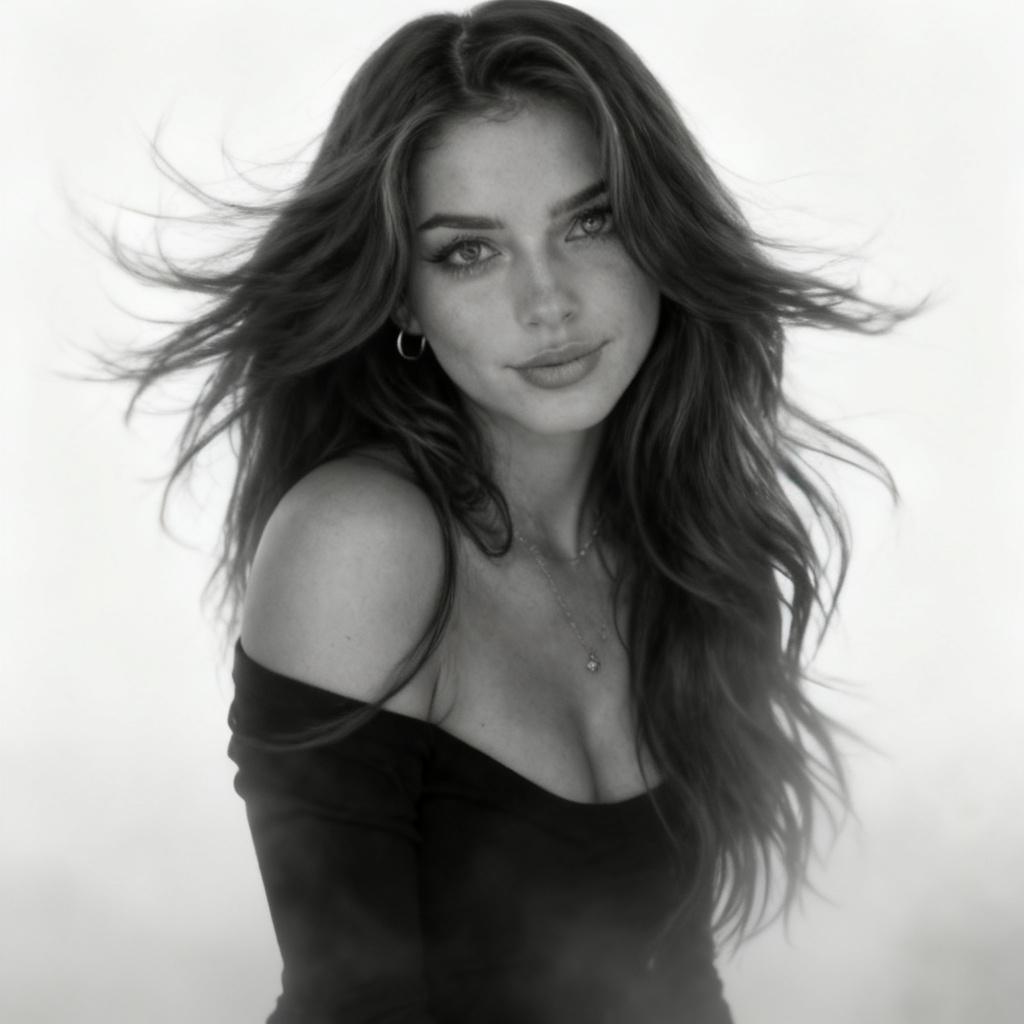
Fog Motion Portrait
- Model
- Seedream 4
- Image
- 1024 × 1024 px
Prompt
Hyperrealism style, portrait of a woman in motion with a very natural, hyper-realistic face, realistic skin texture and subtle imperfections, hair dramatically blowing in the air, soft white-gray foggy background without any details so the silhouette looks graphic and minimalist, like a contemporary black and white art photograph, ultra detailed, 8k, soft diffused light, shallow depth of field, cinematic composition, photorealistic.
Any aspect ratio
Overview
The Fog Motion Portrait template in our AI Image Editor harnesses the power of the seedream-v4 model to create ultra-realistic portraits that captivate viewers. With its cinematic composition and hyperrealism style, this template is designed to highlight delicate human features, dramatizing them against a minimalist foggy background.
What It Does
Using the Fog Motion Portrait template, you can transform a regular image into a cinematic piece of art. The template applies a subtle white-gray fog effect that enhances the motion of hair, while maintaining focus on an ultra-detailed portrait. The output is an 8k high-resolution image with realistic skin textures and a shallow depth of field, providing a photorealistic finish you might find in a contemporary art photograph.
For those looking to explore more dynamic changes, consider pairing this with our Face Swap tool to integrate different facial characteristics seamlessly.
Who It's For
This template is perfect for photographers, digital artists, and creatives aiming to push the boundaries of visual storytelling. Whether you are updating a portfolio, creating standout social media content, or crafting compelling visual narratives, the Fog Motion Portrait template offers a sophisticated visual aesthetic that meets professional needs.
Combine it with our Image to Video tool to enhance your filmmaking projects with visually stunning portraits.
Summary
Elevate your image editing capabilities with the Fog Motion Portrait template. Drawing on advanced features in a single step, it allows users to evoke emotion through precise, realistic imagery and minimalistic backgrounds. Explore further creative options by integrating this with other tools like the AI Image Generator to expand your visual possibilities.
How To
Choose the Template

Customize Your Inputs

Generate Your Image

Use Cases
Portfolio Enhancement
Social Media Content
Advertising Campaigns
Best Practices
Choose Suitable Images
Select images with clear outlines and expressive features for the best results, ensuring the motion effect is emphasized.Adjust Light and Texture
Experiment with lighting and texture settings to create the most natural and appealing portrait.Use High-Resolution Inputs
Since the output is 8k, using high-resolution images will ensure clarity and detail in the final result.