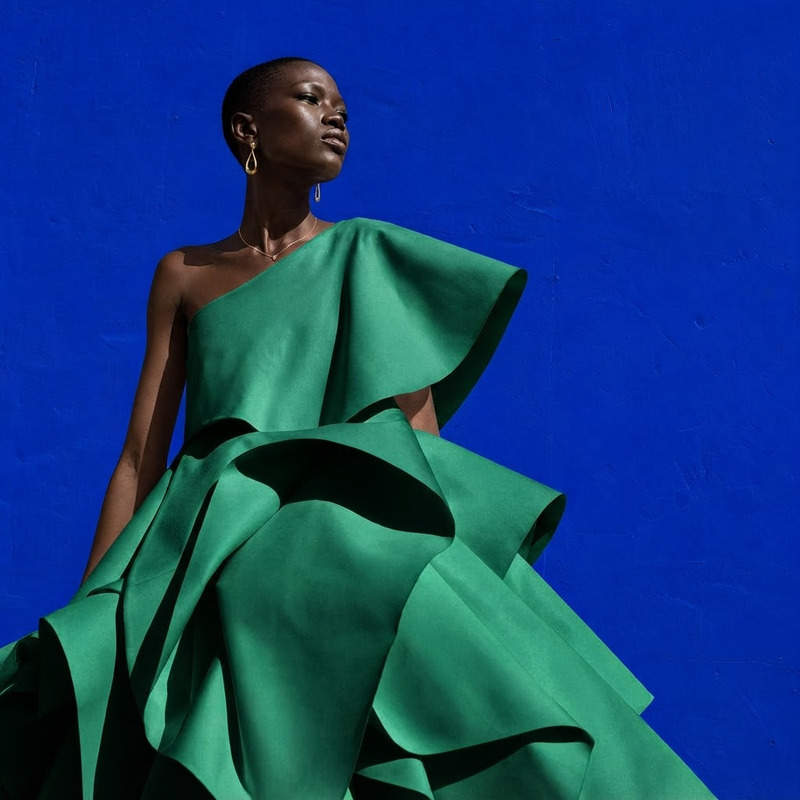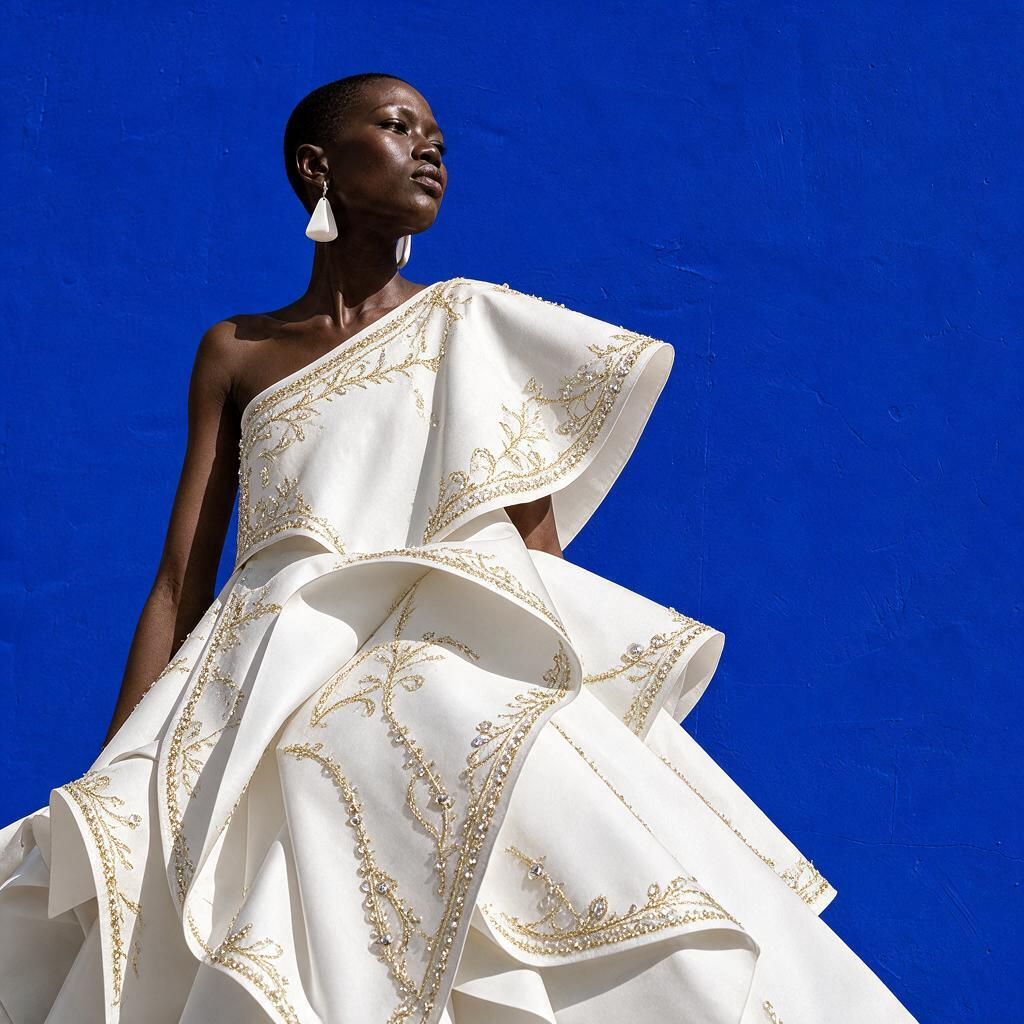
AI Image Editor · Add delicate gold embroidery a

AI Image Editor · Add delicate gold embroidery a

AI Image Editor
1 image
0 uses

Any aspect ratio

Prompt

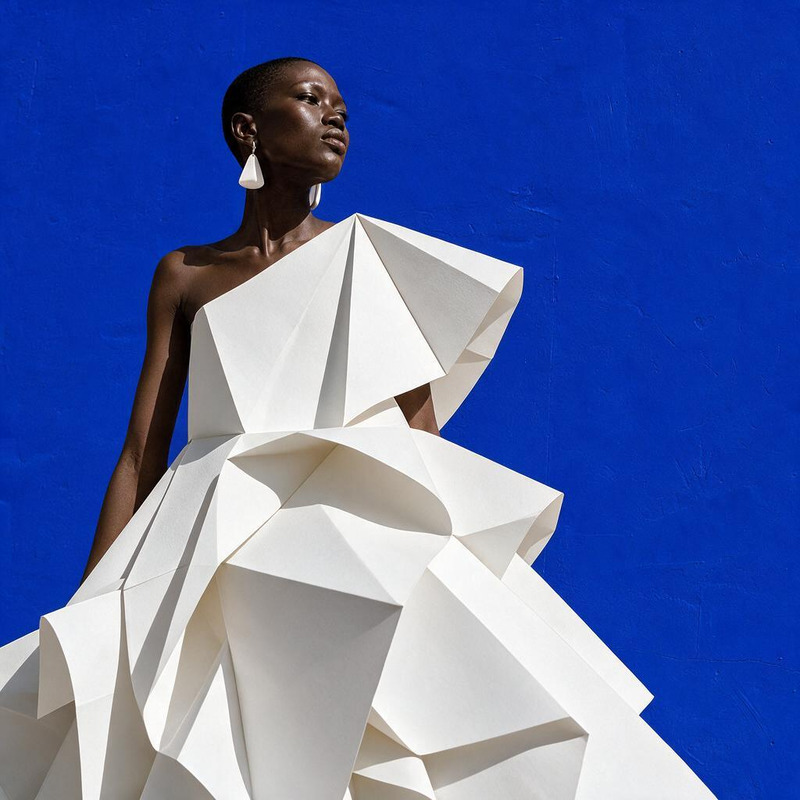
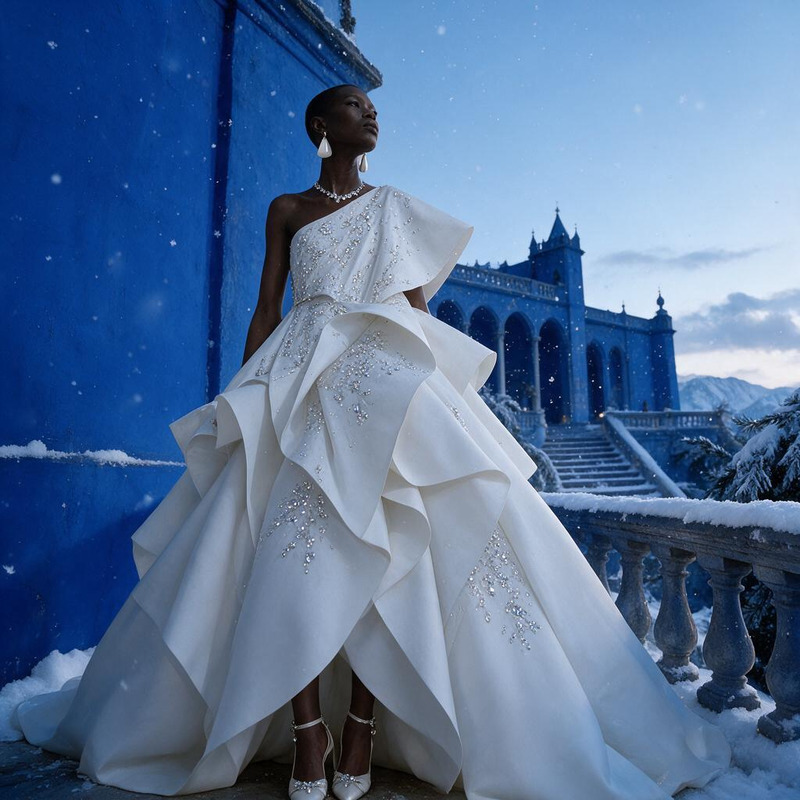
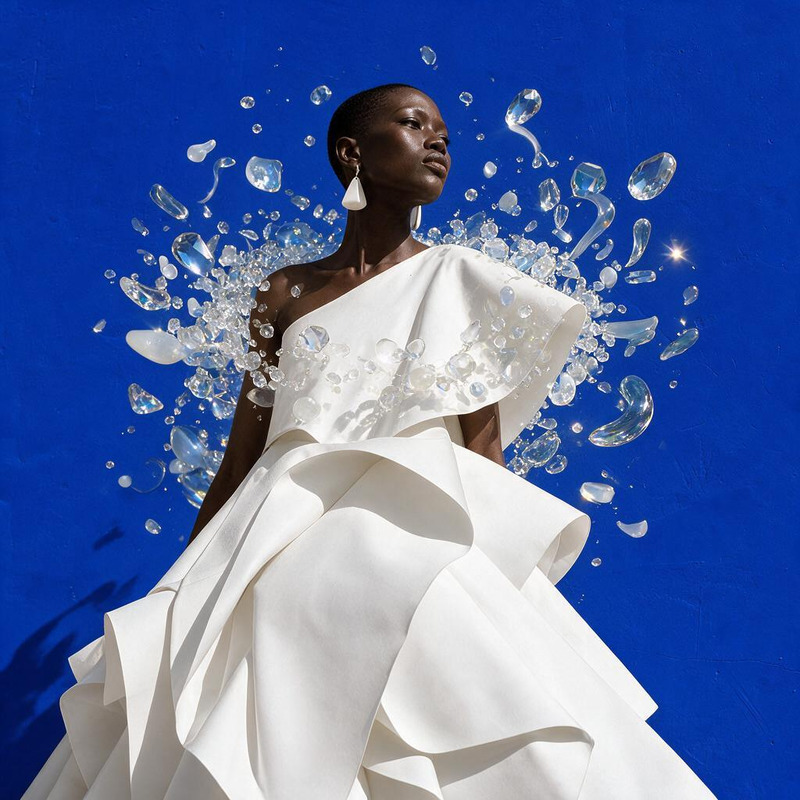
Add delicate gold embroidery and crystal beading to the white dress, luxury couture detail

Overview

The AI Image Editor template leverages the seedream-v5-pro model to enhance images with exquisite details, allowing users to add intricate gold embroidery and crystal beading to garments, perfect for luxury and couture fashion projects.

What It Does

This AI Image Editor template specializes in embellishing clothing images with advanced detailing. It applies gold embroidery and beading effects to existing images, providing a refined touch that simulates high-fashion couture.

Looking to enhance images further? Pair this with the AI Image Upscaler to ensure your edited images maintain high quality and resolution.

Who It's For

Designers, fashion brands, and digital artists who want to elevate their portfolios with detailed garment enhancements will find this template invaluable. It's also perfect for marketers crafting visually stunning eCommerce ads that need a luxurious appeal.

Summary

Integrate the delicate touch of gold embroidery and crystal beading into your garment images effortlessly. Enhance your designs with the precision of AI to stand out in portfolios and presentations. Consider using the AI Product Photography tool to capture perfect lighting and angles alongside these enhancements.

How To

Follow these steps to enhance clothing images with intricate details.
    01

    Choose Template

    Find the AI Image Editor template on the platform to get started. Browse the selection until you locate the one crafted to add delicate gold embroidery to your images.
    02

    Customize Image

    Upload the image of the white dress you want to enhance. Use the prompt to specify the areas for adding gold embroidery and crystal beading.
    03

    Generate & Download

    Click the generate button to apply the transformations. Once complete, download your enhanced image for further use.

Use Cases

Explore practical applications for this AI Image Editor enhancement template.
👗

Luxury Fashion Marketing

Use enhanced images to create striking marketing campaigns for luxury fashion brands.
  • High-impact social media ads
  • Magazine and online catalog images
🖼️

Digital Fashion Portfolios

Elevate digital portfolios by adding high-couture detailing to clothing designs.
  • Enhanced design presentations
  • Detailed virtual garments
🎨

Couture Garment Simulations

Experiment with virtual designs before committing to physical production.
  • Sample previews for clients
  • Iterative design process

Best Practices

Ensure optimal results by following these guidelines.
  • Select High-Resolution Images

    To achieve the most detailed and realistic enhancements, start with high-resolution images of the garments.
  • Adjust Detailing Intensity

    Carefully set the intensity of embroidery to match the style and luxury level of your project.
  • Combine Tools for Best Results

    Use the AI Image Editor in conjunction with the AI Background Changer to create fully immersive imagery.

FAQs

High-resolution images of garments with ample space for detailing work best to ensure realistic results.

While optimized for garments, you can apply the effects to other items, but results may vary.

Yes, it supports standard formats such as JPEG and PNG.

Keep the design subtle and use high-quality images to avoid unnatural overlays.

The platform may have usage limits; refer to the pricing page for details.

More Like This

AI Image Editor · Change the dress to tailored b
NEW
AI Image Editor · Change the dress to tailored b
AI Image Editor · Replace the blue background wi
NEW
AI Image Editor · Replace the blue background wi
AI Image Editor · Transform the dress into folde
NEW
AI Image Editor · Transform the dress into folde
AI Image Editor · Create a dramatic underwater e
NEW
AI Image Editor · Create a dramatic underwater e
AI Image Editor · Transform the dress into sculp
NEW
AI Image Editor · Transform the dress into sculp
AI Image Editor · Create an ethereal winter cout
NEW
AI Image Editor · Create an ethereal winter cout
AI Image Editor · Turn the white dress into laye
NEW
AI Image Editor · Turn the white dress into laye
AI Image Editor · Restyle the image as a cinemat
NEW
AI Image Editor · Restyle the image as a cinemat
AI Image Editor · Place the model inside a lumin
NEW
AI Image Editor · Place the model inside a lumin
AI Image Editor · Restyle the portrait as an ele
NEW
AI Image Editor · Restyle the portrait as an ele
AI Image Editor · Add a halo of floating translu
NEW
AI Image Editor · Add a halo of floating translu
AI Image Editor · Change the dress color to emer
NEW
AI Image Editor · Change the dress color to emer

AI Image Editor